3) Adjust the map
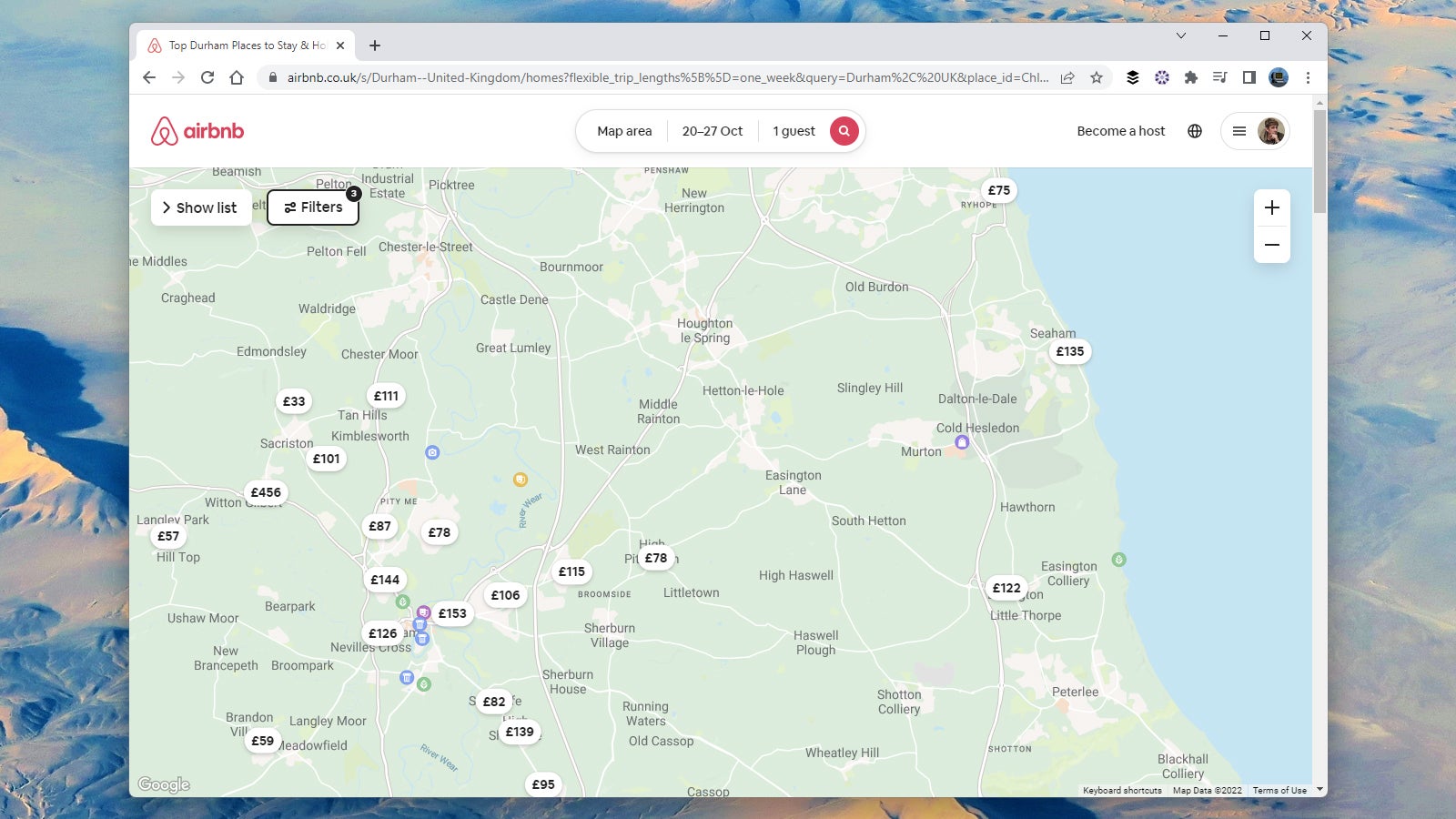
The map area that you see on the right of the screen when you’re searching for listings on Airbnb is a really useful way of finding places that you wouldn’t otherwise spot—especially if you can be fairly flexible when it comes to location.
As you adjust the map by panning and zooming, you should get an ever-changing list of properties on the left. Zoom out to see areas where the listings are clustered, and then zoom in to make sure you’re not missing any of the options.
Every listing is marked with its nightly rate, which means you can quickly head out to the cheaper areas of town if you need to—and you might stumble across somewhere suitable, close to your destination, that you wouldn’t otherwise have discovered.