Guess What? You Can Get Joycons Working on a Phone
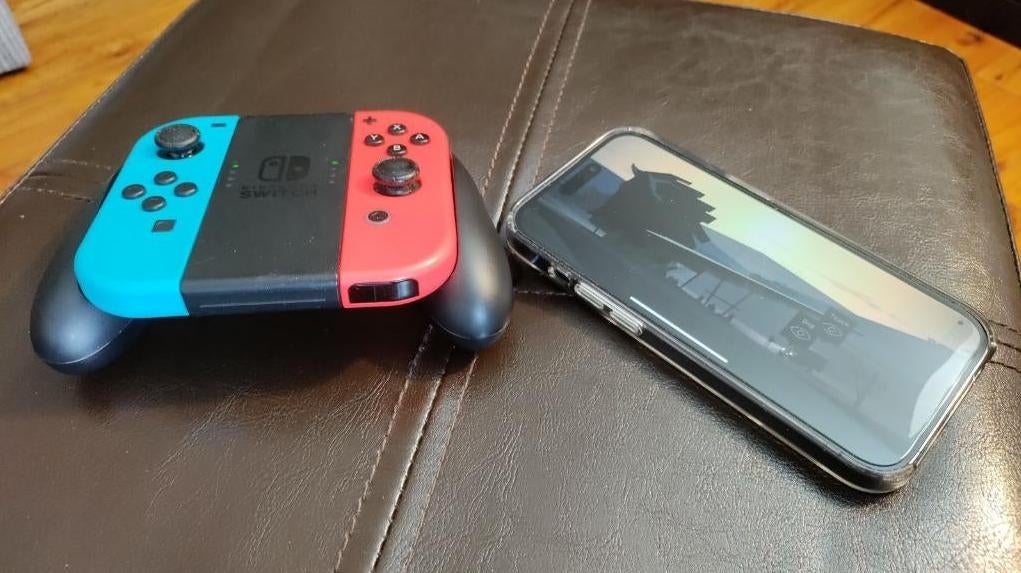
Are you one of those lucky few who has a pair of Joycons without any stick drift? Well, in case you’re a big stan for Joycons, you can get them working as an external controller on Android, iPadOS, or iOS with little fuss. All the Switch controllers use Bluetooth to connect, so you must pair them with the device individually. But for Apple products, they should automatically detect each and work together seamlessless.
You’ll find the pairing button on the inside of each controller. Press and hold on the Pairing button (found in between the two buttons on the side rail), then connect to them on iPhone or an Android phone through the Bluetooth menu you’ll find in Settings. Even when both are connected individually, the Joycons should still work as a full controller for any device that supports gamepads. They’re capabilities will be slightly different for every kind of mobile device. On Samsung phones, for instance, you can use a Joycon to remotely control the camera’s shutter.
For PC, it’s a little more complicated. You’ll need to remap buttons using software like the JoytoKey shareware.