Send Your in-Game Screenshots to Your Phone
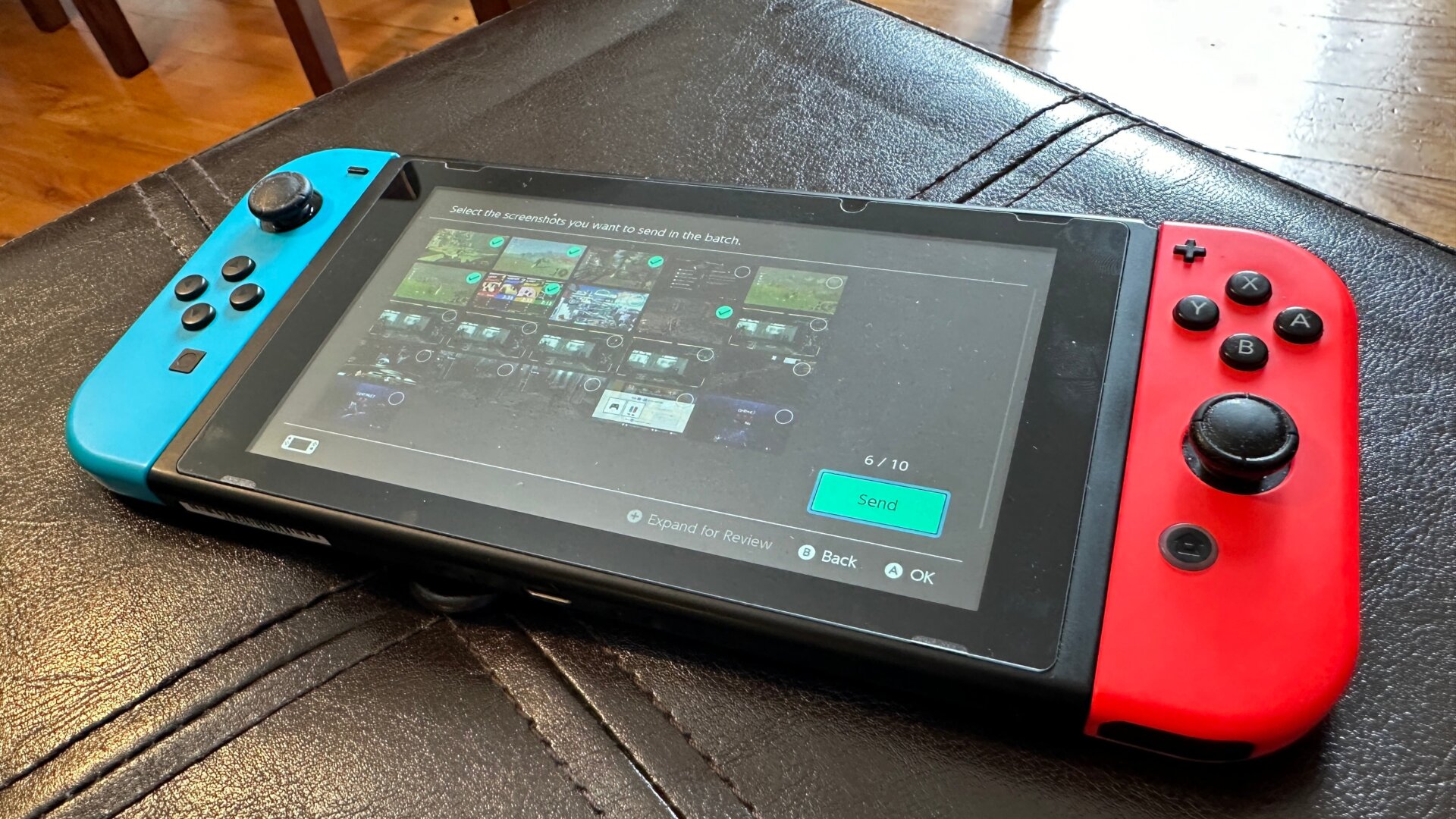
The Switch has long allowed you to take screenshots and capture up to 30 seconds of video via the Capture button. Still, it’s only recently that Nintendo finally allowed you to share images or videos directly to your phone. It’s not particularly easy or quick, but it’s there if you desperately want to send some shots to friends without transferring them onto a microSD card.
First, go into Album on the bottom of the main menu, then click on one of the images and press A again to do select Sharing and Editing. From there, you can select Send to Smartphone, which will give you the option to send a single image, clip, or multiple. After that, you’ll see the Switch pop-up with a QR code. You need to scan the code on your phone, which should then connect to a special WiFi network hosted by the Switch. You’ll then scan another code that pops up on the Switch, which should bring you to a select site where you can download the images and videos.