Skip User Select Screen if You’re the Only One Who Uses it
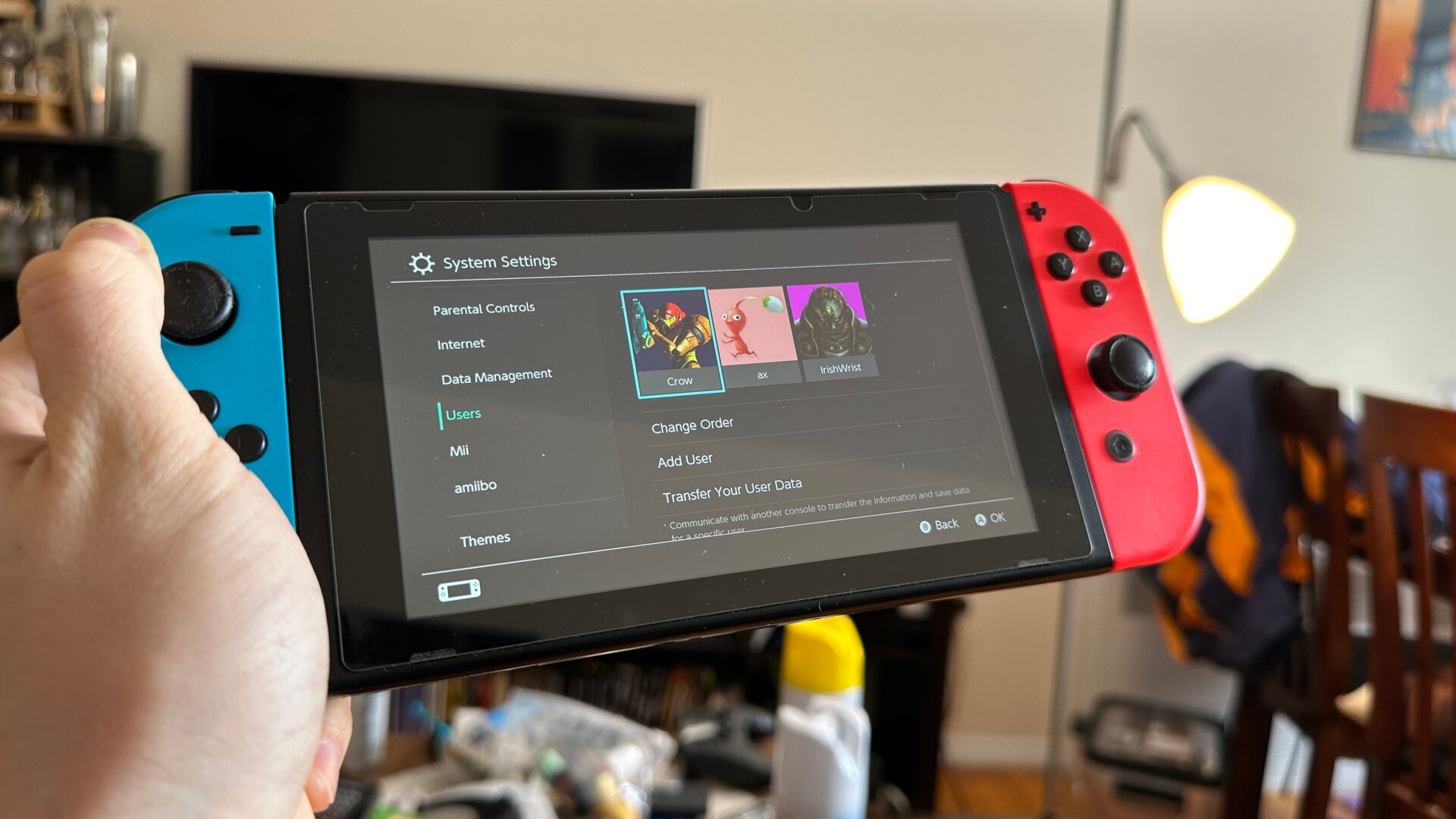
It’s different from a single button press, but there are certainly Switch players who might be happy to learn they can change the system so it won’t ask you to select a user profile every time you turn it on.
This only works if you’re the only profile on the console, which means you’ll need to delete any other profiles your friends might have made over the years. In Settings, go to Users, then toggle Skip Select Screen. When you open your Switch, you can skip the whole choose user business. Unfortunately, you can’t choose the option so long as there’s more than one user on the Switch, but you can at least change the order of users to make quickly selecting your preferred profile a bit easier.