Clear Up Drive Space, but Keep Your Game Saves
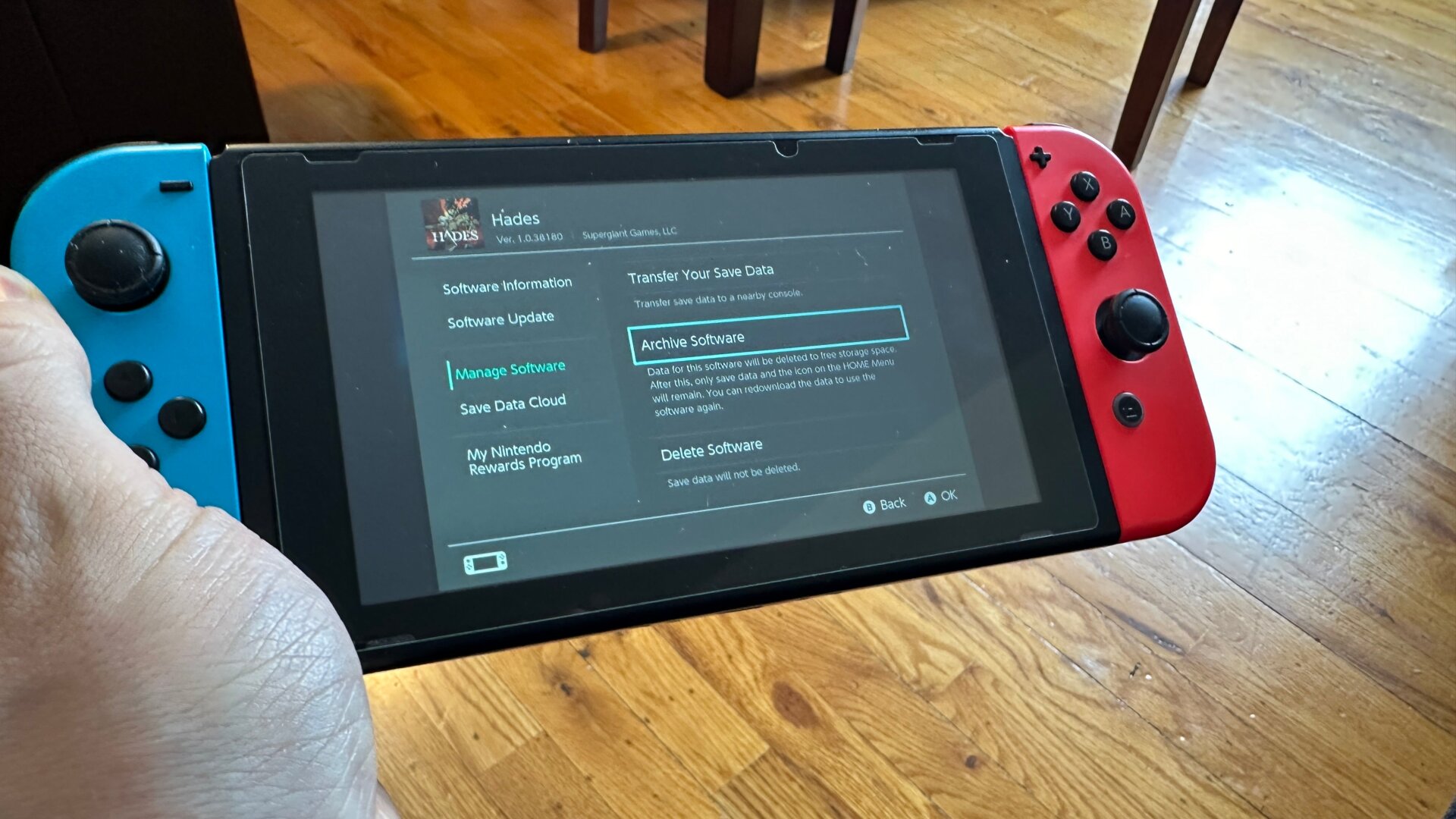
The Switch doesn’t have much drive space at all. The standard version comes with 32 GB, while the OLED beefs it up to a whopping 64 GB. If you want more space but do not lose your progress, there’s a handy option to do it that involves archiving the software.
First, hover over the game you want to delete, then hit the Plus button on the controller. Go down to Manage Software and choose Archive Software. This frees up storage space but keeps the saved data and icon on your home screen, allowing you to re-download it later quickly.