Completely Remap Your Controller for Any Game
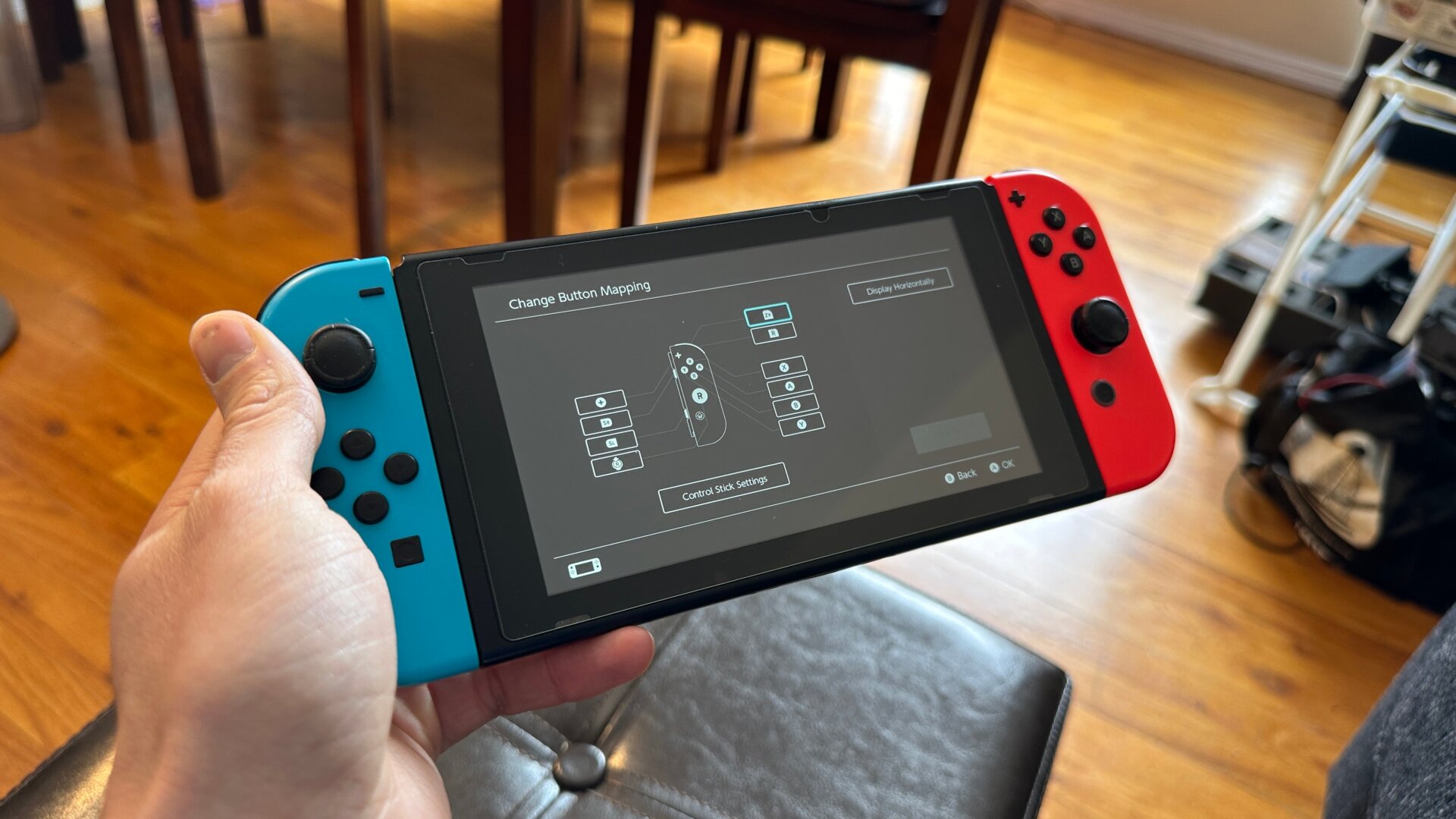
This is another handy accessibility feature that can effectively remap any controller, whether it’s a Joycon or a Switch Pro controller. Go to System Settings, then select Controllers and Sensors, and then Change Button Mapping. You should see the option to change the button layout on any of the controllers that are currently connected. You can also change the thumbsticks to swap them from left to right or even set it so certain games recognize you’re holding a Joycon vertically rather than horizontally.