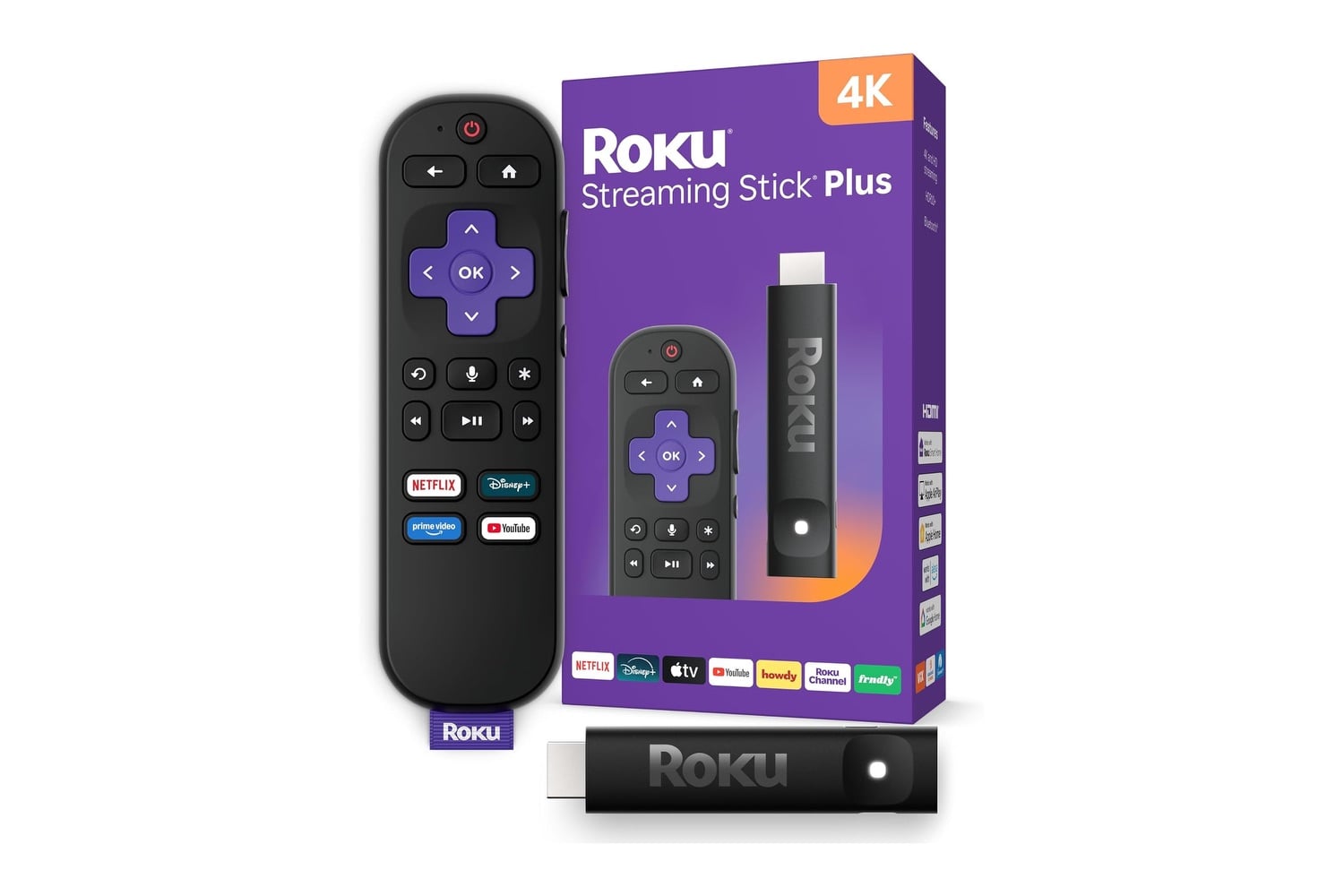
Older smart TVs lose their oomph long before they start losing picture quality, and the Roku Streaming Stick Plus with Voice Remote is one of the least expensive ways to revitalize them. This streaming device connects directly to an HDMI port on your television, draws power from the TV’s USB port in nearly all cases, and adds a modern Roku interface to a television that has become unresponsive over many years. Your 4K streamed content will display with HDR10+ support, and the dual-band Wi-Fi allows for fast connectivity. Your voice commands find TV shows across all installed applications simultaneously, with no typing required.
Head over to Amazon to get the Roku Streaming Stick Plus with Voice Remote for just $39, down from its usual price of $60. That’s a $21 discount and 35% off.
A simple way to enjoy streaming your favorite shows and movies
You’ve seen why many people keep buying Rokus: they love Roku’s easy-to-use home screen. Setting up the device is quick, the user interface stays simple and accessible for anyone in the household to navigate, and you can move the apps around to arrange them as you wish. The search function searches every app simultaneously, so finding a movie title doesn’t require checking each service individually to see whether it has it.
Drawing power from the USB port on your television may seem minor, but it matters quite a bit. Most devices like this need to plug into a wall outlet and connect via a cable that runs down the back of your TV, while this device can use the USB port that currently sits empty on your television. This reduces the number of cords running behind your entertainment system and turns the device on and off with your TV.
This device supports 4K picture quality and HDR10+, which lets it pass through the broader color gamut and increased brightness your television is designed to produce. If you’re using an older 4K television that has been running a dated built-in application for several years, the improvement in picture quality and responsiveness becomes apparent immediately after switching to this input.
As with most everyday use, this happens through interaction with the Voice Remote. To search for a specific show title, hold down the microphone button, then ask to find the program you want. Alternatively, you can search all available programs across all applications at once. Preset shortcuts below the microphone button also let you quickly access frequently used services. Losing the Voice Remote is less of a problem than with other remotes, because the Roku mobile app serves as a backup remote control if you misplace your primary one.
Lastly, free programming is another area where Roku surpasses virtually all other platforms. The Roku Channel features hundreds of live TV channels and movies, including original programming called Roku Originals, all without requiring subscriptions. At $39, down from $60, the Roku Streaming Stick Plus with Voice Remote also lets you send video from an iPhone or iPad using Apple AirPlay.