How to Access Photo Mode in Marvel’s Spider-Man 2
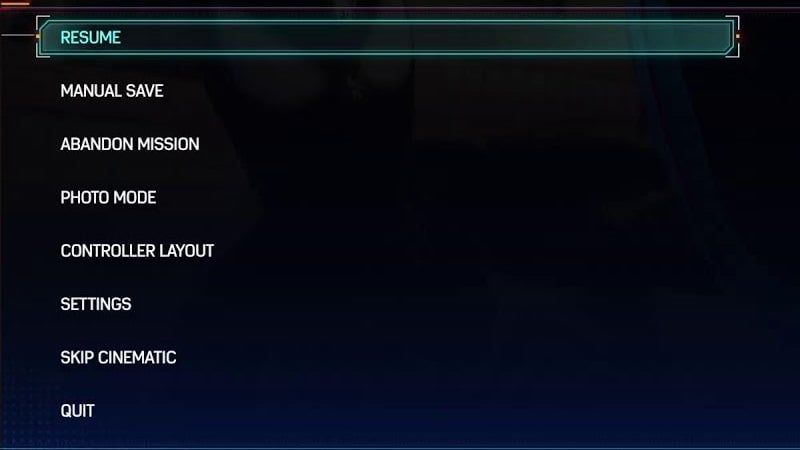
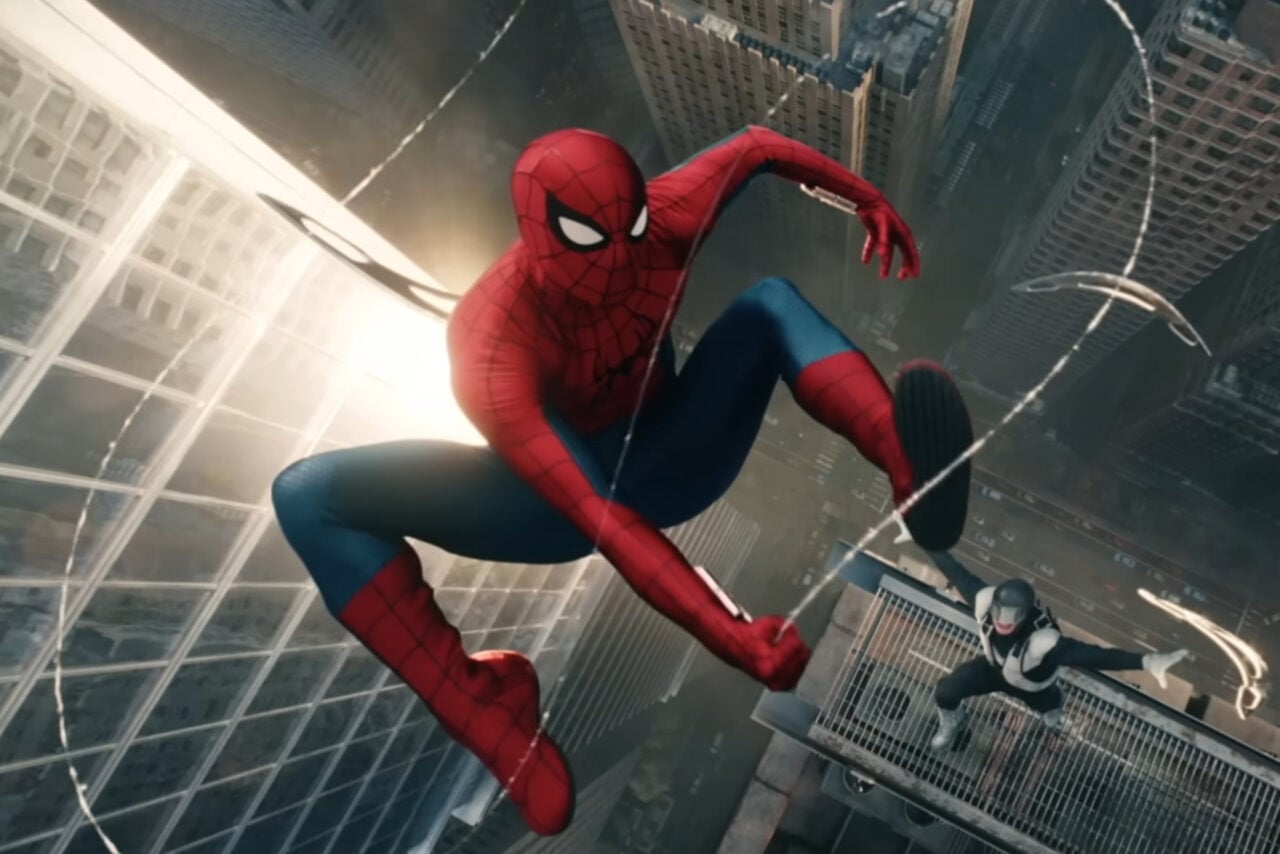
Let’s start off with the most basic of basics: how to actually get into photo mode in the first place. By default, it’s pretty clunky—you press the options button on your PS5 Dualsense to pause the game, and then select Photo Mode out of the available menu options. It’s an extra layer of friction and more often than not can be frustrating if you’re trying to capture multiple shots of a specific moment one after the other, but good news, you can remove that friction (more on that later).