Photo Mode 101: Camera Mode
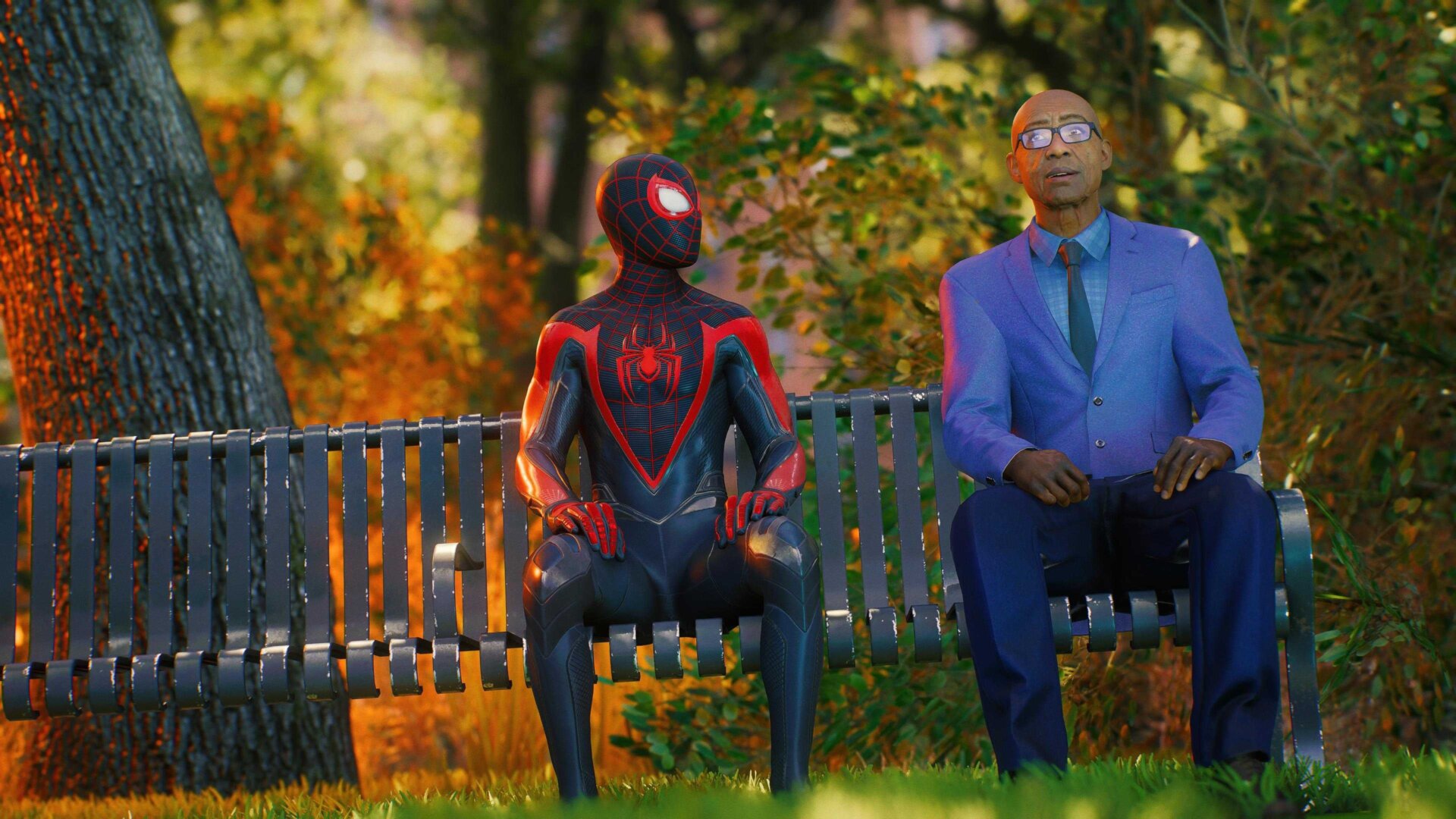
Once you’re actually in Photo mode and the game world is paused, there are four “tabs” you can operate in to help take your snap, navigable by tapping the Square Button on your controller. The first and most important tab is Camera Mode. This is where you’ll do your actual movement of the camera with the joysticks, but it’s also where you tweak everything from the FOV (field of view) to zoom in and out, the rotation of your shot, the level of exposure, and even finite details like the size/presence of film grain or a vignette around the edges, or the aperture of your camera to shift the focus in the scene. It’s also where you’ll apply filters or photo frames, more on that later.
In any of the four modes you can press the Triangle Button to hide the UI, before you snap your shot by tapping the Create Button on the Dualsense. No one wants to see the menu on top of your creation!