You Can Lock Down Your Steam Deck
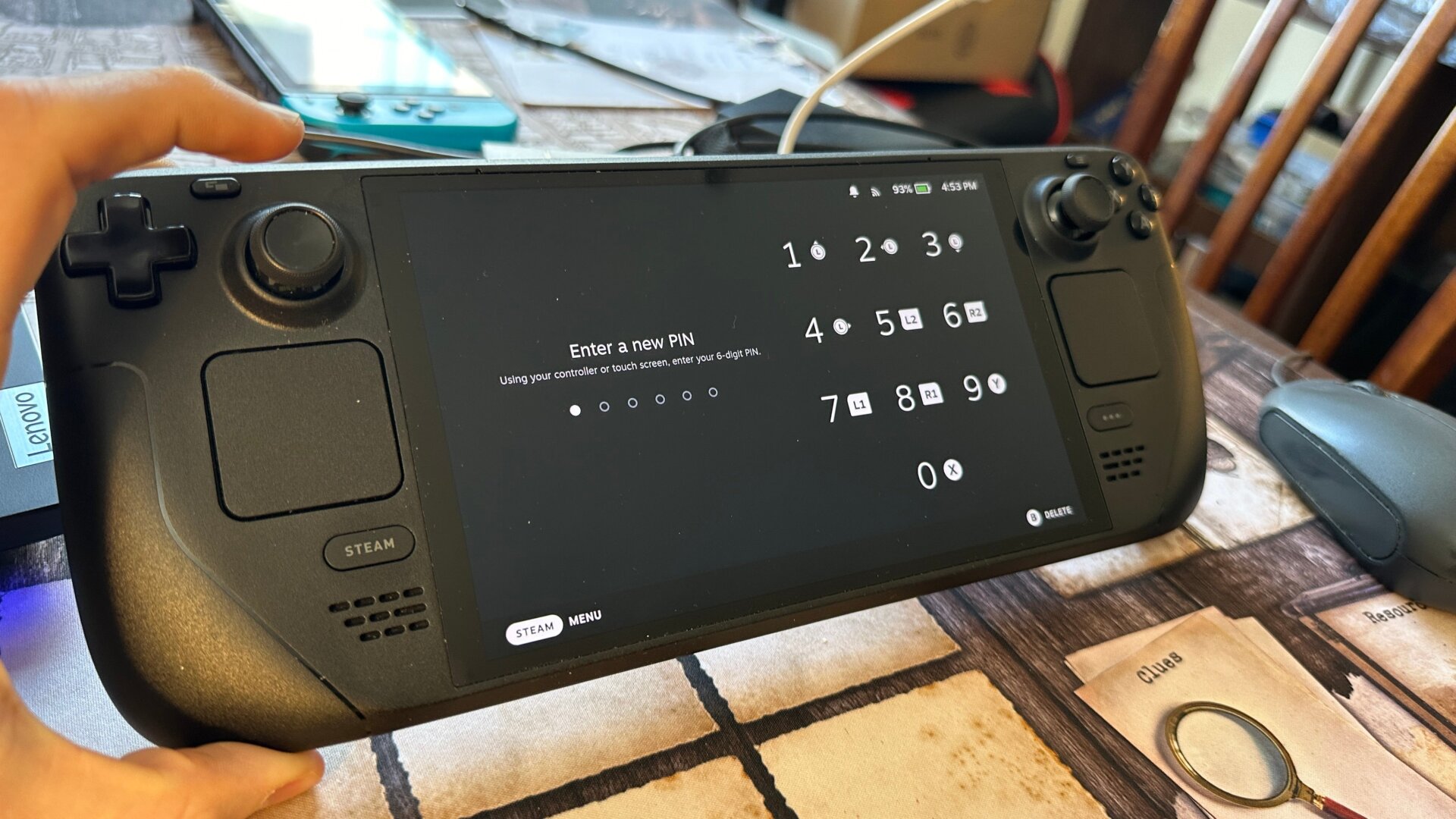
By default, anybody who wants to use your Steam Deck needs to turn it on; then they’re good to go. But one of the first updates to come to the deck added an optional PIN system you can set in case you don’t want your cousins playing with your Deck. Hit the Steam button, then go to Settings. Under Security, you can create a lock screen when you wake up the system or when showing the login screen. It’s surprising not to see it on by default, which is why you’ve probably missed it all this time.