Turn Your Steam Deck into a Speaker for Your Phone
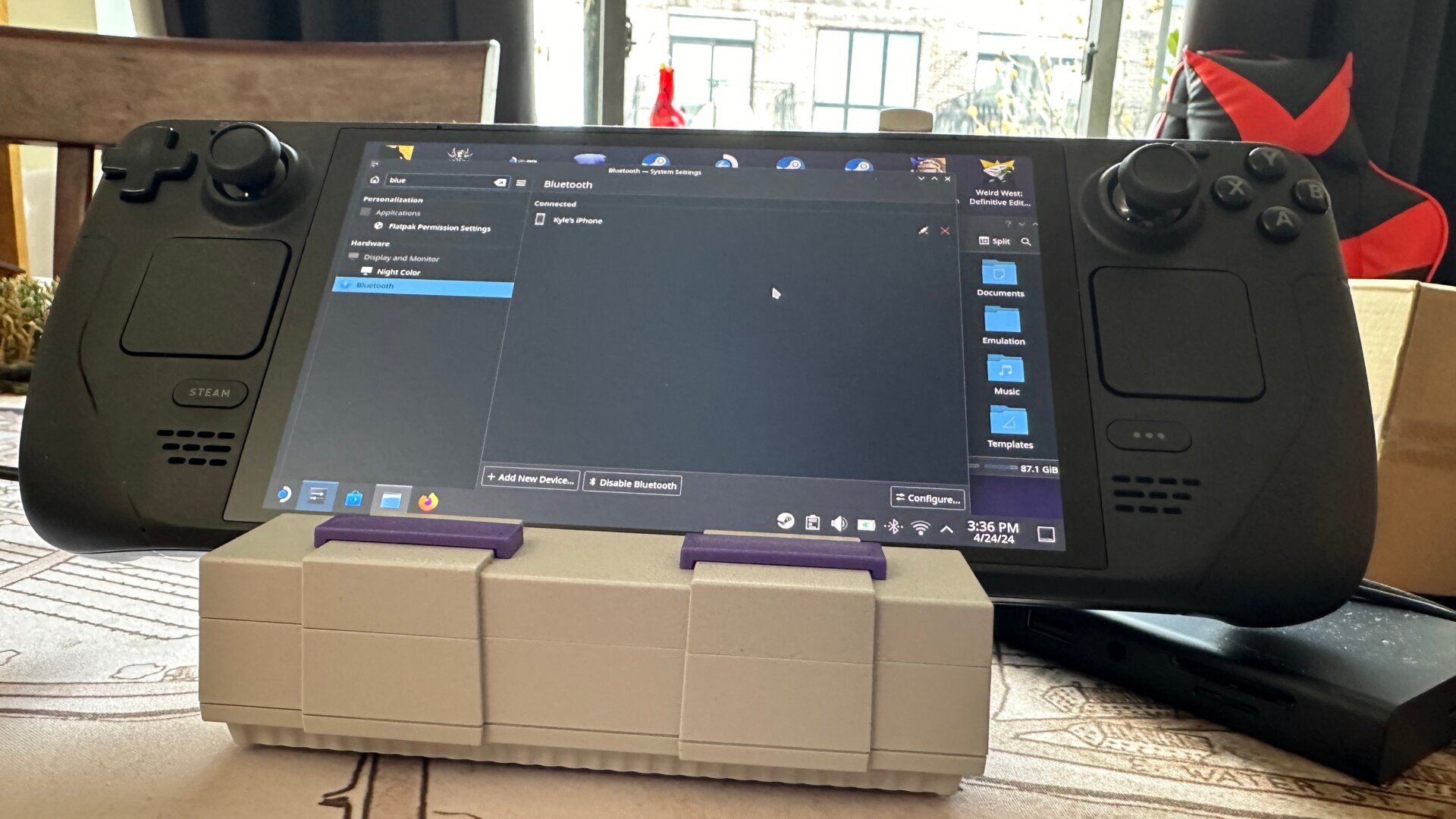
This might be one of the least-known tricks you can do with your Steam Deck if you don’t want to go through the hassle of signing into Spotify or Apple Music through your deck.
When you go into Desktop Mode, click the System Settings icon in the bottom right, search for Bluetooth, and then pair your phone with the Steam Deck. You may need to hang out on both devices’ Bluetooth screens to ensure they’re hooked up, but this should be a relatively painless process.
Once that’s done, your Steam Deck should now play any of the audio coming from your phone. If it’s not currently working, you may need to set the default audio settings on your phone to make the Steam Deck the default speaker. Otherwise, you’ll be able to control your music and the in-game audio independently, or else hook your deck to a dock and use it as a small, if not terribly great, speaker if you want some ambient audio in a pinch.