There’s a Bunch of Handy Shortcuts the Steam Deck Never Tells You About
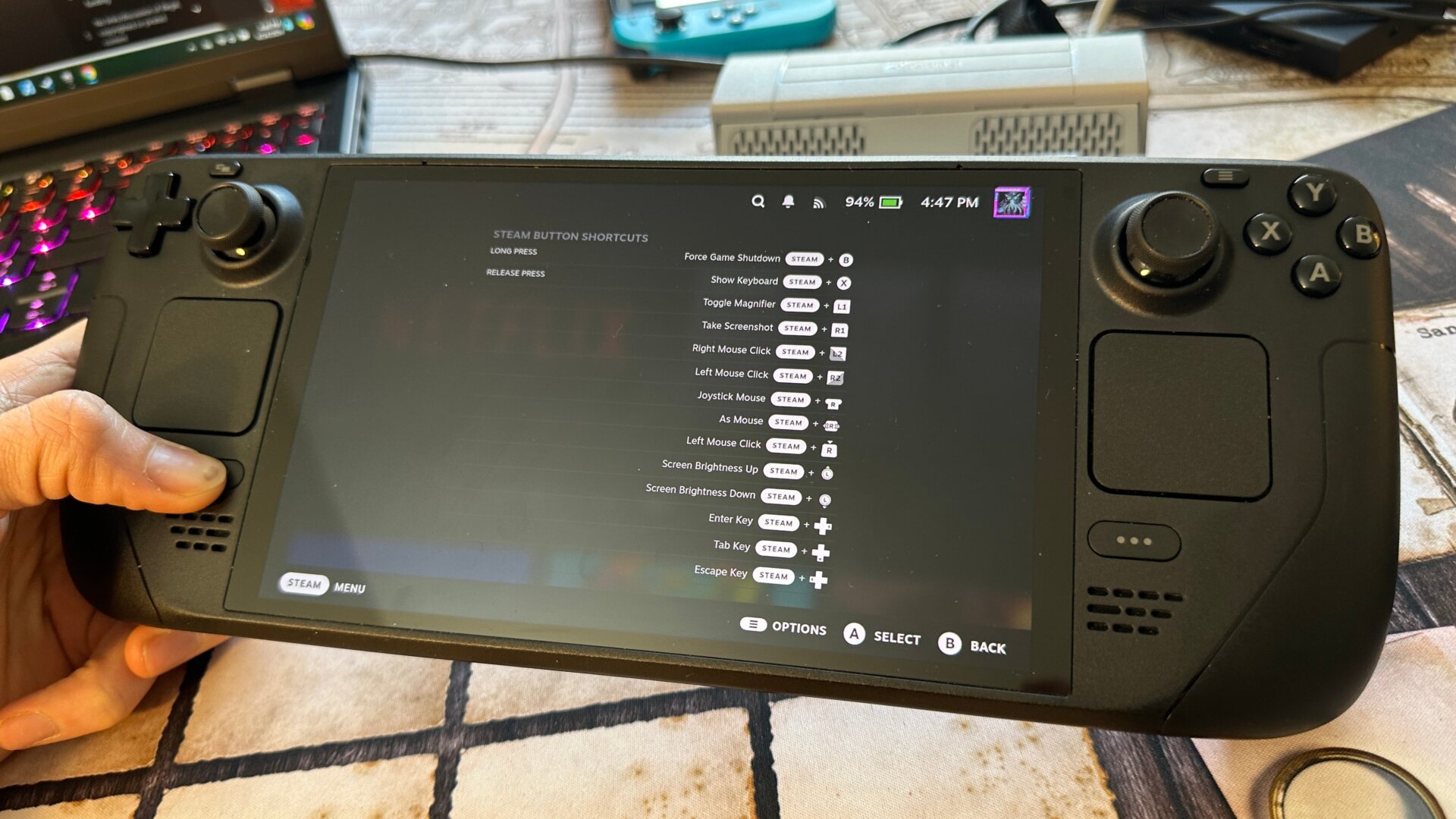
Want to change your Steam Deck’s brightness on the fly without clicking through any menus? Surprise, surprise, there’s a quick button shortcut for that. Hit the Steam button and move the left joystick up or down.
There’s a bunch more, and some of them can be pretty handy. When you’re in Game Mode, hold the Steam button down for a second, and you’ll see the full list of shortcuts available. Some of these are extra useful, such as Steam + B to force quit a game. If you ever need to bring up the on-Deck keyboard, simply hold down the Steam + X, and you’ll be able to type away.