Capture Screenshots
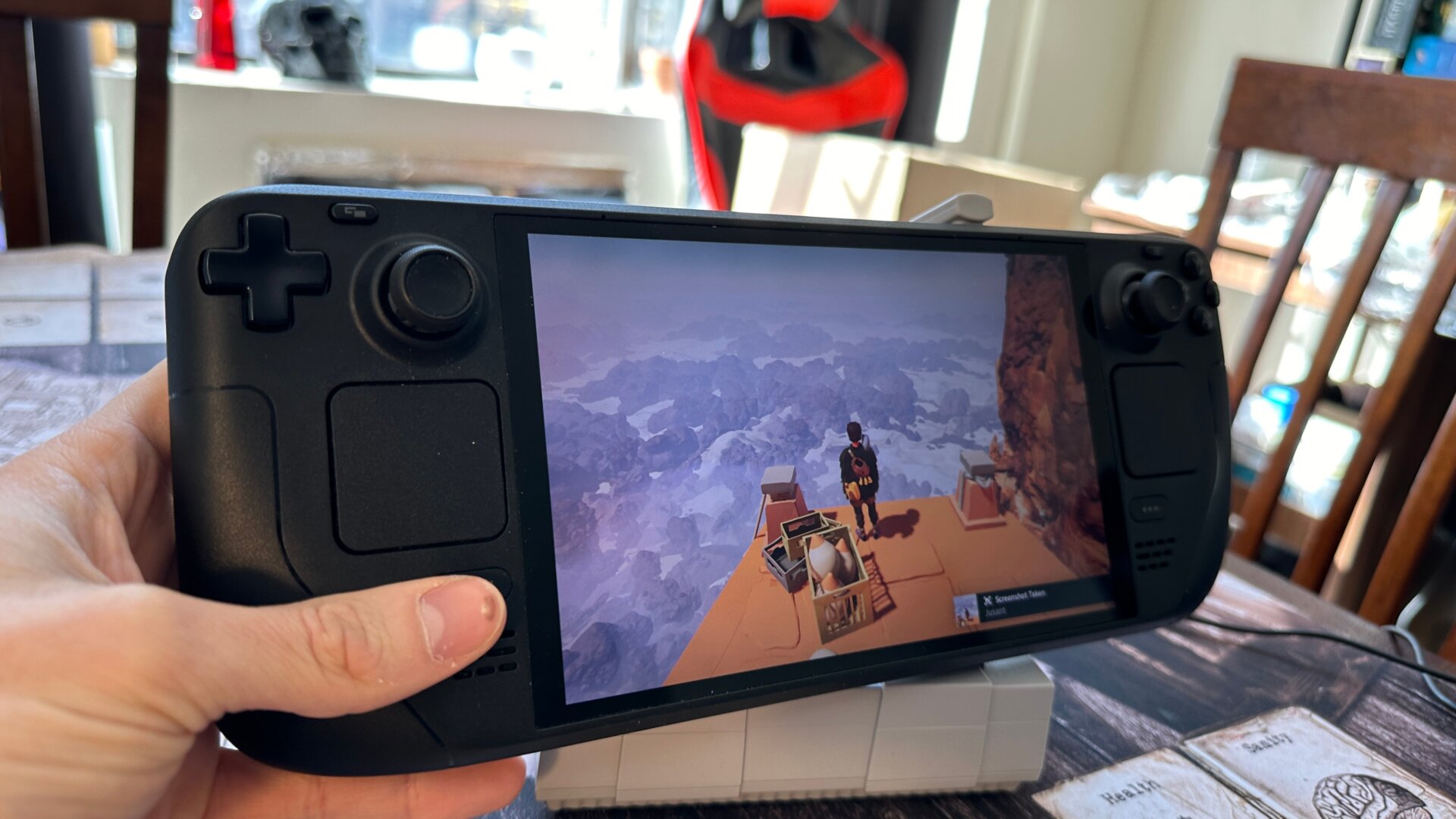
If you’re already used to hitting F12 to screenshot on your regular Steam client, you should also know there’s an easy way of screenshotting on your deck as well. Hold the Steam button and hit the R1 bumper; the screenshots will show up in your albums under the Media tab for you to peruse.
As for screen recording, it’s currently not incorporated directly into Steam Deck itself, even though other major systems like the PS5 and Xbox have features that let users record footage even after they’ve already done it. Maybe that’s too much for the small Deck to handle, but it’s a grave omission for today’s expectations for an all-in-one gaming device.
Some folks have found success with a program called Decky Loader and another app called Decky Recorder. It’s a less-than-ideal situation, but if you’re desperate to record natively on your deck, that might be the best route.