Decky Loader Allows Access to Some Incredible Steam Deck Plugins
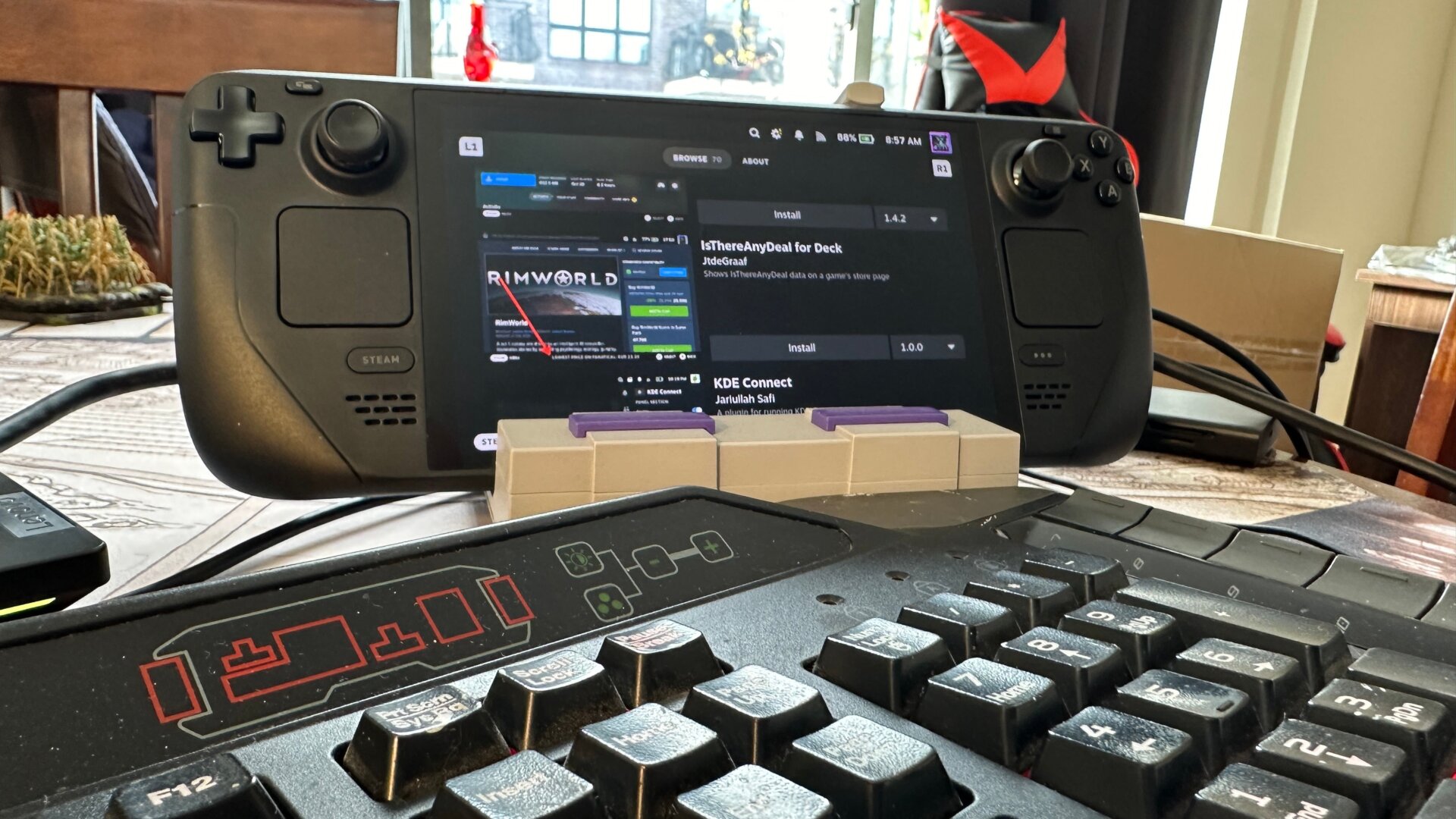
The freeware Decky Loader app for Steam Deck offers a heap of extra capabilities you don’t have based in the Deck’s Game Mode. All you have to do is download the file in Desktop Mode from any browser, then open it up in your files and hit Execute. This will take you to an installation screen where all you have to do is follow the prompts, and then you should be all set.
Once you go back to Game Mode, hit the button on the Deck with the three dots, then scroll down to the Decky menu. Hit the button on the top right that looks like a market stall, and you’ll be brought to a new UI where you can easily download a host of neat customization plugins you can install. There’s a plugin that makes it easier to include custom animations on your deck and replace Steam UI sound effects. There’s another plugin to access your RetroAchievements from EmuDeck that’s also plenty of fun if you want to turn your Deck into an emulation beast. Select which plugins work best for you, then hit Install.
We recommend some plugins like vibrantDeck to adjust color settings, Discord Status to share your status with friends on Discord, or perhaps Animation Changer if you want to truly customize what plays when you’re browsing your Deck’s menus.