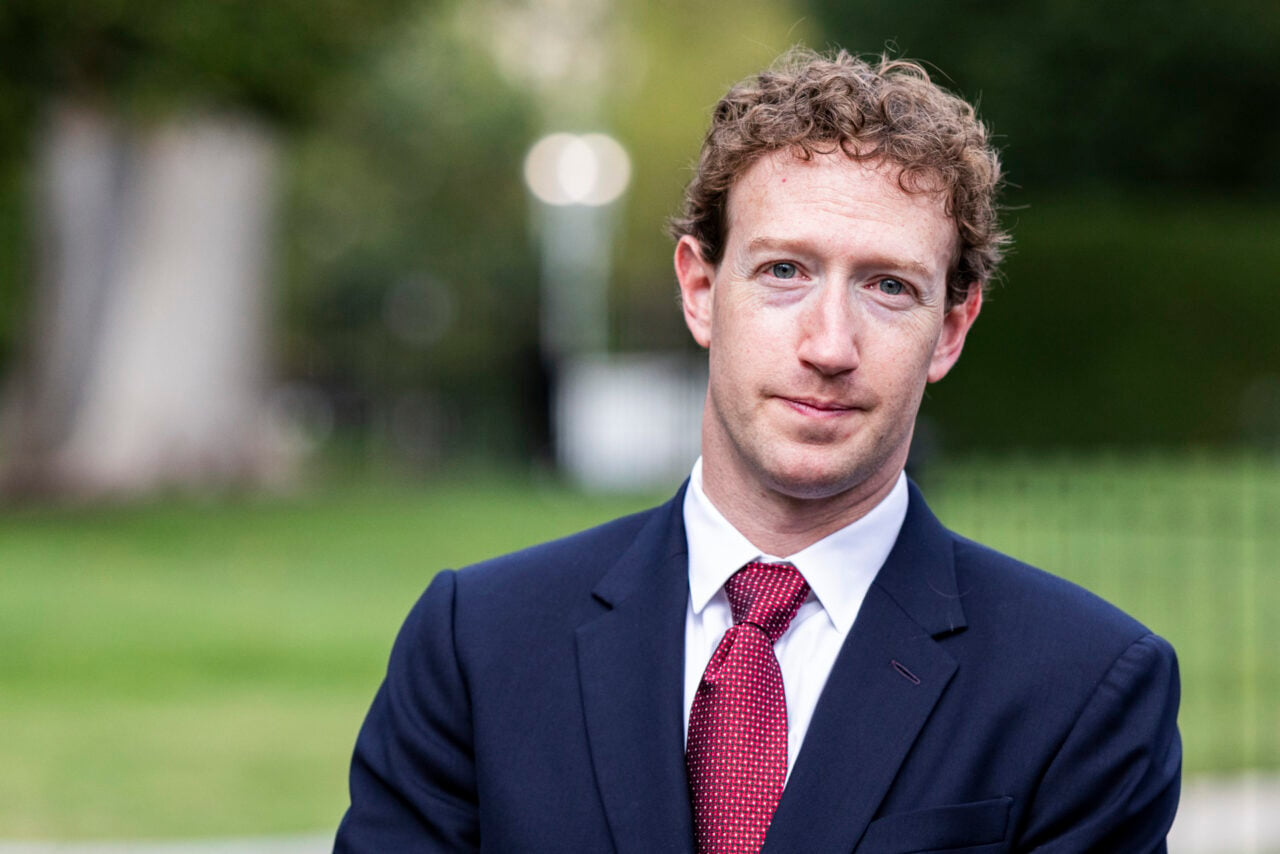
Here’s something every LinkedIn user should disable today, lest you want to see your name and face used in advertising for the social-networking site.
All you need to do is go into the “account” section in the settings of your LinkedIn profile, then click “manage social advertising.” Where it says “LinkedIn may use my name, photo in social advertising,” de-check the box.
I just did it, and it takes literally five seconds. Do it now, before you see your smug little face beaming at you from a third-party ad. [BrandImpact via @ten_ten]