Hit these basic system requirements

Your PC needs to have enough RAM, an SSD, and a motherboard compatible with your CPU and memory (more on this in the next slide).
As a general guide, fill two slots of RAM to take advantage of dual-channel and try to budget for at least 16GB. As for storage, you should use an SSD for faster boot times and launching apps; these are more expensive than hard drives but the price of storage is so low now that you can buy a 1TB SSD for well under $100. If you need to store large files (photos, videos, etc.), add a few high-capacity HDDs to the mix.
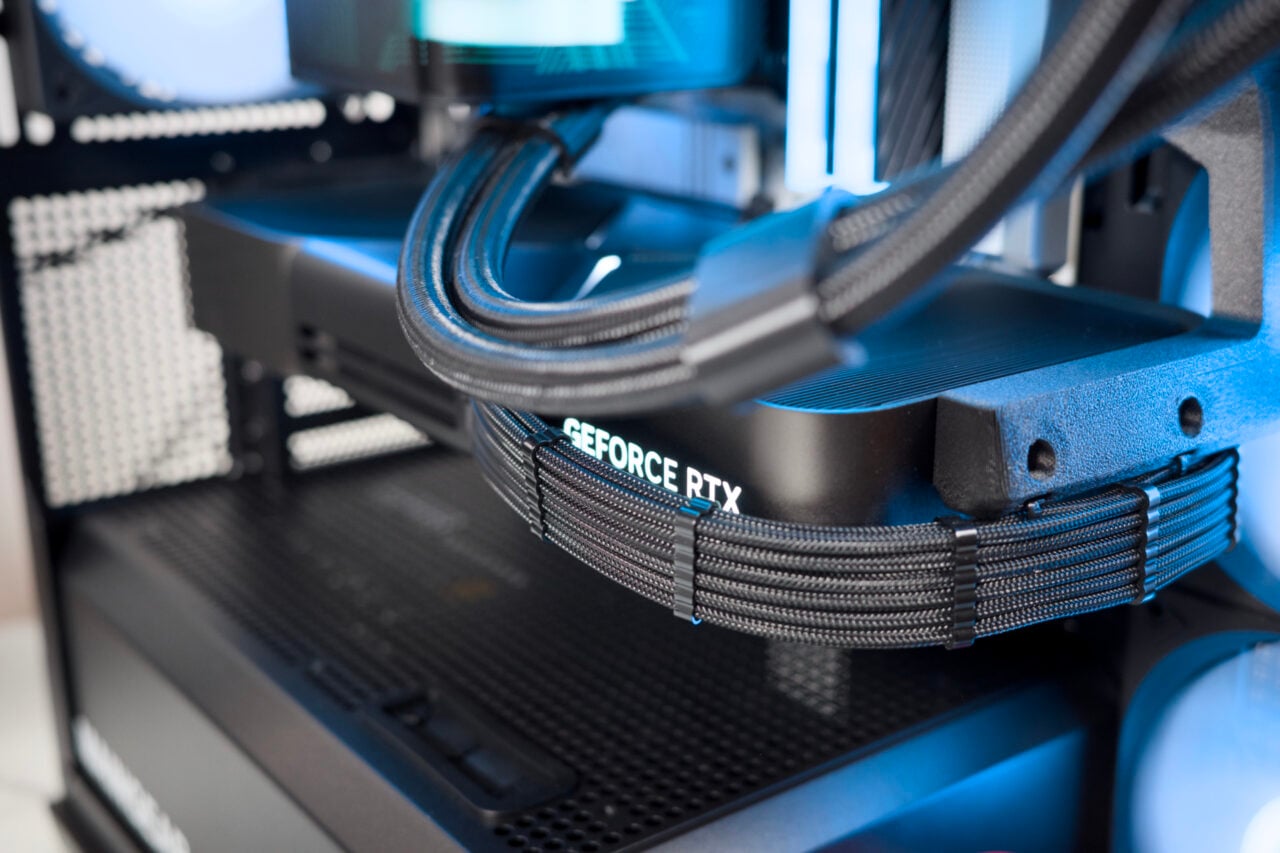
The other components are more need-based. If your desktop is meant to be a gaming rig, it’ll need a decent graphics card. You could splurge on the high-end Nvidia GeForce RTX 3080 or go for something more budget-friendly like the AMD Radeon RX 6700 XT. Again, pricing and availability need to be considered here. Buying the right CPU also depends on your needs—you want something that fits within your budget and won’t bottleneck your system.