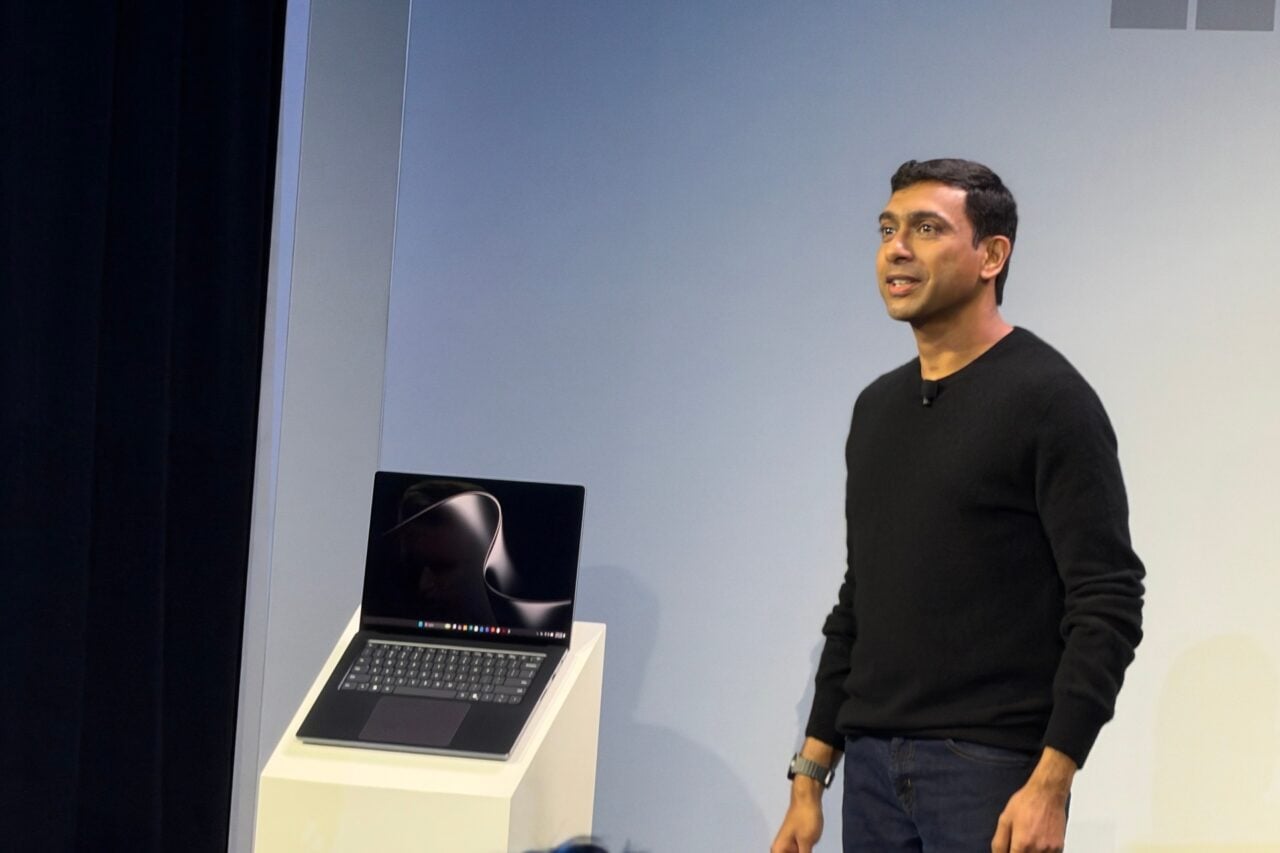
Acer Iconia 6120
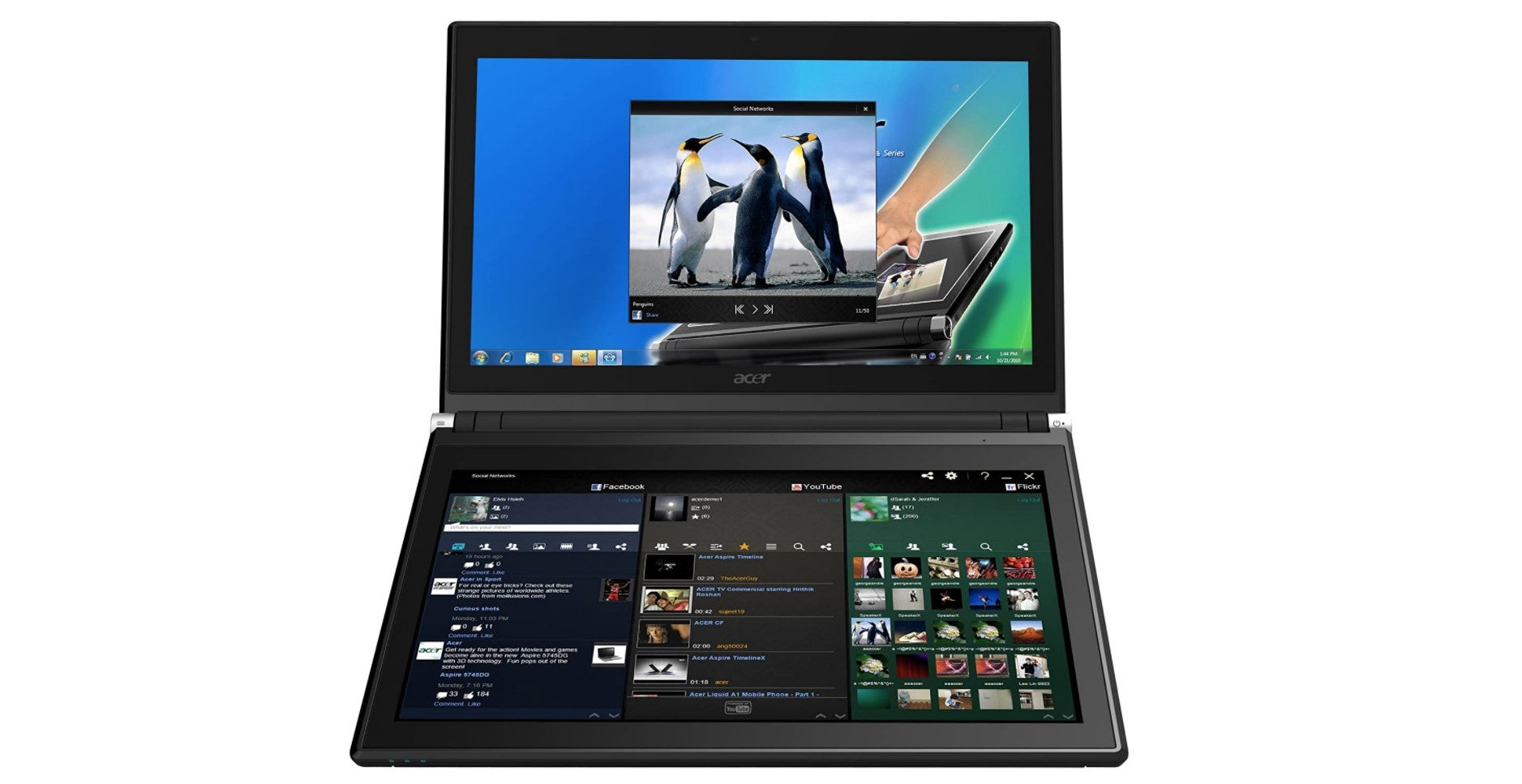
Where IBM made a laptop with a tactile, clicky mechanical keyboard, Acer went the opposite direction by replacing the deck with a 14-inch screen containing a virtual keyboard and touchpad. This strange setup had its benefits; for example, you could easily switch from typing to handwriting, quickly add “https:// or .com” to a URL, or tap a shortcut button to launch your favorite apps or sites.
But on the whole, it was a bad idea. Some of the problems were obvious, like glare that obstructed the screen and the inability to feel when a key was registered. Other issues, like input lag, poor performance, and the undersized touchpad not supporting gestures, were self-inflicted.