8) Pin folders to the Start menu
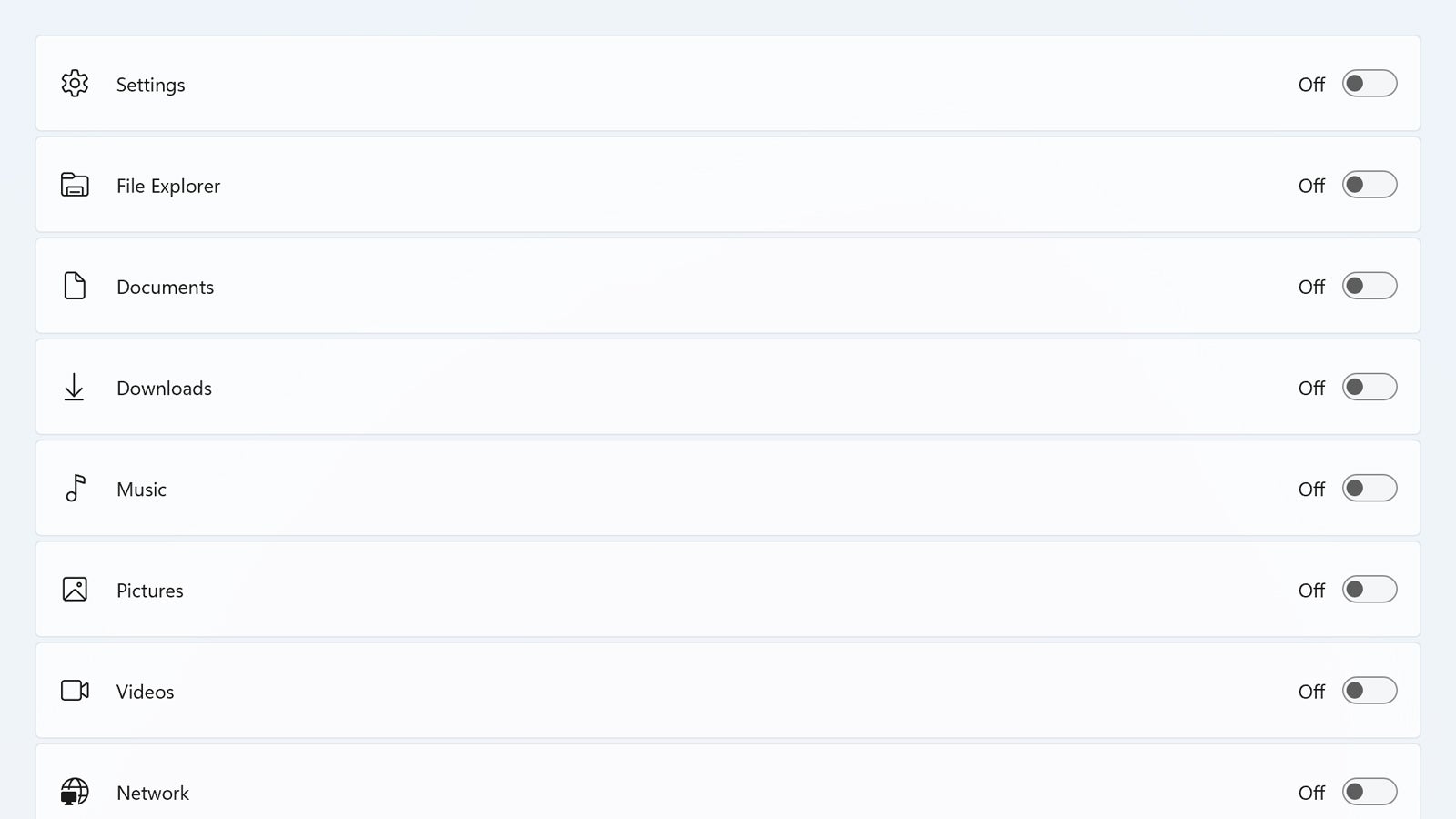
It’s your Start menu, so get it set up the way you want it to be: One of the most useful Start menu customizations is the ability to pin folders to it that you know you’re going to be using a lot. Head to Settings and then pick Personalization, Start, and Folders to choose which File Explorer shortcuts show up on the Start menu next to the power button.





