Access the shortcuts list
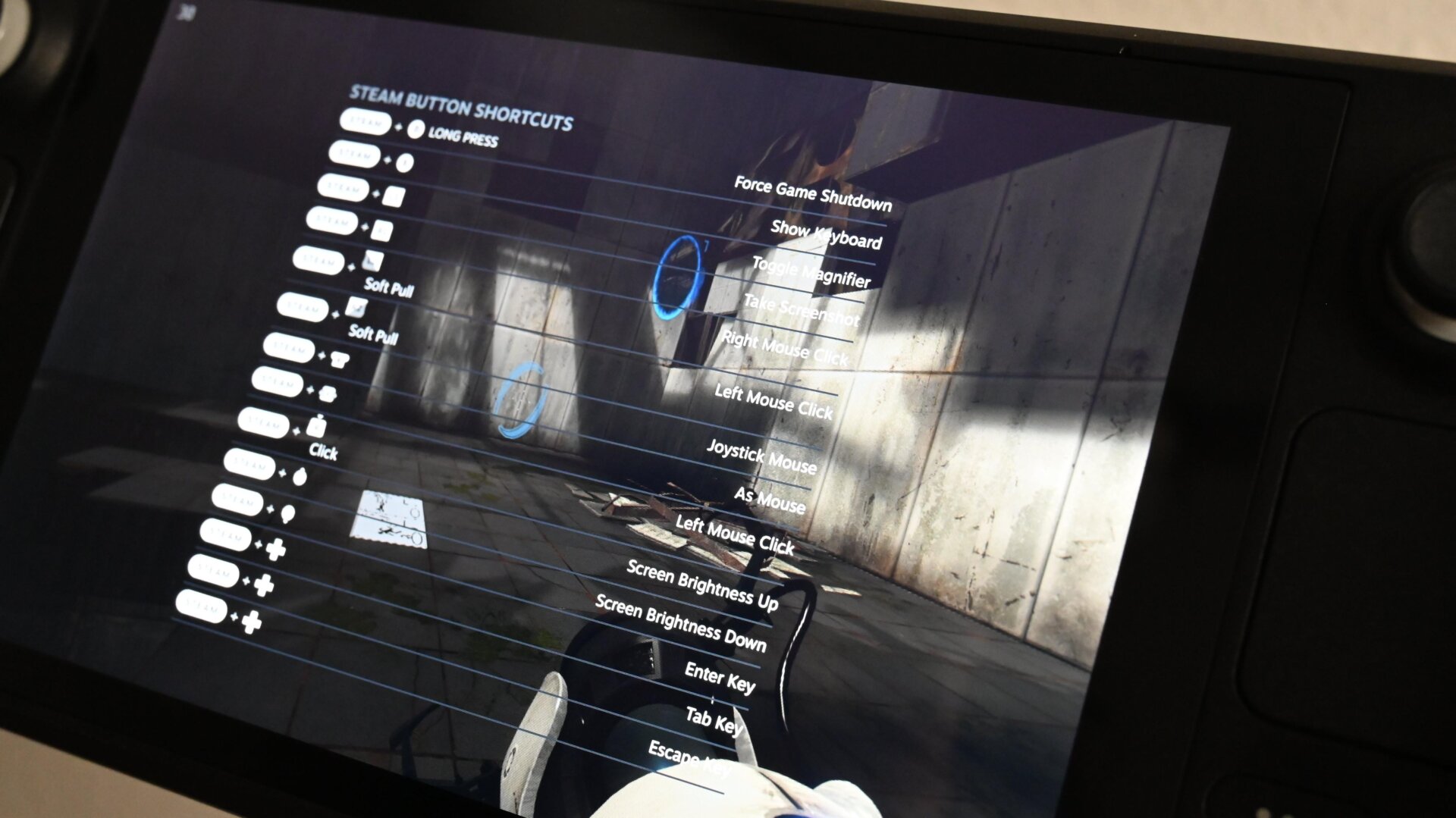
Hold Steam + A. I know, wonderful isn’t it?! In case you aren’t following along, holding the Steam + A keys brings up a shortcut overlay with all the hotkeys you need to effectively navigate Steam OS. It critically gives you the button combos needed to use a cursor and left- and right-click buttons straight from your controller—no mouse needed.
I’ll go into one of these button combos in more detail in the next slide.