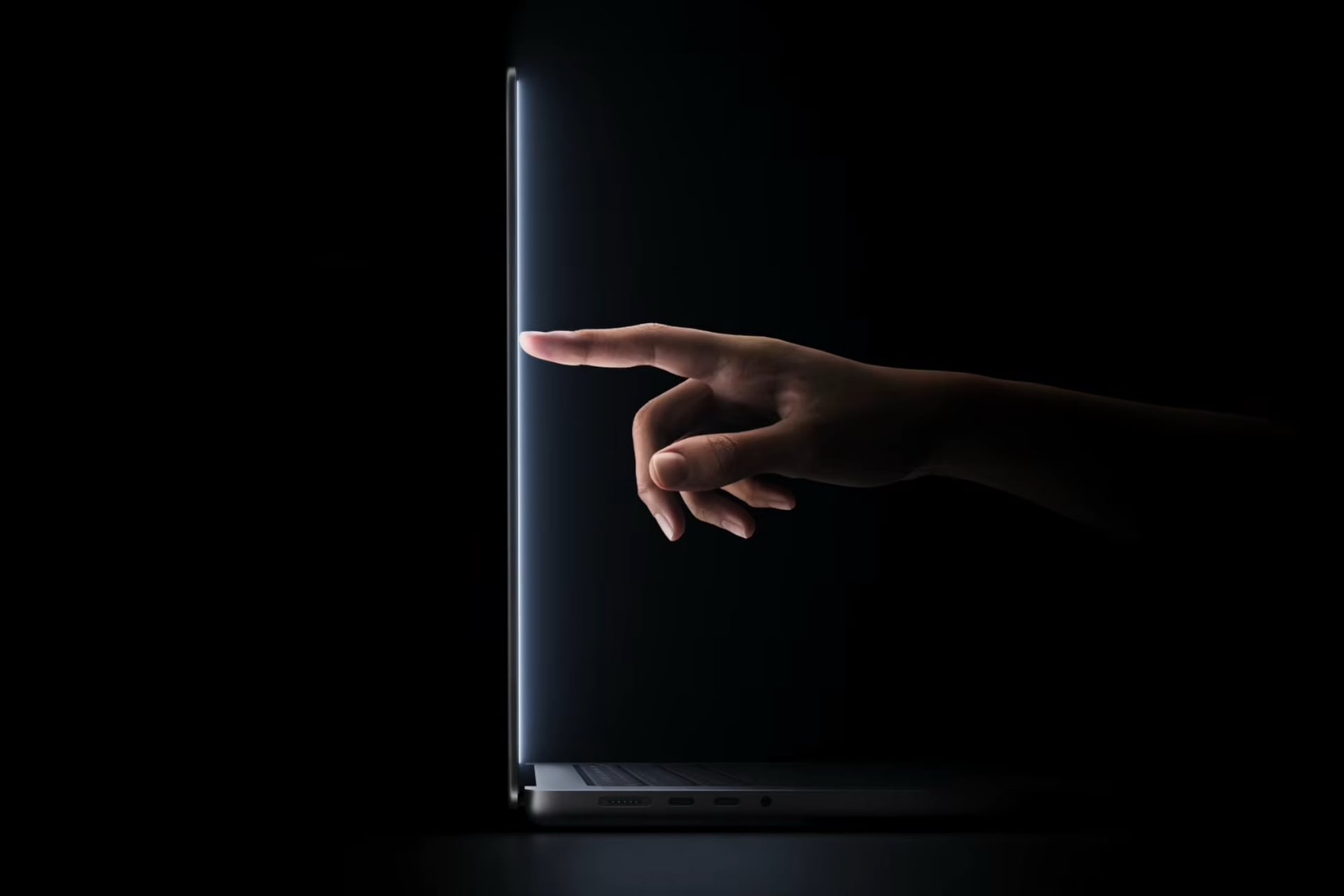
Apple’s macOS for its Mac laptops and desktops was designed as an operating system for mouse and keyboard input. That’s no longer the case; with the launch of the new MacBook Pro with PROLED XDR Display, the desktop software is now optimized for tapping and swiping.
MacBook Proにダイナミックアイランドが。ミュージックやライブアクティビティーなどiPhoneと同じ感覚 pic.twitter.com/gqjOM4ekWx
— ギズモード・ジャパン(公式) (@gizmodojapan) October 28, 2026
Unlike Windows 8’s disastrous Modern UI (originally called Metro UI) that replaced the familiar desktop and Start menu with a colorful tile-based interface, touch on macOS Golden Gate simply makes the desktop interface more finger-friendly. Now we know why Liquid Glass on macOS Tahoe and Golden Gate has rounded buttons and window corners—it was all groundwork for touch support. For example, icons in the menu bar have more space between them for more precise taps.
Much of the multitouch behavior that you’re used to on an iPhone and an iPad works exactly like you’d expect on the MacBook Pro with PROLED XDR Display. For example, in Safari, you can “pull-to-refresh” a webpage in Safari, tap and drag tabs to rearrange them, and pinch-to-zoom to enlarge or shrink content. In Apple’s presentation video, it shows how you could play a piano by touching the keys on the screen.
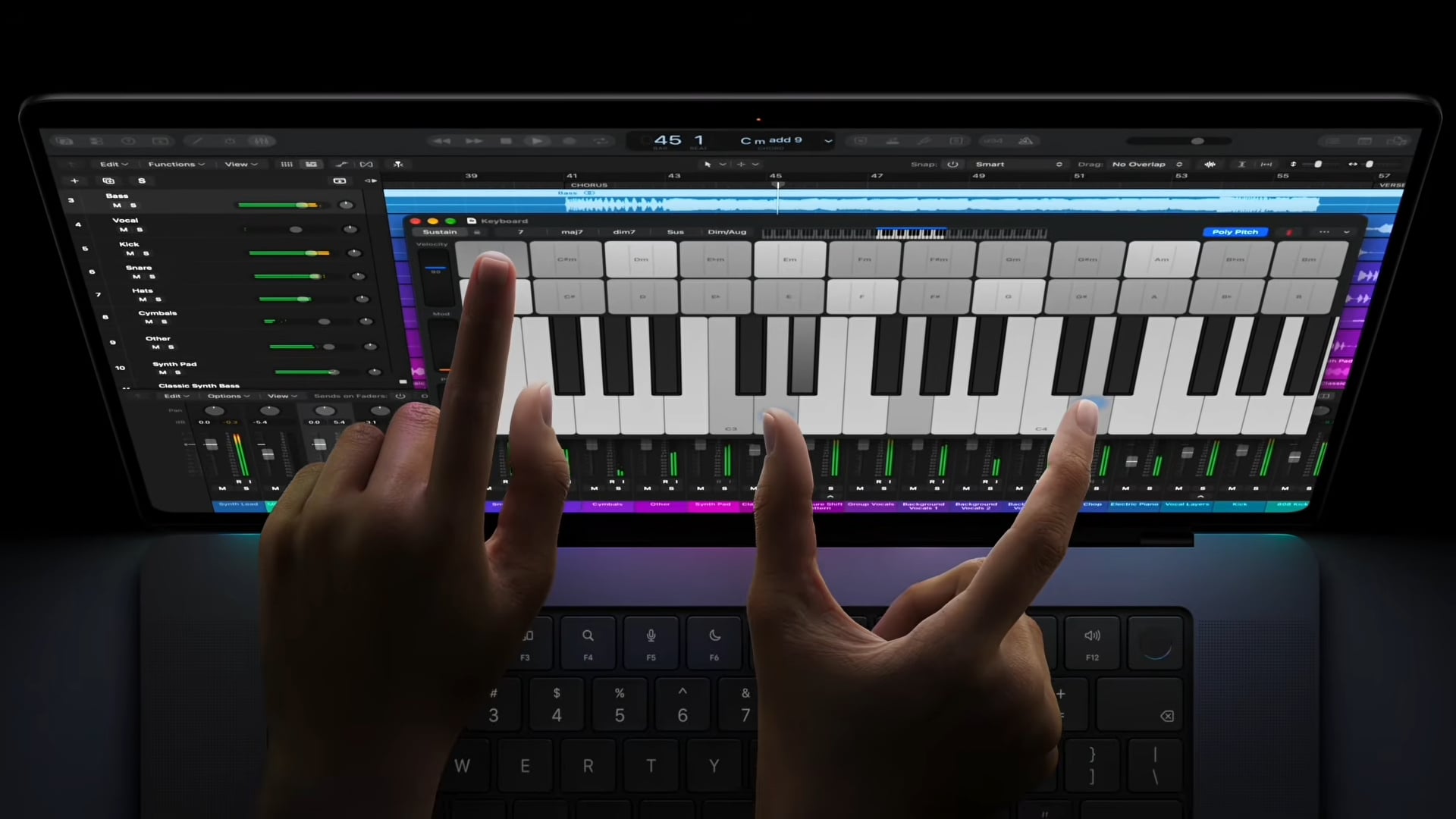
As you can see in the video demo below, there’s still some wobble when you tap on the touchscreen. I was hoping Apple would invent some new hinge design that would stabilize the screen more from touch input, but I guess this is just one thing that even Apple can’t solve.
Playing piano on the touchscreen MacBook Pro pic.twitter.com/lDlwIeqErd
— Chance Miller (@ChanceHMiller) October 28, 2026
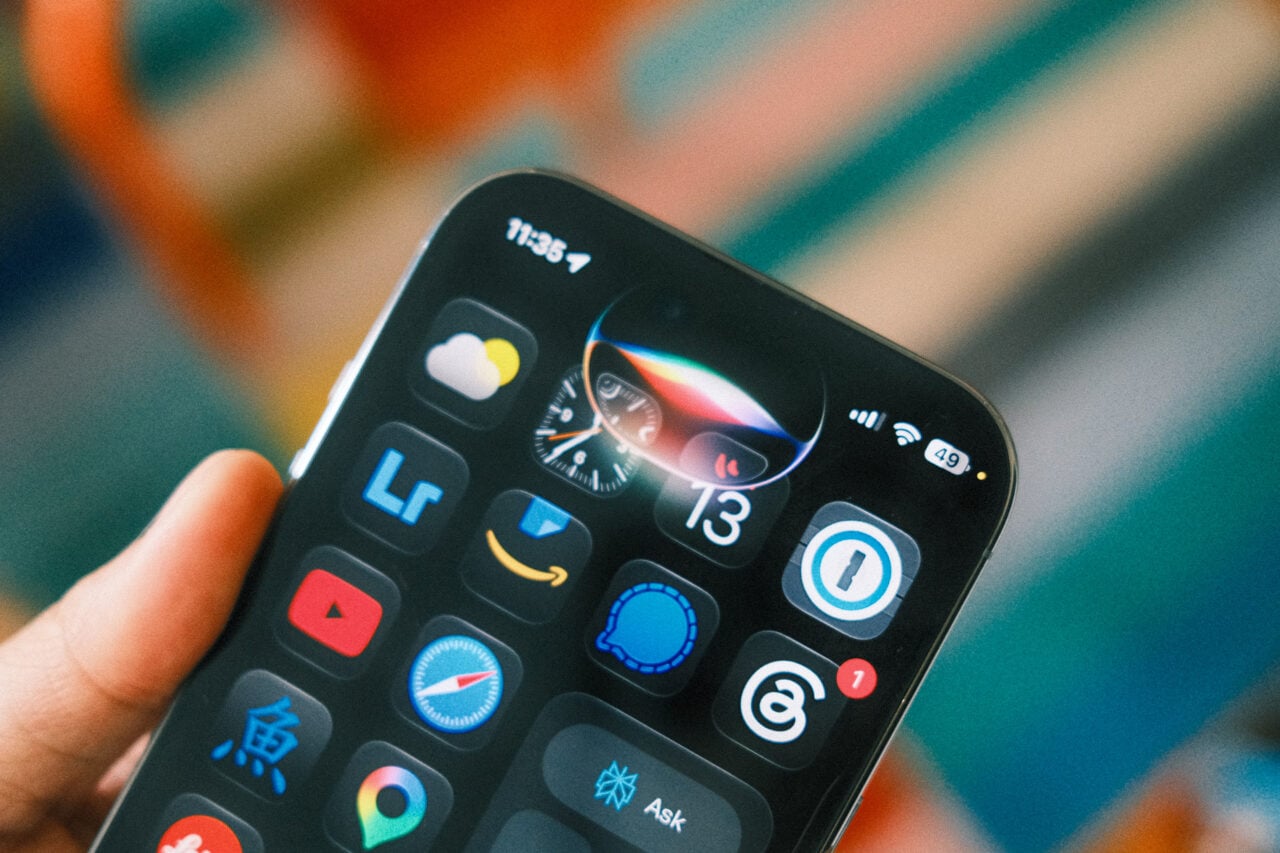
And just like on an iPhone, you can tap on the Dynamic Island to view Live Activities and notifications for apps that are running in the background. For example, the Dynamic Island can display album art for music that’s playing, with additional playback controls available when you long press to expand it.
Overall, it looks like a solid implementation of touch on macOS. It’s not reinventing the Mac operating system from the ground up, because Apple doesn’t need to. Since the original iPhone in 2007, Apple has spent the last 19 years “teaching” everyone how touchscreens should work. Now, it’s just bringing everything that’s intuitive from its phones and tablets to the Mac.
The MacBook Pro with PROLED XDR Display is the first Apple laptop with a touchscreen, and it likely won’t be the last. I wouldn’t be surprised if we see touchscreen iMacs and maybe even touchscreen Studio Displays.
This article has been updated to include information about the height of menu bar items changing when they’re touched versus using a cursor.