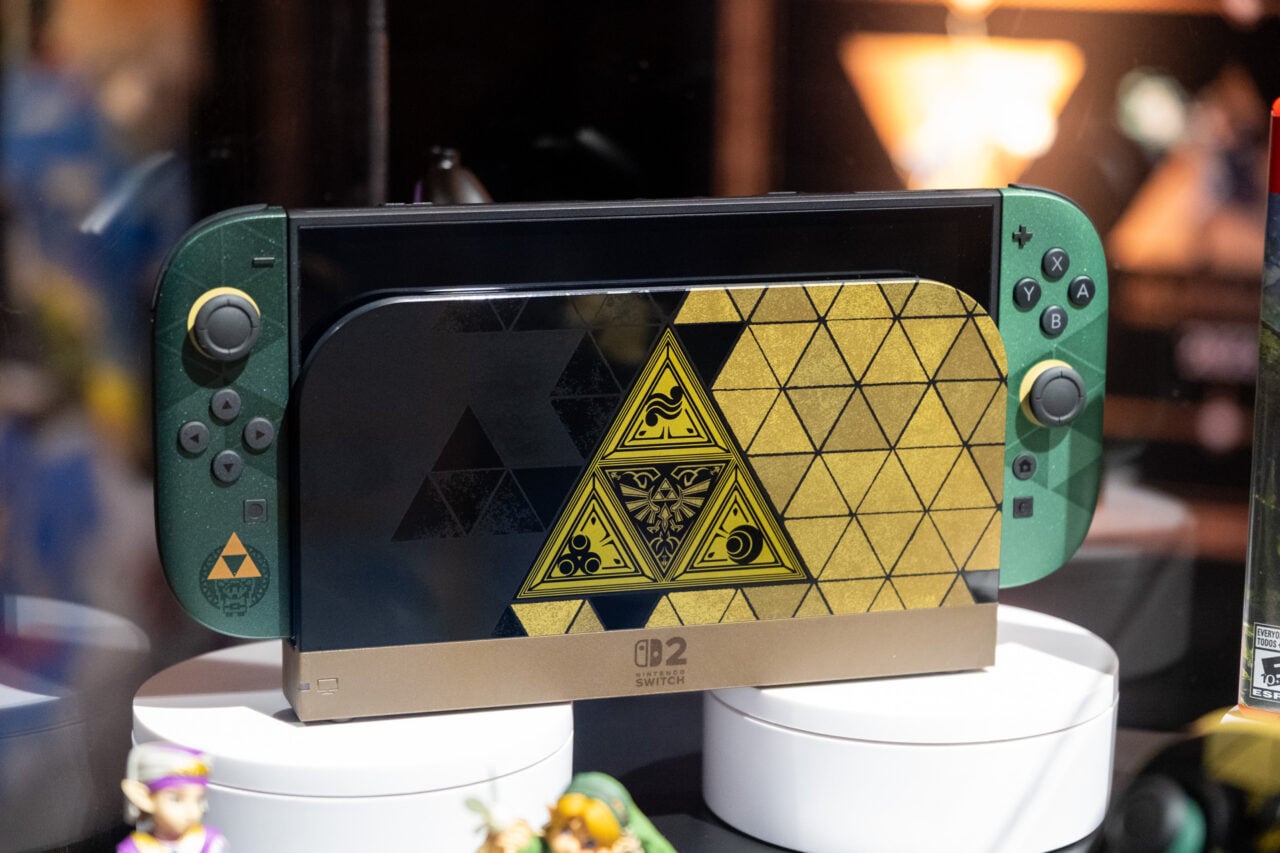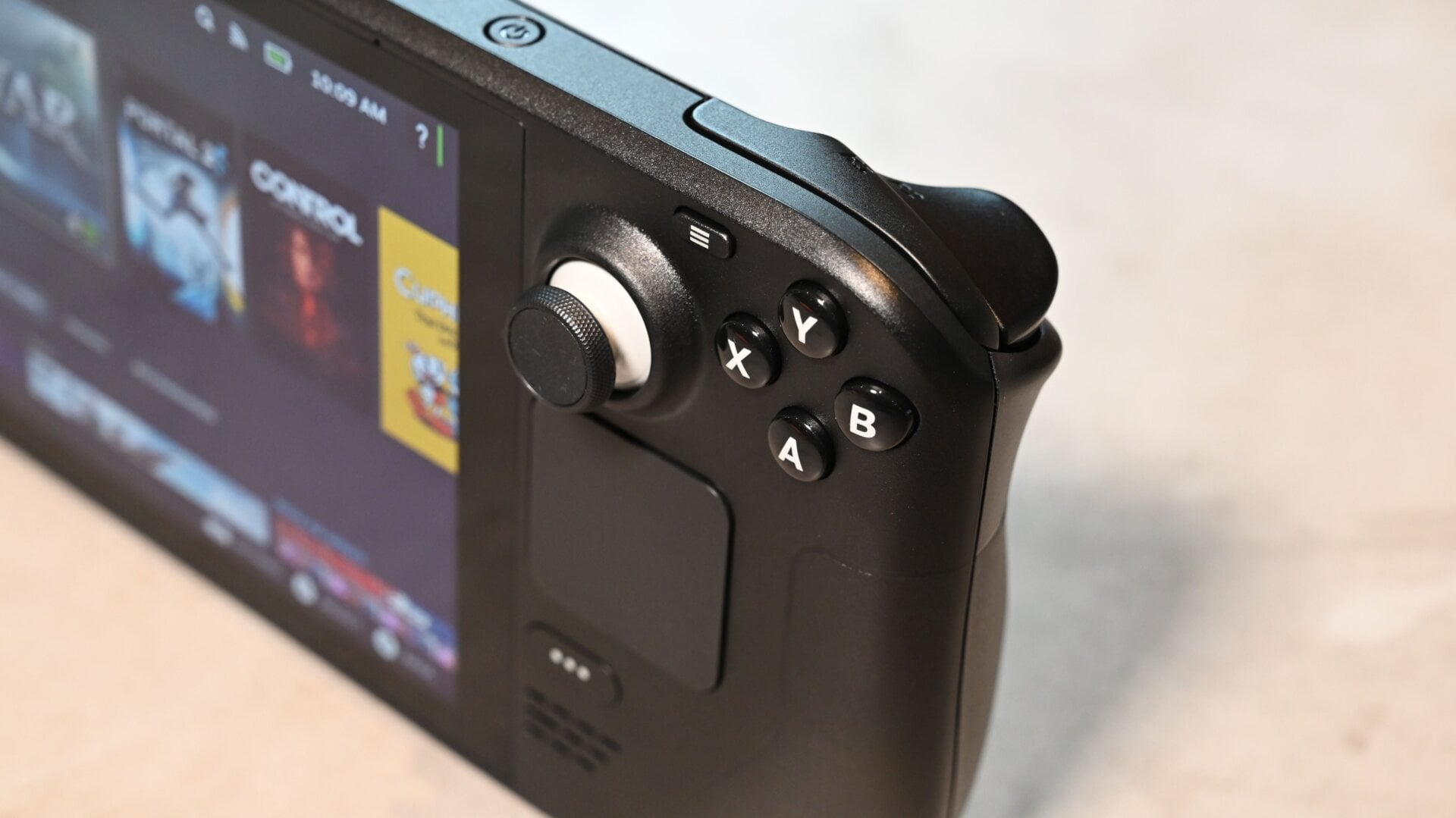
The handheld console gamers have been dreaming about for years is now shipping. I’m referring, of course, to Valve’s Steam Deck, a portable handheld similar to the Nintendo Switch that plays PC games.
Despite running a Linux-based OS, the Steam Deck can play games made for Windows thanks to a nifty compatibility layer called Proton. Not only that, but the Steam Deck is a full-blown PC, capable of loading into a desktop mode where you can browse the web, download apps, and stream music. You can even install Windows 10 on the device in case the default Steam OS feels too limited.
With everything going on, the Steam Deck can be overwhelming at first. Thankfully, Valve included some neat shortcuts and features to ease you in. And with that, here are some tips and tricks every Steam Deck owner should remember.