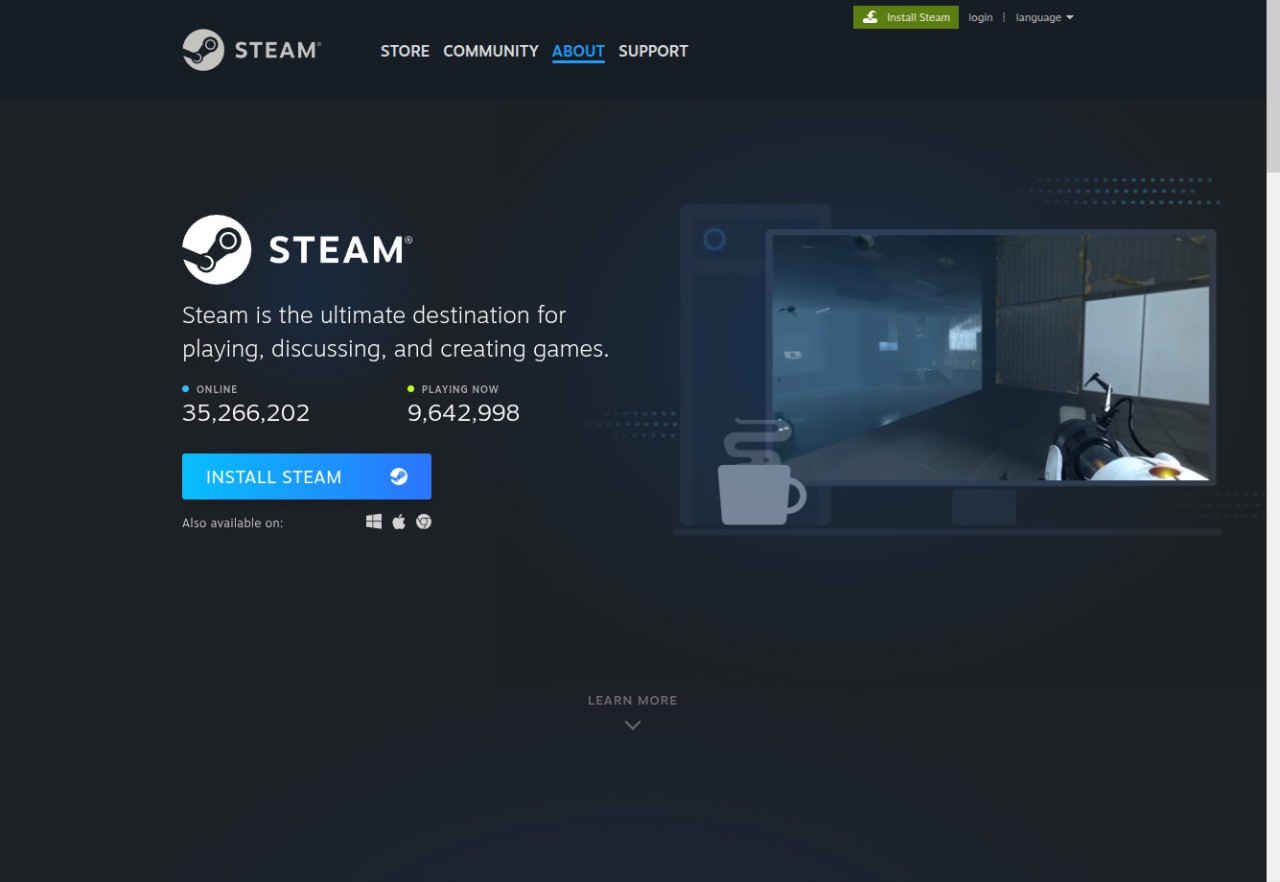
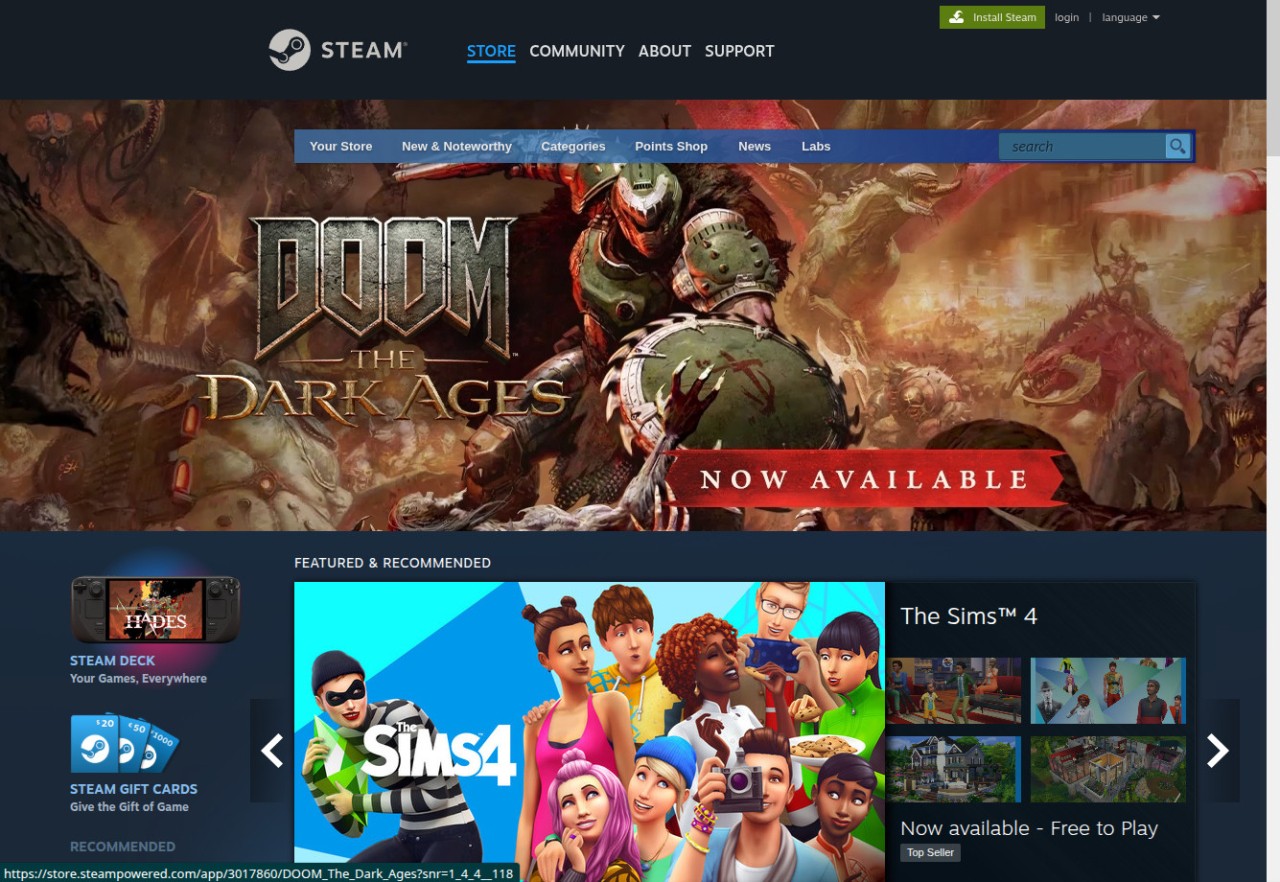
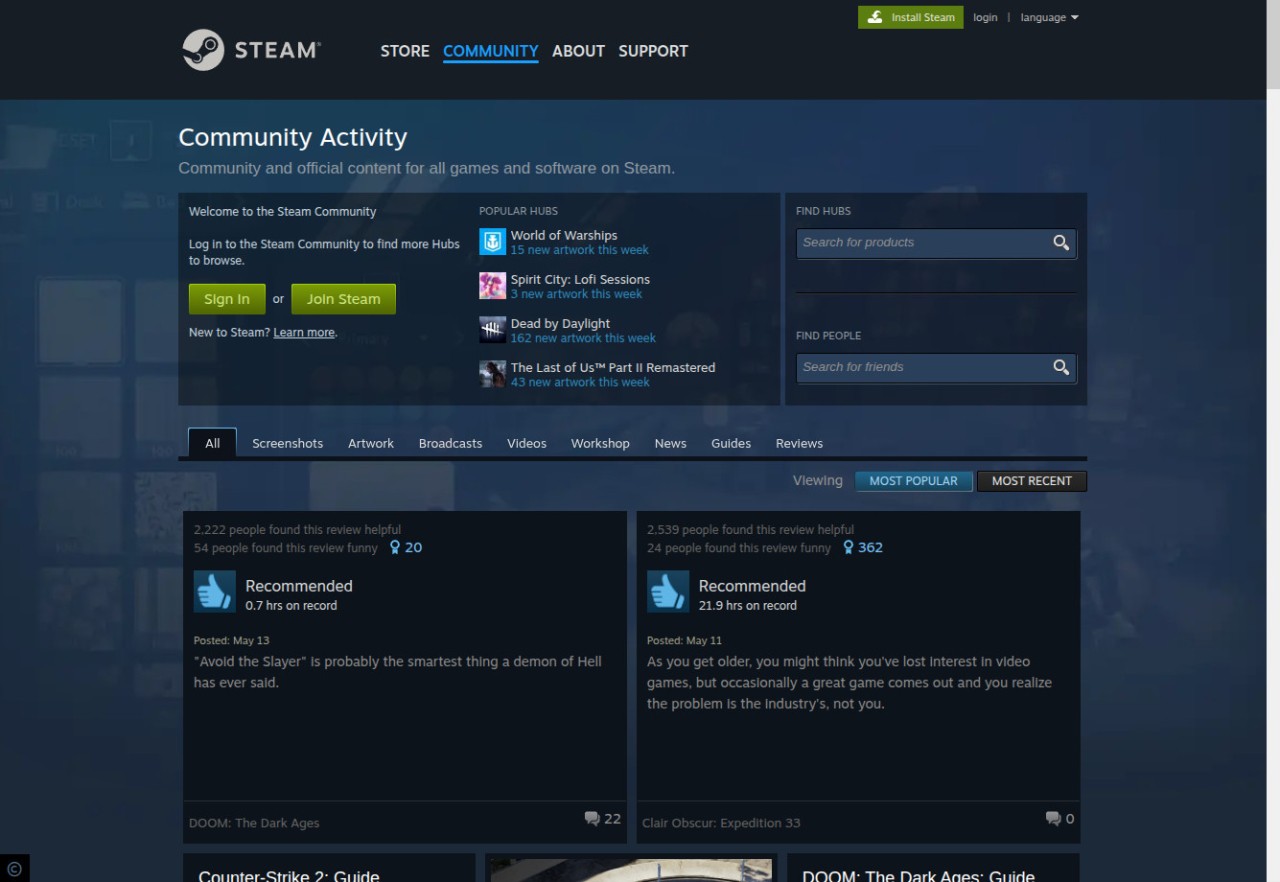
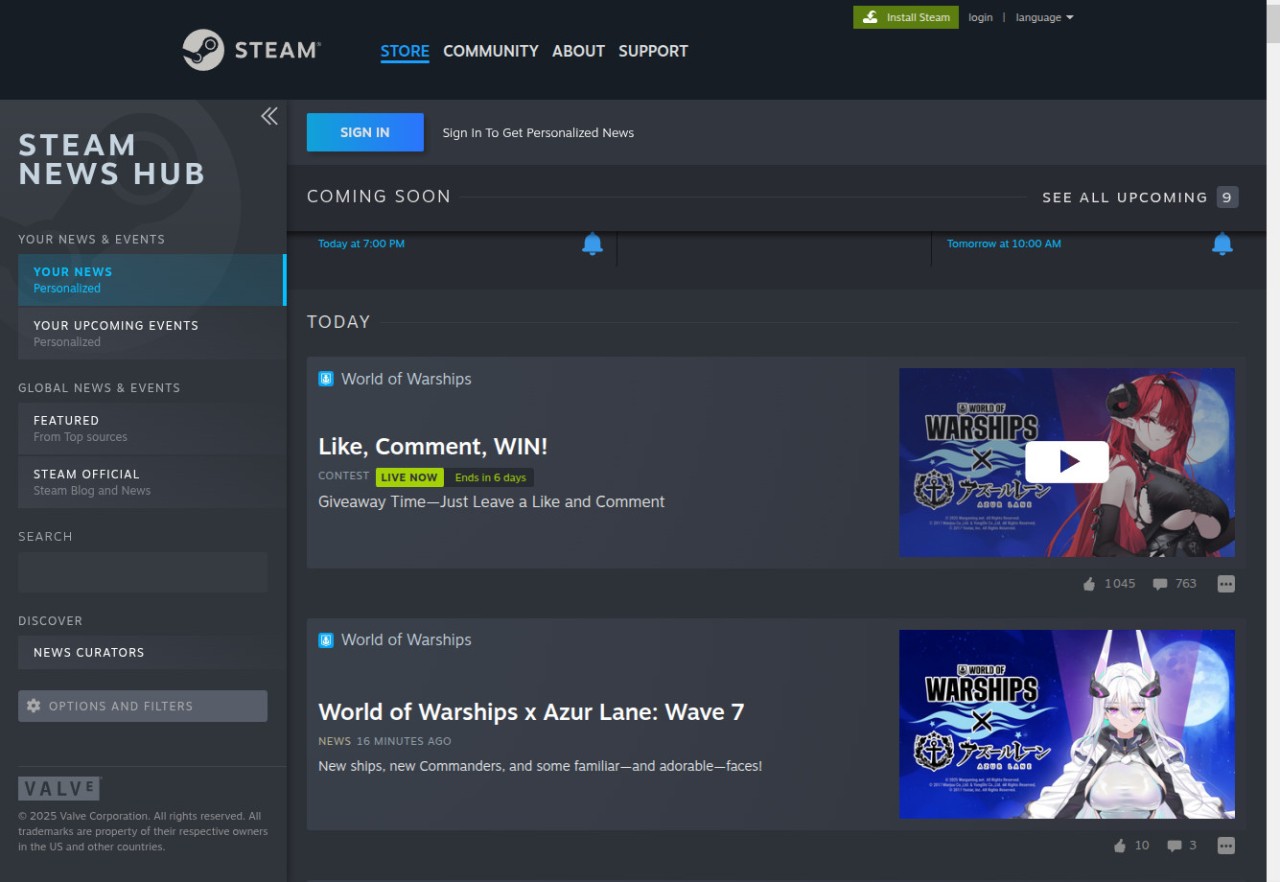
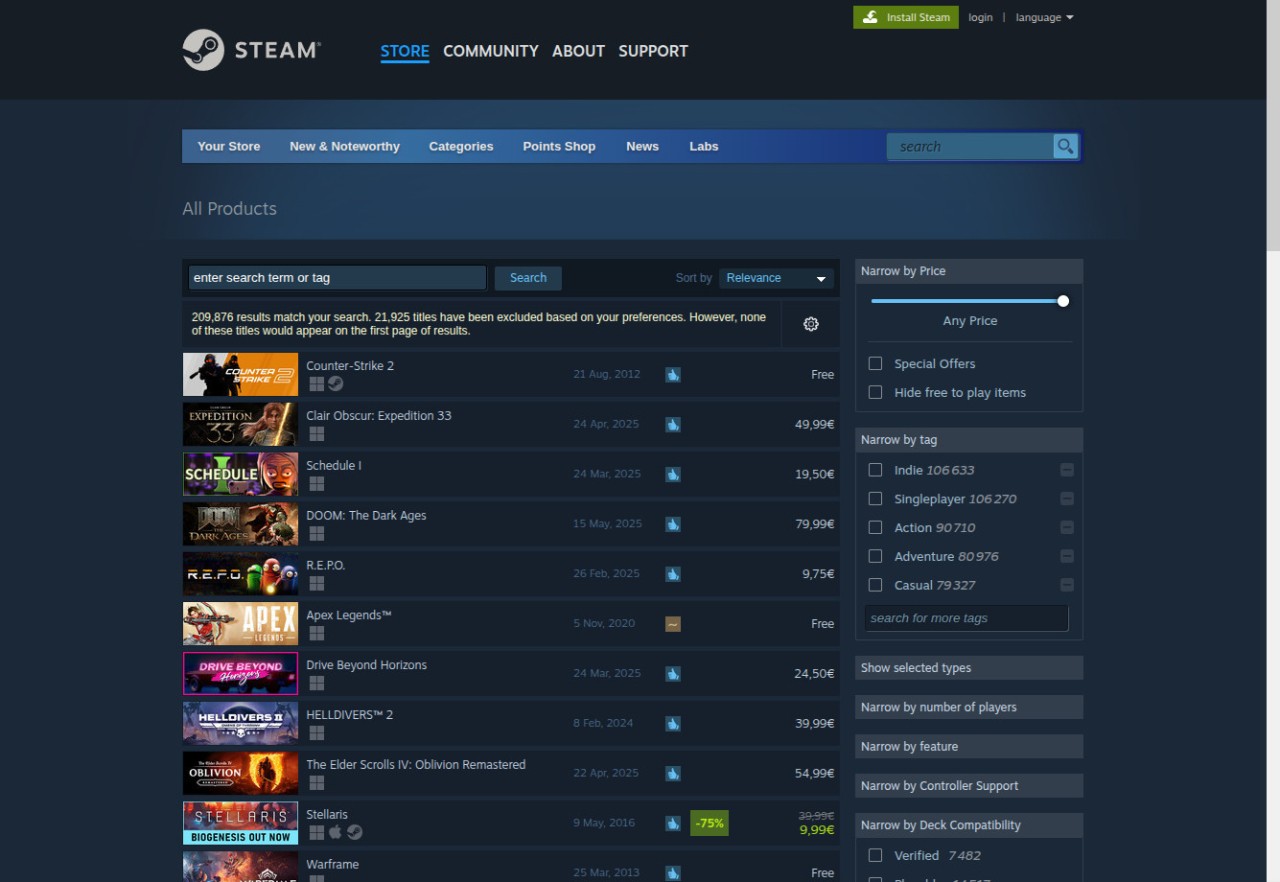
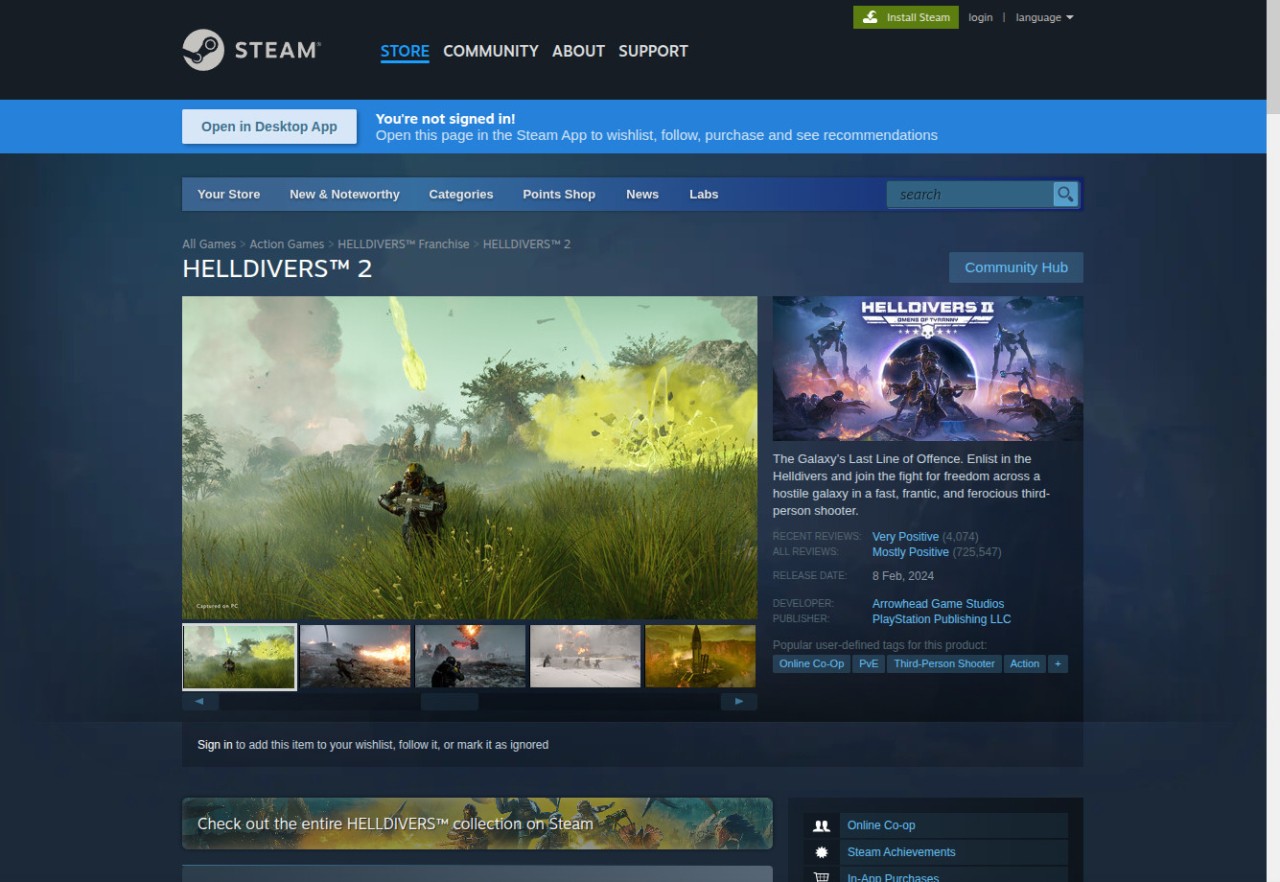
Steam is the dominant platform for digitally distributed games, where you can buy, download, and play titles across every genre. It has a clean interface where you can browse the extensive game library, check user reviews, post on community forums, chat with friends in-game, or find custom game mods.
All the games in your personal library get regular updates, and you can access your saved files on different devices and continue playing on a new machine without missing a beat. Steam also has a built-in achievement tracking system where you can monitor your progress or share your game milestones with friends.
Whatever computer you have, Steam works with different operating systems, and you can find titles ranging from AAA blockbusters to indie and niche games. The platform delivers reliable performance even on slightly older machines, and you can download it on Windows, macOS, and Linux computers.
Why should I download Steam?
Steam is a complete gaming ecosystem that supports multiple games and the communities around them. To get started, all you need to do is download Steam to your computer and create a free account. From there, you can browse through its massive library of titles across all genres. You can also use the Steam website if you just need to check information or game pages. The catalog includes everything from the latest blockbusters and AAA releases to small indie titles, expansion packs, and bundles.
When you purchase a game or grab a free title, it installs locally on your machine, but your save files stay in the cloud so you can access them on other machines and they are always up to date. Steam also offers a built-in Workshop platform, which is a hub for finding custom mods. These can include anything from visual tweaks to major gameplay overhauls, and you can install them with a single click.
One of the best things about Steam is that even though it is a PC gaming platform, it supports a wide range of controllers. Beyond the classic keyboard and mouse, you can play with gamepads like the Xbox controller or with the Steam Deck, and all control settings update automatically. If you enjoy VR, you can use HTC Vive, Valve Index, Oculus Rift, and other headsets through the SteamVR feature.
For those who enjoy playing with others, Steam Remote and Remote Play Together let you stream your games across devices or invite friends to join online co-op sessions. Steam Family Sharing lets you give other members of your household access to your game library, and they can play on the same machine with separate save files and achievements. There are also social features that let you chat with people in-game, build your profile, review games, or trade items with other players. Group hubs and forums give you spaces to share thoughts and discuss games with the community.
If that is not enough to convince you to download Steam, the platform also offers early access to select titles, and an auto-updating system ensures all your games are patched with the latest improvements and fixes when you start playing. The Steam desktop client is available on Windows, Linux, and macOS, though individual games may not support all of those operating systems.
Is Steam free?
Yes, you can download Steam and use it completely for free to set up an account or browse the catalog.
Keep in mind that the games themselves may cost money, since not all titles in the library are free. That said, there are plenty of free-to-play games and demos available, and the platform runs seasonal sales and special promotions throughout the year.
What operating systems are compatible with Steam?
To download Steam, you need a computer running Windows (7, 8, 10, or 11), macOS (10.11 or later), or Linux (Ubuntu, Arch, Fedora, and others). The client itself has modest system requirements, but always check the specs for individual games you want to play, since they may demand more powerful hardware and specific system configurations.
Steam also offers mobile apps for iOS and Android, but these function mainly as game managers and give you access to community features on the go.
What are the alternatives to Steam?
If you are a fan of Electronic Arts titles like EA Sports FC (formerly FIFA), The Sims, or Battlefield, then Origin (now EA App) is their official distribution platform for Windows computers (macOS users can still download the Origin app). It keeps your saves in the cloud, provides automatic updates, and gives access to games and early trials if you have an EA Play subscription.
Rockstar Games Launcher is where you can get staple Rockstar titles, including Grand Theft Auto V, Red Dead Redemption 2, and L.A. Noire. Like most platforms, it supports auto-updates and cloud saves, but you can only get it on Windows, and the catalog is limited to Rockstar's own games.
Epic Games Store is currently the most diverse alternative to Steam, with a growing library of exclusive titles, regular game giveaways, and developer-friendly features like Unreal Engine integration. Cloud saves and automatic updates work the same as other platforms, and Epic Games Store is available on both Windows and macOS. Epic also provides mobile apps for Android and iOS, where you can download mobile-exclusive games, including titles like Fortnite that are not available through any other store on mobile devices.