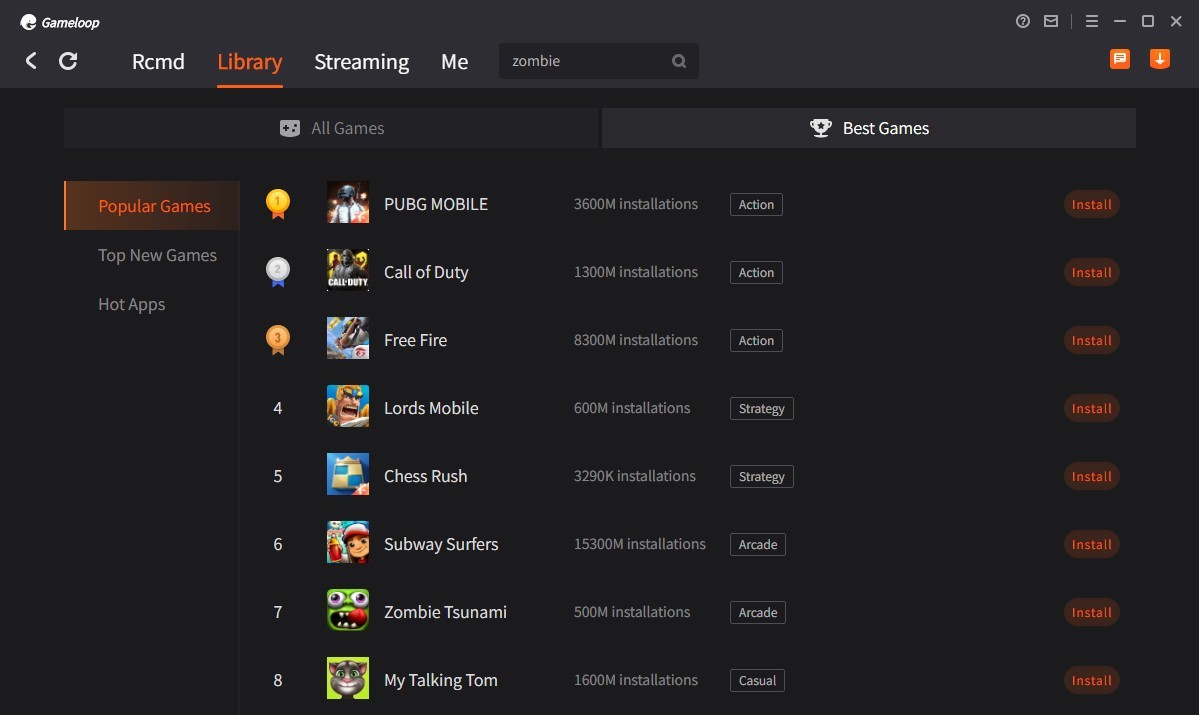
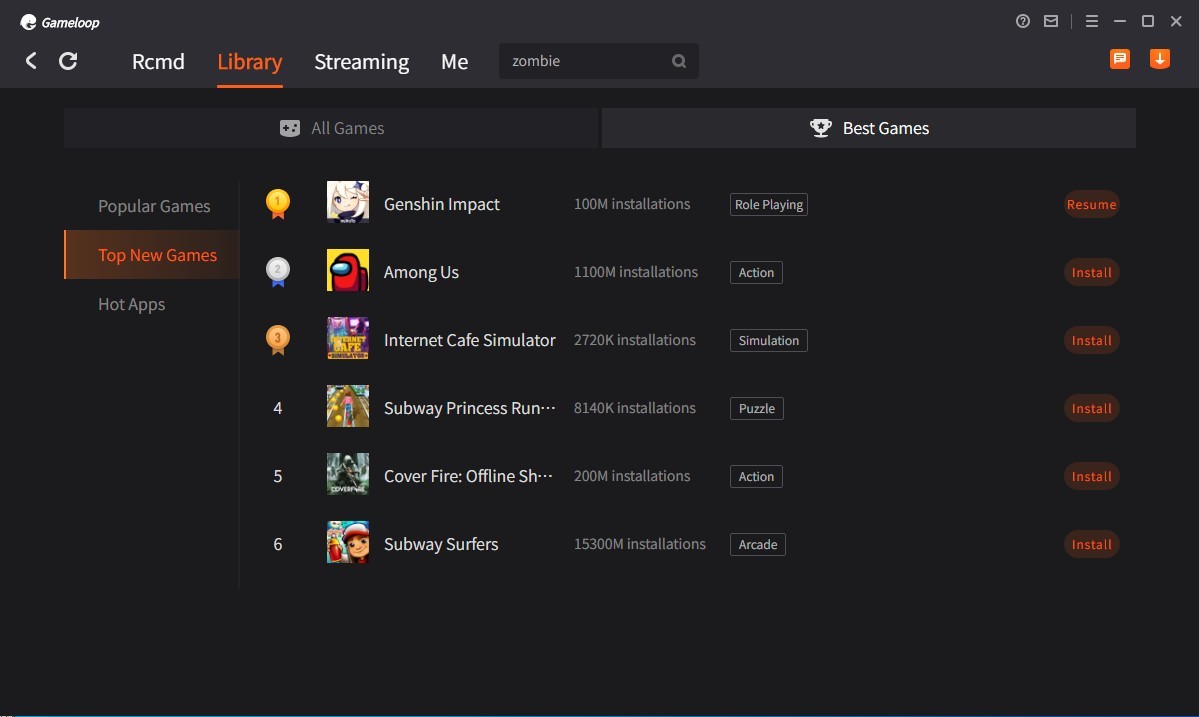
GameLoop is an Android emulator from Tencent built primarily for running mobile games on a PC. The program started as an emulator for PUBG Mobile and Call of Duty Mobile, but it now supports a wide range of Android titles on the desktop using standard keyboard and mouse controls.
Because GameLoop is designed exclusively for gaming, it focuses on delivering the best possible performance for mobile titles on a larger screen rather than trying to replicate the full Android operating system. That focus translates into smoother frame rates and tighter controls compared to general-purpose emulators.
Beyond Tencent's own games, GameLoop offers access to a collection of popular titles from other publishers. Players who gravitate toward multiplayer or competitive games will appreciate the performance tuning that GameLoop provides right out of the box.
A built-in game center helps you discover new titles, manage updates, and adjust settings based on your system specifications. The interface is clean, and the setup process is quick, so both newcomers and experienced emulator users can get running without friction. It opens up a different way to experience mobile games on a bigger display.
Why Should I Download GameLoop?
What separates GameLoop from other Android emulators is its laser focus on gaming performance. Moving from a small phone screen to a PC monitor with GameLoop means leaving behind touchscreen limitations and the overheating issues that come with extended sessions on a phone.
Using the emulator lets you play with more precise controls, faster refresh rates, and zero battery drain. For competitive mobile gamers playing Free Fire, Mobile Legends, or Arena of Valor, that extra precision and clarity can make a real difference when every millisecond counts.
Tencent's backing is another advantage. As one of the biggest companies in the gaming industry, Tencent gives GameLoop direct access to updates, optimization patches, and strong compatibility with its own titles. Knowing that the emulator's developer is also the publisher of many top mobile games builds confidence in the performance. Popular titles often come prepackaged and ready to launch without extra installation steps.
GameLoop does not require expensive hardware to run well, either. It works efficiently on lower-end machines as well as high-performance PCs. You can adjust display resolution, frame rate caps, sensitivity settings, and create custom hotkeys directly within the platform. The control mapping system translates touchscreen inputs into keyboard and mouse actions, giving you a traditional desktop gaming feel while still playing mobile-exclusive titles.
The emulator also appeals to content creators and streamers. Recording and streaming PC gameplay is easier with GameLoop, since the emulator integrates well with popular capture and recording tools. Whether you are making YouTube videos, streaming on Twitch, or saving match replays, the setup stays organized without introducing system compatibility headaches.
Beyond intense gaming, some users run Android apps like messaging and streaming services through GameLoop for the convenience of having everything on their PC screen. The Android experience is limited compared to a full emulator, but for anyone whose primary goal is mobile gaming on a larger display, GameLoop covers the essentials without unnecessary complexity.
At its core, GameLoop makes mobile games feel more substantial than they do on a phone. Full-screen display, faster networking, cooler temperatures, and smooth aiming give mobile game fans the advantages of a desktop setup without requiring a complicated configuration.
Is GameLoop Free?
GameLoop is completely free. There are no hidden charges, built-in payments, or locked premium features. In-game purchases within individual titles may still apply, but GameLoop itself costs nothing to download and use. You can start playing within minutes of finishing the installation.
What Operating Systems Are Compatible with GameLoop?
GameLoop runs on Windows 7, 8, 10, and 11 without issues, since it was built specifically for the Windows platform. There is no native support for macOS or Linux, though some users have managed to run the emulator through dual-boot setups or virtual machines running a Windows environment.
Windows provides the best compatibility and performance by far. The hardware requirements stay low, so even PCs with older or more modest specifications can run GameLoop without major problems.
What Are the Alternatives to GameLoop?
BlueStacks is one of the longest-running and most widely recognized Android emulators. Available on both Windows and macOS, it supports a broader range of use cases than GameLoop, including productivity apps, social media, and messaging platforms in addition to games. Over time, BlueStacks has added dedicated game mode features, performance tuning, and customizable key mapping. The tradeoff is higher system resource usage and ads in the free version. For users who want an emulator that handles more than just games, BlueStacks is a strong pick, but GameLoop tends to deliver a better pure gaming experience.
NoxPlayer strikes a solid balance between Android gaming and general app usage. It offers a clean interface for Windows and macOS and supports running multiple instances simultaneously, letting you play on multiple accounts or run several games at once. Control mapping, script recording, and screen recording features are all available. Users who want flexibility beyond pure gaming often prefer NoxPlayer, though achieving optimal performance may require some manual configuration.
MSI App Player is a co-developed version of BlueStacks aimed specifically at gamers. It was built with MSI hardware in mind, but it works on other systems as well. The interface is clean and tuned for low latency and high frame rates, with additional optimizations that kick in on MSI gaming hardware.
Google Play Games is a newer option from Google that lets you download and install Android games directly on a Windows 11 machine as if they were native PC titles. The service is still growing, and not every game is available yet, but the list continues to expand. For users who prefer an official, lightweight solution for mobile gaming on PC, it is worth keeping an eye on.