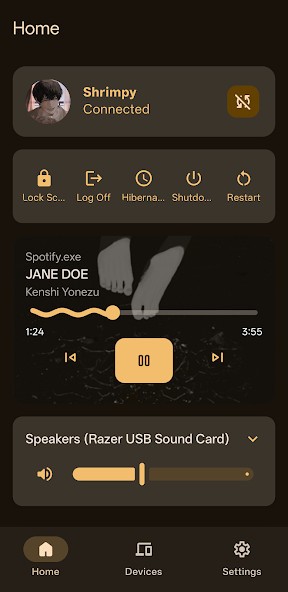
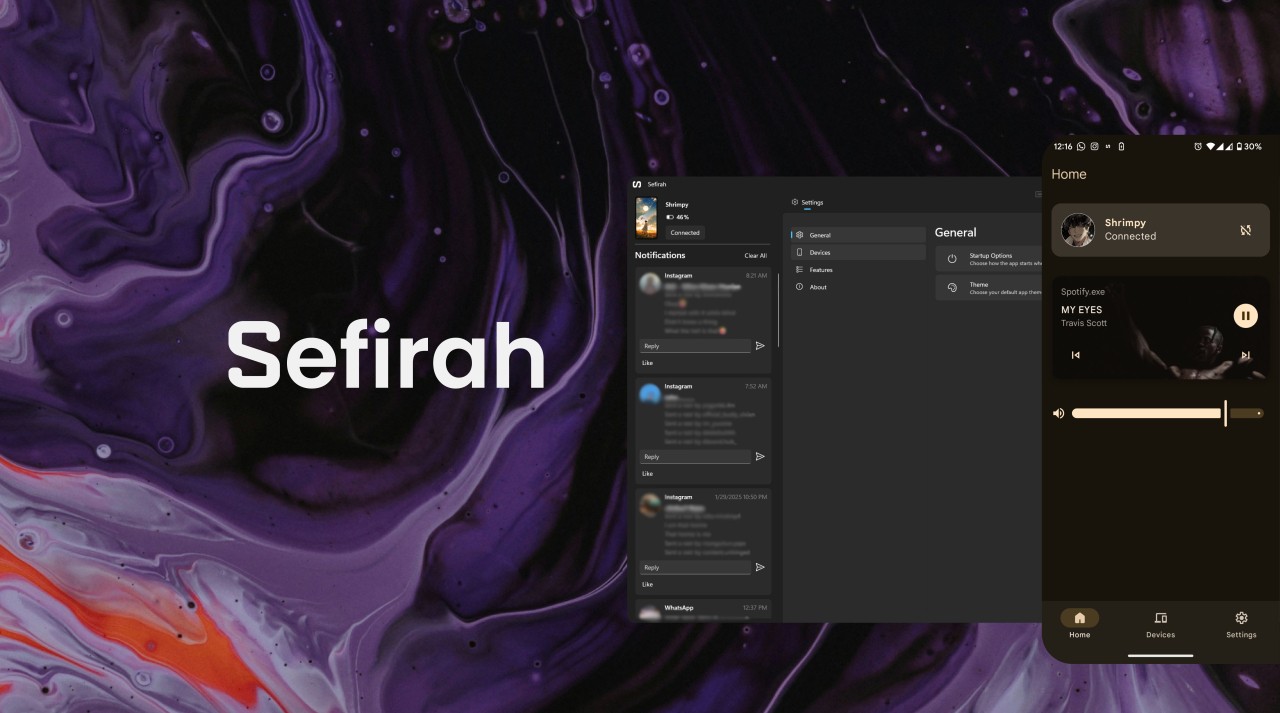
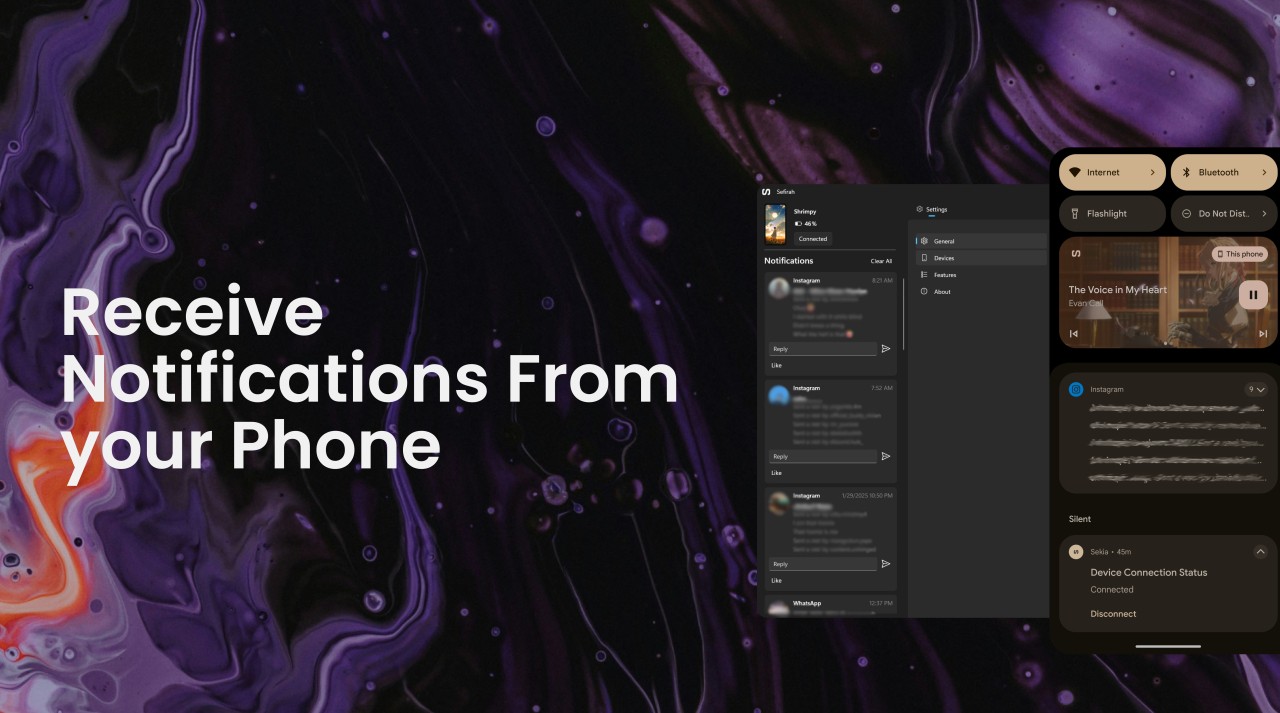
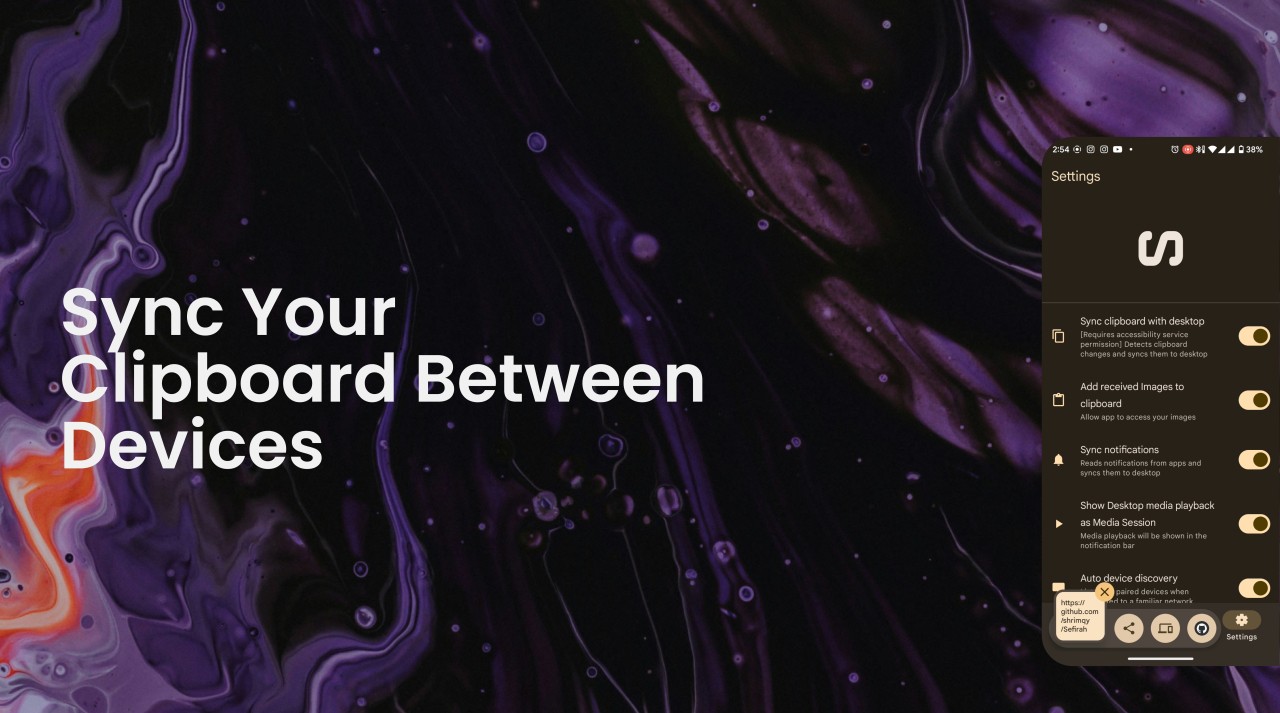
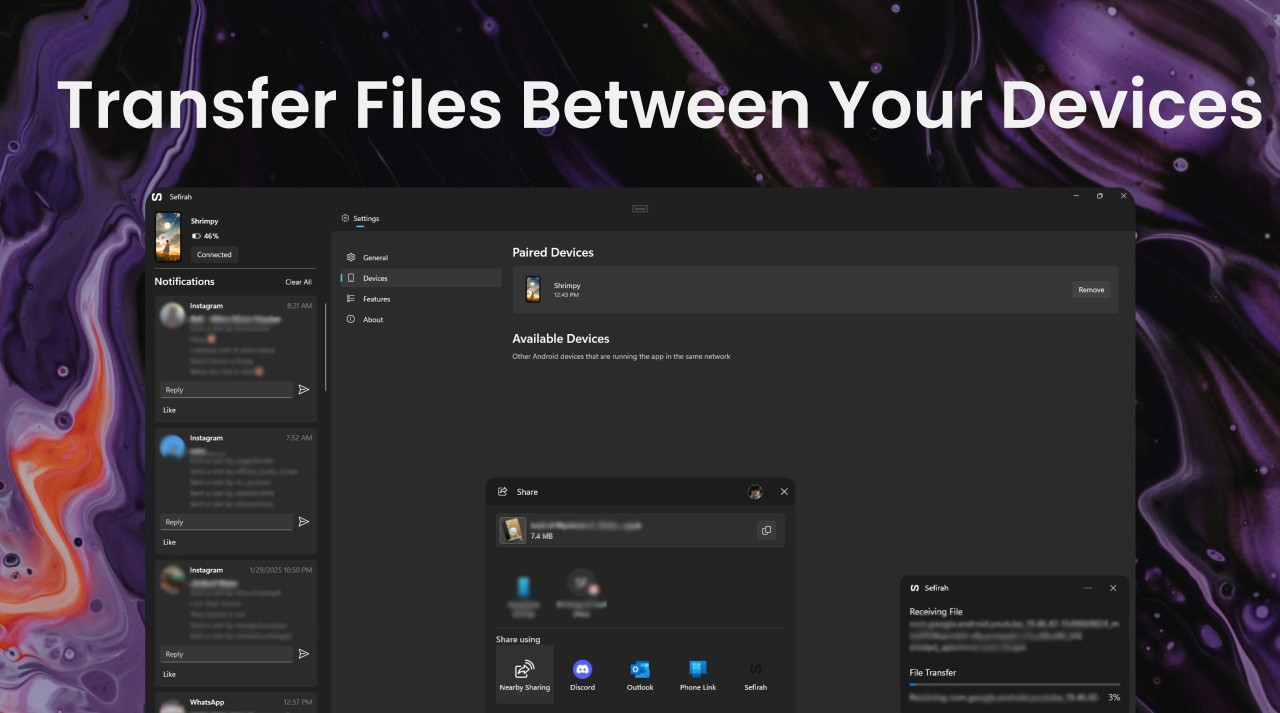
Sefirah helps bring your Android phone and Windows computer together, making it easier to manage everyday tasks across both devices. Instead of reaching for your phone whenever a message arrives or you need to transfer a file, you can access several phone features directly from your PC. The app supports SMS synchronization, allowing you to view and reply to text messages from your desktop. It also syncs notifications, so you can check alerts without picking up your phone. Its shared clipboard makes copying and pasting between devices more convenient, while file sharing lets you send files and URLs between your phone and computer.
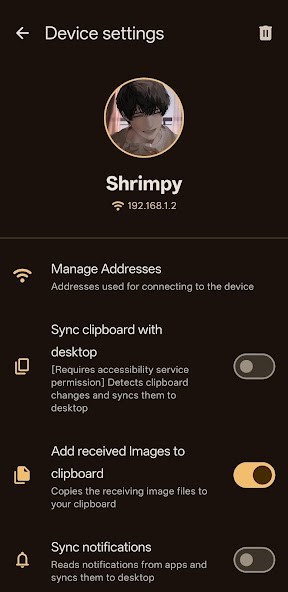
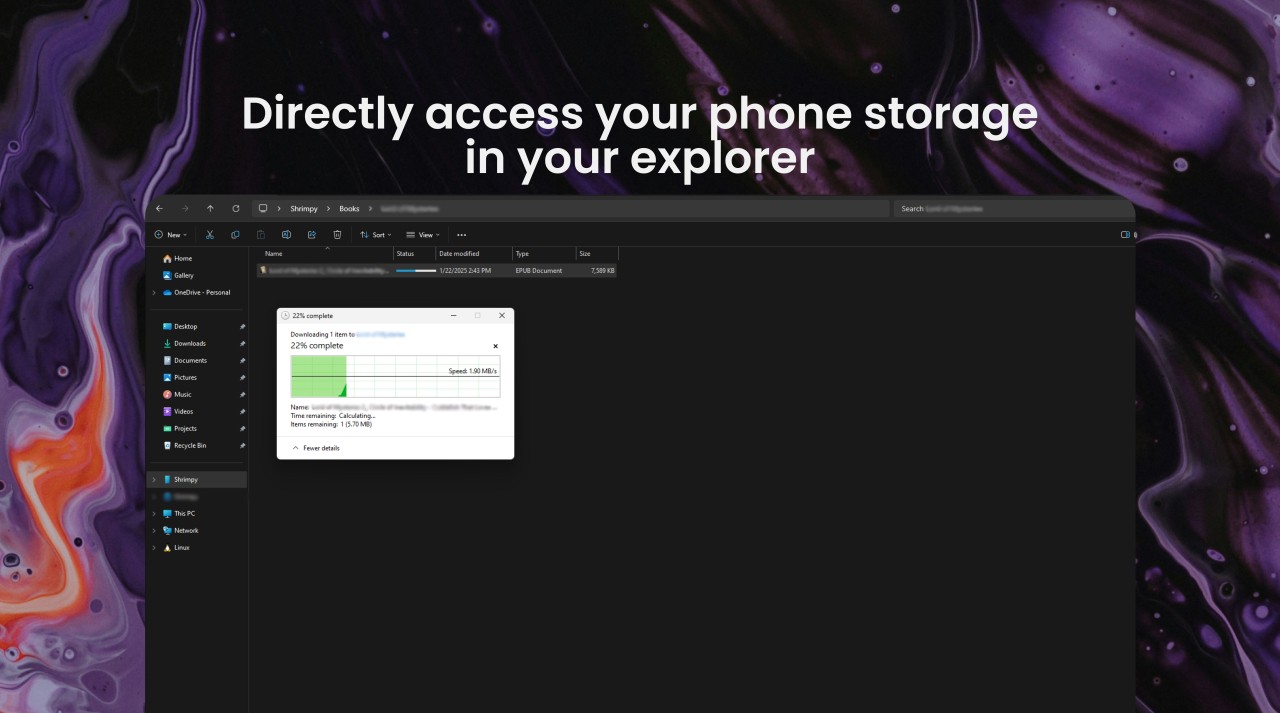
One of Sefirah's more useful features is its storage integration. It lets you browse and manage your Android phone's shared storage through Windows File Explorer, much like accessing a remote drive. You can also control desktop media players using your phone, which adds another layer of convenience when listening to music or watching videos. Sefirah uses end-to-end TLS encryption for communication between paired devices. It is an open-source project, and its clipboard monitoring feature is optional. The app uses Android's Accessibility service to detect copy actions, processes clipboard content locally, and shares it only with your paired device.
Why Should I Download Sefirah?
Sefirah is worth considering if you use an Android phone alongside a Windows PC and want to handle everyday tasks without constantly switching between devices. Its features bring several phone functions into your desktop workflow, including text messages, notifications, file access, and clipboard sharing. The SMS synchronization feature lets you read and reply to text messages from your computer. Notification syncing also brings phone alerts to your desktop, so you can keep track of incoming messages and other updates while working. With the shared clipboard, you can copy text on your phone and paste it on your PC, or do the reverse.
File sharing is another useful part of Sefirah. You can send files and URLs between devices, while its deeper storage integration lets you browse and manage your phone's shared storage directly through Windows File Explorer. This is more convenient than repeatedly connecting your phone with a USB cable just to find or move files. You can also use your phone to control desktop media players.
Is Sefirah Free?
Yes, Sefirah is completely free and open source, released under the GPL-3.0 license. There are no paid features or subscriptions, although the developer accepts donations to support the project. You need to install both the Android app and its desktop companion to use it.
What Operating Systems Are Compatible with Sefirah?
Sefirah supports Android phones and Windows PCs, with limited support for Linux desktops. The Android app requires Android 6.0 or later, while some features, including storage integration through Windows File Explorer, require Android 11 or later. Both devices need to be connected to the same local network to communicate.
What Are the Alternatives to Sefirah?
Phone Link is Microsoft's built-in option for connecting Android phones and iPhones to Windows PCs. It lets you view and reply to messages, check notifications, make and receive calls, access recent photos, and use selected mobile apps from your computer. Some features vary depending on your phone manufacturer and model. Phone Link is particularly convenient if you want a straightforward setup without installing a separate desktop utility, although its available features and device compatibility differ from Sefirah's more direct file and storage integration.
KDE Connect is a free, open-source alternative that connects Android devices to Windows, macOS, and Linux computers. It supports wireless file transfers, shared clipboard functionality, notification synchronization, and remote control features. You can also use your phone as a virtual touchpad and keyboard for your computer. KDE Connect offers a similar collection of cross-device tools to Sefirah, but it supports more desktop operating systems. Some features, such as multimedia remote control, are designed primarily for Linux media players.
Vysor focuses on displaying and controlling your Android or iOS device from a computer. It mirrors your phone's screen in a desktop window, letting you navigate apps with your mouse and type using your computer's keyboard. The free version supports basic screen mirroring and USB control, while advanced features such as wireless connections, HD quality, screen recording, and drag-and-drop file transfers require a paid subscription. Vysor is available for Windows, macOS, and Linux, making it a useful choice if controlling your phone from your computer is more important than synchronizing notifications and messages.