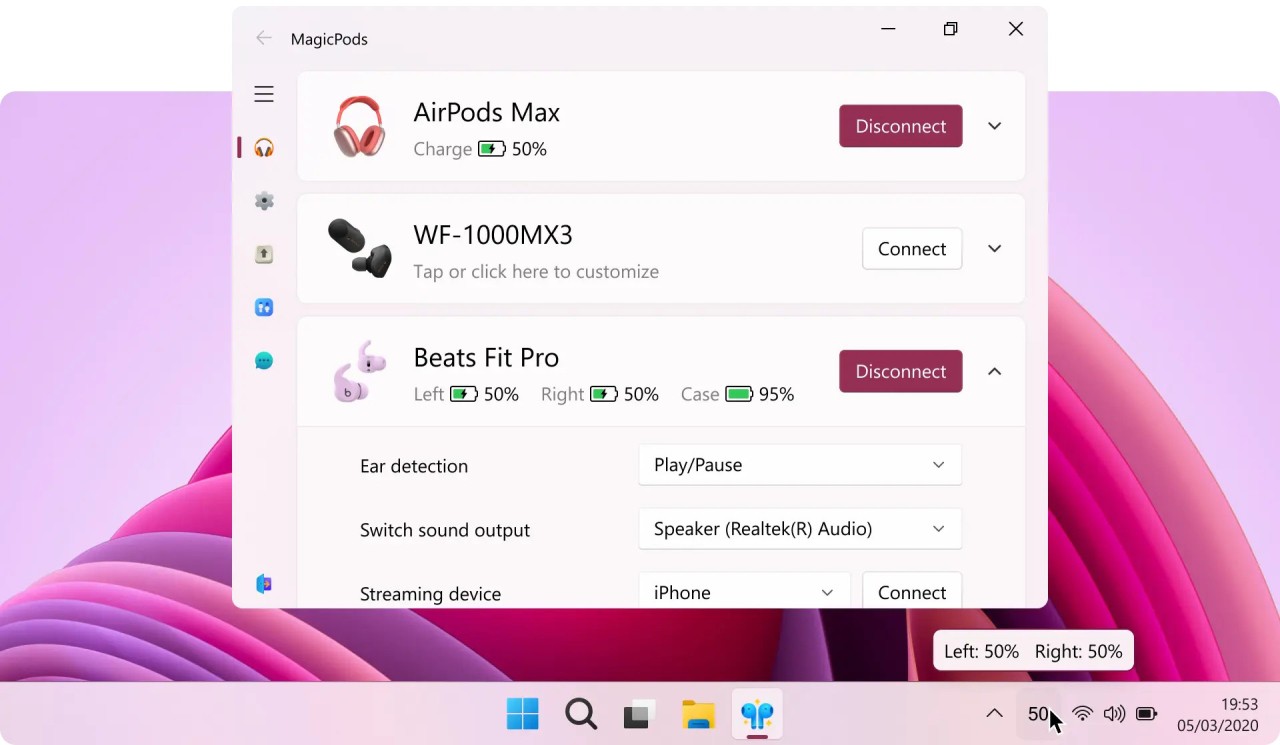
MagicPods is aimed at people who like the “it just works” feel of AirPods on Apple devices but spend time on Windows. Instead of treating your earbuds as generic Bluetooth audio, the app wraps them in a companion interface: when you open the case, you get an iPhone‑style pop‑up with charge levels; when you remove an earbud, playback pauses; when you take both out, audio can automatically move to your speakers.
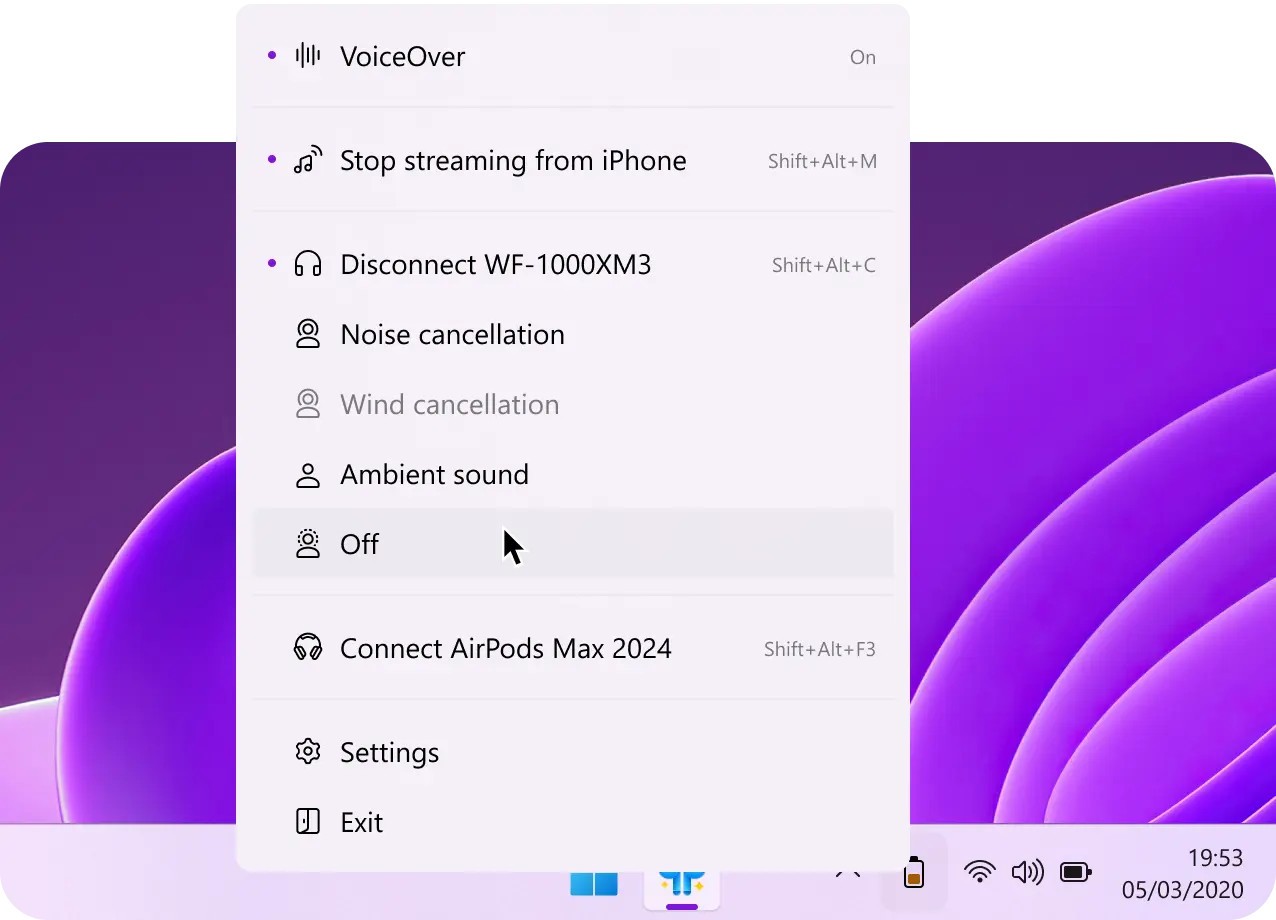
Battery percentages live in the system tray, widgets, or live tiles, and there are low‑battery alerts, VoiceOver notifications read aloud through your speakers, and hotkeys for connecting or switching outputs. Underneath, it also adds noise‑cancellation controls, streaming from other Bluetooth devices to your PC, and support for non‑Apple earbuds like Galaxy Buds and Sony models, while promising offline operation, no data collection, and no ads.
Why Should I Download MagicPods?
MagicPods is built to turn Windows from its bare-minimum Bluetooth support into something closer to a native AirPods experience. Out of the box, Windows will connect to your earbuds and play sound, but it will not show detailed battery information, react to ear removal, or give you an easy way to toggle noise control modes. MagicPods fills in those gaps with animation pop‑ups, accurate battery indicators for each earbud and case, and ear detection that pauses and resumes playback as you take buds in and out.
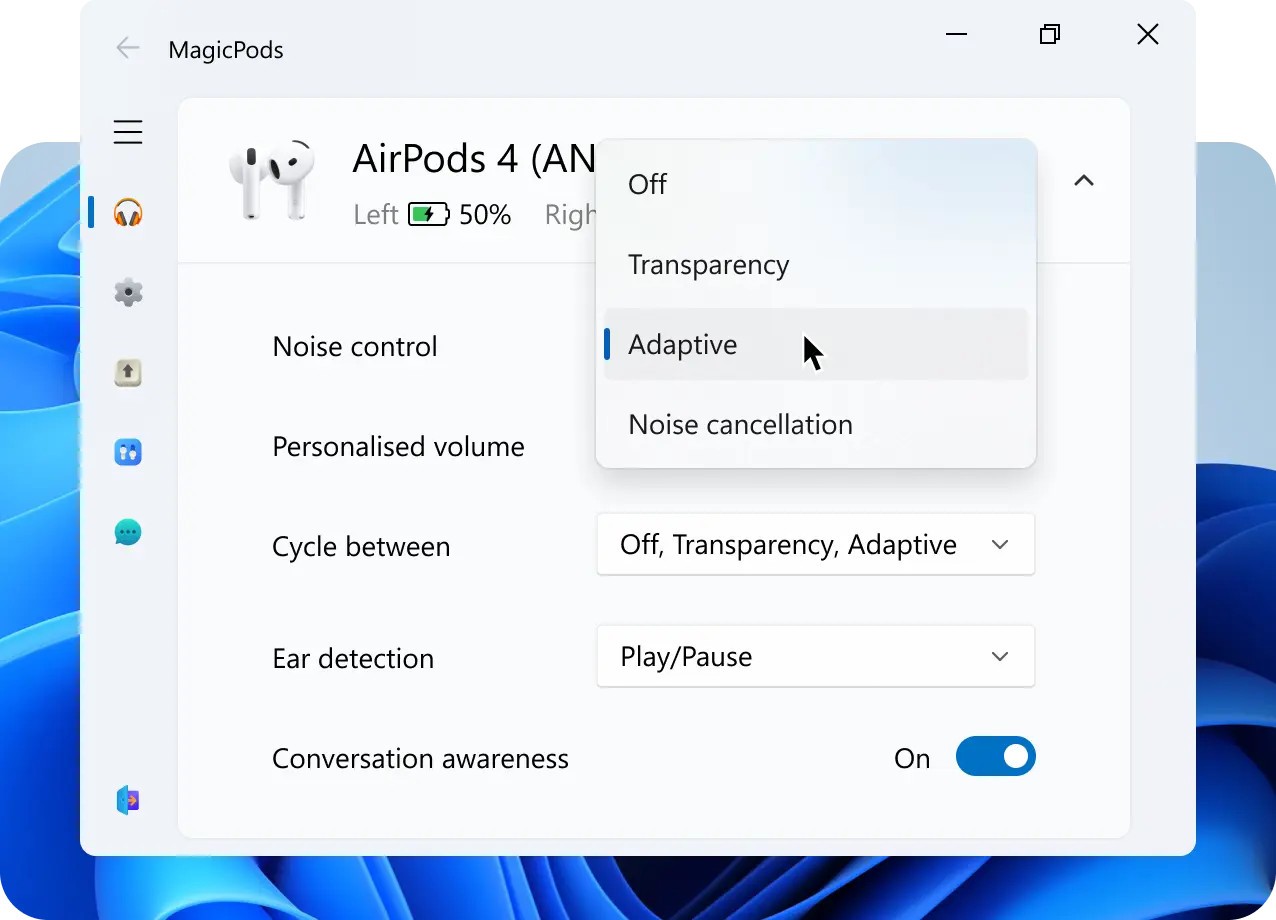
It also goes beyond basic AirPods support. You can turn your PC into a Bluetooth speaker and stream audio from an Android phone, iPhone, Nintendo Switch, or other devices straight into your computer’s speakers or audio chain. Noise control modes can be switched from the desktop for supported AirPods, Beats, Sony, and Galaxy Buds, and there are options like Conversation Awareness that lower media volume when the app detects you are talking.
Is MagicPods Free?
MagicPods is a paid app on the Microsoft Store, typically sold as a low‑cost one‑time purchase rather than as a subscription. There are occasional trial versions or limited demos, but the core experience, including battery indicators, ear detection, audio streaming, noise control, pop‑ups, VoiceOver, and hotkeys, is part of the paid license rather than gated behind in‑app purchases.
What Operating Systems Are Compatible with MagicPods?
MagicPods is primarily a Windows app. The Microsoft Store listing targets Windows 10 and Windows 11, and the app’s documentation calls out support for Windows‑specific features like the system tray, live tiles, and widgets. It requires a Bluetooth 4.0 or higher adapter in the machine to talk to headphones, but beyond that, most modern PCs and laptops with Windows 10/11 are in scope.
What Are the Alternatives to MagicPods?
AirPodsDesktop is the closest open‑source alternative if you are happy living on GitHub and tweaking things yourself. It runs on Windows and other platforms, reads battery levels, and shows simple status pop‑ups for AirPods, giving you at least basic visibility into charge and connection without a paid app. Compared with MagicPods, AirPodsDesktop is more stripped down: useful if you mainly care about seeing battery and connection stats, but it does not try to match MagicPods’ full suite of ear detection, noise‑control toggles, audio streaming, configurable hotkeys, or wide headphone support.
Manager for AirPods, available through the Microsoft Store, offers another Windows‑native route. It brings battery indicators, pop‑ups, and quick connection controls to the desktop, focusing on making AirPods easier to manage without adding as many extras. Compared with MagicPods, it usually feels lighter and more focused on basic status and control, while MagicPods pushes further into things like VoiceOver notifications, lowlatency modes, and support for Galaxy Buds and Sony headphones. It also includes fake AirPods models.
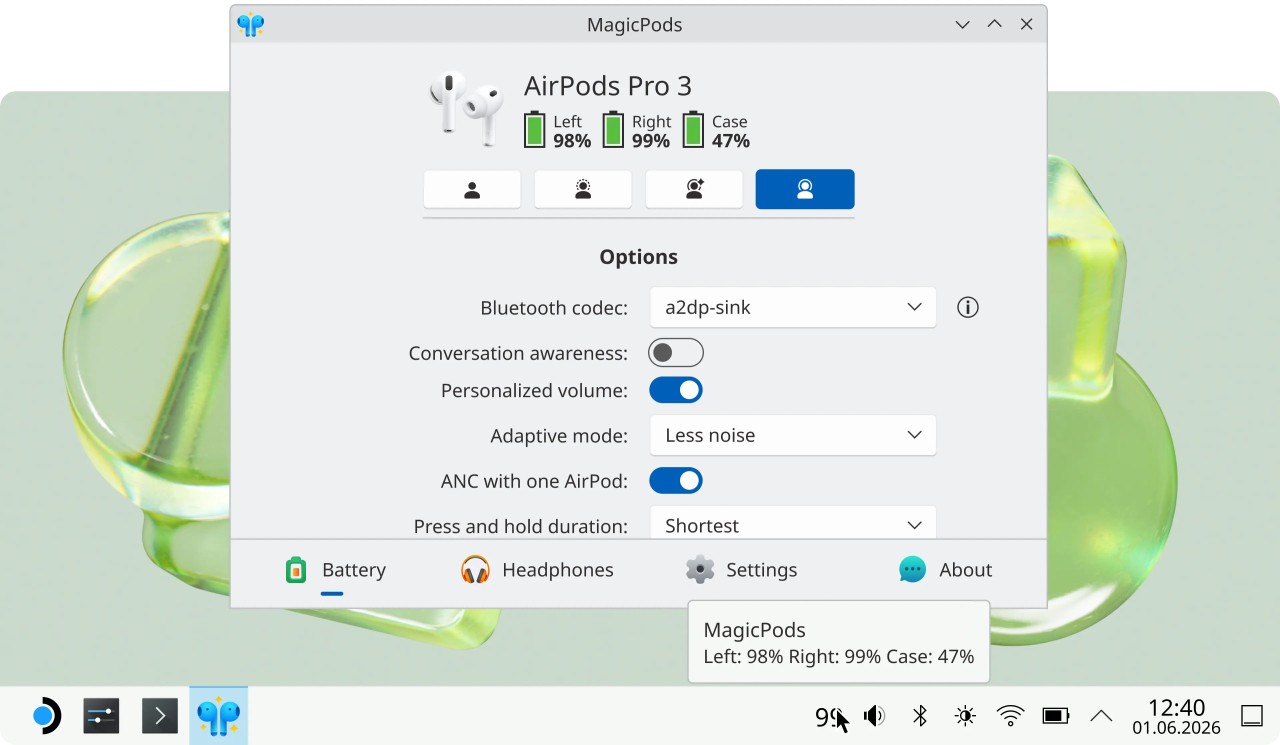
LibrePods is an open‑source project aimed at Linux and cross‑platform users who want similar integration without proprietary software. It focuses on AirPods battery monitoring, connection helpers, and desktop indicators, and being open source, it is free to download and modify. Compared with MagicPods, LibrePods trades some polish and Windows‑specific features for transparency and hackability; it is better for people who want to script or extend their setup, whereas MagicPods is aimed at users who want something that feels like the iOS experience with minimal effort.