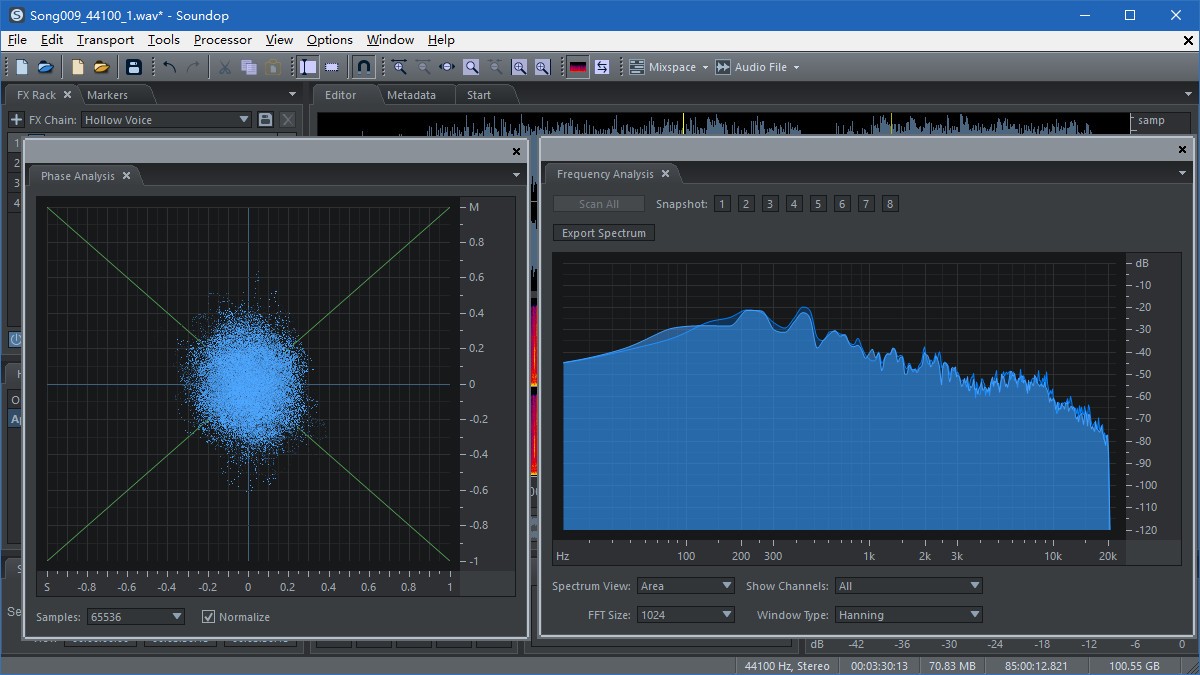
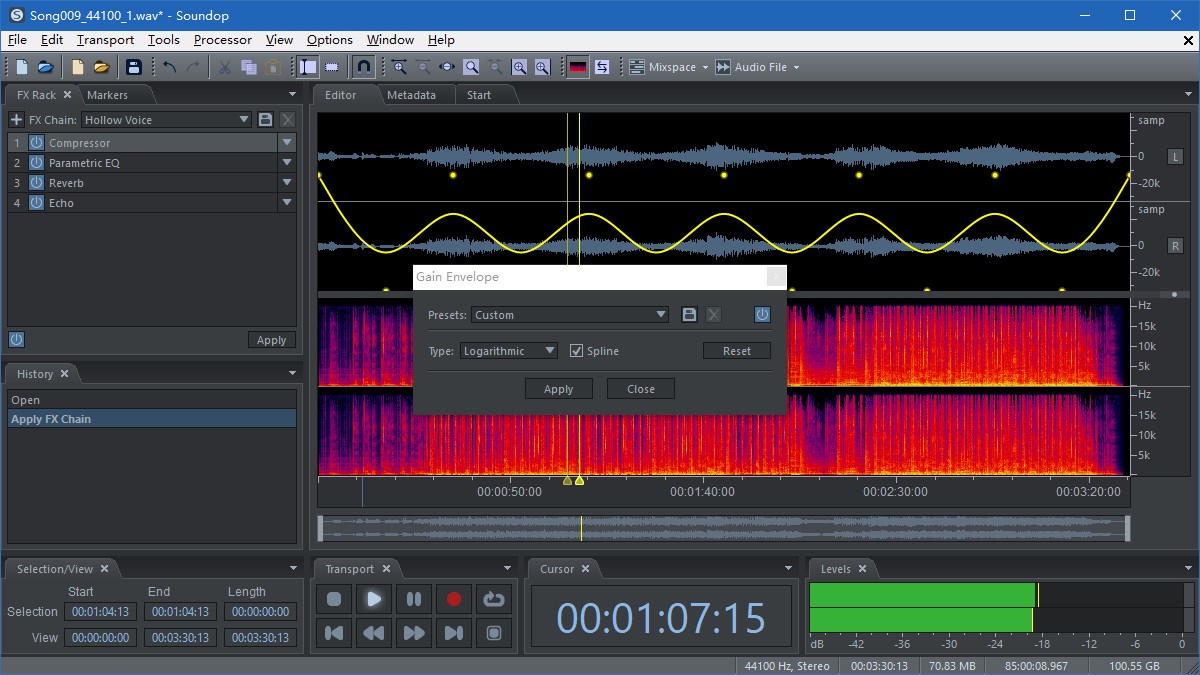
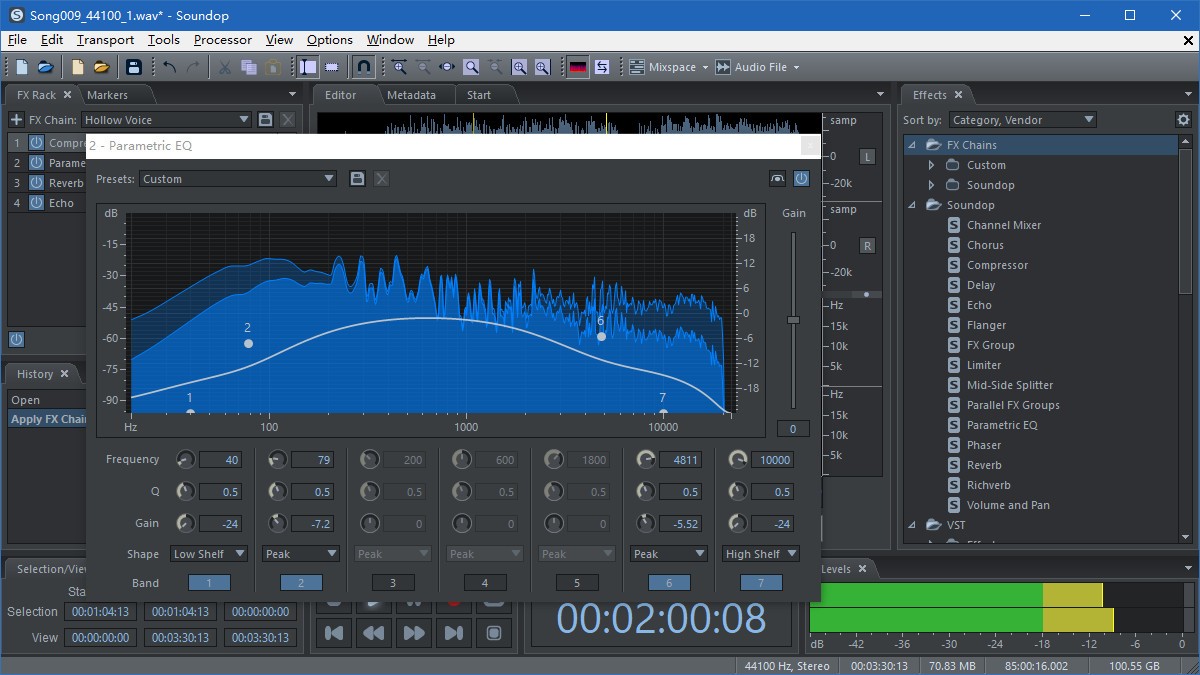
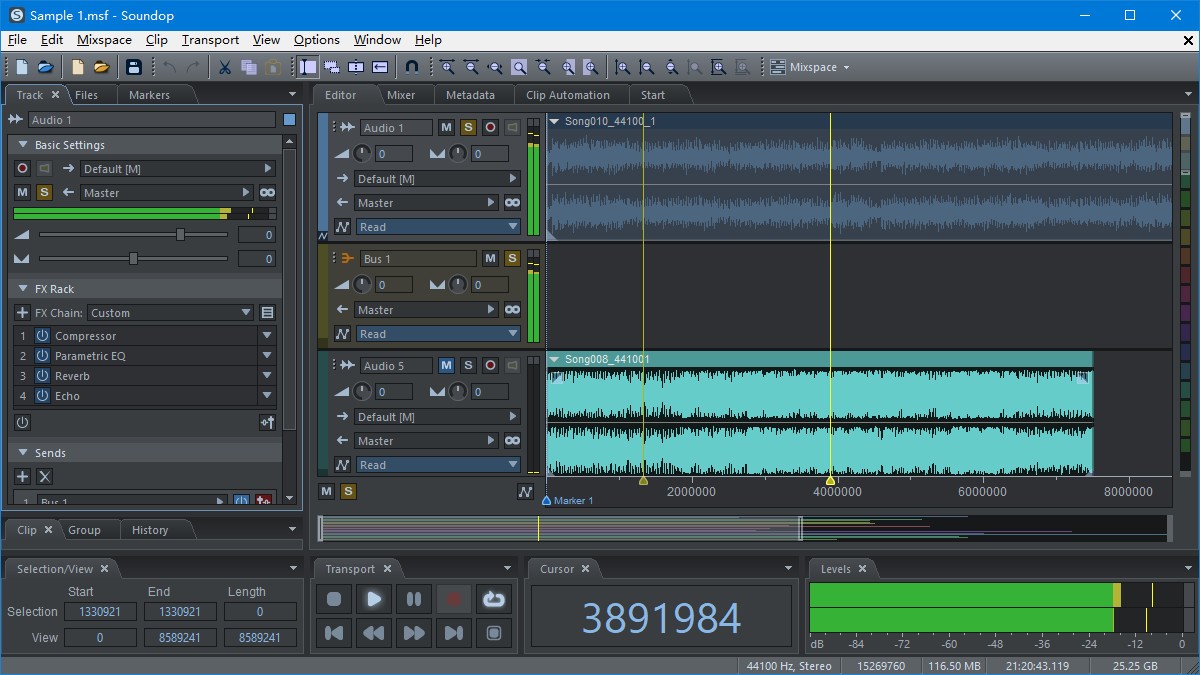
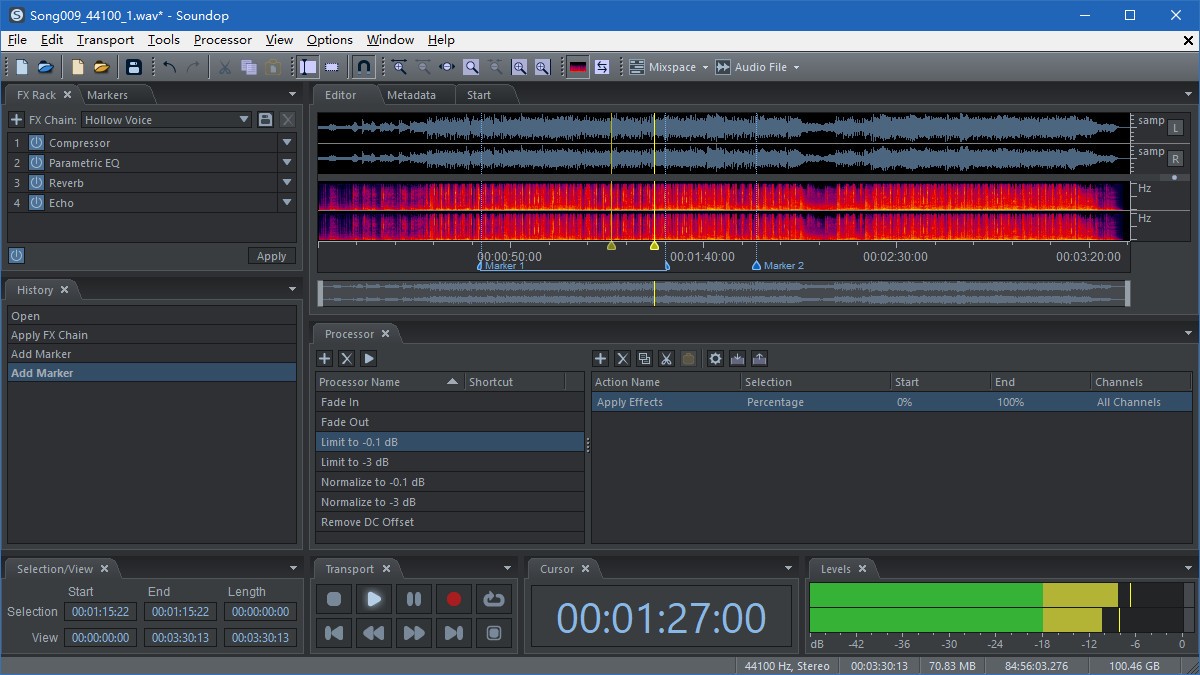
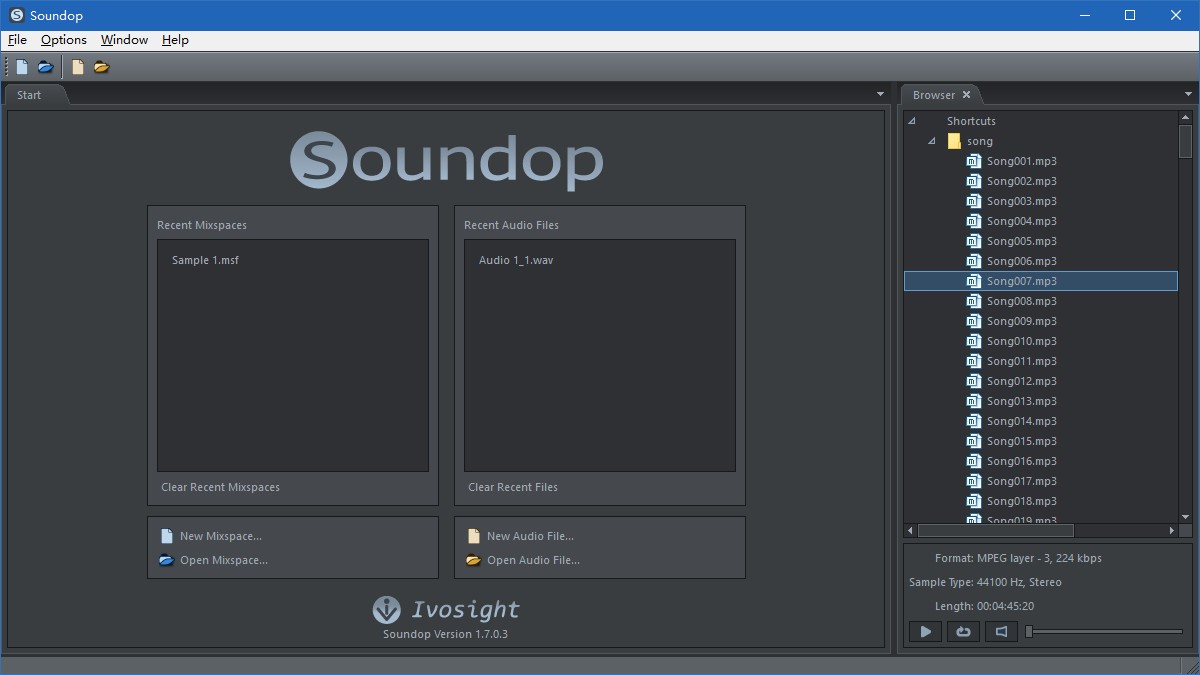
Soundop Audio Editor is an audio workstation application that allows an individual to have a focused environment to record, edit, and mix audio without a massive studio installation. It incorporates waveform editing, spectral analysis, and an entire multitrack environment into a single interface to make everything in it feel like one continuous workflow rather than a menu scattered across numerous inputs. The user can edit at the exact point of a sample, correcting noise and clicks, or cut directly to multitrack mixing with as many tracks as possible, automation, and effect chains.
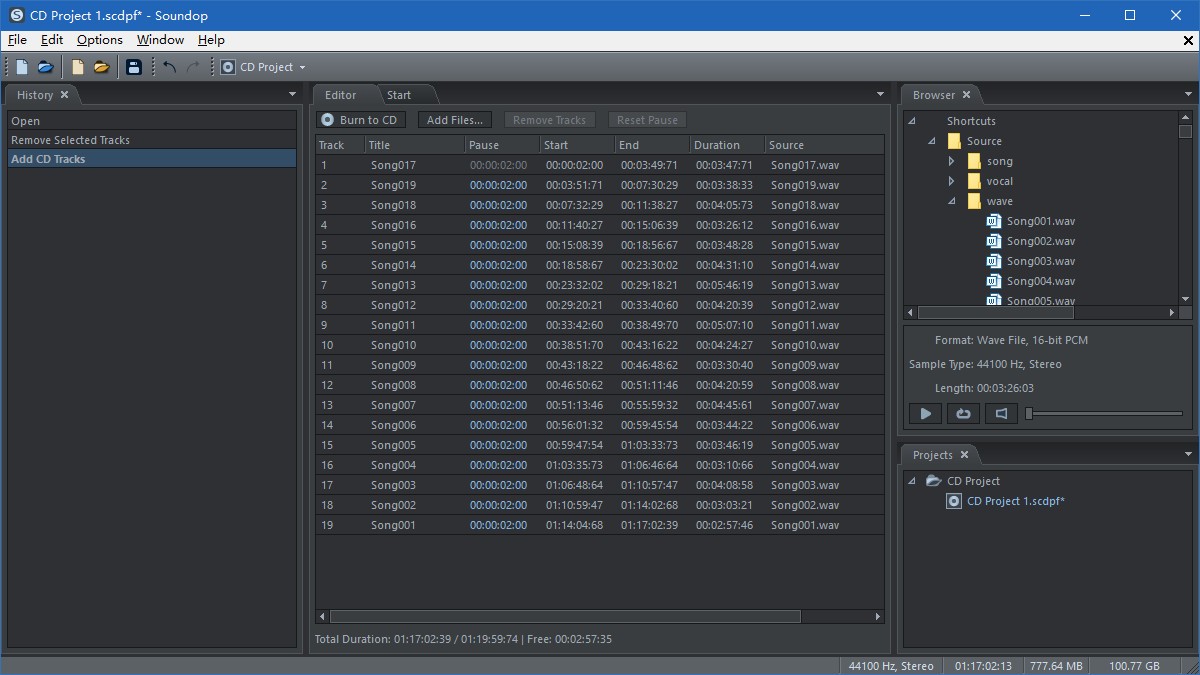
It is compatible with VST and VST3 plug-ins, has a range of built-in effects, and is compatible with ARA plug-ins. The supported audio formats can be read and exported, as well as video formats, in case the audio is attached to a video file. There is also a possibility of batch processing, CD burning, metadata editing, and conversion of format. Soundop is a tiny DAW combined with a restoration application and a batch processor—all under a single roof, without straining a subscription or a gigantic install. It remains useful: it is not flashy, there are no excessive details, and it is only an environment focused on clean sound work.
Why Should I Download Soundop Audio Editor?
Soundop would be a good choice to download in case you want to use only one program that would do multiple audio operations without the need to move between applications. Others are users who primarily use it to edit files, such as cutting, cleaning, adjusting levels, repairing noise, or shaping a certain frequency range. Other users use the multitrack side like a conventional DAW. They are allowed to track, automate settings, freeze effects, mix stems, or construct enormous sessions with structured clip lanes. Soundop also remains light in terms of system resources despite offering side-chaining, latency compensation, and real-time pitch/tempo adjustments.
Another reason why people prefer Soundop is the spectral editor. It allows you to pick problem frequencies, eliminate unwanted noise, or clean up recordings in a manner not available to normal waveform editors. Since the app can accept nearly all major audio and video types, it is possible to import audio and voice-over files, podcasts, music demos, or soundtrack segments associated with video.
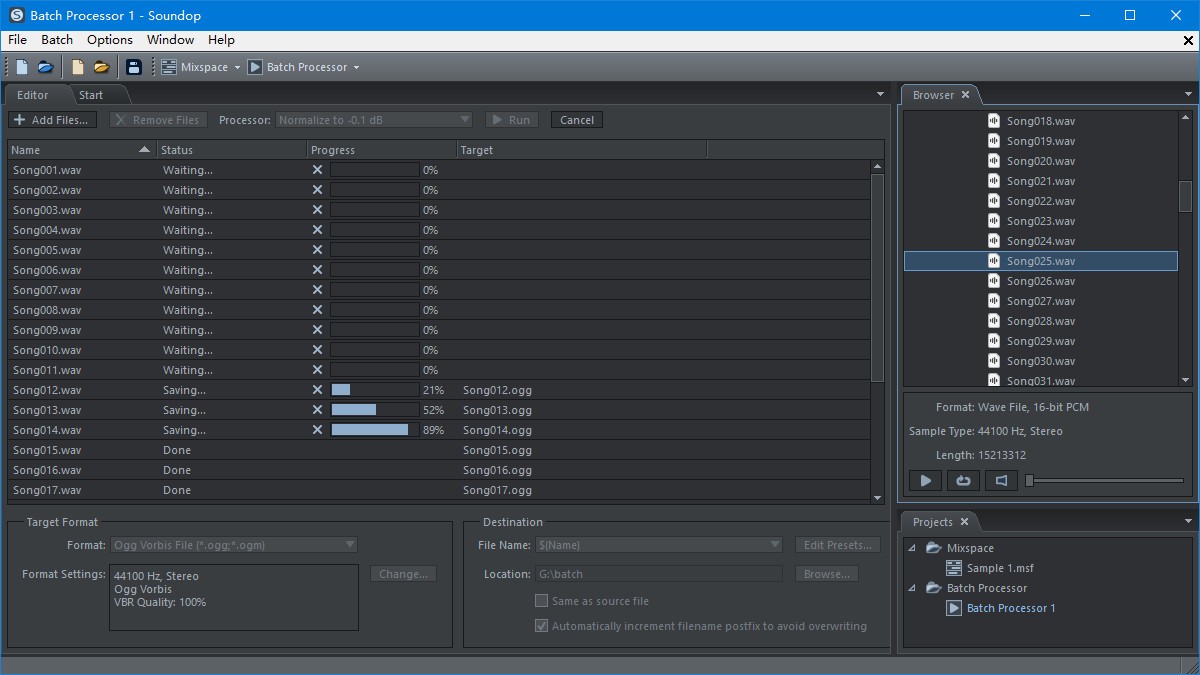
The batch processor is useful when you are doing the same tasks in dozens or hundreds of files. Soundop enables you to chain operations and execute several batch jobs at the same time instead of doing it manually. That alone can save a lot of time for editors, content creators, and any person who has a large collection of audio. Soundop is not aimed at the market of high-end DAWs, and yet, when you desire something small, consistent, and accurate without excessive features or dependencies on clouds, it will sit well in that just-enough category.
Is Soundop Audio Editor Free?
Soundop is not free. It provides a downloadable version that allows users to evaluate the workspace, features, and editing tools before deciding to buy. Following this evaluation period, the software can only continue to be used after a license is purchased. No subscription fees; it is a classic one-time purchase product. The downloadable version provides sufficient space to comprehend the way the editor operates prior to a final decision.
What Operating Systems Are Compatible with Soundop Audio Editor?
Soundop is dedicated to Windows and has no native version of macOS or Linux. The software is compatible with modern versions of Windows, including Windows 10 and 11, provided the user has standard audio drivers and minimal hardware requirements to use the software.
It supports the ASIO, WASAPI, MME, and DirectSound drivers, and therefore most consumer and professional audio interfaces are already compatible. Since it is built on Windows architecture, all its components’ workflow, such as plug-ins, driver control, CD burning, and batch processing, are bound together with Windows file handling and audio protocols.
The program is comparatively lightweight compared to full DAWs, and thus it can be comfortably run even on mid-range systems, provided the computer is capable of operating the audio files and plug-ins effectively.
What Are the Alternatives to Soundop Audio Editor?
Audacity is a free and popular audio editor that most individuals resort to in performing simple recording and editing. It is capable of working with several tracks; however, it is not a full-fledged multitrack mixer, and it does not have the spectral analysis and routing capabilities of Soundop. Nonetheless, it is light and ideal when it comes to fast tasks such as cutting, normalizing, eliminating simple noise, converting files, or placing voice-overs. Audacity may be extended with VST and other plug-ins, but it has a rather technical workflow. It is a great free option when one does not have professional skills or just needs some occasional editing. Audacity is a free program that you can download at any time to have a simple editor that does not need complex installation.
Another free editor that is aimed to be proper, fast, and easy to learn is Ocenaudio. Compared to most free tools, it seems more contemporary due to having real-time previews of effects, a user-friendly interface, and spectral visualization. It can be used to edit big files and is appropriate for podcasters, students, and amateur editors who require a more refined look than Audacity, yet something easy to operate. Although Ocenaudio lacks a multitrack mixer such as Soundop, it supports file editing, adding effects, and exporting to the most popular formats in a short time. Ocenaudio serves users who require simple controls with a limited configuration. Most users download Ocenaudio because it starts fast and keeps the workflow simple.
WavePad Audio Editing Software is not cumbersome and gives both simple and advanced features. It allows you to correct audio, add effects, correct errors, or do voice-overs. WavePad also has noise reduction, batch processing, and spectral visual tools equivalent to mid-range editors. WavePad can be used with the multitrack companion of the company, referred to as MixPad. Despite the lack of full integration in the joint use, compared to the single-workspace design of Soundop, it addresses the majority of the editing and mixing requirements. Depending on their preference, WavePad is free and available in a paid version, thus allowing one to test it out without necessarily investing in a more serious system. People often download WavePad when they want something lightweight but still capable of deeper processing.