Your phone's default wallpaper and ringtone say absolutely nothing about you, and Zedge is here to fix that. With over 30 million active users and one of the largest libraries of wallpapers, ringtones, and notification sounds available in a single app, Zedge has been the go-to destination for phone personalization for years.
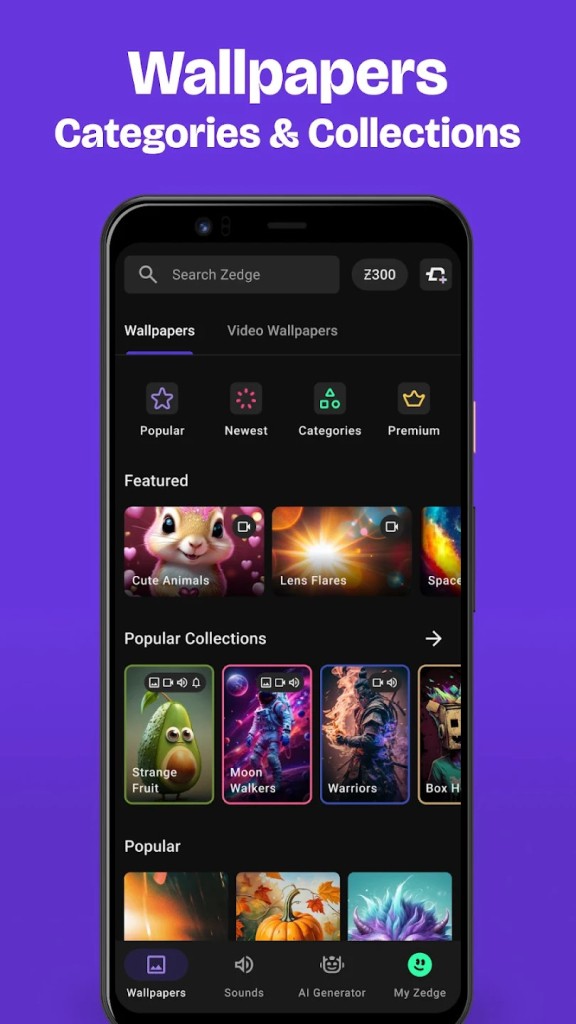
The app covers everything from HD and 4K static wallpapers to live wallpapers, parallax backgrounds, alarm tones, contact-specific ringtones, and even Apple Watch faces. Browse by category, from anime and sci-fi to sports, nature, and Bollywood, or search for something specific and download it to your device in seconds.
What keeps Zedge relevant in a crowded and competitive market is how much it packs into one place. Most wallpaper apps only do wallpapers. Most ringtone apps only do ringtones. Zedge handles both and also includes an AI wallpaper generator, community-uploaded content, icon packs, and seasonal collections that rotate for holidays and special occasions.
Zedge’s content comes from a mix of in-house curation and a marketplace of independent creators, so you get everything from polished professional artwork to niche designs you would never find in a stock gallery.
Why Should I Download Zedge?
The biggest reason people download Zedge is that it consolidates phone customization into a single app. Instead of grabbing one app for wallpapers, another for ringtones, and a third for notification sounds, you can handle all of it from one interface.
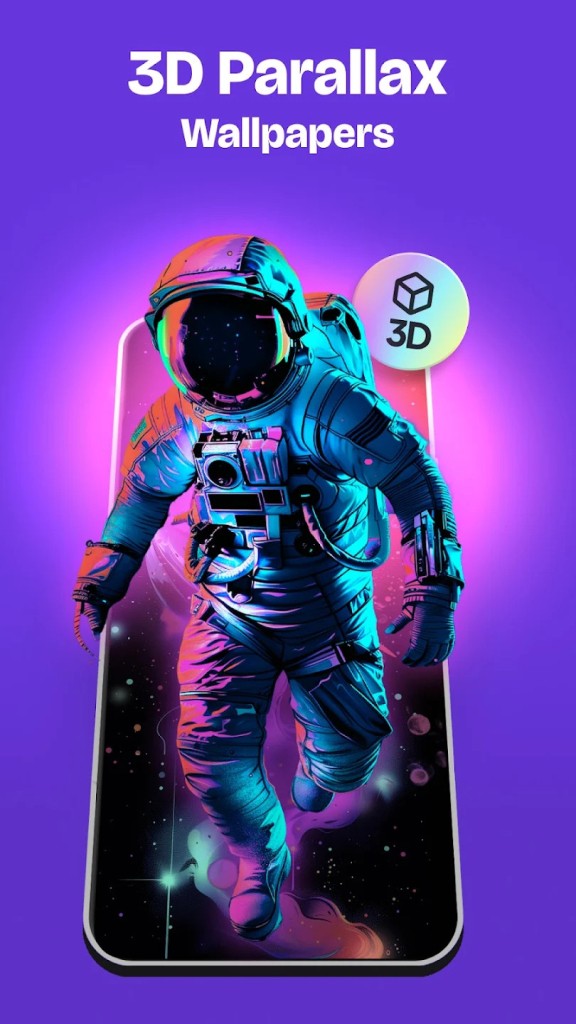
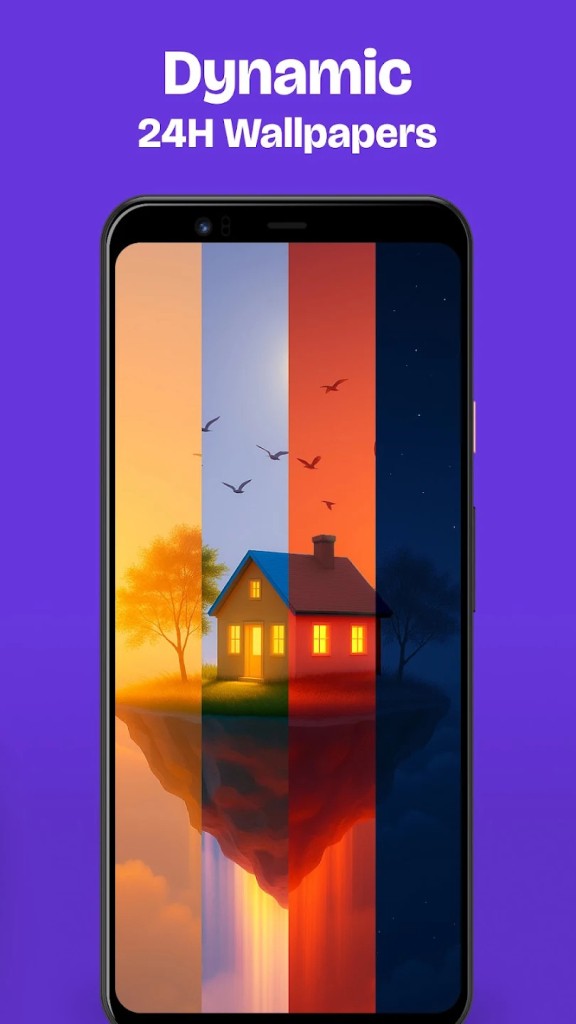
Wallpapers come in HD, Full HD, and 4K resolutions, and you can set them directly to your home screen, lock screen, or both. Live wallpapers and parallax wallpapers add motion and depth effects without draining your battery too aggressively.
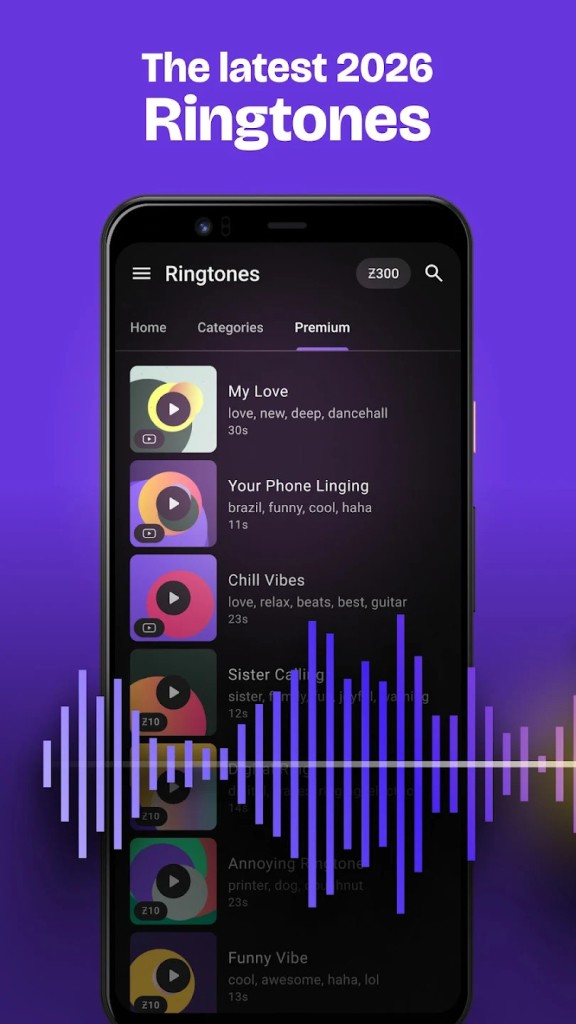
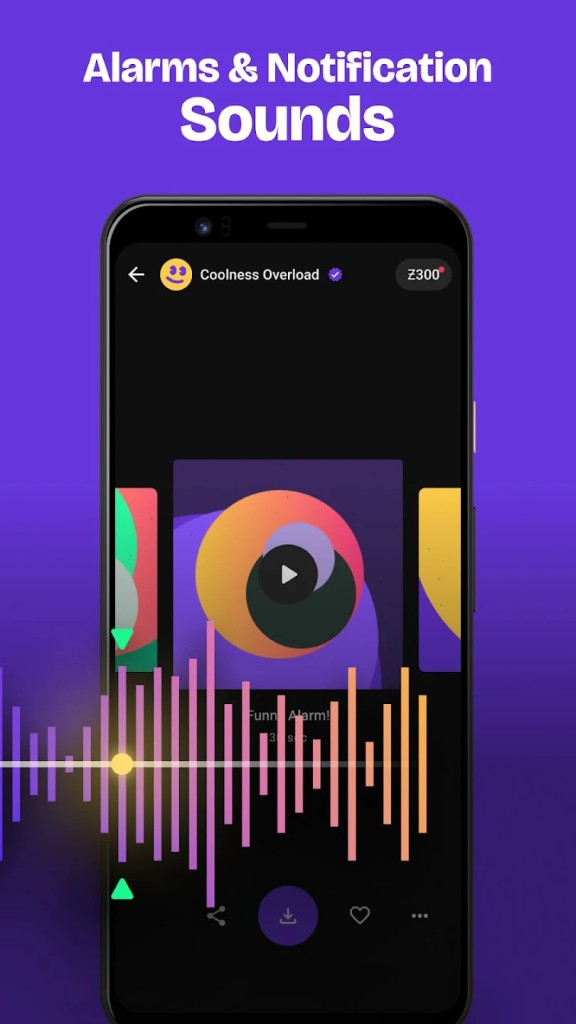
On the sound side, you can browse ringtones by genre or mood, preview them before downloading, and assign specific tones to individual contacts so you know exactly who is calling without looking at your screen.
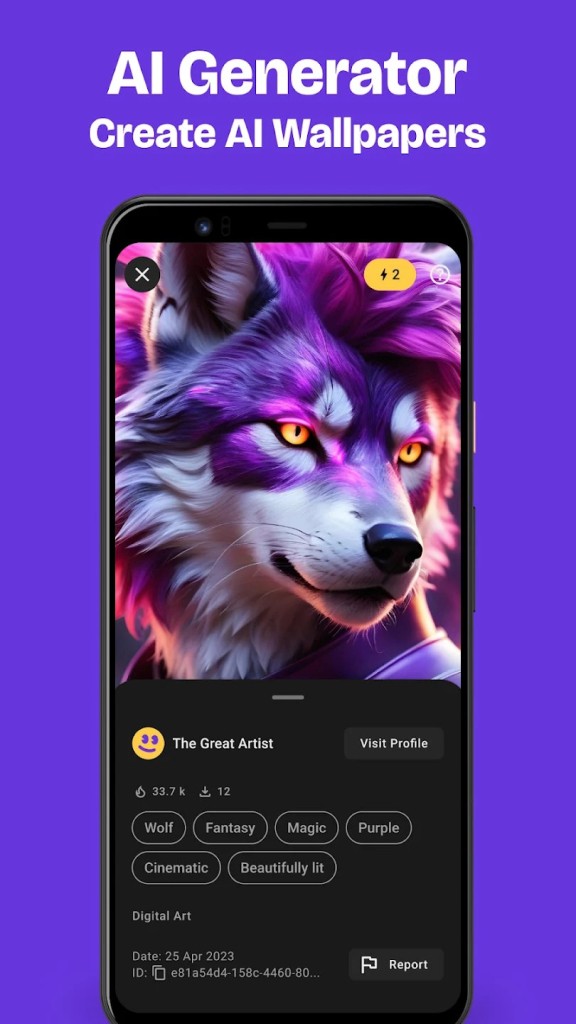
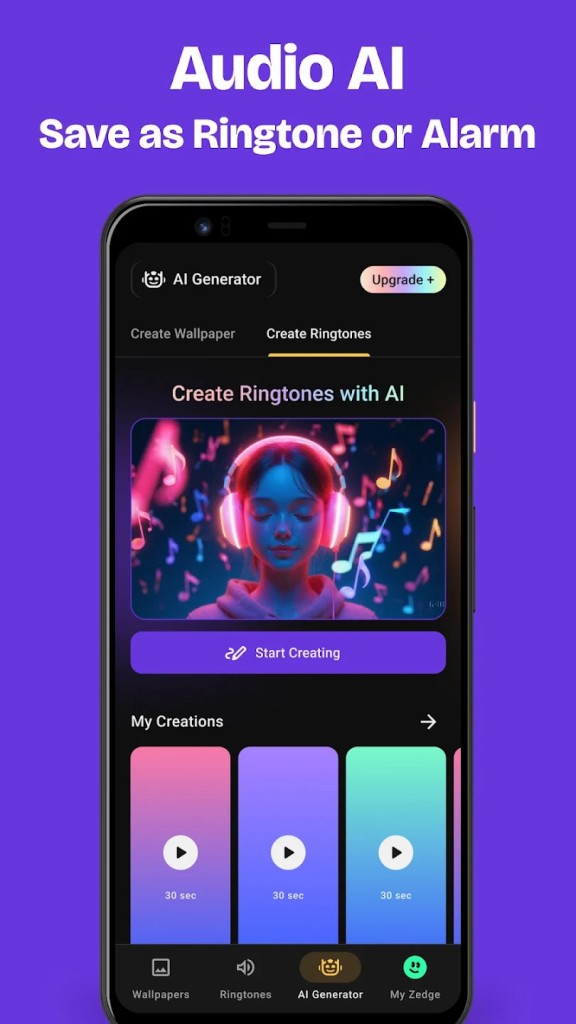
The AI Wallpaper Maker is a newer addition that lets you describe a scene, style, or concept in a text prompt and generate a unique wallpaper on the spot. If you want a cyberpunk city at sunset or a watercolor forest, just type it in and Zedge makes it for you. You can see what others have generated in the community gallery to spark ideas for your own designs.
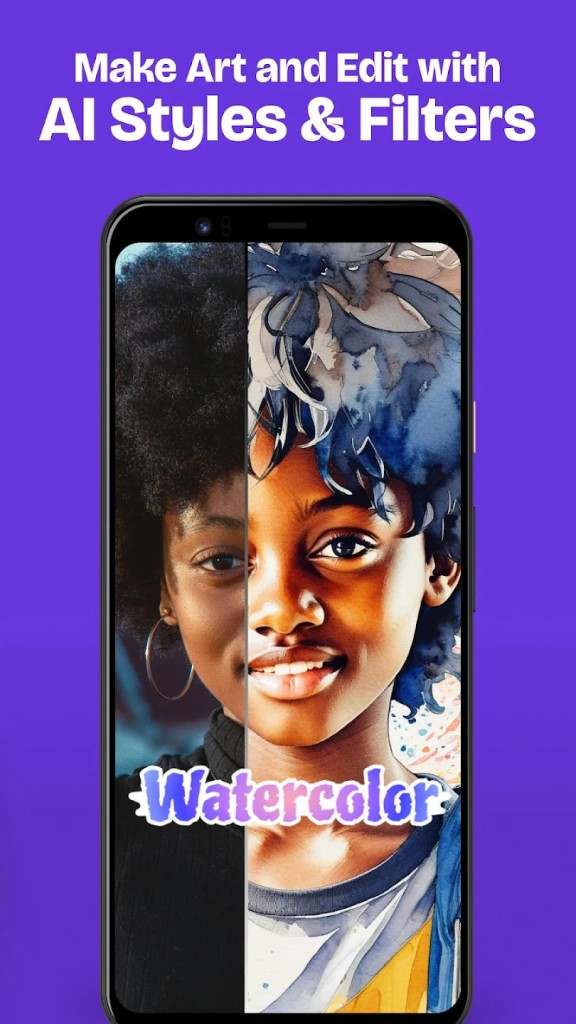
Beyond the AI tool, Zedge also offers filters and stickers that let you customize existing wallpapers before setting them. Seasonal and limited-edition drops for holidays like Halloween, Valentine's Day, and Christmas keep the library feeling fresh throughout the year. On iOS, the app also includes a collection of custom Apple Watch faces and iMessage backgrounds, giving iPhone users extra ways to personalize their devices.
Is Zedge Free?
Zedge is free to download and use. A large portion of the wallpaper and ringtone library is available at no cost, though the free experience is ad-supported. Ads appear between content items and as interstitials while browsing, and they are the most common complaint in user reviews. You can unlock certain premium wallpapers and ringtones by watching a short video ad, which gives you access without spending money.
For premium content sold by creators in the Zedge marketplace, you need Zedge credits. Credits can be purchased through the Google Play Store or Apple App Store, and creators set their own pricing, typically ranging from a few cents to a couple of dollars per item. There is also a paid ad-free subscription that removes banner ads and interstitials from the browsing experience, though it does not eliminate the video ads tied to unlocking specific premium items. Those still require credits or a video watch. The subscription and credit systems run independently, so subscribing does not give you free access to everything in the premium marketplace.
What Operating Systems Are Compatible with Zedge?
Zedge is available on Android and iOS. The Android app requires Android 5.0 or later and can be downloaded from Google Play. It offers the widest feature set, including full ringtone management, live wallpapers, parallax effects, and direct integration with Android's notification and alarm systems. The iOS version requires iOS 10.0 or later and is available on the App Store. It includes wallpapers, ringtones, Apple Watch faces, iMessage backgrounds, live photos, and lock screen widgets, with recent updates adding support for iOS 26 features like Liquid Glass wallpapers and Spatial Scene backgrounds.
There is no dedicated desktop app, but Zedge does maintain a web version where you can browse and download wallpapers and ringtones directly from a browser. The online library mirrors much of what you find in the mobile apps, making it useful if you want to preview content on a bigger screen before grabbing it on your phone. Your account syncs across devices, so favorites and downloads carry over when you log in on a different phone or tablet.
What Are the Alternatives to Zedge?
Walli takes a curated, art-first approach to wallpapers. Every artist on the platform is hand-selected by the Walli team, so the collection is smaller but noticeably more polished. You will find original illustrations, photography, and digital art from creators around the world, and everything is free to download. Artists earn money and visibility through the platform, which keeps the quality bar high. Walli is available on both Android and iOS. It does not include ringtones, notification sounds, or AI generation, so it suits people who care about wallpaper quality over quantity and want something more curated than what Zedge offers.
Backdrops is another quality-focused wallpaper app, with hundreds of original designs created in-house by the Backdrops team. Styles lean toward material design, minimal patterns, abstract art, geometric shapes, scenery, and AMOLED-friendly dark wallpapers. A daily Wall of the Day feature highlights new or favorite designs, and a community section lets users upload their own original work. The free version includes ads, while a Pro upgrade removes them, unlocks exclusive collections, and adds full-screen preview. Backdrops syncs favorites across devices through Google sign-in and integrates with the Muzei app for automatic wallpaper rotation. Available on Android and iOS, Backdrops is a strong download for anyone who values design polish and wants wallpapers they will not find anywhere else.
DesktopHut focuses specifically on live and animated wallpapers, with a massive library of 4K video loops spanning categories like anime, gaming, sci-fi, nature, cars, pixel art, and more. The website is the primary hub, offering thousands of free downloads optimized for Windows desktops. A lightweight Windows app handles playback, pausing automatically during games so your framerate stays untouched. DesktopHut also has an Android app that turns any video file into a live wallpaper on your phone, with smart scaling that adjusts PC-sized content to fit a vertical screen. The app supports custom video imports, playback speed adjustments, and a double-tap pause feature. If you want animated, moving backgrounds rather than static images, DesktopHut is a download you won’t regret.