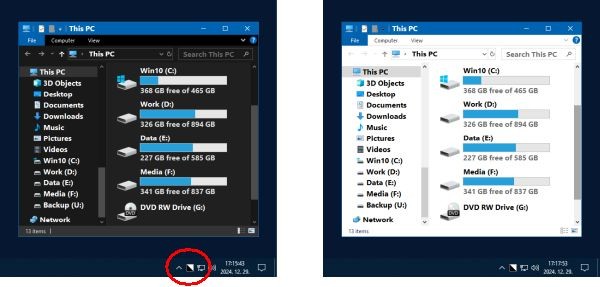
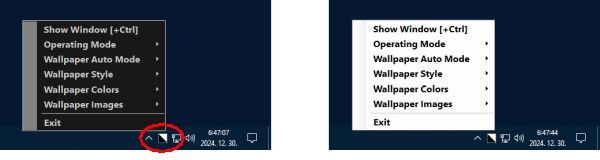
Easy Dark Mode is a lightweight Windows utility that makes switching between light and dark display modes more convenient. Rather than opening Windows Settings every time you want to change your desktop's appearance, you can use the app's one-click control or set up a keyboard shortcut. It's a practical tool if you prefer a dark interface at night but want to return to a lighter theme during the day.
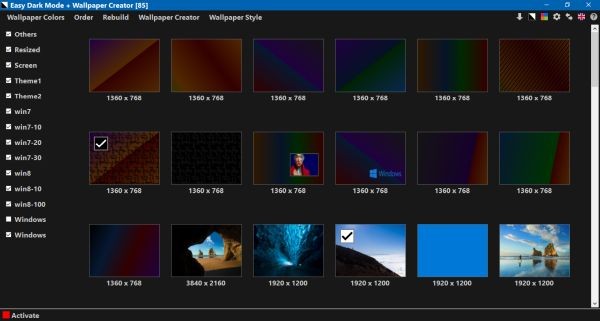
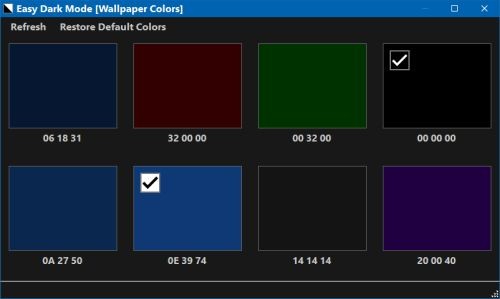
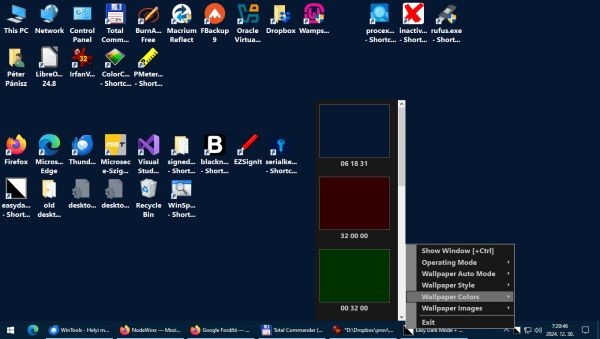
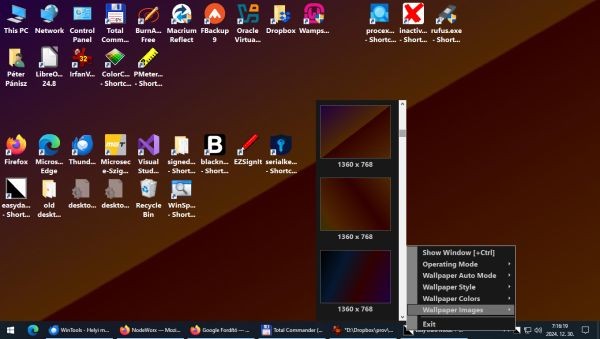
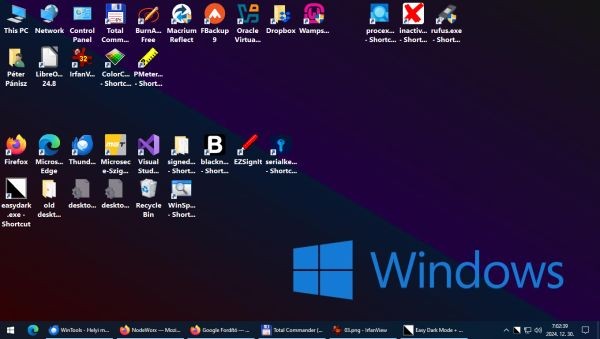
The application also lets you associate different desktop wallpapers with each display mode. When you switch between light and dark themes, your wallpaper can change automatically to match. This adds a little more customization to the process, particularly if you like keeping your desktop visually consistent with your current theme.
Why Should I Download Easy Dark Mode?
Easy Dark Mode makes switching between light and dark mode on Windows much simpler. Instead of navigating through Windows settings every time you want to change your display, you can switch modes with a single click or use a keyboard shortcut. It’s a practical tool if you regularly change your desktop’s appearance depending on the time of day, your lighting conditions, or your personal preference.
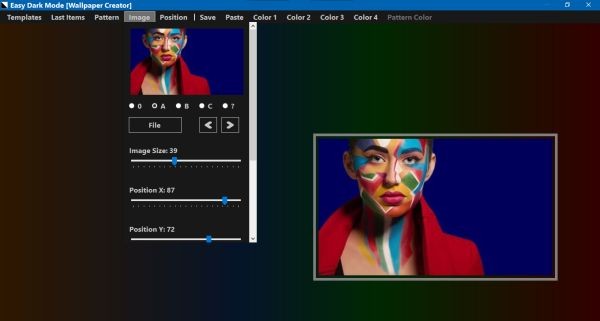
It includes a wallpaper creator, so you can make custom desktop backgrounds rather than relying entirely on existing images. Its focus is straightforward: provide quick access to Windows' built-in appearance settings and make theme changes easier to manage. It doesn't replace every app's individual appearance controls, but it offers a convenient shortcut for users who frequently switch between light and dark mode.
Is Easy Dark Mode Free?
Easy Dark Mode is completely free to use. You can download it without paying for a license or subscription, and its main features include one-click theme switching, keyboard shortcuts, wallpaper management, and the built-in wallpaper creator.
What Operating Systems Are Compatible with Easy Dark Mode?
Easy Dark Mode supports Windows 10 and Windows 11. It's designed specifically for the Windows system-wide light and dark display settings, rather than as a general-purpose theme manager for macOS or Linux.
Check the download page for the latest available release before installing it, particularly if you want to ensure compatibility with your current Windows setup.
What Are the Alternatives to Easy Dark Mode?
Auto Dark Mode is a strong alternative if you'd rather automate theme changes than switch them manually. It can change Windows between light and dark modes according to a schedule, sunrise and sunset, or ambient light levels on supported devices. You can also configure it to change wallpapers, accent colors, and mouse cursors. It's free and open source, and supports Windows 10 or later and Windows 11.
Dark Mode Any App is worth considering if your main goal is to make individual applications use a dark appearance. Easy Dark Mode switches Windows' system-wide theme, but that doesn't guarantee every program will follow it. A tool focused on individual applications may be more suitable when you regularly use older software or programs without built-in dark themes. Check its current compatibility information before relying on it for a particular app.
Microsoft PowerToys is a broader collection of Windows utilities rather than a dedicated dark mode application. Its Light Switch feature can change Windows between light and dark themes using a schedule or shortcut, while other tools help with window management, keyboard shortcuts, and everyday productivity. It's a good option if you want theme switching alongside other useful Windows features.
WindowTop takes a different approach by letting you apply a dark appearance to individual windows, including applications that don't natively support dark mode. Its color-inversion feature can detect when a window is already dark and stop inverting it, with an option to reduce the effect on images. It also includes tools such as window transparency, always-on-top controls, and picture-in-picture mode. Some features require a paid license, but it's worth considering if you want more control over individual windows rather than just the overall Windows theme.