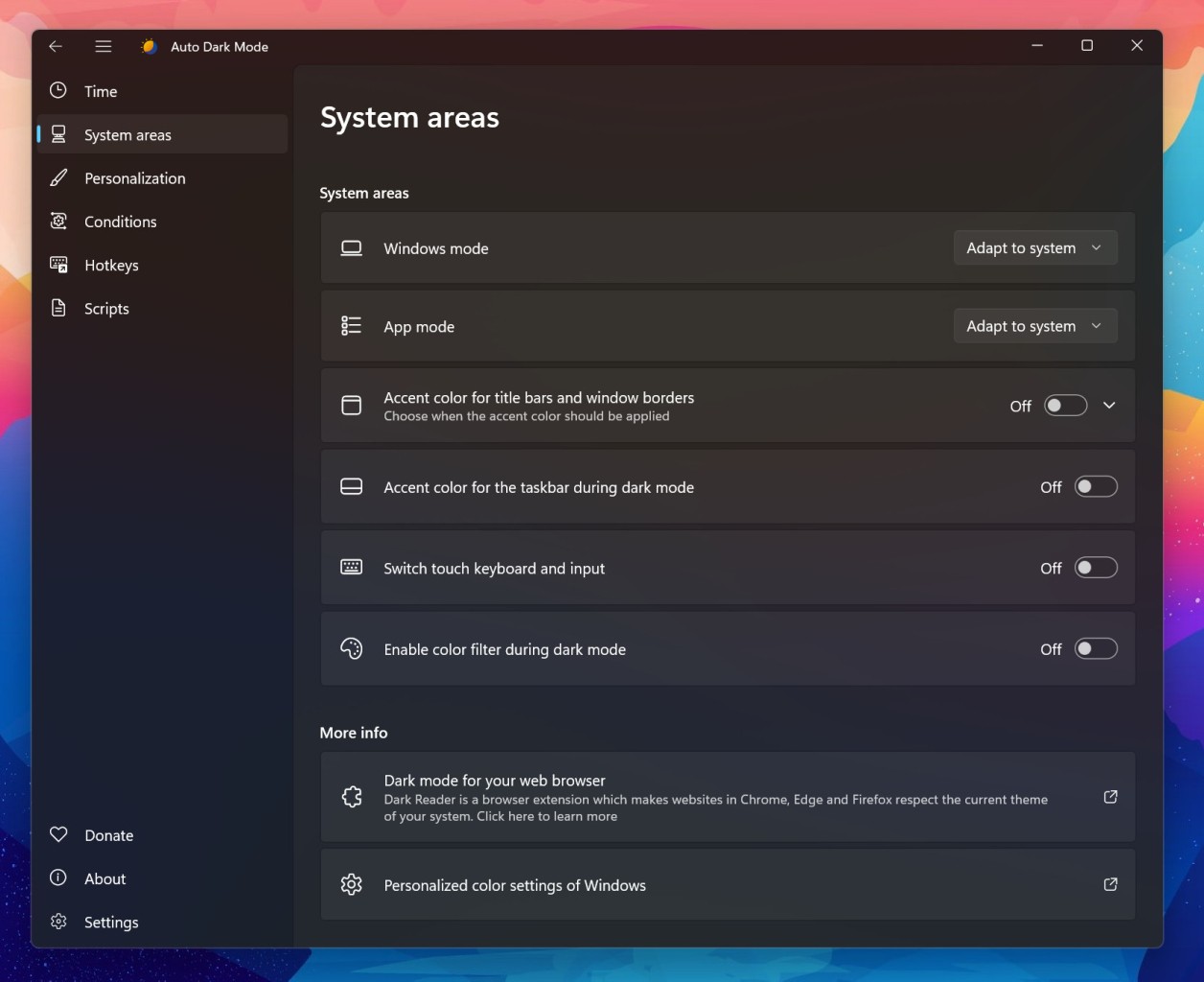
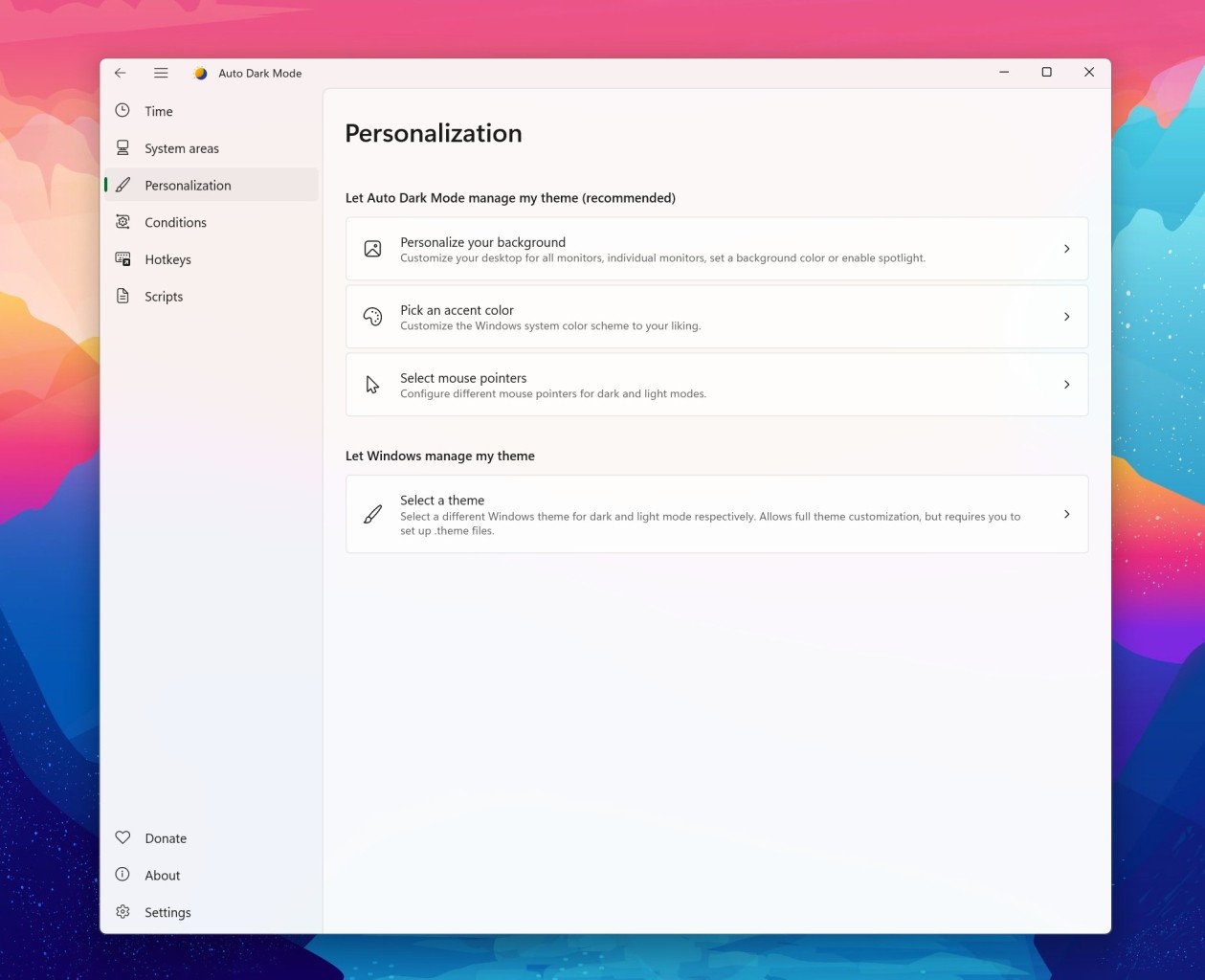
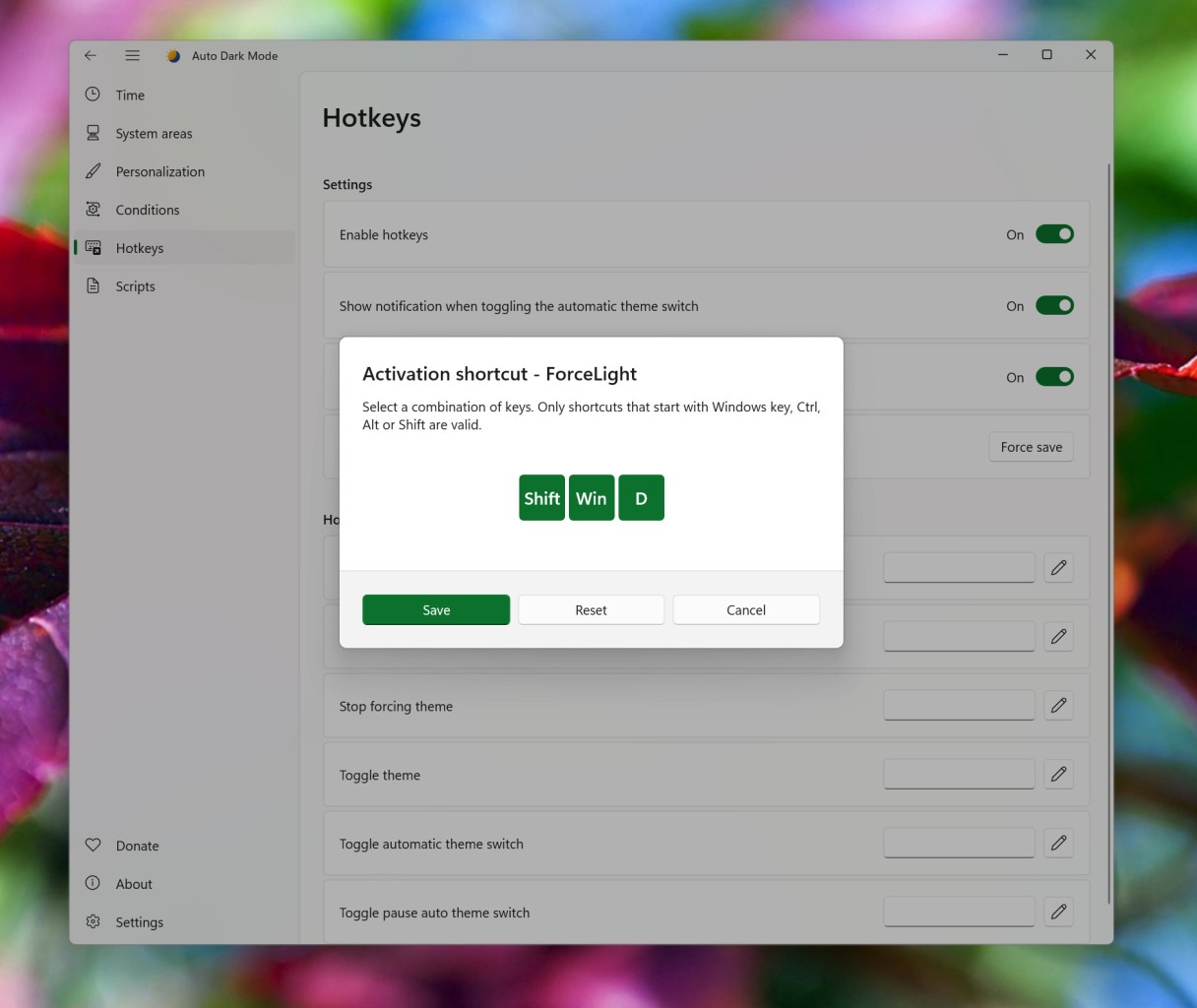
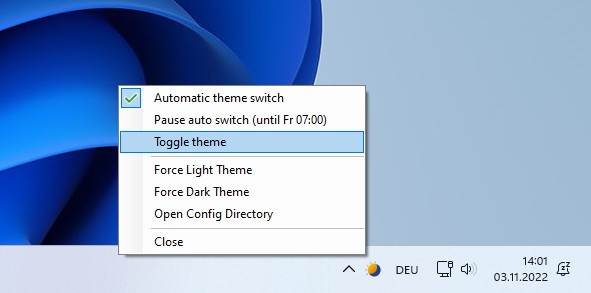
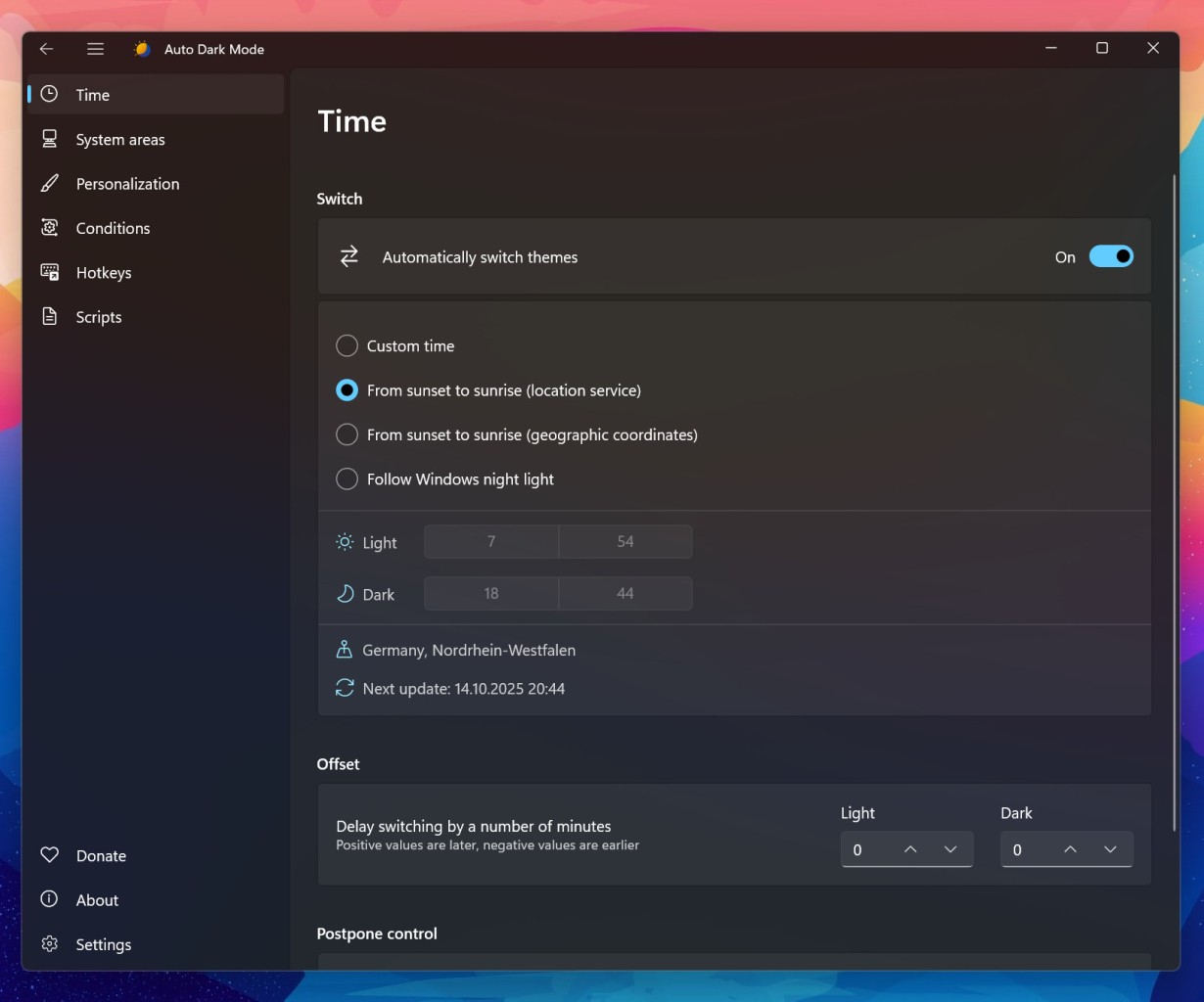
Auto Dark Mode is a Windows utility that will change the light mode on your computer automatically based on your settings. You can create a schedule and specify the time you would like for your display to switch to dark every night. Alternatively, you can let the app do its job without your intervention by detecting ambient light or checking sunrise and sunset times online.
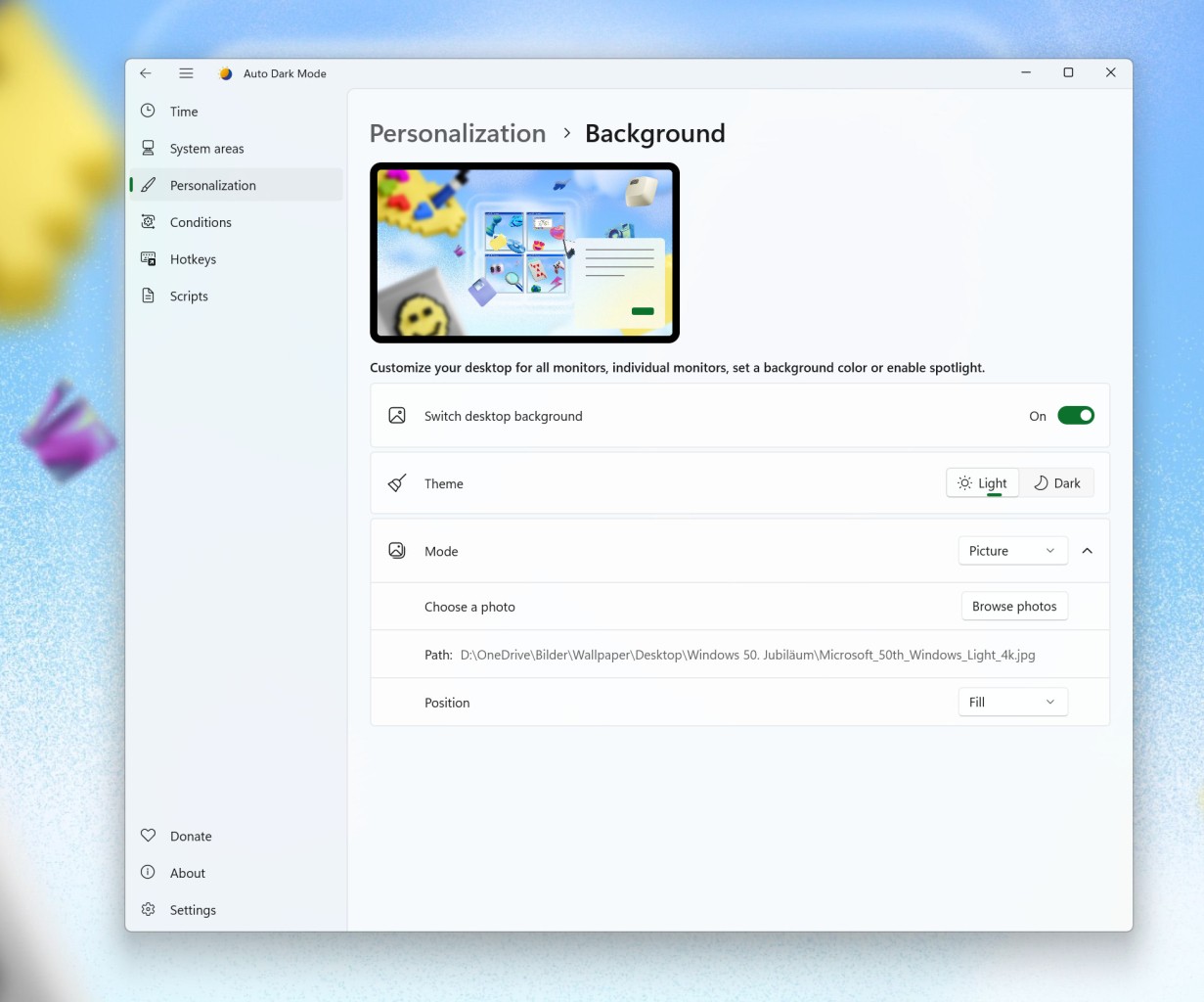
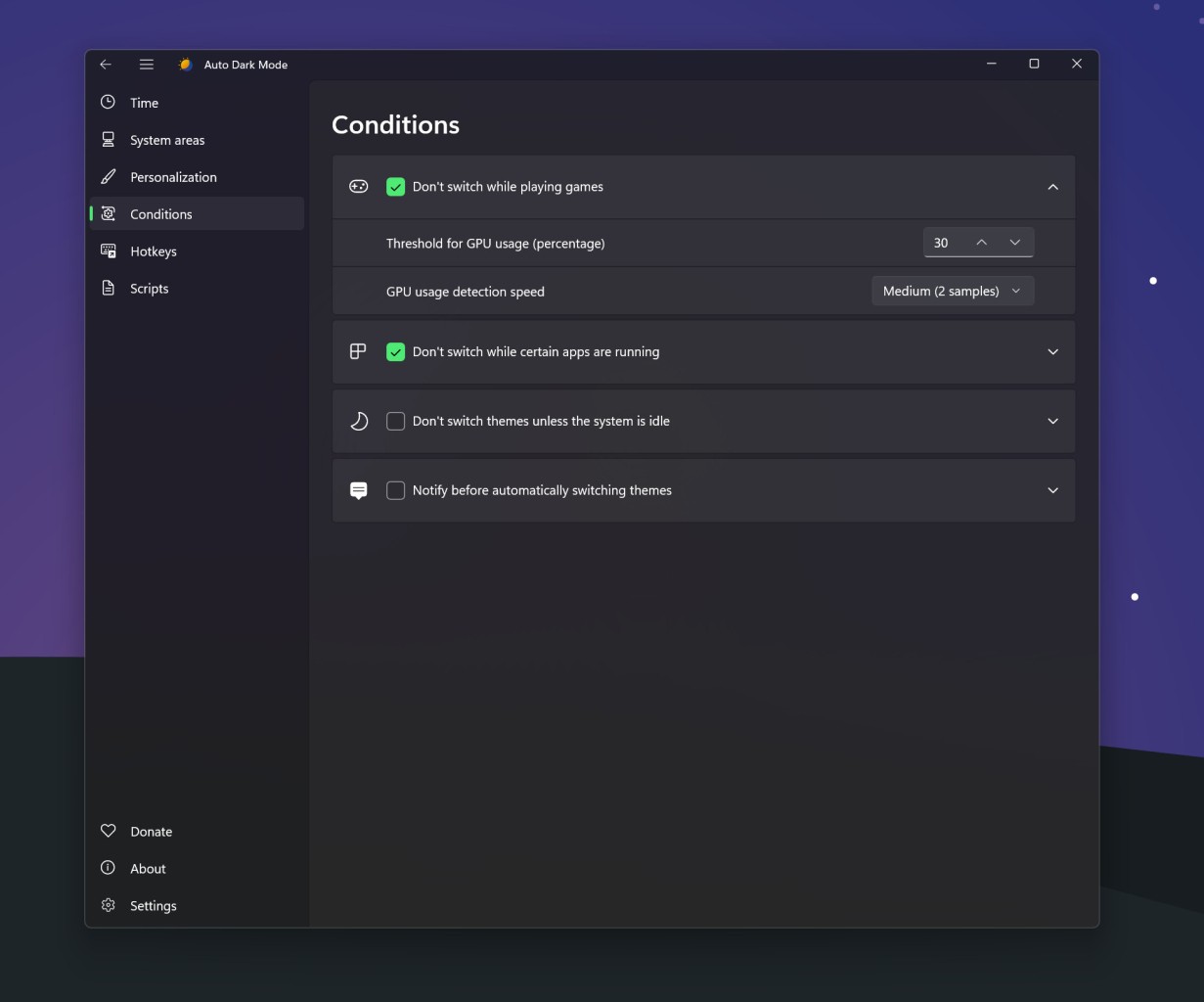
The app is gamer-friendly, so it will pause operation during gaming sessions to prevent lag. When your display goes into dark mode, it can take other elements with it. For example, you have the option to change the accent colors and wallpaper when it’s time for dark mode. If your computer is running low on battery, dark mode will turn on automatically. If you are a tech-savvy user, you can execute advanced scripts via Auto Dark Mode.
Why Should I Download Auto Dark Mode?
You will appreciate Auto Dark Mode if you often switch between light and dark modes for your computer and would like to streamline this process. One of the main benefits of this app is that you can set it up to work automatically in the background. That can mean that Auto Dark Mode follows a schedule you created, or switches modes automatically based on its light sensors or sunrise and sunset times in your geolocation.
Using dark mode can be easier on your eyes, as it reduces screen glare. The platform will activate dark mode automatically when your laptop is running out of battery, so you can keep using it for longer before you have to charge it. Gamers don’t have to manually pause Auto Dark Mode during gaming sessions. The app will pause automatically to prevent lags in video games.
You don’t have to stick to a boring dark display if you don’t want to. Auto Dark Mode gives you the option to customize your display and change the wallpaper, color scheme, or mouse cursor to match the mode.
Is Auto Dark Mode Free?
Yes, Auto Dark Mode is a free tool. You can download it in the Microsoft Store or via GitHub. There are no hidden fees or premium features.
What Operating Systems Are Compatible with Auto Dark Mode?
Auto Dark Mode is a Windows-only utility that is available for Windows 10 and 11 computers. For Windows 10 computers, the tool only works on version 22H2 machines and newer. Windows 11 is fully supported.
What Are the Alternatives to Auto Dark Mode?
While Auto Dark Mode is a fantastic app with a myriad of useful features, there are other apps to consider.
Microsoft PowerToys is a whole suite of tools designed to optimize your PC experience. The best way to enable dark mode with the help of PowerToys is through the Light Switch tool. You will find it in the PowerTools app, when you click on System Tools. Following activation, you can create a keyboard shortcut to turn the light switch on or off at will. Alternatively, allow the light to switch on or off automatically, based on the sunrise and sunset times in your location. You can also create a custom schedule that suits you, or synchronize the tool with your Windows Night Light, if you use it.
WindowTop is another tool that can be used to turn on dark mode on your computer. It is a productivity app for Windows with a collection of features, among which is a set-dark button. Once you download the app, all you need to do is uncover the WindowTop toolbar in any application window and turn on dark mode. The catch is that WindowTop works with individual application windows, so it will turn the application you’re currently using dark, but not the entire system.
Easy Dark Mode is the perfect solution for people looking for a simple application with one functionality. This lightweight Windows utility allows users to switch between dark and light with just one click. Once installed, the toggle bar appears in your taskbar, where you can conveniently switch it to light or dark. Alternatively, you can integrate it with your browser of choice to turn it dark if needed.
Dark Mode Any App is another easy-to-use Windows utility. As the name suggests, it has the power to turn any application dark, even if the app does not have that feature natively. That can be helpful if you like to work in the evenings or simply want to create a more pleasant experience for your eyes.