Microsoft PowerToys is a set of Windows tools that provides users with enhanced control, extra flexibility, and multiple efficiency-enhancing features. Various utilities combine in this application suite to improve Windows performance while leaving its driver-level architecture intact.
Microsoft originally launched PowerToys during the Windows 95 era, when advanced users needed complete system customization capabilities. The developers reworked PowerToys for Windows 10 and 11 as a contemporary toolkit that delivers practical functionality to users.
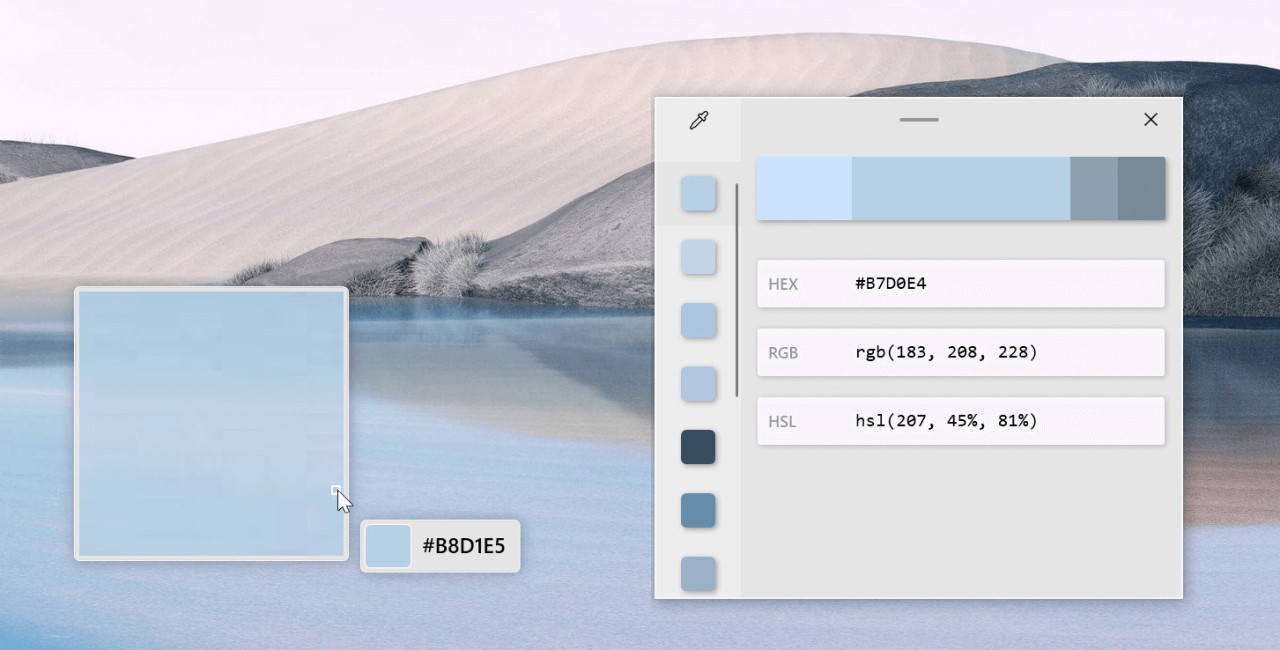
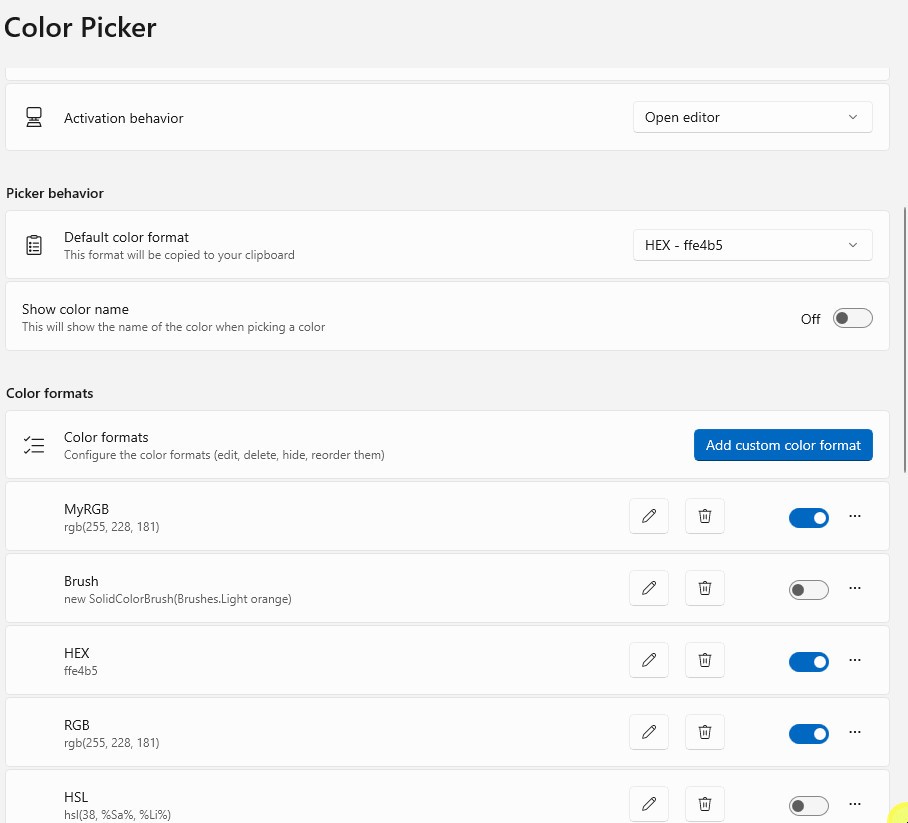
PowerToys offers simple features that can be used individually to serve specific tasks. The FancyZones tool in PowerToys lets users create diverse window-screen arrangements in their operating system, surpassing regular snap layout functionality. The PowerToys utility offers two main features: PowerRename for bulk file renaming and Color Picker for acquiring hex codes and RGB values from any screen section.
The tools operate silently until you need their functionality, as they lack attention-seeking behavior. PowerToys integrates into your workflow after you learn to use its capabilities. PowerToys introduces enhanced productivity through simplified processes that enhance workflow performance. Windows users gain access to smaller functionalities that were never originally available.
Why Should I Download Microsoft PowerToys?
Many software programs promise workflow improvements, yet only a few integrate seamlessly with your system setup. The Microsoft PowerToys stand apart because they emerge from Microsoft but avoid Windows essential functionality, which prevents them from intruding on system core operations. PowerToys is an outstanding initial program choice for users who want their devices to better adapt to their work methods while maintaining organizational efficiency. The basic-looking tools in this software system create major improvements in your daily work processes.
Take FancyZones, for example. Windows across your full screen become problematic when you need to work through various app windows and documents. FancyZones offers a feature that lets users design layouts tailored to their work needs. PowerToys enables users to easily assign specific areas for window placement, eliminating the need for constant adjustment through dragging and resizing. The initial mastery of this tool will shock you with your previous inability to function without it.
PowerToys Run provides a launcher that can be activated with keyboard shortcuts to both find files and applications and to search directly. Using PowerToys Run reduces the time required to access either documents, programs, or search tools through menus or file selections. Users who love Mac Spotlight will find a similar experience in Windows with this fast tool. All these supplemental tools run in the background, improving your workflow without disrupting your standard activities. PowerToys does not require any system learning from you, nor does it force you to change your current work patterns. The PowerToys utility system exists to improve your workflow by seamlessly embedding into your current operations.
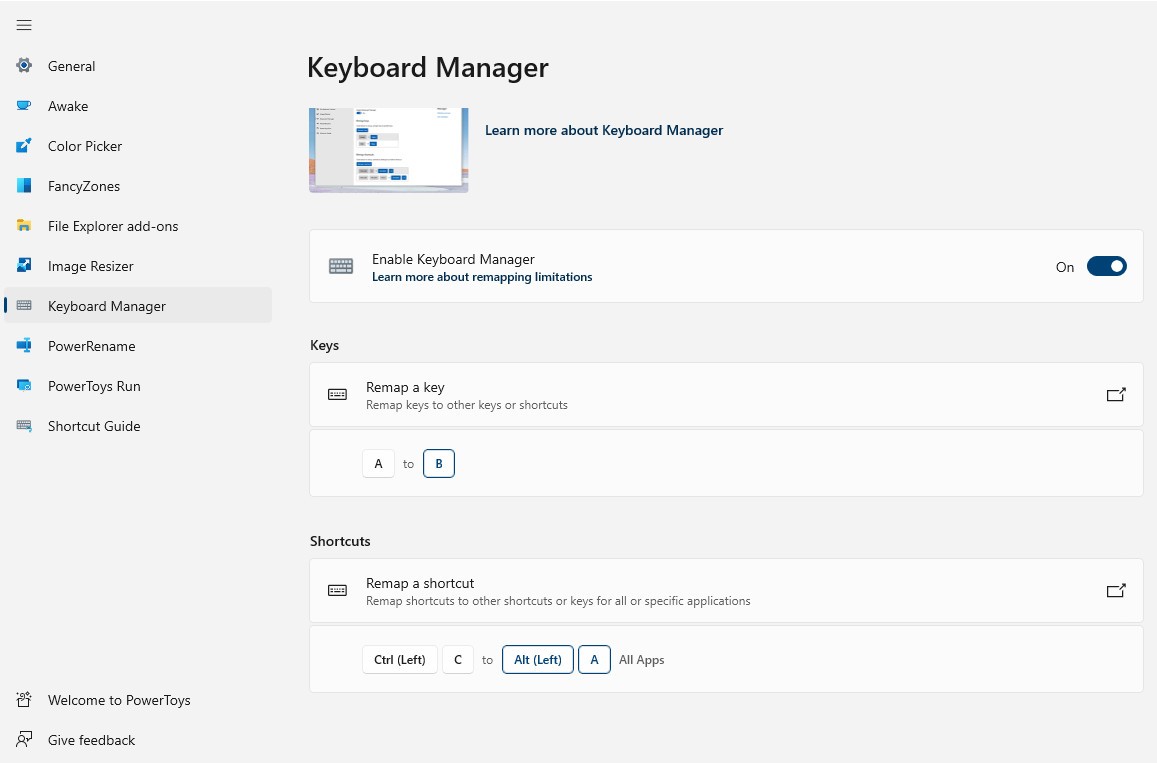
Image Resizer and Keyboard Manager offer unexpected utility as small applications, although they only have limited functionality. Using the right-click menu enables direct image resizing and the creation of customized key mappings in Key Remapper. Everything in PowerToys remains understated yet practical for daily use. Work on any project—design, code, write, or conduct research—PowerToys supplies you with minor advantage boosts.
The updates to PowerToys result from its open-source development model, where new capabilities are driven by user demand. Users need not worry about the program developing problems due to obsolescence or bloat. The tool maintains its focus on true user requirements instead of pushing advertisements to users throughout its operation.
Every type of PC user can appreciate the perfect blend of basic interface and advanced functionalities that PowerToys delivers. It functions actively during times of need but remains calm during periods of inactivity. This sort of utility continuously supports your everyday computing tasks.
Is Microsoft PowerToys Free?
Yes, Microsoft PowerToys is available for free. Users can download Microsoft PowerToys for free because it is open-source software.
Users can install Microsoft PowerToys either directly from GitHub or through the Microsoft Store, and every tool in the application is available free of charge, with no trial or purchase requirements. As a community-driven project, Microsoft supports it by making the software free while keeping it up to date.
What Operating Systems Are Compatible with Microsoft PowerToys?
Microsoft PowerToys was developed exclusively for Windows 10 and Windows 11. Users experience optimal functionality on Windows 10 and Windows 11 without any stability issues, as it incorporates modern hardware requirements alongside UI elements.
This software supports x64 and ARM64 systems, enabling operation on ARM-based Windows devices, including the Surface Pro X. It provides full functionality right after installation because it draws power from your existing system setup.
The tight integration of Microsoft PowerToys with Windows makes this tool feel both trustworthy and natively integrated on supported systems, though Linux and macOS users remain without access.
What Are the Alternatives to Microsoft PowerToys?
People searching for software with comparable system utilities and performance enhancements can select from among multiple outstanding alternatives.
The Microsoft Sysinternals Suite is one alternative to Microsoft PowerToys. This set of enhanced tools provides precise control over your system administration functions, though it primarily targets IT professionals' needs. The diagnosis and analysis of system issues, monitoring memory usage, and managing startup entries can be performed using the Process Explorer and Autoruns tools. Professionals who require comprehensive diagnostics use this power-packed application because of its robust functionality, while sacrificing some of the ease of use that PowerToys provides.
Another alternative is TweakPower. This tool provides users with customization options through its set of system adjustments, junk file clearing, and performance tuning tools. The application features a classic design that supports both privacy tools and automatic update management. The program targets users who request visual assistance alongside system enhancement through its more extensive, user-friendly interface.
Glary Utilities exists to provide users with maintenance tools and instant fix solutions through its features. Glary Utilities provides users with features that clean the registry and repair disks, control startup programs, and manage software updates. The application does not include live customization features like PowerToys, yet it performs impressively at maintaining system health over the long term. You download this utility only when you need to handle repairs as a separate tool; it remains inactive until you start it.