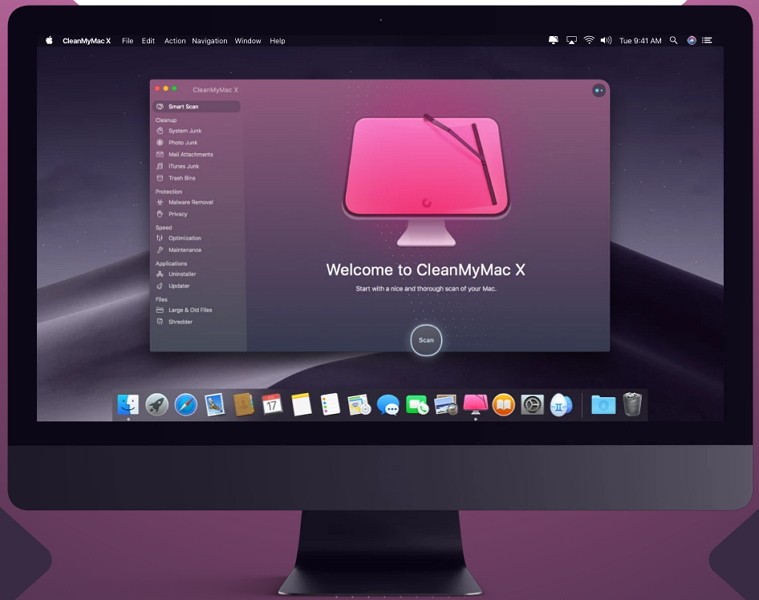
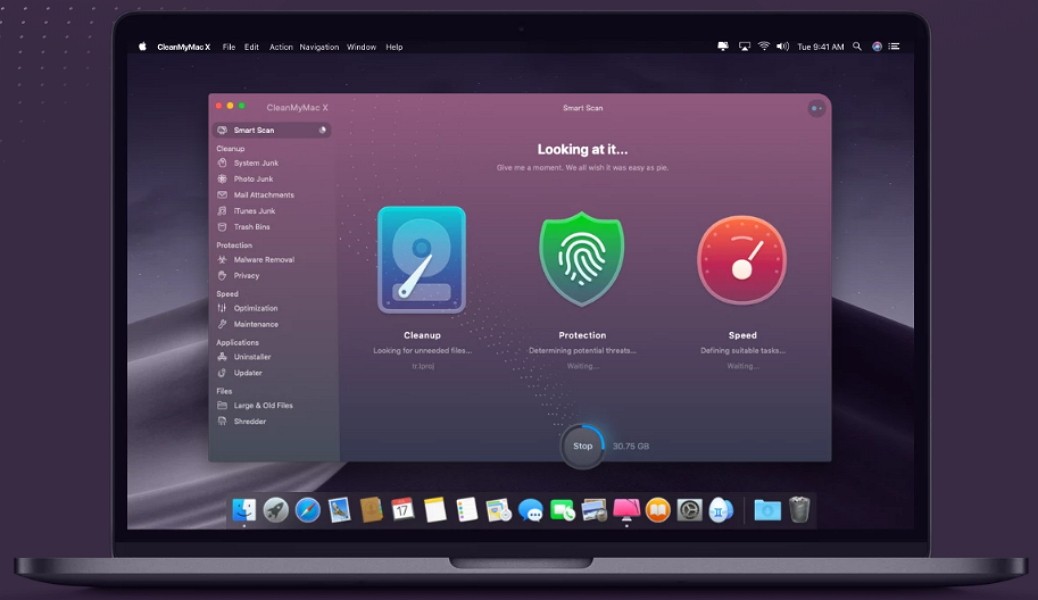
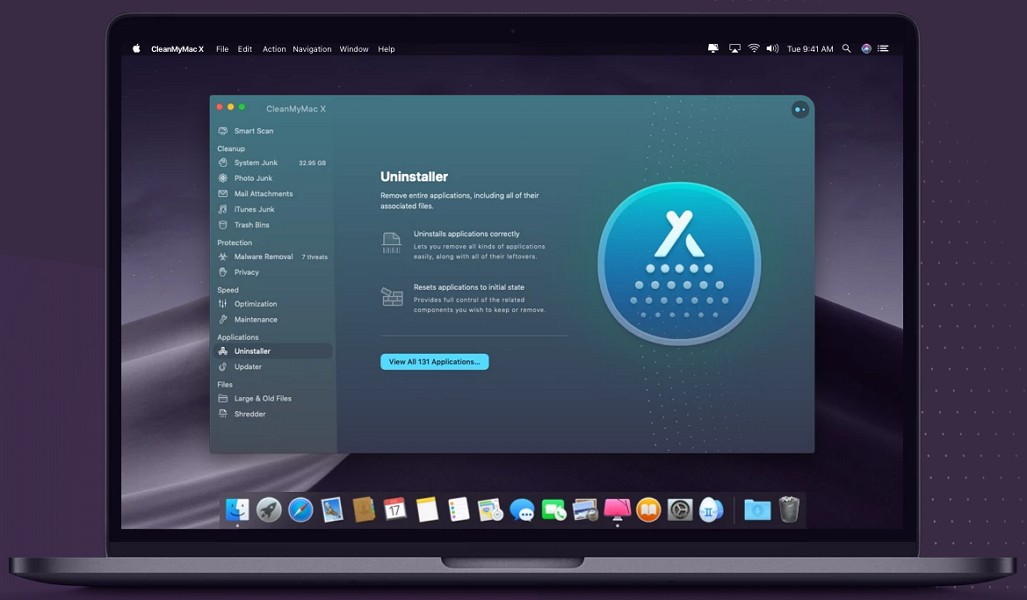
CleanMyMac X serves as a maintenance and optimization software designed for macOS devices to help users maintain clear and fast systems without clutter. This program functions differently from regular system cleaners because it operates as a digital housekeeper that optimizes your Mac’s performance alongside conducting file eradication tasks. The program operates in the background.
The application detects various types of system junk along with leftover files from deleted apps, outdated cache files, broken downloads, and big unused data as it performs its thorough analysis. It helps you tackle the problem of losing storage space to various unnecessary files.
The uniqueness of this product lies in its ability to provide services that exceed standard cleaning features. This program monitors performance levels, privacy functions, and malware alert operations to work as a full digital diagnostic system for your computer.
The application provides a macOS-like interface that enables users with little technical expertise to operate the program with ease. A couple of clicks will do the trick since CleanMyMac X requires no expert knowledge to operate.
CleanMyMac X operates discreetly in the background while you focus on other tasks. It's not overbearing. Through its interface, users can maintain full control of the app at their own convenience.
Why Should I Download CleanMyMac X?
Mac users expect peak operational quality, stunning aesthetics, and user-friendly operations from their devices. Time eventually slows down the performance of the most premium Mac models. Apps leave behind leftover data. System logs build up. Startup items multiply quietly.
Your Mac soon develops performance issues that reduce its operating speed. CleanMyMac X serves its users as more than an app cleaner by functioning as a digital reset program. The software chooses which elements to erase and understands which files must remain, while delivering a better performance without endangering system configurations.
Space recovery is the main motivation for users to download CleanMyMac X. macOS provides built-in storage tools, but they do not reveal every file that occupies your hard drive space. CleanMyMac X displays data in an easy-to-understand visual format.
The application shows you all storage-hogging elements, including mail attachments, system junk, cache files, and old backups, so you control which files remain and which ones disappear. The platform enables you to make decisions about which files to remove through knowledgeable system suggestions.
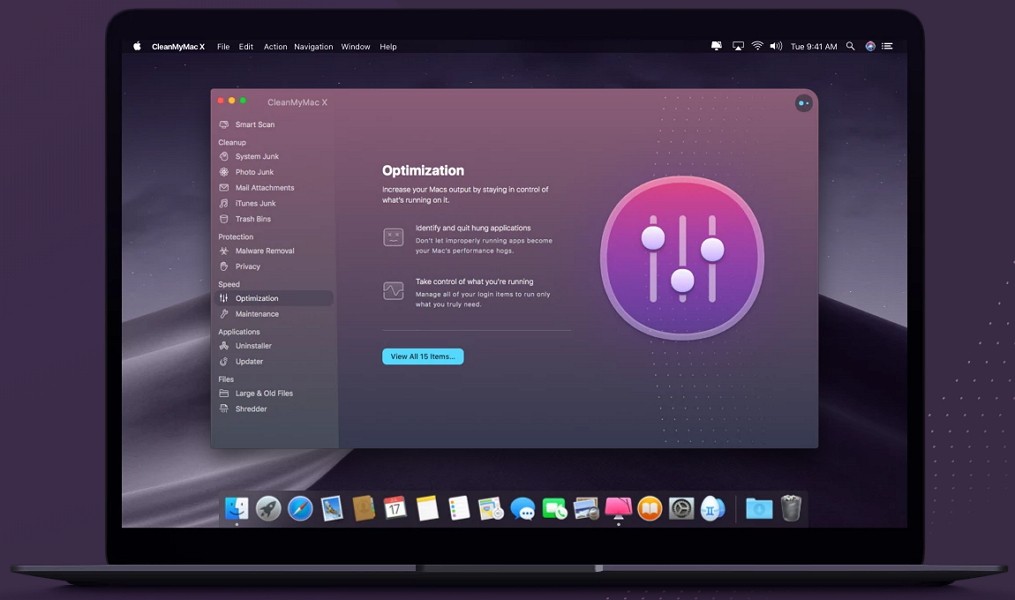
Then there’s the optimization part. After space clearing, the app provides an interface to handle startup items, heavy CPU consumers, and background apps that users might not recognize as performance bottlenecks. The application restores your system control without needing advanced system preference navigation or terminal command execution. The application functions as a discreet guide for maintaining a lean Mac while delivering the technical aspects of maintenance automatically.
CleanMyMac X enables users to manage their online safety through various privacy features for browser history cleanup, messaging trace elimination, and cookie management, benefiting Mac users who desire tidy browsing conditions. The built-in malware removal tool provides additional comfort during these times, when macOS vulnerabilities have become more frequent.
The most appealing feature of CleanMyMac X is its unobtrusive operation that demands minimal effort from users. The program combines all essential tools under a single interface that includes cleaning tasks, optimizations, privacy tools, and file destruction protocols.
The application allows duty-free operations without screaming for attention and avoids overwhelming users with complex terms. This application provides an automated assistant service that surveys your system occasionally to let you know about accumulated data before clearing it automatically.
Is CleanMyMac X Free?
Users who install CleanMyMac X get access to basic free features that enable them to perform scans and minimal cleaning tasks. The complete toolkit with deep cleanups and optimization modules, malware removal, and automatic maintenance requires a paid license. The application operates under a single payment or membership-based system, providing users with lasting Mac optimization and security benefits.
What Operating Systems Are Compatible with CleanMyMac X?
CleanMyMac X was created specifically for macOS. The program performs best on up-to-date versions of the macOS system. The software operates on macOS High Sierra 10.13 and newer, up to the current macOS Ventura and Sonoma builds.
Both Intel Macs and Apple Silicon devices with M1 or M2 chips can run CleanMyMac X without any performance issues. The app’s developers regularly update the software to ensure compatibility with fresh system updates and security protocols. The tool exists only for Mac users because its developers specifically created it to provide native integration with macOS.
What Are the Alternatives to CleanMyMac X?
CleanMyMac X delivers professional maintenance capabilities, yet there are other system management tools available to users.
The macOS utility OnyX is a system maintenance tool that requires users to take direct technical control. Users can download it for free, as it offers detailed macOS system examination in a lightweight package. OnyX provides expert users with a reliable system optimizer tool that requires manual settings exploration. CleanMyMac X remains the preferred option for most users since it provides an intuitive interface and comprehensive functionality, while OnyX is less suitable for beginners and casual users because of its steep learning curve and lack of bundled features.
The Windows user favorite Ccleaner has a version for macOS. Basic junk cleaning and browser cache clearing, as well as system optimization features, are available in this software. Ccleaner serves as an adequate free solution for occasional users who require basic cleaning functionality, though it provides fewer capabilities than CleanMyMac X. The capabilities of Ccleaner for Mac system optimization lag behind those found in the Windows edition because it fails to detect multiple storage-saving opportunities and background system problems as effectively.
Users looking for privacy and robust cleanup tools with protection can use PrivaZer on Windows platforms, but the software does not extend its services to macOS systems. Users who split their machines with Windows and macOS dual-boot setups should consider this product, but keep in mind that it does not provide full support for Mac systems. This application examines residual and deleted files, as well as other data traces to help maintain digital privacy.