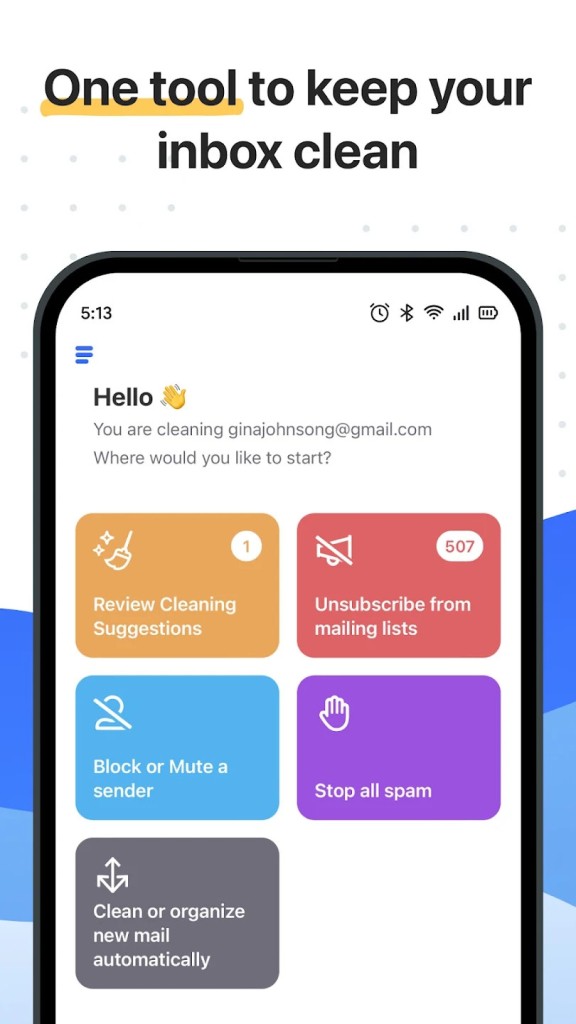
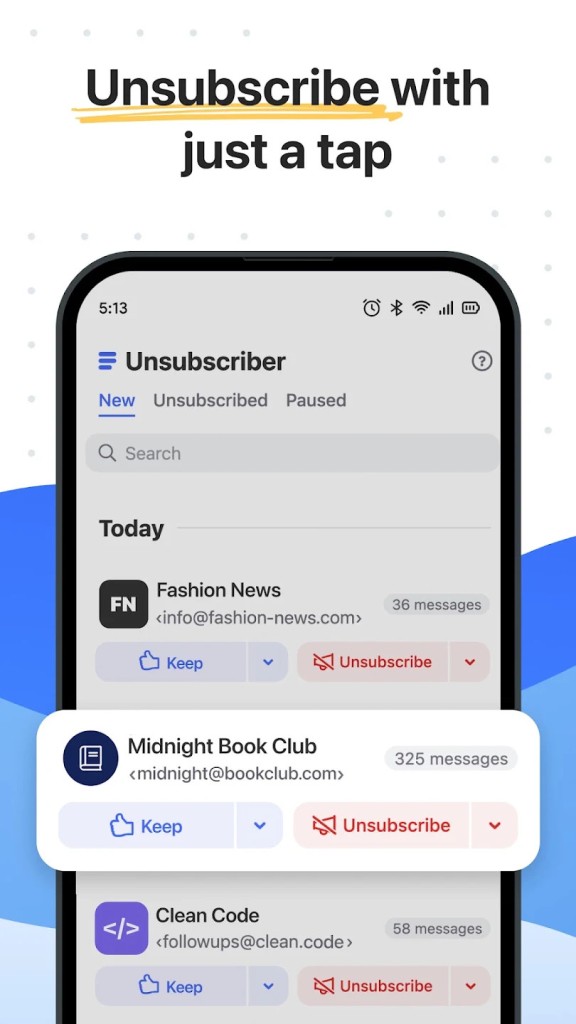
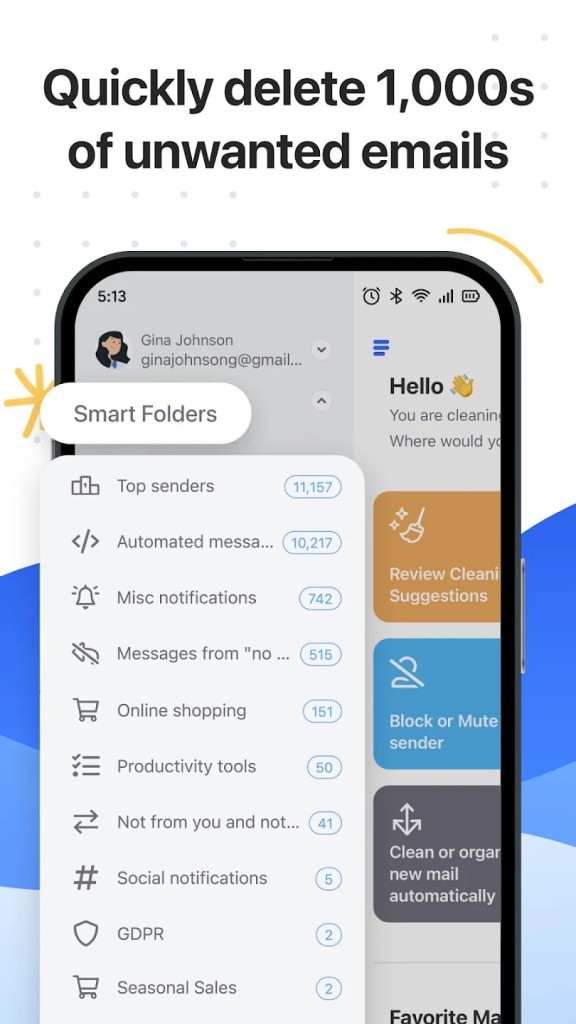
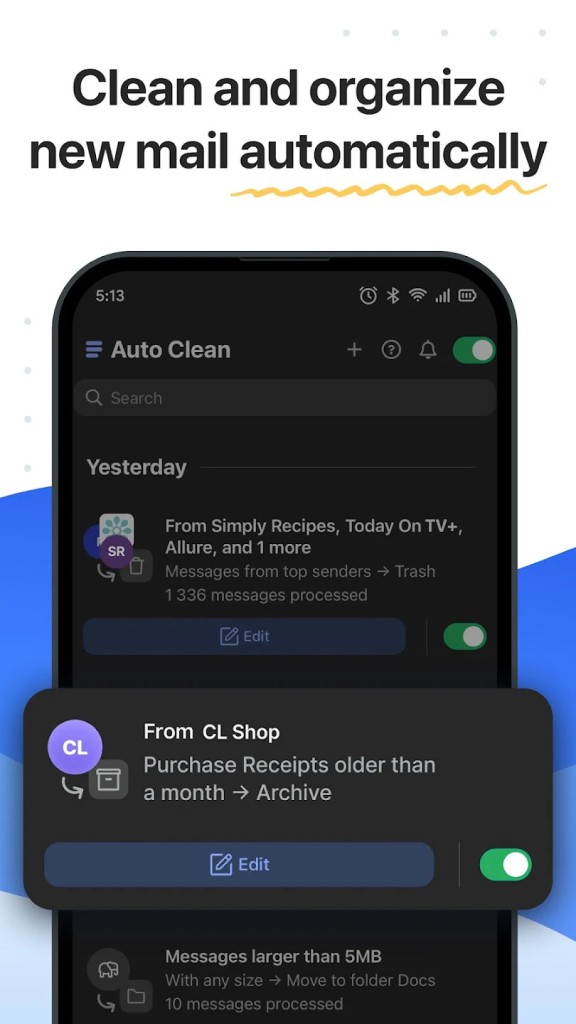
Clean Email is an email management tool designed to help you organize a crowded mailbox without sorting through every message individually. Instead of treating each email as a separate task, it groups similar messages into smart folders and bundles, making it easier to review large collections of newsletters, notifications, old emails, and other messages you may no longer need. You can use it to delete, archive, move, or label groups of emails in just a few clicks. Its Unsubscriber feature also helps you manage mailing lists, while Auto Clean lets you create rules that automatically handle incoming messages.
Clean Email works with several email providers, including Gmail, Yahoo, Hotmail, and AOL, as well as work and school accounts. You can use it alongside your existing email app, so you don't have to switch from Outlook, Apple Mail, or the Gmail app to manage your inbox.
Why Should I Download Clean Email?
Clean Email helps you manage an overloaded inbox without having to sort through thousands of messages individually. Instead of focusing on individual emails, it groups similar messages into Smart Folders and Cleaning Suggestions, making it easier to identify old conversations, newsletters, social media notifications, and other messages you may no longer need. You can then delete, archive, move, or label entire groups with just a few clicks.
The Unsubscriber feature helps you reduce incoming clutter by sending unsubscribe requests on your behalf. It can also block mailing lists and senders that ignore those requests. If you don't want to remove a subscription completely, you can pause it, save messages to read later, or choose to keep only the newest emails.
For ongoing inbox management, Auto Clean lets you create rules that automatically handle incoming messages. You could archive social network notifications, mark certain emails as read, or move messages once they reach a particular age. Clean Email can also send regular summaries of the actions it performs, so you can stay informed without reviewing every message.
Clean Email works with popular email providers such as Gmail, Yahoo, Hotmail, and AOL, along with work and school accounts. You can use it through the web or its mobile and desktop apps while continuing to access your mailbox through your usual email client. Its privacy approach is another consideration. The service says it analyzes email headers and metadata rather than downloading message bodies or attachments, and does not sell personal email data.
Is Clean Email Free?
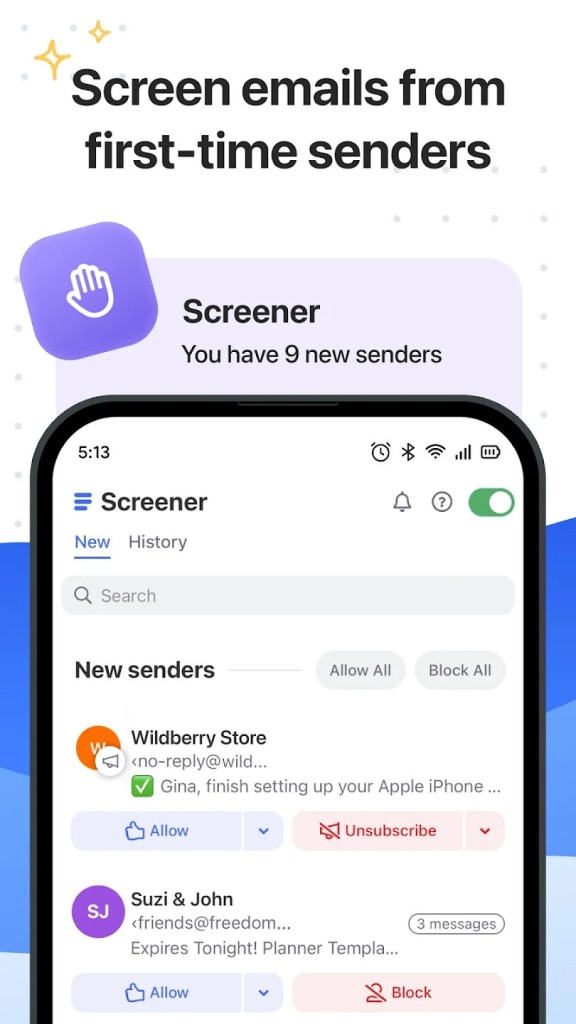
Clean Email has a free account that lets you clean up to 1,000 email messages. You can move, delete, archive, label, and manage messages, but advanced tools such as Screener, Sender Settings, Mailing List Settings, and Auto Clean require Premium. You can try Premium features with a 14-day free trial, which includes unlimited email cleaning and 25 unsubscribe actions. After the trial, you'll need a paid subscription to keep using those features.
What Operating Systems Are Compatible with Clean Email?
Clean Email works on the web and has apps for iOS, iPadOS, macOS, and Android. It connects directly to your email account, so you can continue using your preferred email client, including Gmail, Outlook, or Apple Mail. It supports popular providers such as Gmail, Yahoo, Hotmail, and AOL, as well as many work and school email accounts. You can access and manage your mailbox across devices without having to replace your existing email app.
What Are the Alternatives to Clean Email?
Leave Me Alone focuses on unsubscribing from unwanted mailing lists and controlling which messages reach your inbox. It can identify subscriptions, unsubscribe with one click, and group newsletters into scheduled Rollup digests so you can read them daily or weekly instead of receiving individual notifications. Its Screener holds messages from unfamiliar senders until you decide whether to allow them, while Spam Blocker helps filter unwanted messages. You can also set priority senders and use Do Not Disturb mode to delay incoming email.
Mailstrom is a web-based inbox management tool that helps you organize large volumes of email through bulk actions. It groups messages by sender, subject, date, and other characteristics, making it easier to identify newsletters, old conversations, and messages taking up storage space. You can delete, archive, or move hundreds of emails at once, unsubscribe from mailing lists, and block unwanted senders or subjects. Mailstrom also supports automatic rules for handling future messages and daily or weekly email reports.
Trimbox is a simpler email cleanup tool focused on Gmail. It scans your inbox for mailing lists and unwanted messages, then lets you unsubscribe or delete old emails from a sender with one click. If a mailing list requires an email request rather than a standard unsubscribe link, Trimbox can send the request automatically. It can also create Gmail filters to block future messages from unwanted senders. Privacy is a key part of its approach. Trimbox says email data stays on your device and is never shared or sold, and that its service has been verified by Google's privacy team.