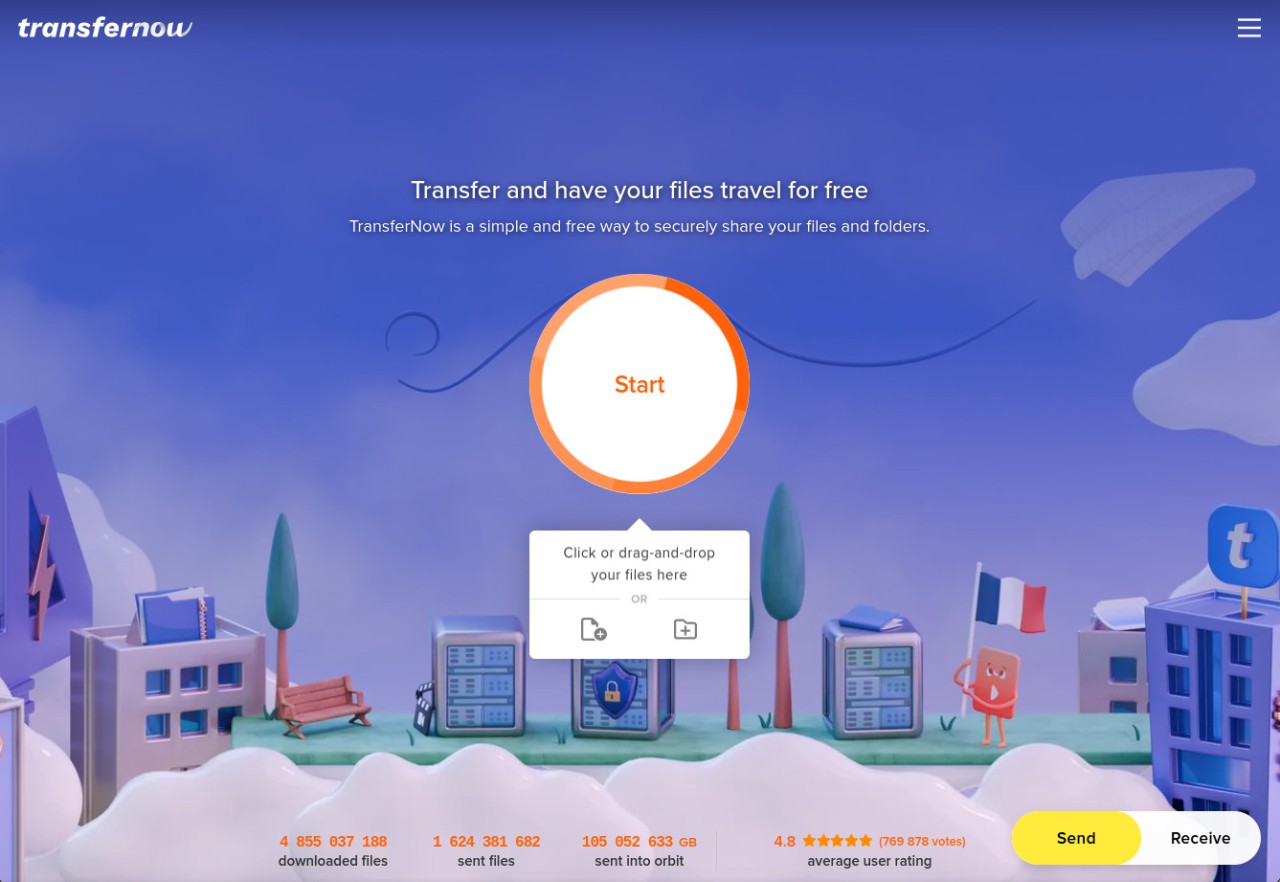
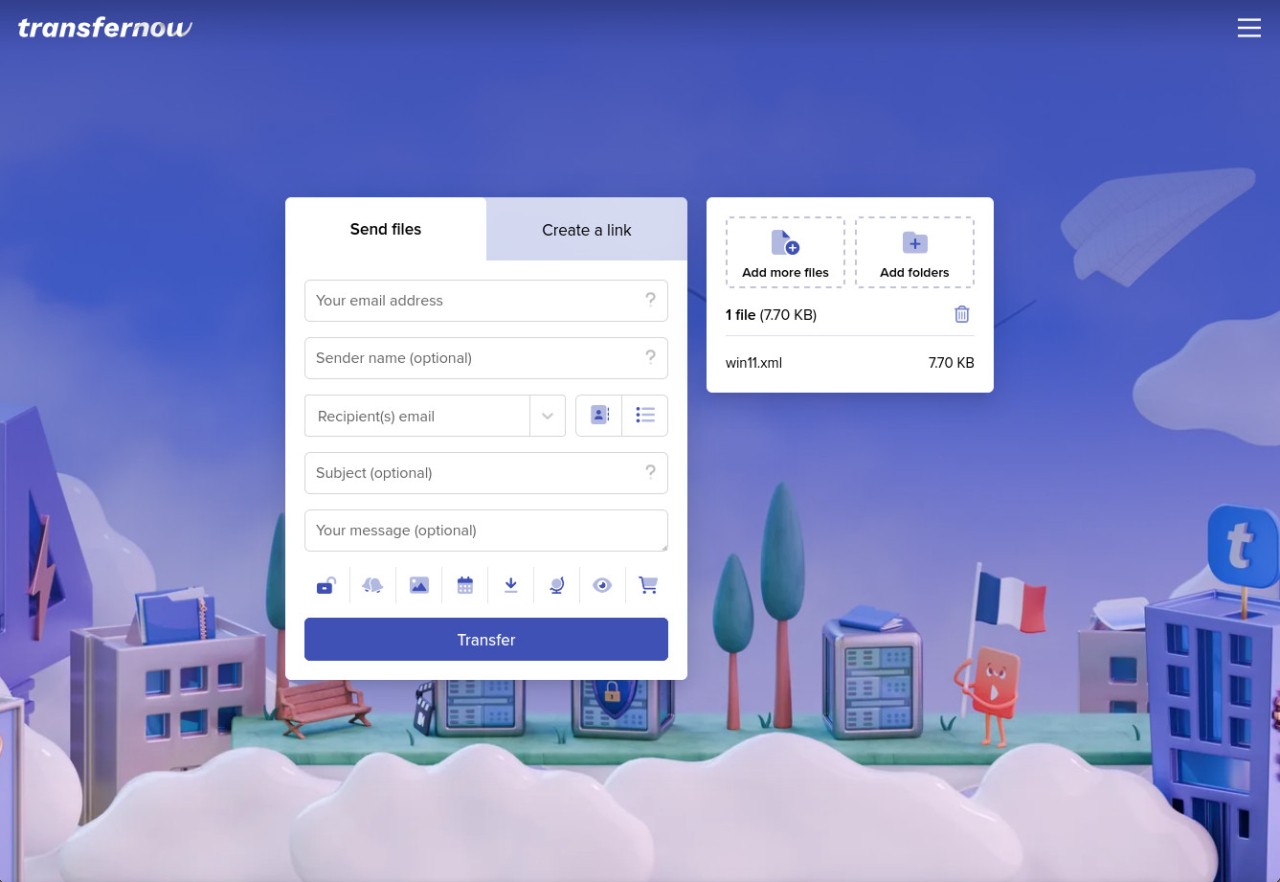
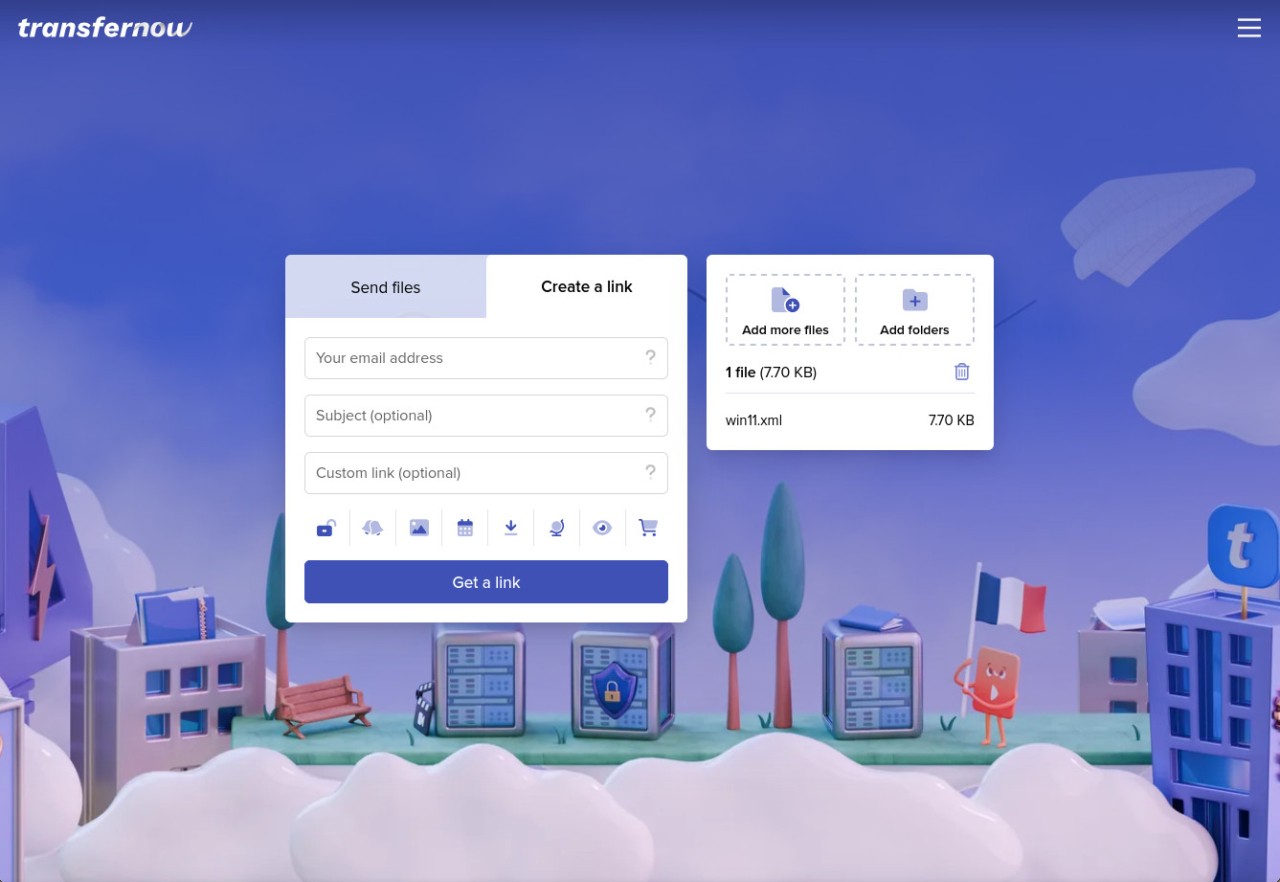
TransferNow is an online file-sharing service for sending documents, photos, videos, and entire folders without relying on email attachments. You can upload files through your browser, enter recipients' email addresses, or generate a shareable link. There's no need to create an account for occasional transfers, making it a practical option when you need to send something quickly. The process is straightforward. Select your files by clicking the upload area or dragging them onto the page, fill in the transfer details, and then confirm the upload. Recipients can download the files through the link or email notification. You can also protect transfers with a password, giving you more control over who can access the download page.
TransferNow is useful for more than one-off file sharing. Registered users get access to a dashboard for tracking downloads, managing transfers, and sending files again without uploading them a second time. Businesses can also create branded file-reception forms, manage multiple users, and customize the appearance of their transfer pages. The service supports large transfers, file previews, and video and audio streaming, so recipients can check certain content before downloading it. With browser access, desktop and mobile apps, and integrations for Outlook and Gmail, TransferNow offers several ways to send and receive files.
Why Should I Download TransferNow?
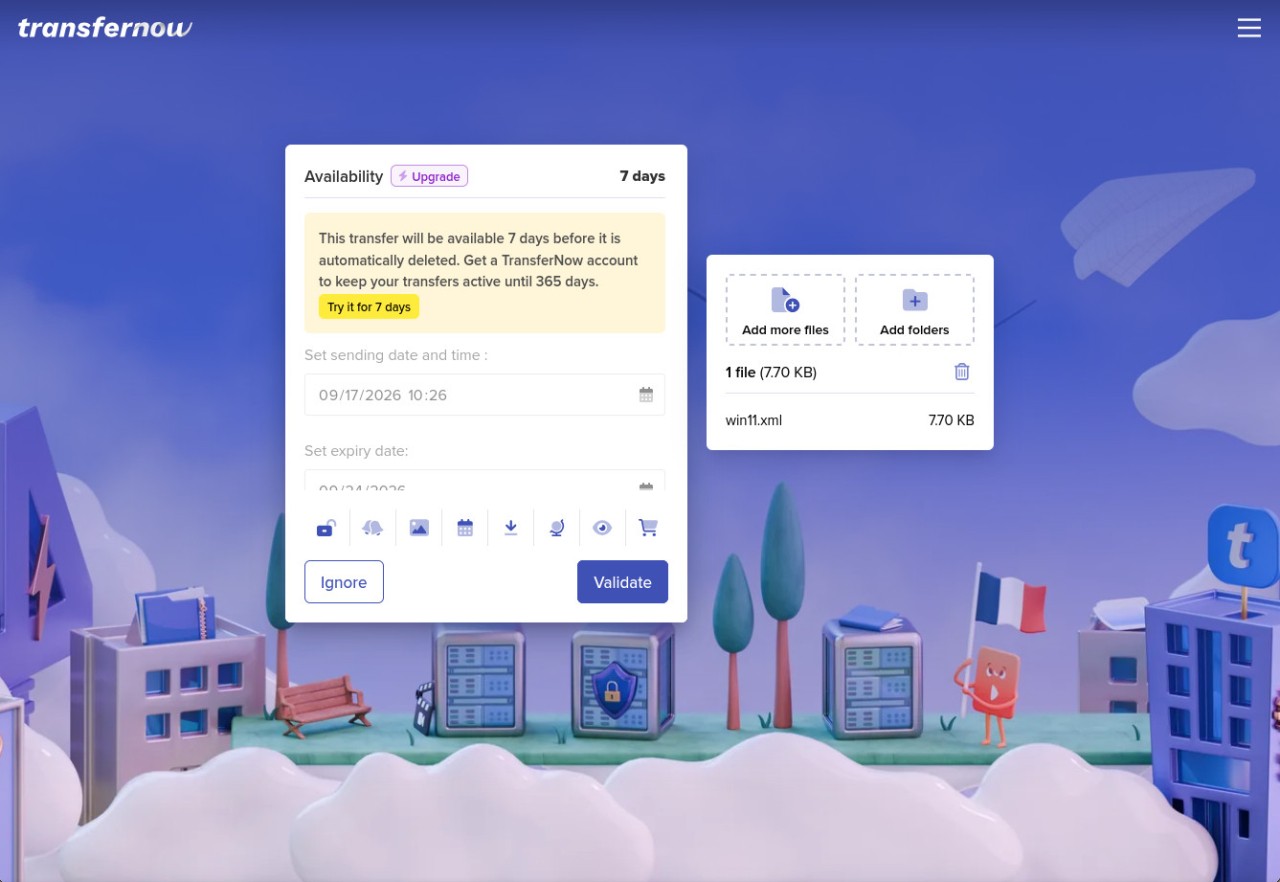
TransferNow is worth considering if you regularly need to share files that are too large for standard email attachments. Its main advantage is that you can send files through a browser without creating an account. The free service supports transfers of up to 5 GB, with files remaining available for seven days. That should be enough for occasional exchanges of documents, photographs, and smaller video files.
You can send files directly to recipients by email or generate a shareable link. Password protection adds another layer of access control, which is particularly useful when sharing private documents or work files. You can choose a password for the download page and share it separately with your recipients. TransferNow also scans uploaded files for viruses before making them available for download.
For larger transfers, registered accounts provide additional capacity and management tools. Depending on the subscription, you can send files of up to 250 GB or 500 GB per transfer, with availability periods extending to 365 days. The dashboard lets you monitor downloads, change transfer settings, resend files to new recipients, and delete transfers before their expiry date.
There are also features aimed at businesses and people who frequently receive files from clients. You can create customized upload forms and embed them on your website, allowing visitors to send files directly to your TransferNow account. Address books and contact groups make recurring transfers easier, while team and enterprise subscriptions include user management and branding options.
Is TransferNow Free?
Yes. TransferNow offers a free service that does not require registration. You can send up to 5 GB per transfer, with files available for seven days. The free plan also includes password protection and basic file reception, but does not provide storage or the more advanced management and customization features. Paid subscriptions increase transfer limits, storage capacity, and file availability periods.
What Operating Systems Are Compatible with TransferNow?
TransferNow is available through a web browser, so you can use its file-transfer service on compatible computers, tablets, and smartphones without installing desktop software. It also offers dedicated applications for Windows, macOS, Linux, iOS, and Android.
There are additional integrations for people who want to send files without leaving their usual tools. The Outlook add-in lets you upload large attachments directly from your email client, while the Google Chrome extension integrates with Chrome and Gmail. Businesses can also use the TransferNow API to integrate file transfers into their own systems and workflows.
What Are the Alternatives to TransferNow?
WeTransfer is a familiar option for sending files through email or shareable links. Its interface keeps the process simple: upload your files, enter the recipient details, generate a link, and send. It works well for people who want a straightforward way to share documents, photographs, and videos without dealing with complicated settings. Like TransferNow, WeTransfer offers both free and paid options, with additional features available through its subscriptions. It is worth considering if you prioritize a recognizable service and a simple sharing process.
Smash focuses on transferring large files without imposing a fixed file-size limit on its free service. However, transfer speeds and availability can depend on the size of the upload and current service conditions. You can send files by email or create a shareable link, and the service includes options for customizing transfer pages. Smash is particularly useful when you need to send unusually large files and want an alternative to services with stricter free transfer limits.
Swisstransfer is another option for sharing large files without creating an account. It allows transfers of up to 50 GB and provides options such as password protection and setting an expiry date. Files are hosted in Switzerland, which may appeal to users who want a clear idea of where their data is stored. Its interface is straightforward, making it suitable for sending large collections of documents, images, and videos without setting up a subscription.