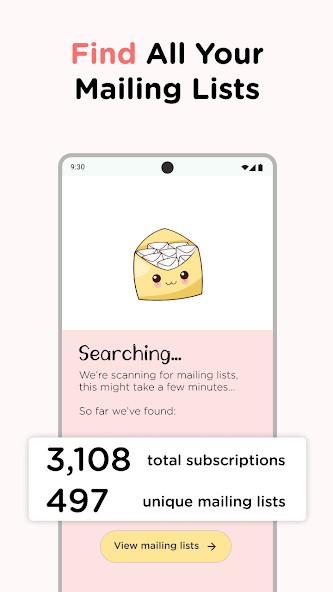
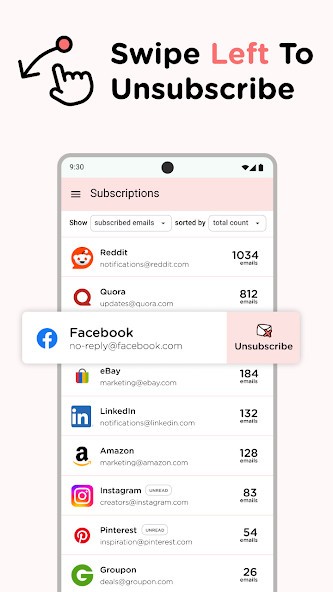
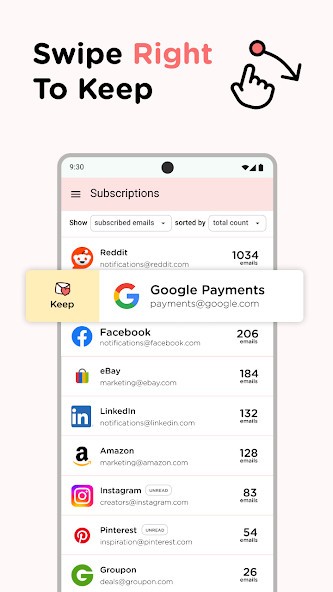
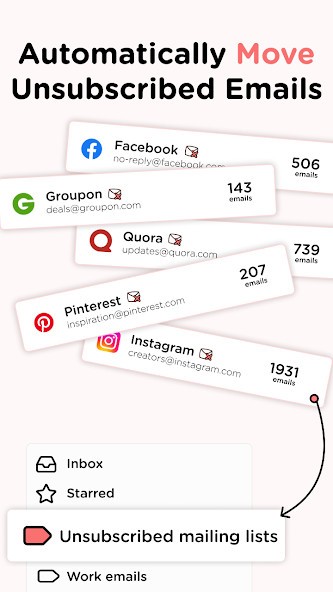
Leave Me Alone is an email management tool designed to help you reduce inbox clutter and stop unwanted messages from filling up your mailbox. Instead of opening individual newsletters and searching for unsubscribe links, you can view your subscriptions in one place and remove the ones you no longer want with a single click. The service handles the unsubscribe process for you, helping you clear out mailing lists without spending time managing each one separately. It also includes several features to help keep your inbox organized after the initial cleanup. Rollups combine newsletters you still want to receive into scheduled email digests, delivered daily or weekly.
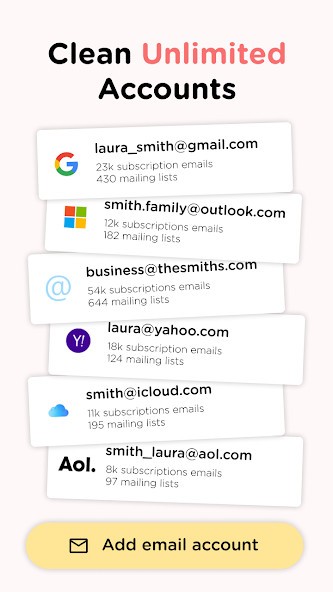
The Screener feature gives you more control over who can reach your inbox by holding messages from unfamiliar senders until you approve them. Leave Me Alone can also block cold emails sent through mass-mailing tools, while priority sender settings ensure important messages arrive without delay. Its Do Not Disturb mode temporarily holds incoming emails and delivers them once your focus period ends. You can connect multiple email accounts and manage subscriptions from different providers in one place.
Why Should I Download Leave Me Alone?
Leave Me Alone is useful if your inbox is crowded with newsletters, marketing emails, and subscriptions you no longer read. Instead of opening messages individually and hunting for unsubscribe links, you can see your subscriptions in one place, decide which ones to keep, and remove the rest with a single click. The service follows unsubscribe links or sends unsubscribe requests on your behalf, rather than simply hiding unwanted messages with filters.
Its Rollups feature is handy if you still want to receive some newsletters but don't want them interrupting you throughout the day. You can group selected senders into separate digests and choose to receive them daily or weekly. The Screener also holds messages from unfamiliar senders until you decide whether to allow them into your inbox. Additional tools block cold emails and spam, prioritize important senders, and temporarily hold incoming messages while Do Not Disturb mode is active.
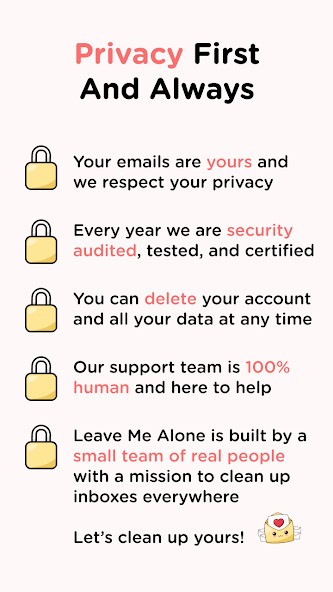
You can connect multiple email accounts and manage subscriptions from different providers in one place. Leave Me Alone supports Gmail, Outlook, Yahoo, AOL, Fastmail, iCloud, and other IMAP-compatible services. Privacy is another important part of its approach. The service says it does not sell user data and only scans the metadata needed to identify subscriptions, rather than reading personal email content.
Is Leave Me Alone Free?
Leave Me Alone offers 10 free unsubscribes from one email account, with no credit card required. After that, you need a paid plan to access unlimited unsubscribing and its other inbox management features, including Rollups, Screener, Spam Blocker, and Do Not Disturb mode. You can choose a monthly or annual subscription, or purchase a one-time seven-day pass if you only want to clean up your subscriptions without committing to an ongoing plan.
What Operating Systems Are Compatible with Leave Me Alone?
Leave Me Alone is a web-based service, so you can access it through a browser on Windows, macOS, Linux, and other systems that support a modern web browser. It works with a range of email providers, including Gmail, Outlook, Yahoo, AOL, Fastmail, and iCloud, as well as other IMAP-compatible accounts. You don't need to install a dedicated desktop application to manage your subscriptions.
You can also use the mobile app for Android or iOS to use it directly on your smartphone while browsing your emails.
What Are the Alternatives to Leave Me Alone?
Mailstrom is an email cleanup tool that helps you organize large inboxes and remove unwanted messages in bulk. It groups emails by sender, subject, date, and size, making it easier to identify newsletters, promotions, and old messages you no longer need. You can delete, archive, or move hundreds of emails at once, as well as unsubscribe from mailing lists and block unwanted senders. Its additional features include custom rules for automatically sorting incoming messages, Chill for temporarily removing emails from your inbox, and Expire for automatically clearing older messages.
Trimbox focuses on making it easier to unsubscribe from unwanted mailing lists and delete old emails. It scans your inbox to identify subscriptions, then lets you unsubscribe from senders with one click without opening individual messages. You can also delete all previous emails from a particular sender in bulk, helping you reclaim inbox storage. Trimbox creates filters in Gmail to block unwanted senders, and its developers emphasize that email data stays on your device rather than being shared or sold.
Email Unsubscriber is a privacy-focused alternative for people who mainly want to identify unwanted subscriptions and stop receiving them. It scans your inbox for mailing lists and displays the senders so you can review them and unsubscribe with a few clicks. Unlike Leave Me Alone, it uses read-only access and processes email data directly in your browser, meaning your email content isn't sent to its servers. It also includes an unsubscribe history, detection for senders who continue emailing after an unsubscribe request, and an audit log of your actions.