PDFCraft is free, open-source software designed to help you manage PDF documents without a subscription. Launched in October 2026 as part of the Craft Apps suite, it offers an alternative to commercial PDF editors such as Adobe Acrobat Pro.
Built with the Rust programming language, and the help of Claude AI, PDFCraft includes a range of practical tools for working with PDF files. You can reorder, rotate, insert, or delete pages, merge multiple PDFs, and split documents into separate files. The software also supports document encryption and automatic saving to help preserve your changes. When modifying PDFs, it aims to retain elements such as hyperlinks, bookmarks, form fields, and layers.
PDFCraft prioritizes privacy by processing files locally, without requiring an account, collecting telemetry, or relying on cloud storage. It is available for macOS, Windows, and Linux, as well as in a browser-based version. The project is open source, allowing users to inspect its source code.
Why Should I Download PDFCraft?
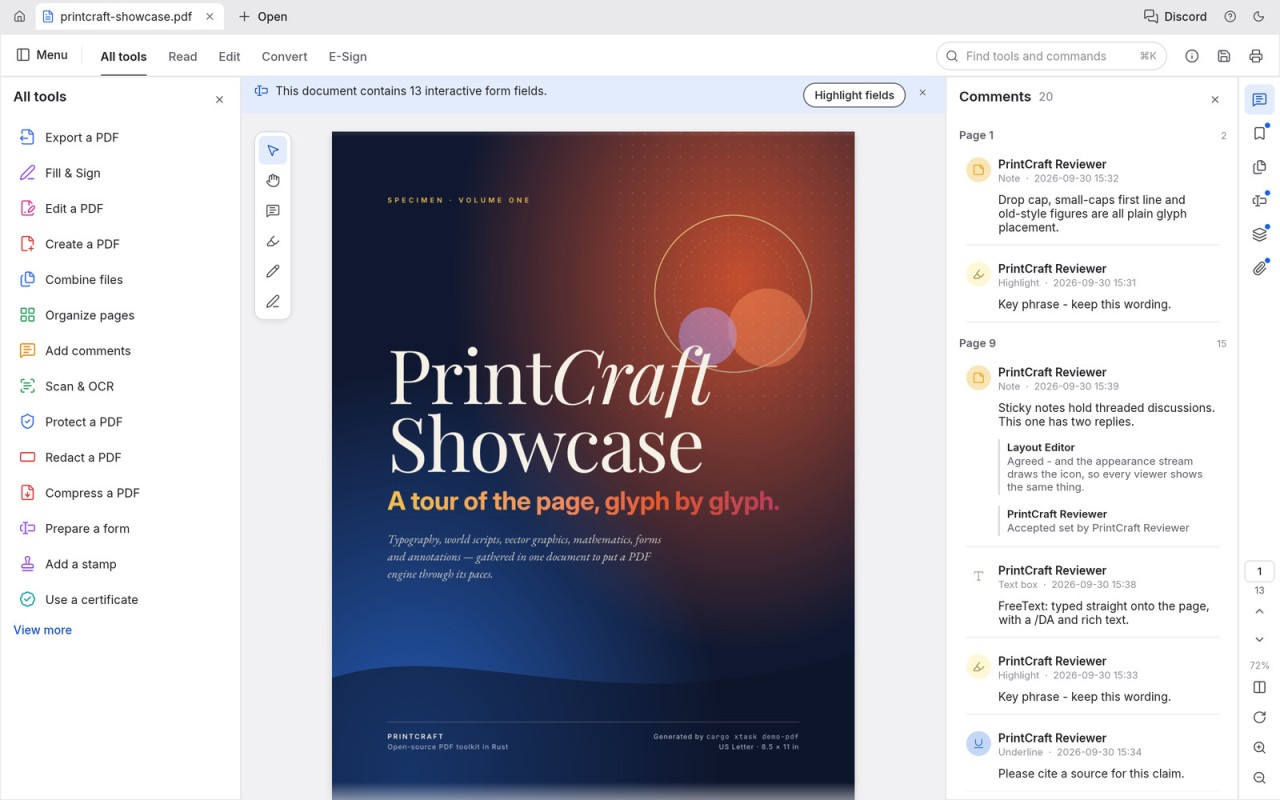
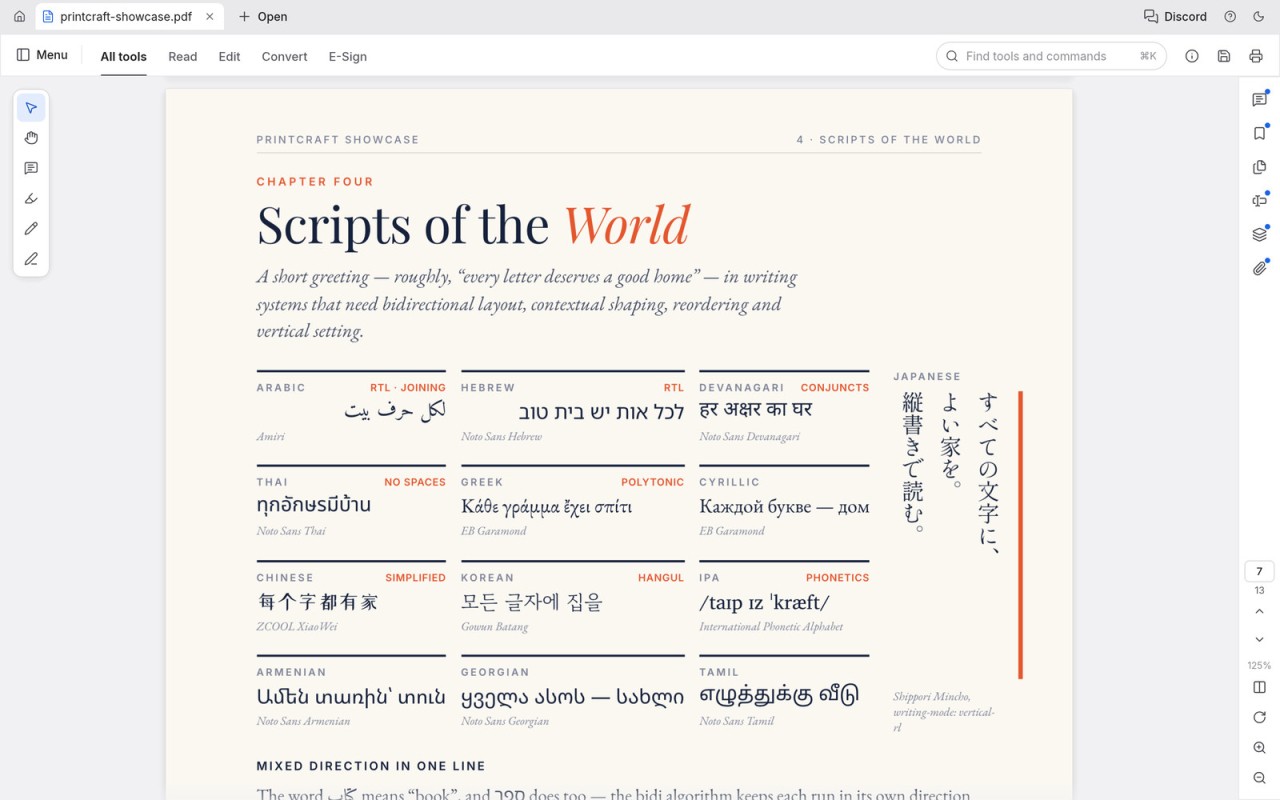
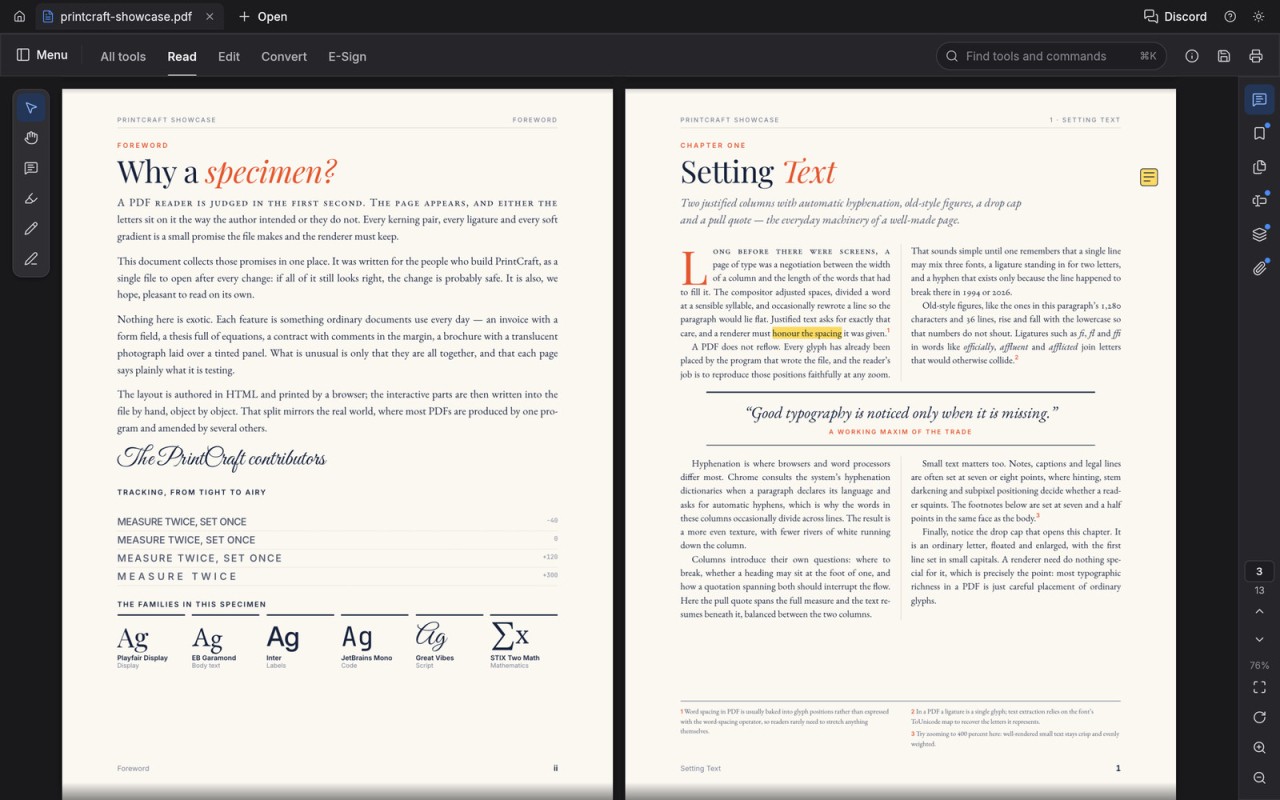
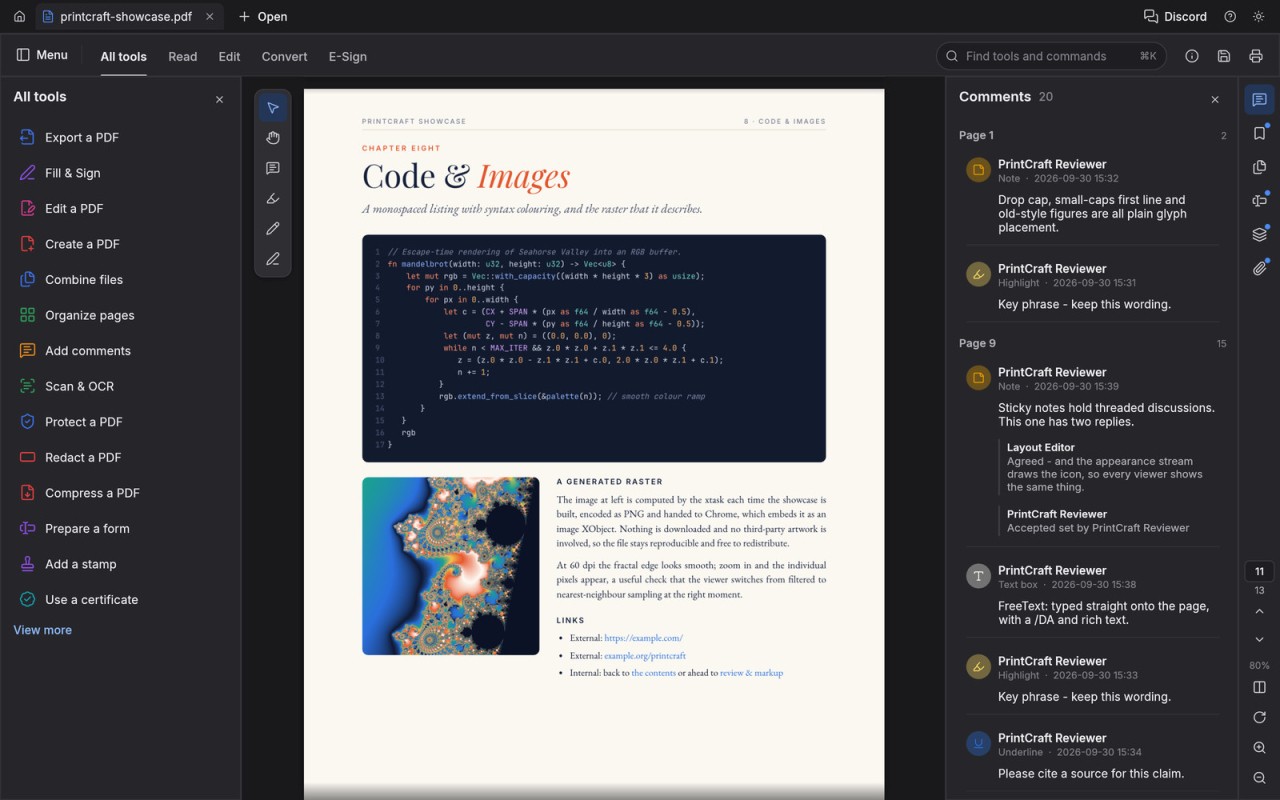
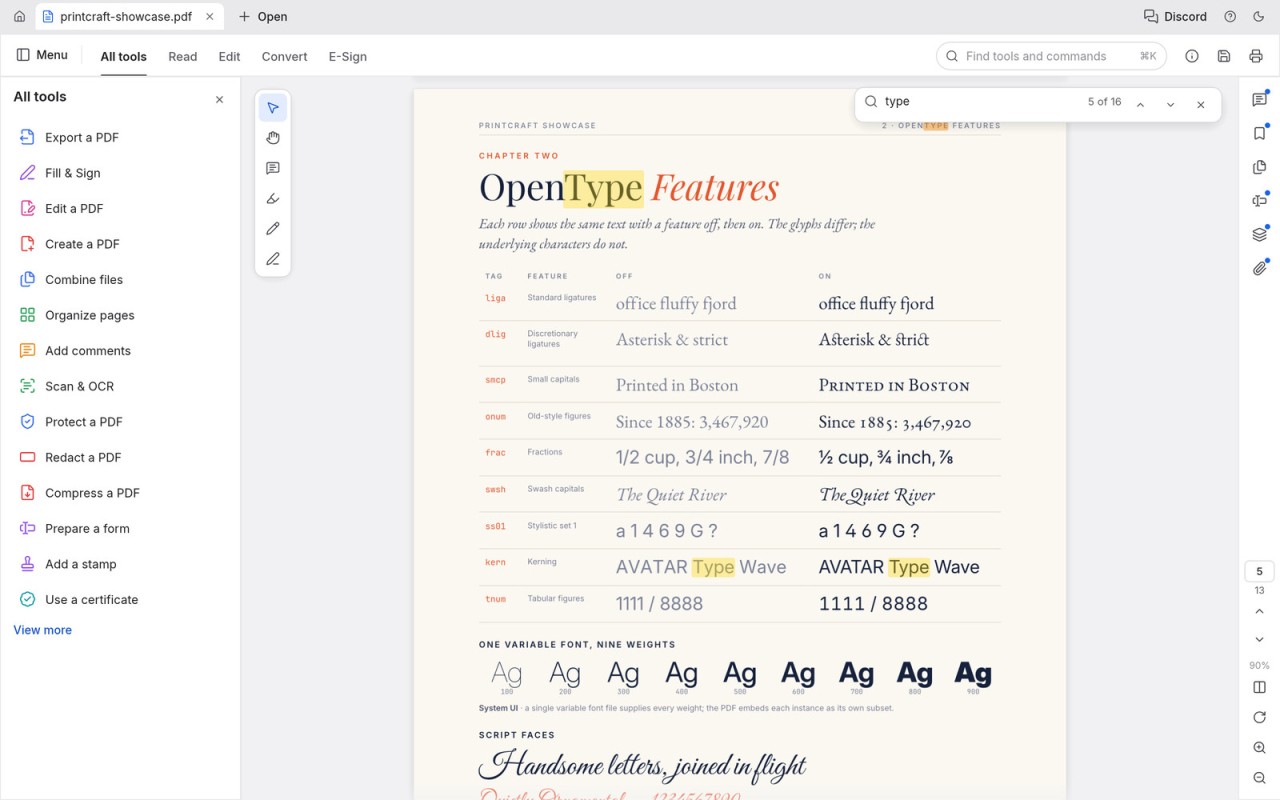
PDFCraft allows you to view and organize PDF files on your computer or in a web browser. When you open a document, you can choose from several viewing modes, including single-page, continuous, two-page, and full-screen views. The built-in search function helps you find specific words or phrases, while text selection, bookmarks, and page thumbnails make it easier to navigate longer documents.
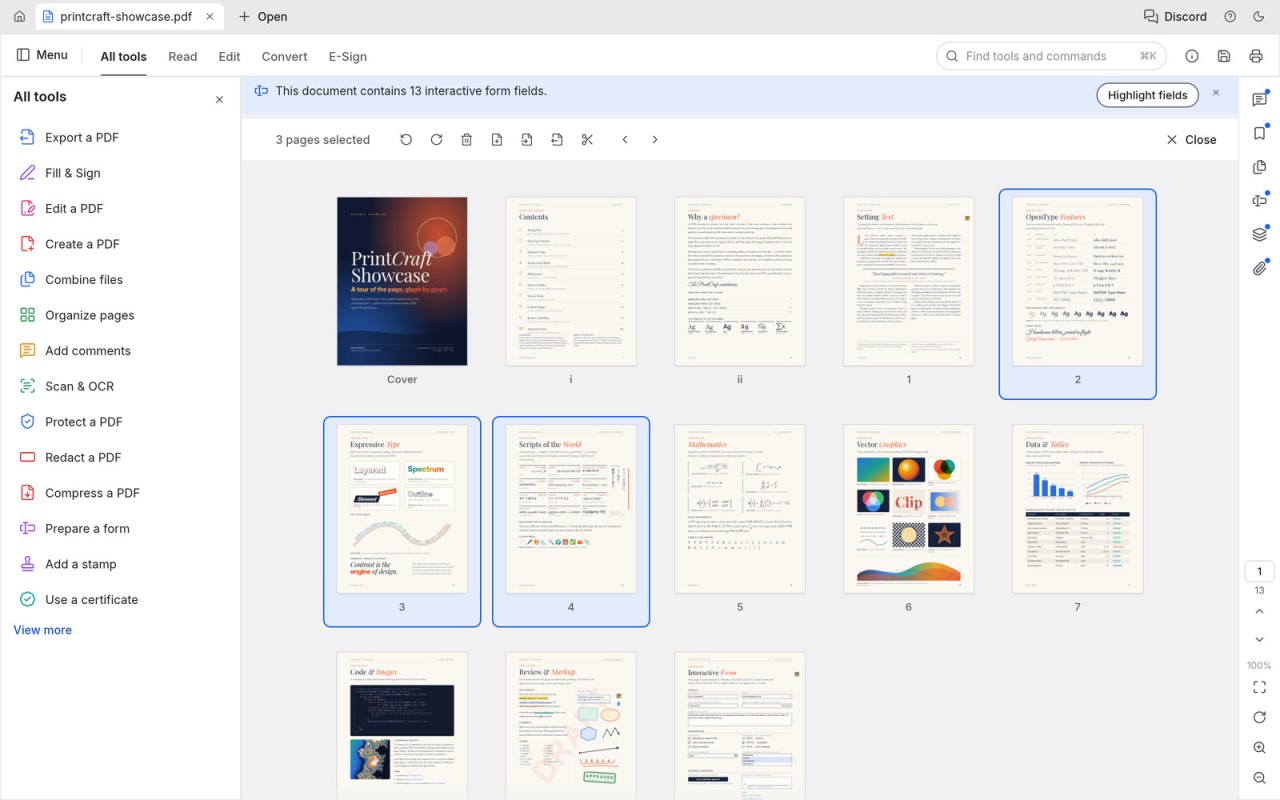
To reorganize a document, open the page organization tool. From there, you can move, rotate, or delete pages, insert blank pages, and import pages from another PDF. The Combine feature lets you merge multiple documents, while the Extract and Split tools help you select specific pages or divide a PDF into smaller files. Changes can be undone, and automatic saving helps preserve your work.
PDFCraft also supports viewing annotations, managing bookmarks, and working with layers and attachments. It can open password-protected documents when you provide the required password, subject to any restrictions imposed by the document's author. Light and dark themes let you adapt the interface to your reading preferences.
Because the application is open source and processes files locally, it may appeal to users looking for a straightforward PDF tool without an account or cloud-based workflow. It is suitable for everyday document management, although users who need advanced editing, OCR, or specialized document-conversion tools should check whether their specific requirements are supported.
Is PDFCraft Free?
Yes. PDFCraft is free and open-source software. You can download and use it without a subscription, and its source code is publicly available.
What Operating Systems Are Compatible with PDFCraft?
PDFCraft is available for Windows, macOS, and Linux. A browser-based version is also available. No account is required, and the desktop application processes documents locally rather than uploading them to cloud storage.
Windows downloads include installers and portable versions for 64-bit systems, as well as builds for older 32-bit systems. Linux users can choose from several package formats, including AppImage (our link), Debian packages, and RPM packages. Builds are available for both x86-64 and ARM64 systems.
To install PDFCraft, you can use the ArtCraft launcher, which provides a central way to install and update applications in the Craft Apps suite. Alternatively, you can download the standalone version if you only need PDFCraft. A portable Windows edition is also available for users who prefer to run the application without a conventional installation.
What Are the Alternatives to PDFCraft?
Adobe Acrobat Reader and Adobe Acrobat Pro are established options for viewing and working with PDF documents. Acrobat Reader is primarily designed for reading, printing, and annotating PDFs, with additional features available depending on the version and account. Acrobat Pro offers more advanced capabilities, including editing text and images, converting documents to formats such as Word and Excel, recognizing text in scanned files, and managing electronic signatures. Some features require a paid subscription, making Acrobat Pro more suitable for users who need professional document-editing tools.
PDF-XChange Editor is another option for Windows users who want to view, annotate, and edit PDF files. Its free version includes a selection of common PDF tools, while a paid license unlocks additional capabilities. The application can also create PDFs from various source documents and images. An optional optical character recognition (OCR) feature can extract text from scanned documents, making it searchable or editable depending on the available tools and workflow.
Wondershare PDFelement is a cross-platform PDF editor that offers tools for editing text and images, merging documents, extracting pages, adding annotations, and signing files. It also supports form filling and includes AI-powered features for summarizing documents and simplifying certain tasks. PDFelement is available for Windows, macOS, Android, and iOS, as well as through a web interface. A free trial lets users evaluate its features before purchasing a license.