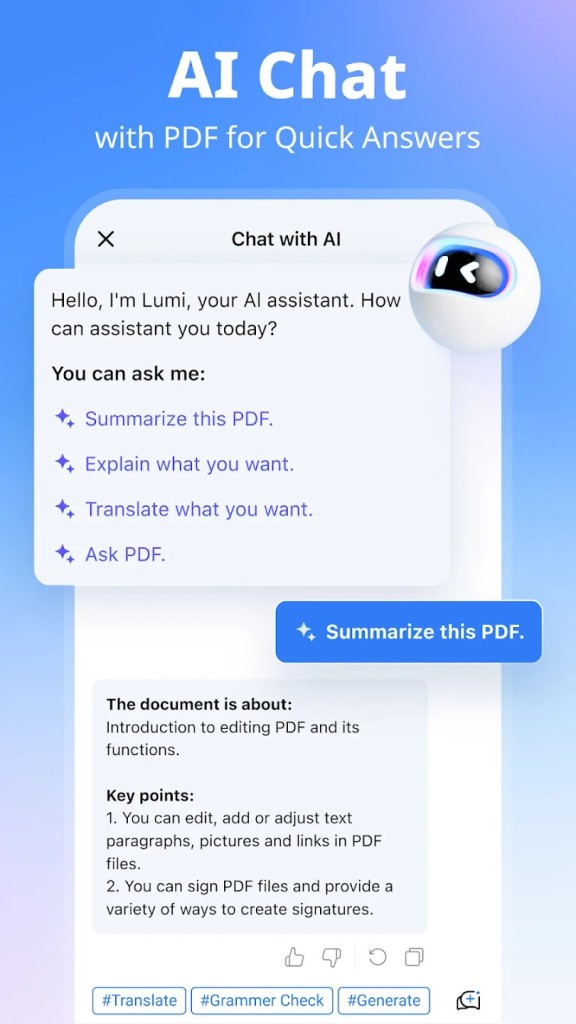
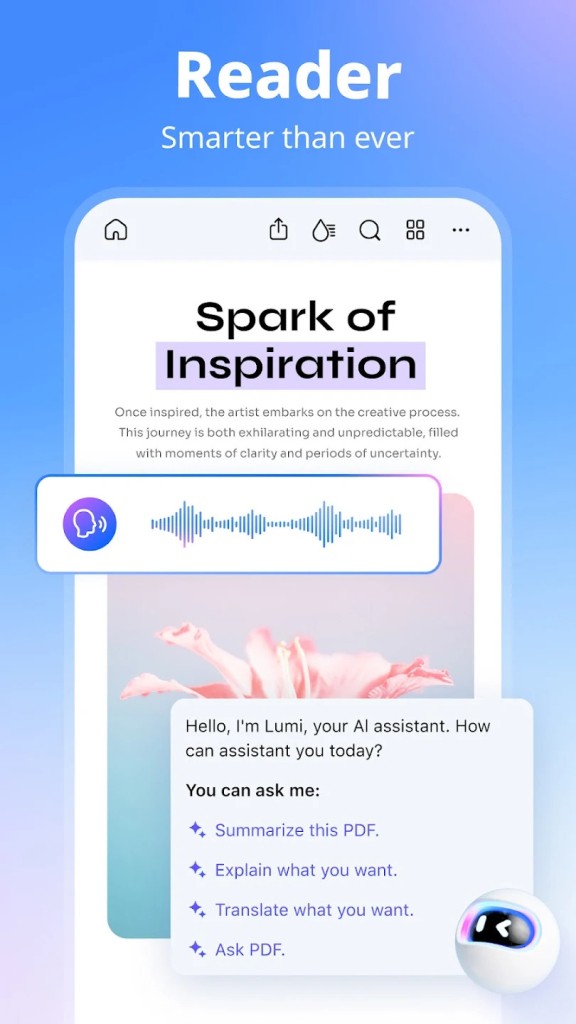
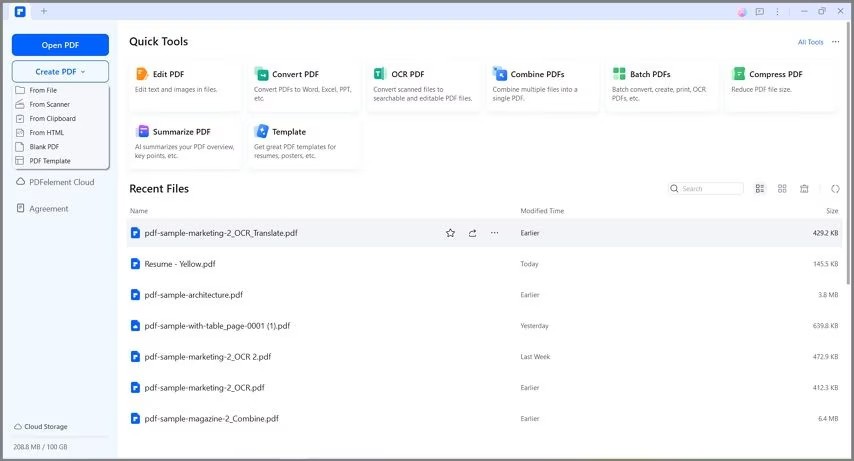
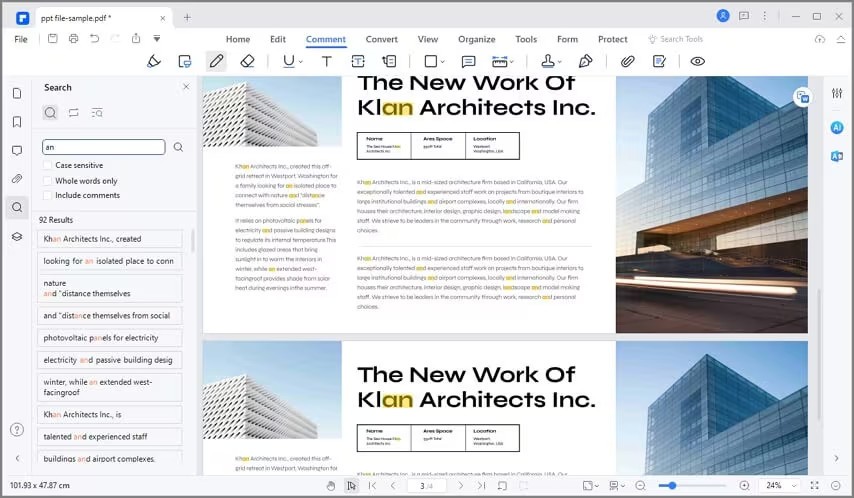
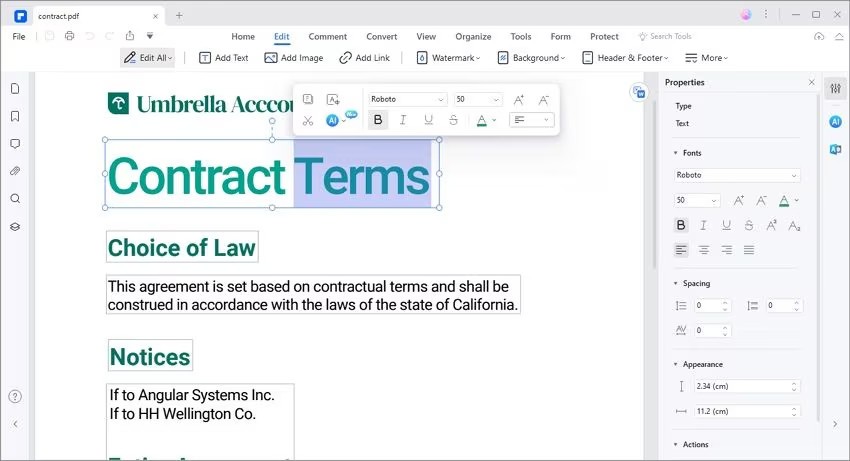
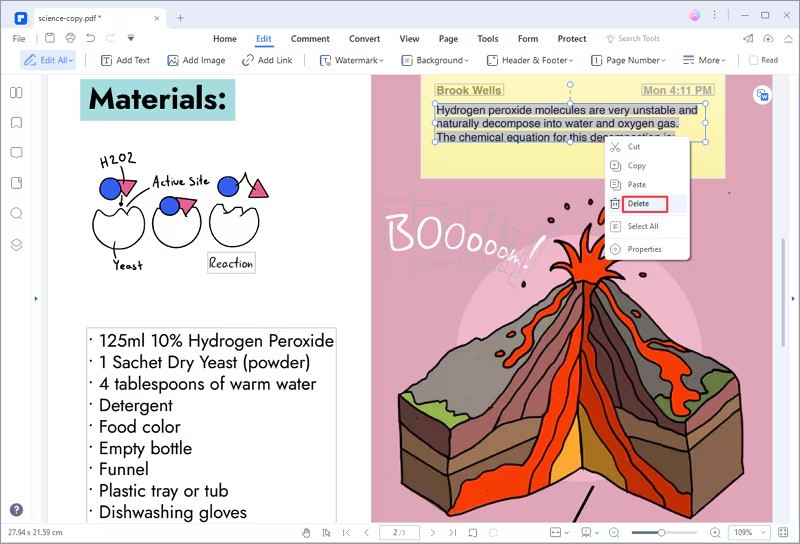
PDFelement is a robust PDF editor from Wondershare that provides users with complete capabilities to produce, edit, transform, and manage PDF documents. The app provides users with complete file control through its capabilities to handle text and images while easily editing complete layout structures. The software serves as an all-purpose tool for workplace and personal PDF document tasks, thereby attracting users who work with these files regularly. This software includes complete tools for making forms, applying annotations, and processing documents in groups.
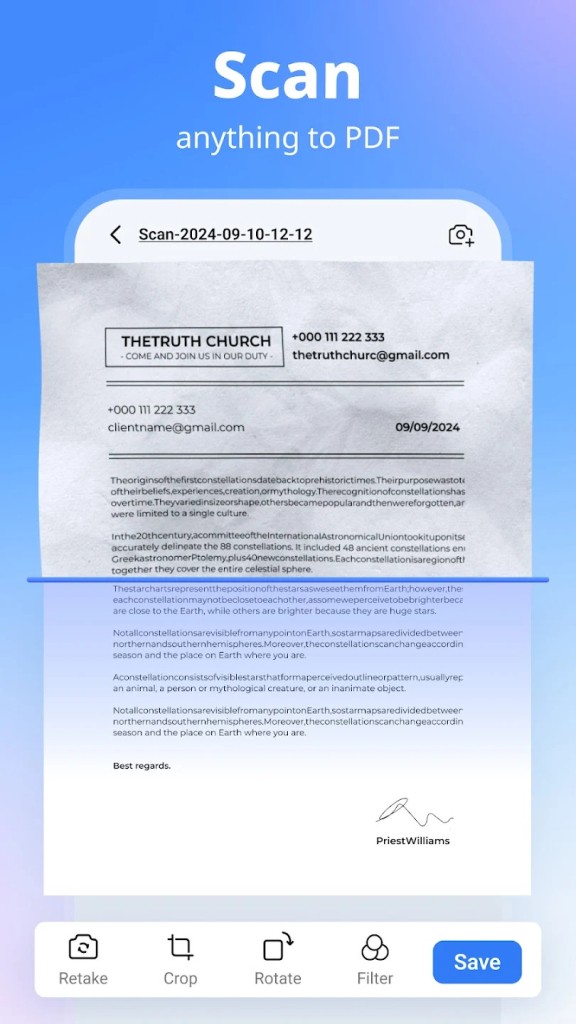
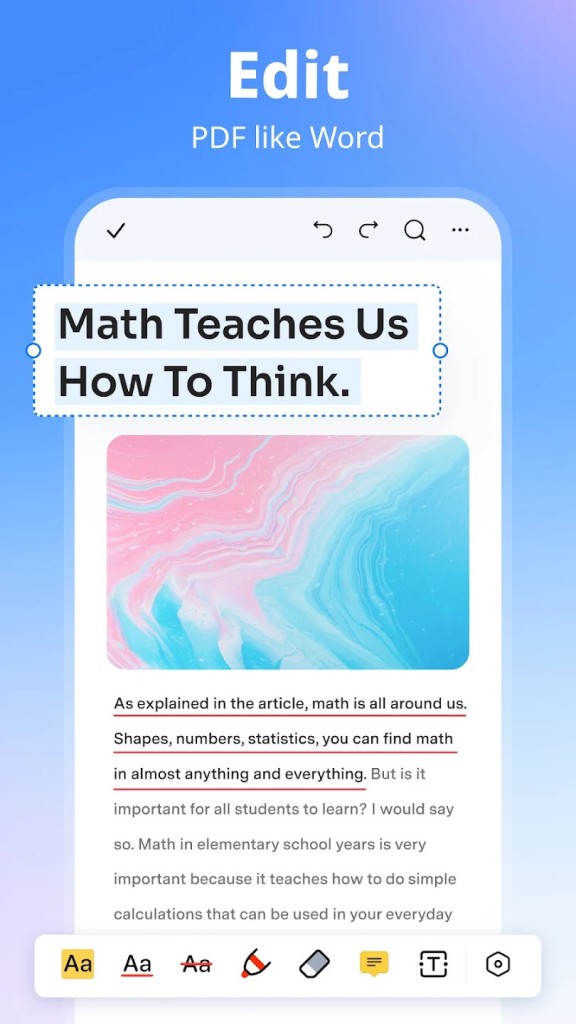
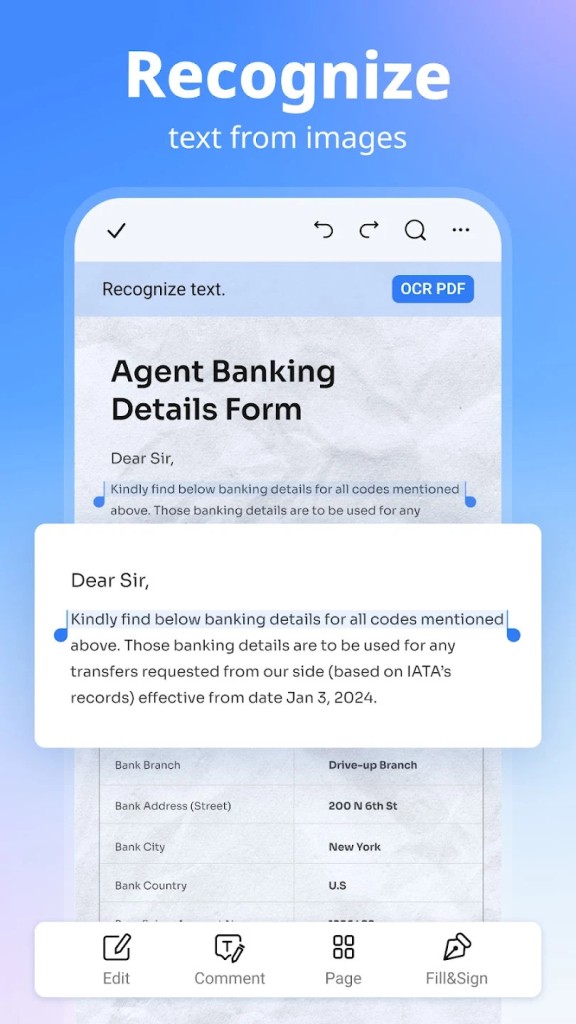
The standout feature of PDFelement enables users to edit their files directly. You can modify PDF content, including text and images, in its original format without converting them to different formats. OCR functions allow users to convert their scanned documents into editable, searchable PDFs using this software. This remarkable feature transforms the process of digitizing paper-based documents into a major improvement.
PDFelement stands out because it excels at document conversion and supports multiple file types. The application enables you to transfer PDF documents into Word, Excel, PowerPoint, and other formats with no alteration to the original format structure. This feature enables sharing documents with colleagues across different platforms and software. The software features an up-to-date, user-friendly interface that enables anyone to work through its features without technical expertise. The strong, adaptable nature of PDFelement makes PDF management simpler while delivering high-quality functionality.
Why Should I Download PDFelement?
The application offers numerous advantages for downloading, particularly for users who handle PDF files regularly and seek simplified workload management. The main reason users choose this program is its complete set of features. The single solution provides all necessary PDF-related functions, rather than requiring users to run multiple programs simultaneously. The full feature set of PDFelement accommodates all PDF tasks, from original document creation to file fusion, watermark insertion, and document security through encryption.
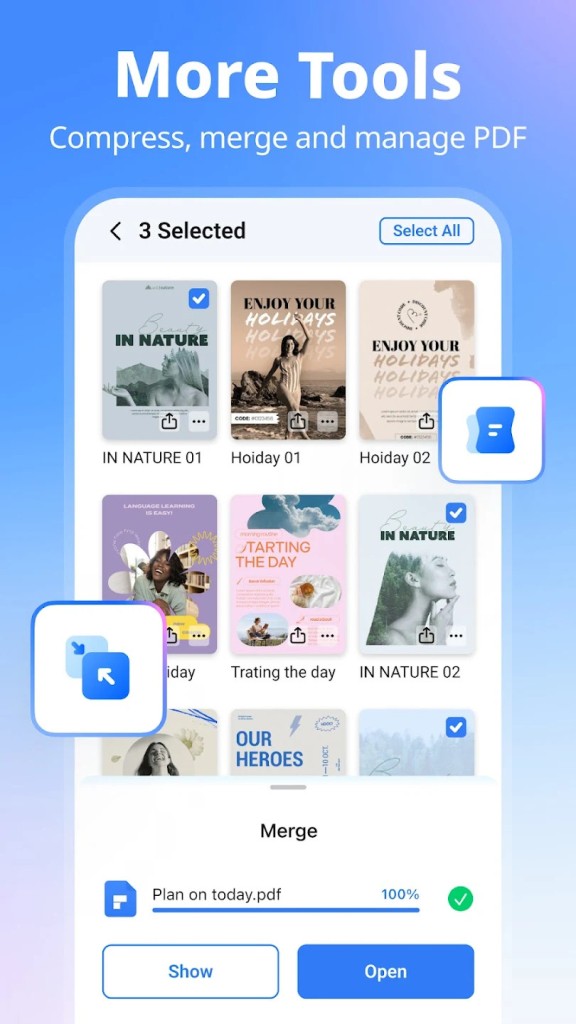
The application uses an interface designed to make document editing processes easy for users. Users can handle text changes, image modifications, and page reordering tasks without experiencing complex operational issues. This tool suits workers who need to revise their paperwork and modify specific documents while they are outside the office. You save time because you can edit files without converting between formats. The program provides batch refinement capabilities, which simplify the handling of multiple documents simultaneously.
The form creation and data extraction capabilities of PDFelement make it a product that users appreciate. Users can build interactive forms through standard form elements, which include checkboxes, radio buttons, and text fields, so they easily obtain data from clients and colleagues. This program automatically retrieves completed form data from PDF files, resulting in faster spreadsheet population. Its design suits organizations that process many forms through automated organization and documentation.
The primary reason to choose PDFelement is its affordable pricing compared to premium-grade PDF editors. This software delivers similar functions to high-end PDF editors, yet customers pay a lower cost. The application offers professional-level tools that remain affordable for both individual users and small businesses, along with freelancers who prefer not to spend on premium subscriptions.
Users should select PDFelement for its strong security features. The application enables users to encrypt files with passwords while defining specific document access rights for viewers or editors. The system includes digital signatures that let you authenticate files without depending on additional programs.
A suitable tool needs to meet your particular needs. PDFelement serves all users regardless of occupation, including students who handle lecture notes and business professionals who work with contracts, while anyone seeking PDF control can benefit from the solution. The software provides dependable service, which saves work time through an efficient approach for professional document management.
Is PDFelement Free?
PDFelement offers free trial and paid subscription options for users. If you download the free version, you gain access to the PDF viewer and basic annotation tools, alongside primary editing functions.
Additional features, such as OCR analysis along with batch processing tools and form development solutions, require users to sign up for a payment plan. Users can assess premium attributes through a free trial before buying, and the pricing remains competitive against alternative software products.
What Operating Systems Are Compatible with PDFelement?
You can download PDFelement on Windows computers and machines running macOS systems. The software is compatible with Windows computers, starting from Windows 7 through to Windows 11. Users of macOS can enjoy the feature set of PDFelement with ease on macOS 10.12 Sierra and its succeeding versions.
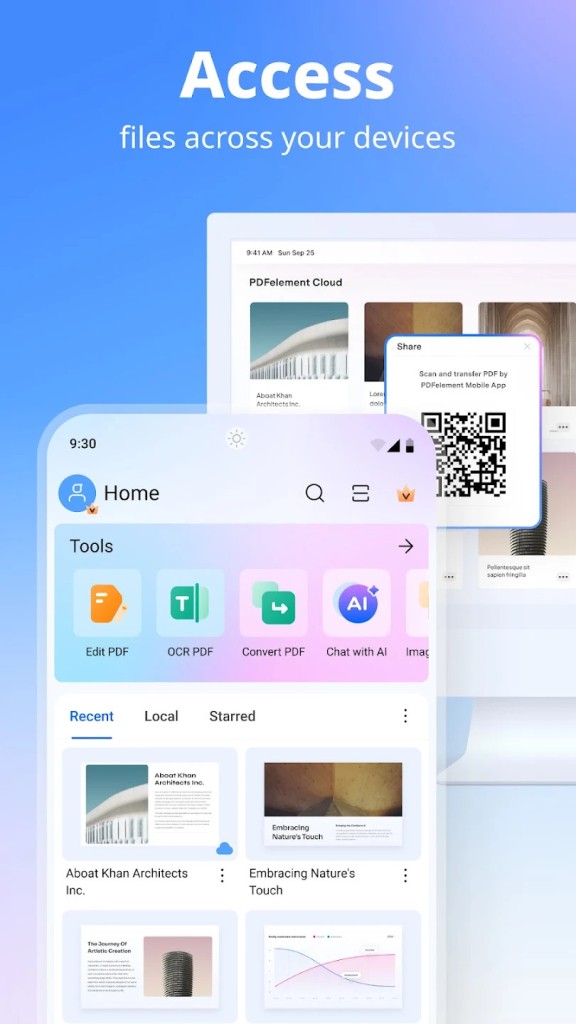
You also have access to a mobile version that supports PDF management through iOS and Android devices.
The application optimizes dual-platform operation by merging perfectly with Windows and macOS systems while maintaining equivalent functionality across all devices.
What Are the Alternatives to PDFelement?
Nitro PDF offers identical capabilities to PDFelement when working with PDF creation, editing, conversion, and electronic signature features. The tool manages PDFs smoothly thanks to its user-friendly design and highly functional platform resources. The program Nitro PDF finds extensive use among professional users who work with multiple documents as part of their daily operations. The tool gains more functionality through its ability to work with cloud storage services, Google Drive, and OneDrive, which benefits collaborative projects.
PDF-XChange Editor provides users with a fast, lightweight software solution for handling their PDF needs. Modern systems benefit from this PDF editor because it avoids running slowly, unlike other bulky editor solutions. The software provides users with multiple capabilities, which include text changes and annotation tools as well as OCR. PDF-XChange Editor's standout feature is exceptional markup capabilities, which reviewers and annotators find especially suitable. The tool can stand alone as an efficient and reliable solution, irrespective of its more well-known competitors in the market. You can download it for free.
The renowned industrial PDF editing and management standard is Adobe Acrobat Pro. The premium subscription model of this solution provides features along with integration capabilities despite its higher price point. Professionals who seek top-tier functionality should choose Adobe Acrobat Pro because it provides advanced editing tools together with OCR conversion abilities for making scanned documents editable. The tool functions effortlessly alongside other Adobe products to give users from the Adobe ecosystem a single unified workflow. Even though it presents an initial challenging learning process, Adobe Acrobat Pro provides users with outstanding functionality upon mastery. Note that there is no free version of Acrobat Pro to download.