Foxit PDF Editor is the paid, full-featured counterpart to Foxit's well-known free Reader. Where the Reader lets you open, mark up, and fill PDFs, the Editor is built for people who need to change what's actually inside the document. It ships in a paid plan with a free trial, so you can put it through its paces before committing.
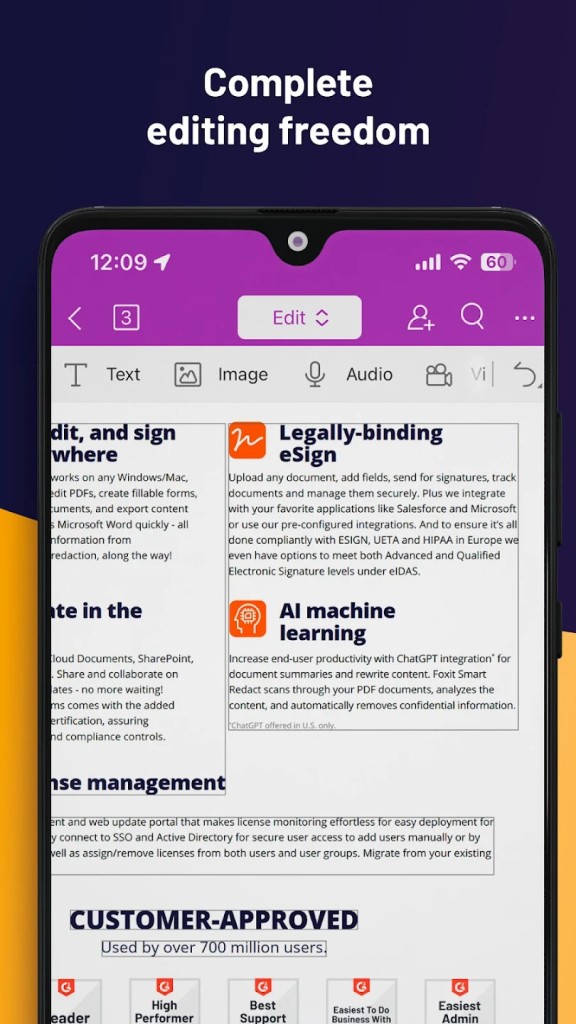
The text editing works the way you'd hope. Click into a paragraph and type, and the software reflows the surrounding lines instead of leaving you with broken spacing. You can swap fonts, resize blocks, and adjust color without touching the original file in some outside application. Images get the same treatment: drop a new one in, crop it, move it, or delete it outright. Page management covers the usual jobs too, so you can insert, reorder, rotate, split, or merge pages, and pull a single section out of a longer report when that's all someone needs.
Conversion is a big part of the pitch. Foxit turns PDFs into Word, Excel, PowerPoint, and image formats, and goes the other direction just as easily. The layout usually survives the trip, which matters when you're handing a converted file to a colleague who expects it to look right.
For teams, there's a shared review workflow. Multiple people can comment on the same document, and you can track who said what and when. Files can be sent for cloud-based collaboration, and the app connects to storage services like Google Drive and SharePoint so nobody is emailing attachments back and forth.
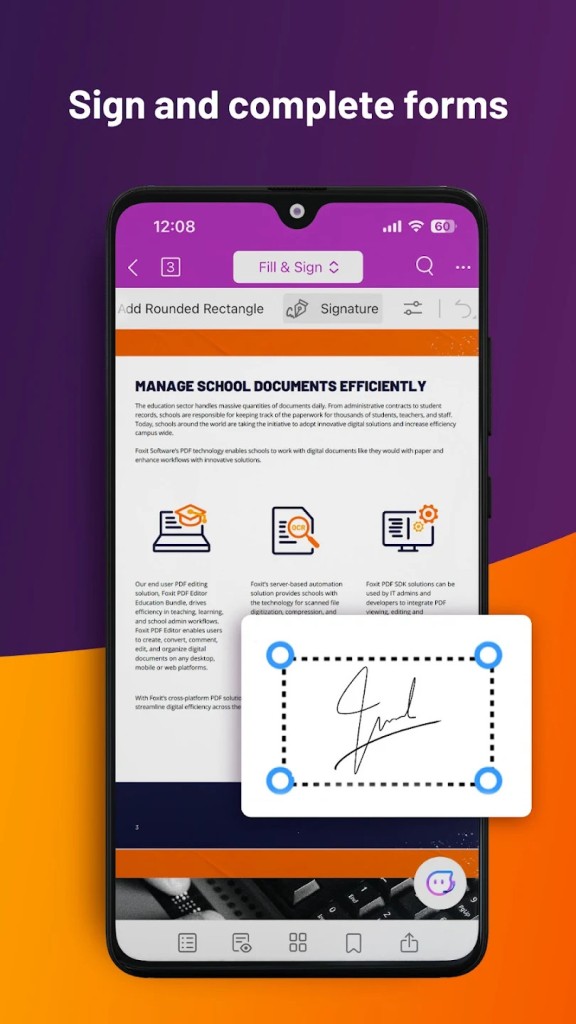
Digital signatures are handled natively. You can sign documents yourself, request signatures from others, and validate certificate-based signatures for anything that needs a legal paper trail.
The obvious comparison is Adobe Acrobat, and that's the point. Foxit does most of what Acrobat Pro does, but the price sits well below Adobe's subscription, and the interface is lighter and quicker to learn. For small businesses and individual users who balked at Acrobat's cost, that difference is often what settles the decision.
It isn't the flashiest software you'll install this year, and it doesn't try to be. What Foxit PDF Editor offers is a solid, capable PDF workhorse that does the everyday jobs without draining the budget, and for a lot of people that's exactly the trade they want.
Why should I download the Foxit PDF Editor?
Foxit PDF Editor gives you full control over PDF files that most free readers can only open. You can edit text and images directly on the page, rearrange or delete pages, and combine several documents into a single file.
The software handles form work: you can fill interactive forms, add electronic signatures, and collect data without printing anything. If you work with contracts or reports, the conversion tools matter: they turn PDFs into editable Word, Excel, or PowerPoint files and back again.
It runs faster and uses less memory than several competing programs, which matters if you open large files often. Collaboration features let teams add comments, track changes, and share documents through shared drives or cloud storage. For anyone who edits, signs, or converts PDFs regularly rather than just viewing them, the program covers those daily tasks in one place instead of forcing you to jump between separate tools.
Is Foxit PDF Editor free?
Foxit PDF Editor is not free, though the company does offer a way to try it before you pay. The software comes in a paid version, sold either through a subscription or as a one-time purchase, with pricing that varies depending on whether you buy the standard Editor or the more capable Editor Pro tier.
What Foxit does provide at no cost is a 14-day free trial, letting you use the full editing tools before deciding whether to commit. Once the trial period ends, unsaved work stays locked behind a paywall, and documents you edit will carry a watermark unless you buy a license.
What operating systems are compatible with Foxit PDF Editor?
Foxit PDF Editor runs on Windows and macOS, and Foxit maintains separate builds for each so both platforms get native performance. On Windows, it supports Windows 11, Windows 10, and older versions such as Windows 8.1 and Windows 7, though newer releases work best on current systems. The Mac version supports recent macOS releases and runs on both Intel and Apple Silicon machines.
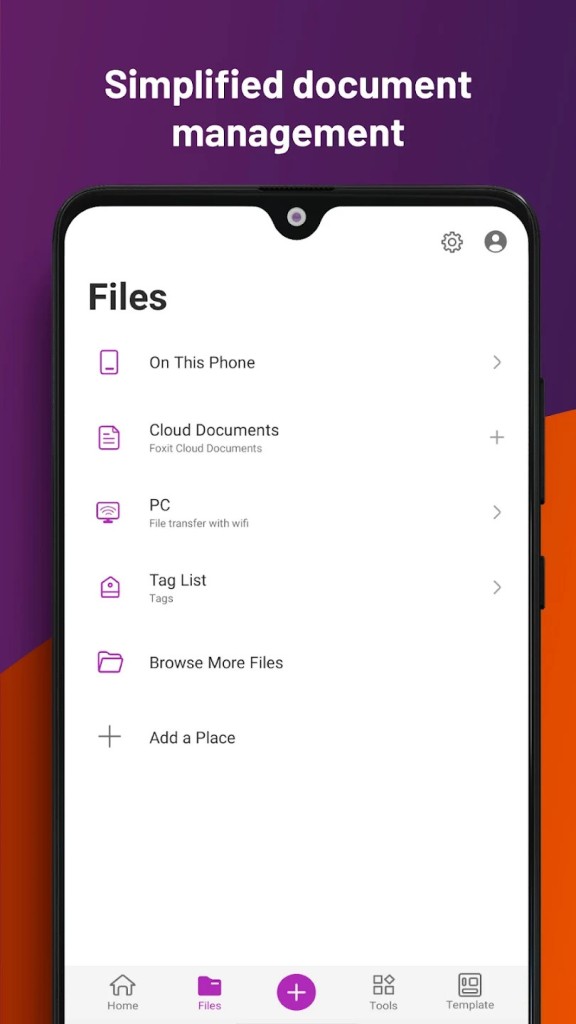
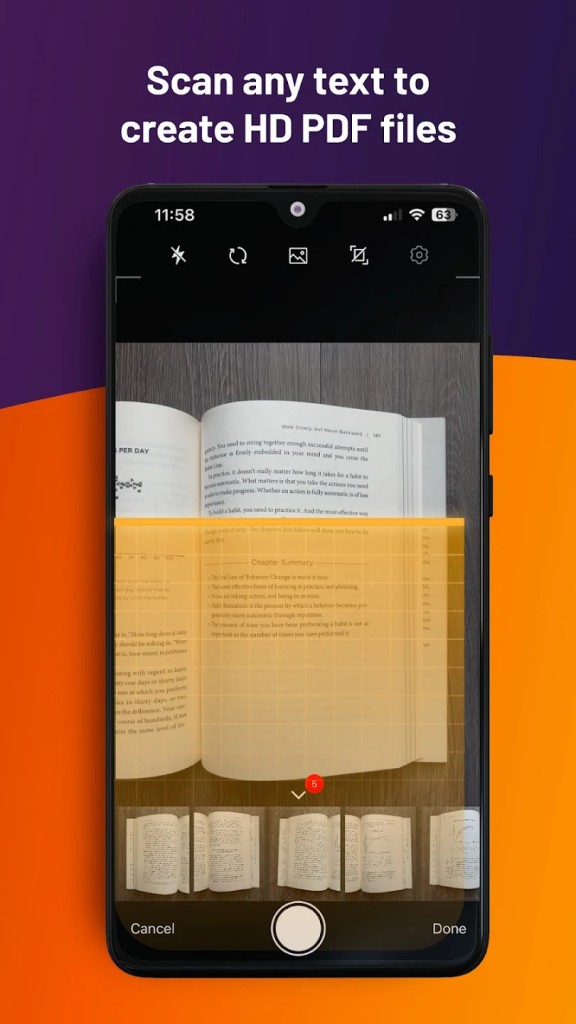
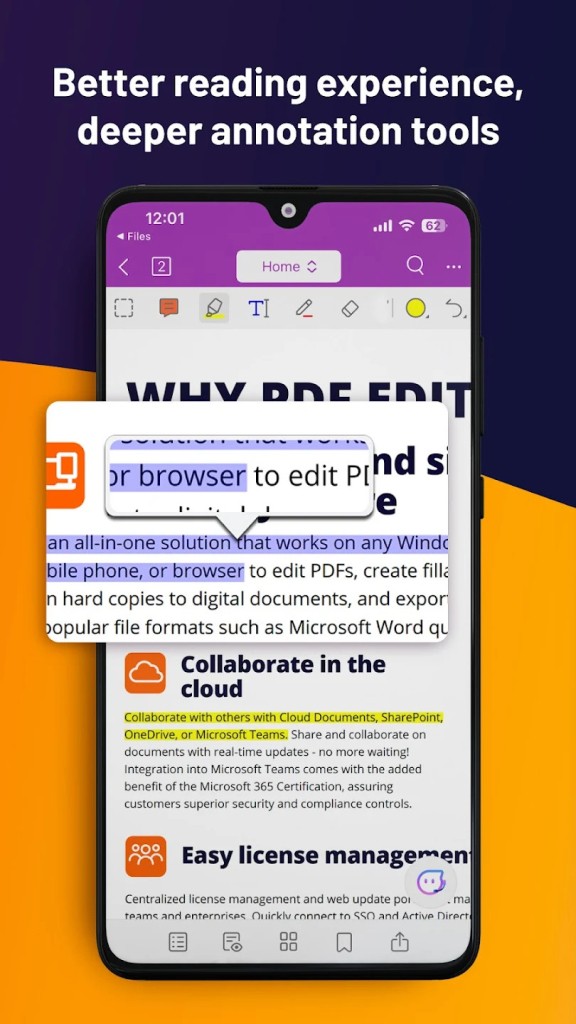
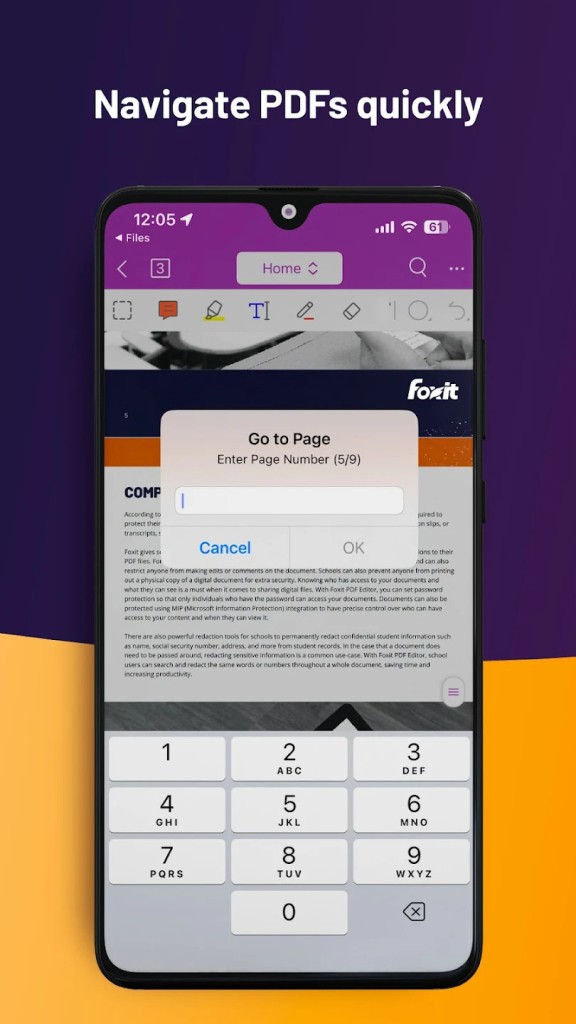
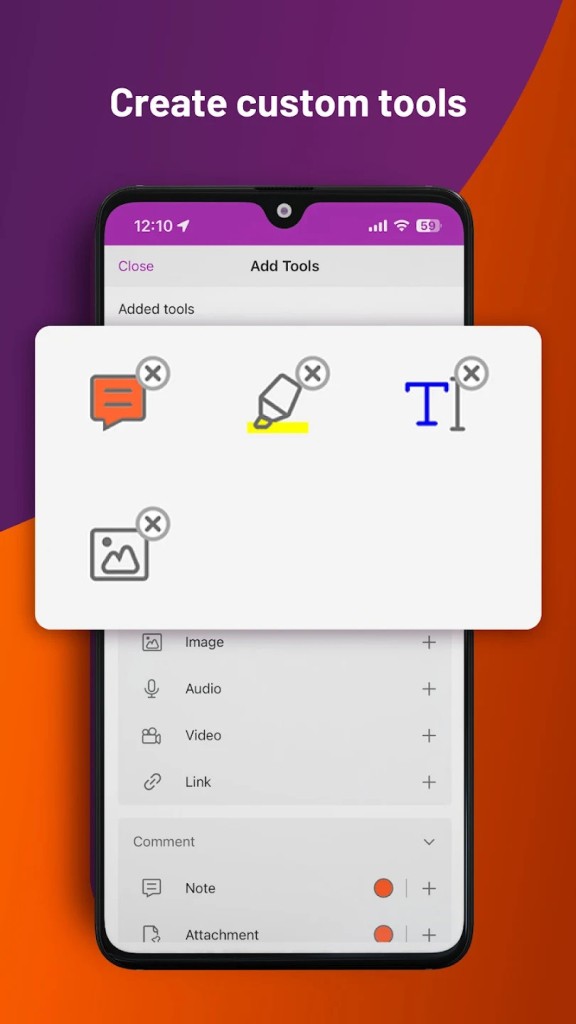
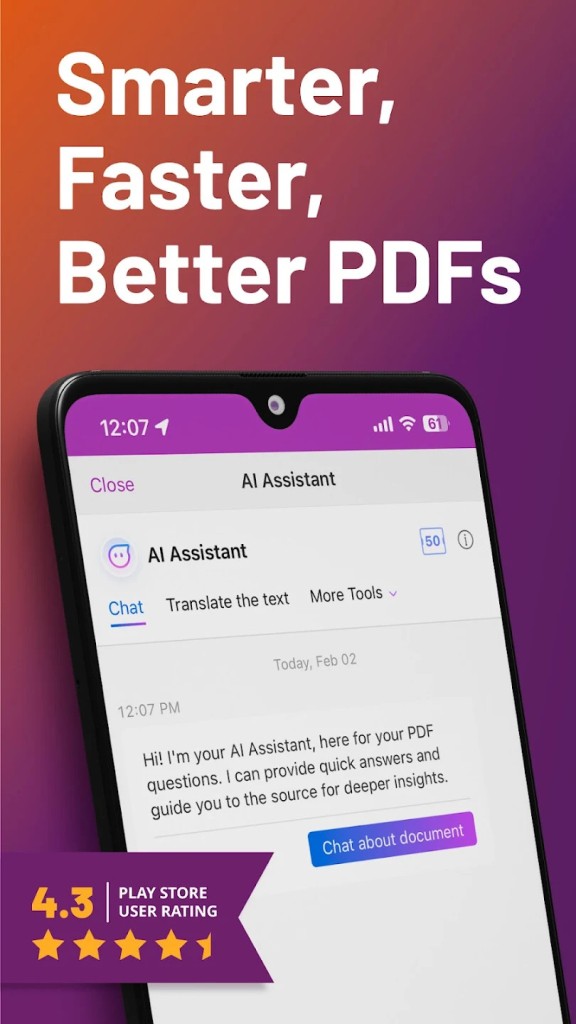
Beyond desktops, Foxit offers mobile apps for iOS and Android, letting you view, annotate, and sign documents from a phone or tablet. There is also a web-based version that opens in a browser, so you can edit PDFs from a Chromebook or any computer without installing the desktop software.
Files sync across these versions when you use a Foxit account or connect cloud storage such as Google Drive, Dropbox, or OneDrive, which means you can start a document on one device and finish it on another. Before installing, check the current system requirements on Foxit's site, since minimum versions change as older operating systems reach the end of support.
What are the alternatives to Foxit PDF Editor?
Several programs cover similar ground if Foxit does not fit your needs or budget. Adobe Acrobat is the most established option and offers deep editing, conversion, and cloud tools, though it usually costs more. Nitro PDF Pro is a common choice on Windows for editing and e-signatures, with pricing aimed at business users. PDFelement by Wondershare gives you a lower-cost editor that runs on both Windows and Mac and handles most everyday tasks. On the free side, PDF-XChange Editor covers a lot of editing and markup features without a fee, while LibreOffice Draw can edit simple PDFs as part of a free office suite. Mac users often rely on the built-in Preview app for basic edits, page reordering, and signatures at no cost.
Smallpdf and iLovePDF work through a browser and suit people who only need to merge, split, or compress files occasionally. The right pick depends on how often you edit PDFs, whether you need conversion to Office formats, and how much you want to spend, so trying a free trial before committing is worth the time.