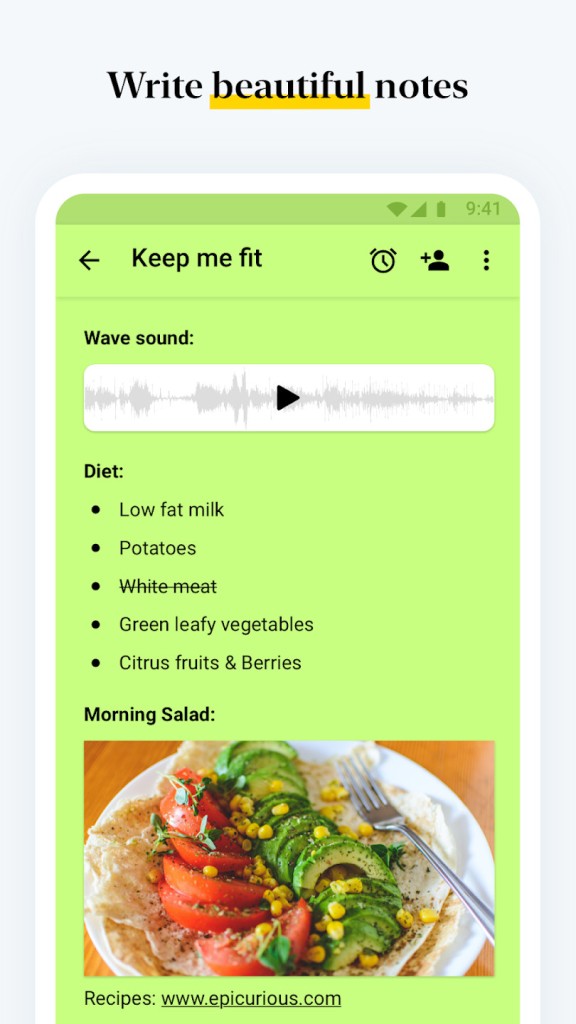
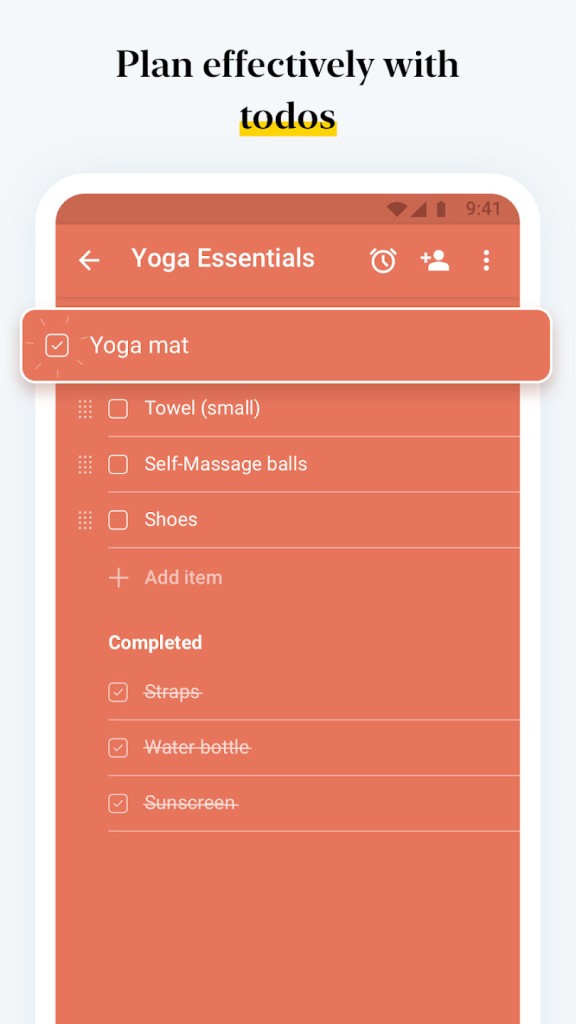
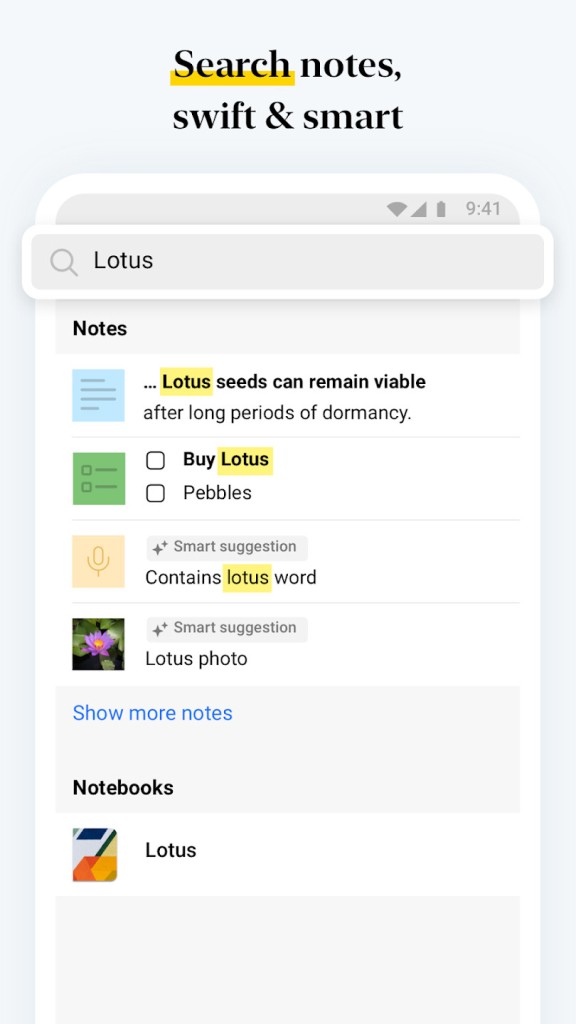
Zoho Notebook is one of those apps that looks simple when you first open it, but the more you use it, the more you realize it can carry almost everything you need for daily organization. It is not just a plain notepad where you dump text. It’s a mix of different note types, text cards, checklist cards, audio notes, sketches, photos, files, and you can pull all of them together inside neat digital notebooks. Some people use it like a diary, some for team projects, and others just to track small tasks like shopping lists or quick reminders.
The design is made to feel light and easy. Instead of giving you a blank screen with a blinking cursor, it lets you choose the right card for what you’re trying to save. If you want to jot down an idea, you start a text card. If you need to remember groceries, you start a checklist card. Want to record a lecture? You open the audio. Got a PDF? You drop it in. This means you don’t have to squeeze everything into one note format that doesn’t fit.
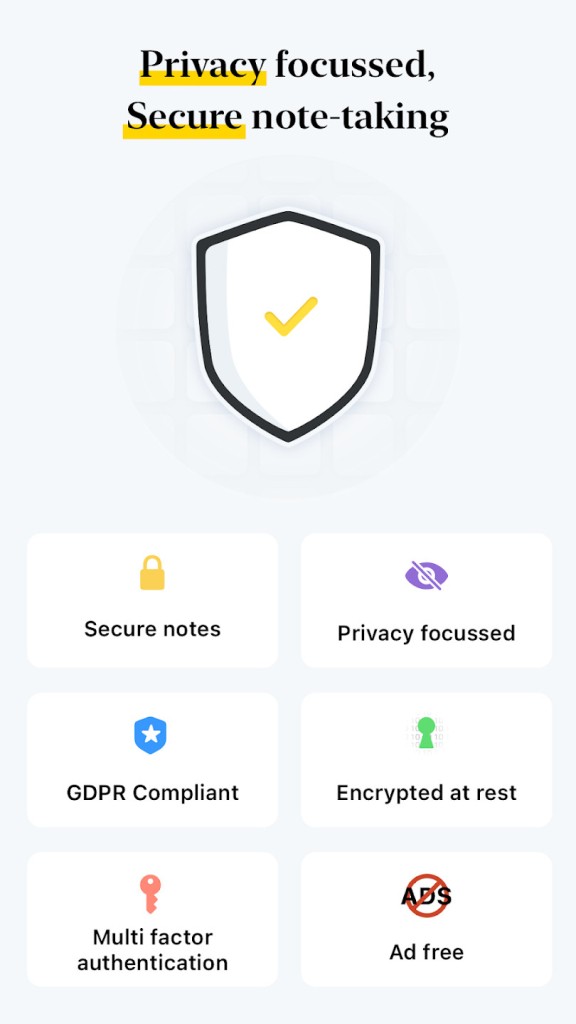
On top of that, Notebook also works across devices: your phone, your tablet, your laptop, even your smartwatch. You write or record in one place, and it shows up everywhere else. If you lose your phone, your notes are still safe in the cloud. And unlike many apps, Zoho keeps pushing on the privacy point: no ads, no selling of your data, no sudden push to make you upgrade before you even start.
Why Should I Download Zoho Notebook?
Plenty of reasons, but the big one is flexibility. People have different needs when it comes to note-taking. A student might want to record a lecture and later turn that into text. A team manager might prefer a Kanban-style board for tracking tasks. Someone working from home may use it to clip articles from the web. Zoho Notebook pulls all of these into one tool instead of forcing you to jump between multiple apps.
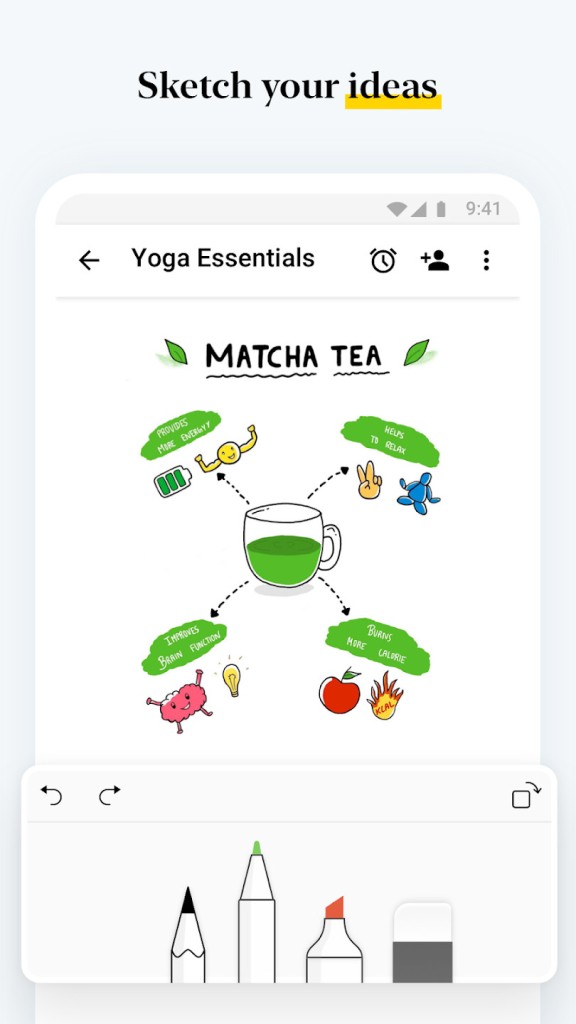
It also has a creative side. You can sketch ideas on the screen, brainstorm on whiteboards, or clip webpages with the web clipper. Writers often like that they can capture inspiration fast without worrying about formatting. Professionals like that they can save files, organize them into stacks, and share them with a colleague without moving them into another app.
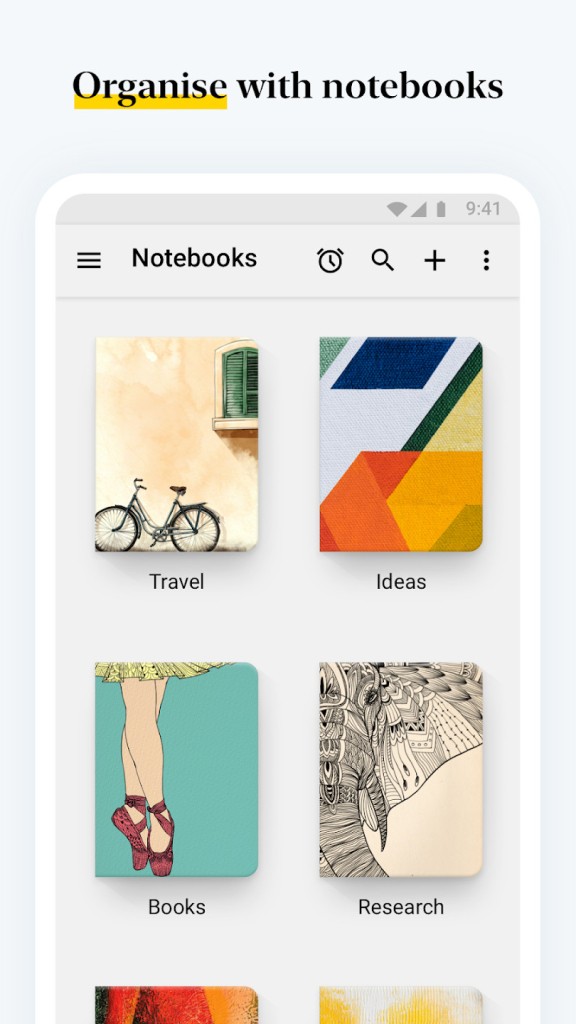
Another reason is the personal touch. Notebook lets you change covers, color-coded notes, and view them as a grid or a list. For some, this is just decoration. For others, it makes a real difference in how enjoyable it feels to actually use the app every day. You can even lock your notes with a passcode or FaceID, which matters if you’re storing sensitive work or personal journaling.
And there’s something worth pointing out: it is not heavy. Unlike some productivity apps that feel bloated with options, Notebook keeps it lightweight. That makes it faster to open, faster to find what you saved, and easier to get into a daily routine.
Is Zoho Notebook Free?
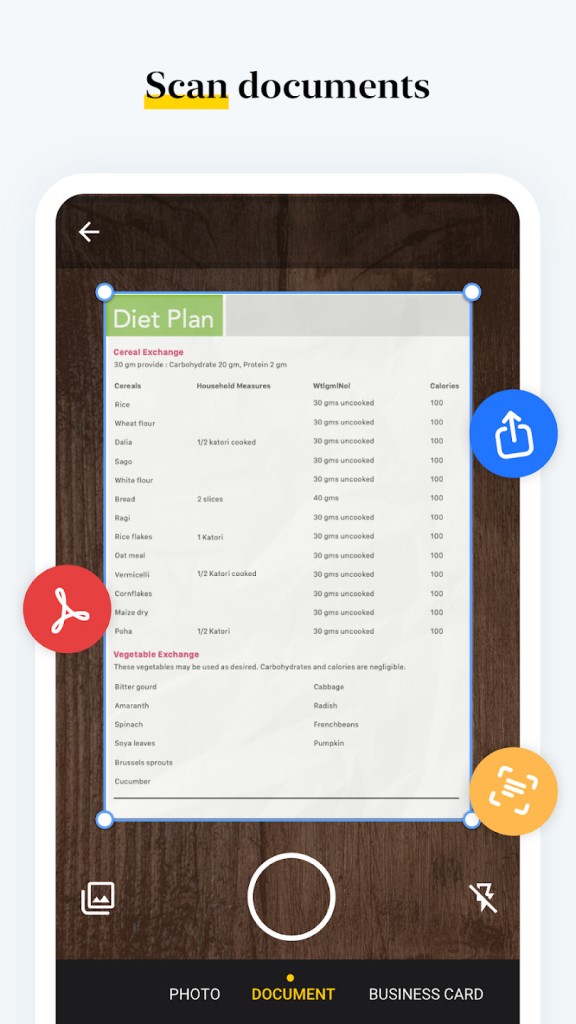
Yes, it is free to start, and for many people, the free version is enough. You can write unlimited notes, store images, record audio, scan documents, and sync across devices. The free model is already solid, which is not always the case with competitors.
There is a Pro version that gives you extra storage, longer notes, larger files, recurring reminders, and some custom covers. The cost is still reasonable compared to what other big note apps charge. But the big point is: Zoho doesn’t lock the basics behind a paywall. You don’t feel forced to upgrade right away.
No ads, no pop-ups, no annoying banners. That’s why a lot of people see it as a genuine alternative to Evernote or OneNote, because you don’t have to fight with adverts just to keep a shopping list or project notes.
What Devices Support Zoho Notebook?
Almost everything. It runs on iOS, iPadOS, Android, macOS, and Windows. There’s also a web app, so even if you can’t install it somewhere, you can still log in and see your notes.
On iOS, you get features like Siri shortcuts, text search in audio, and the ability to share notes straight through iMessage. On iPad, it works smoothly with Apple Pencil, so you can draw, sketch, or handwrite ideas. On Mac, it integrates with browser extensions, so clipping web articles is easy.
If you’ve got a smartwatch like an Apple Watch, you can quickly record audio or check off a list right from your wrist. And it has a web clipper that works on major browsers like Chrome, Firefox, Safari, and Edge. That’s handy for saving articles, recipes, or anything you want to read later.
It also works offline. You don’t always need a connection. Notes sync when you come back online. That helps when you’re traveling, in class, or working somewhere with weak internet.
What are the Alternatives to Zoho Notebook?
Google Keep is Google’s own note app. Very simple, good for fast notes and reminders, and it ties directly with your Google account. You can share notes easily with other Gmail users. But compared to Notebook, it doesn’t give you the same range of note types or the same level of organization.
ColorNote is a simpler app, but still quite resourceful. You make text notes and checklists, and you can pin them as widgets on Android devices. It doesn’t have the advanced features of Notebook, but for quick note-making, it’s lightweight and popular.
Notezilla is more like sticky notes on steroids. You can stick notes anywhere on your desktop, set reminders, and even sync them across devices. It focuses on the sticky-note experience more than full notebooks.