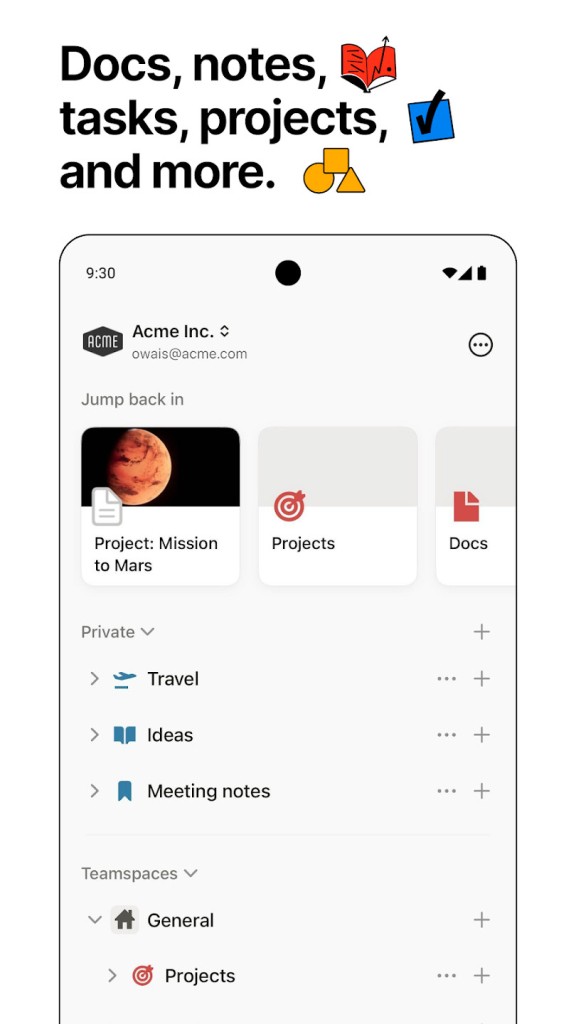
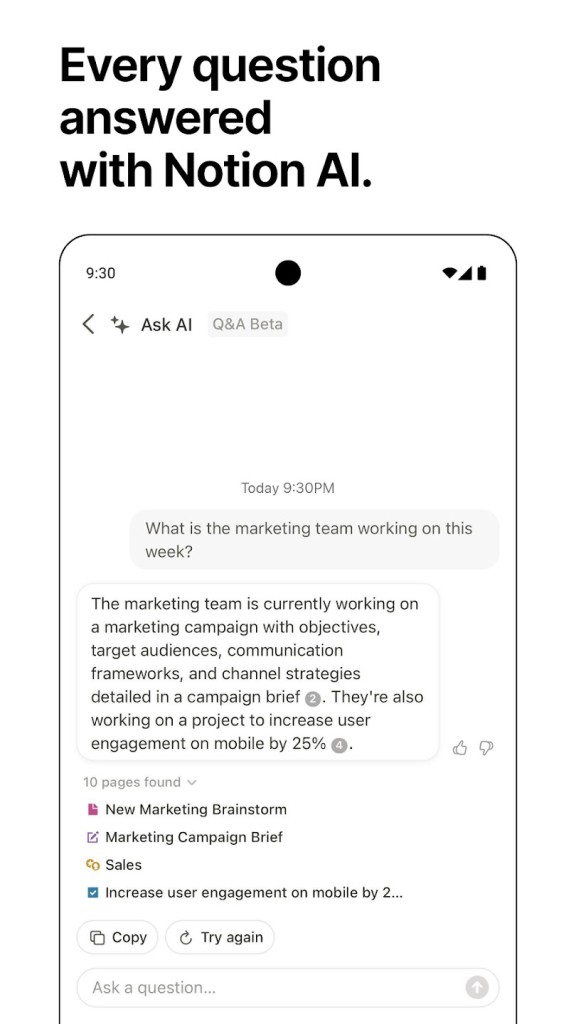
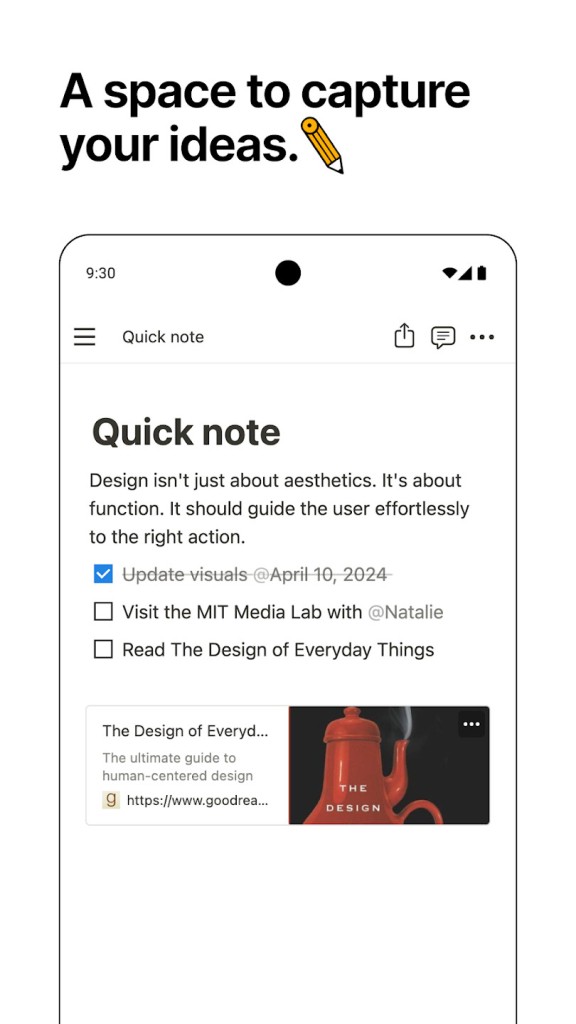
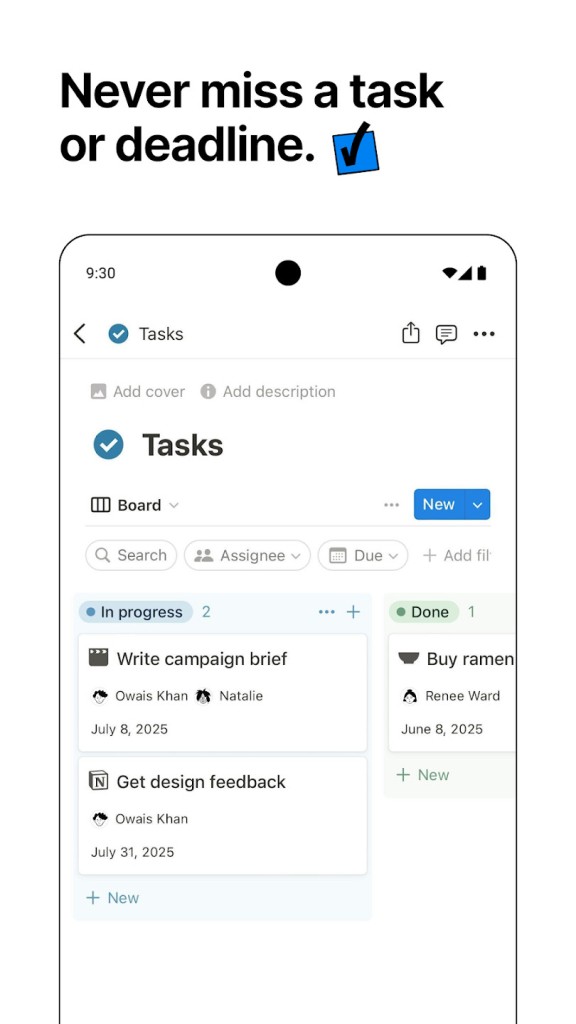
Notion functions as an integrated platform that helps users organize work activities across personal arrangements and team-based operations. Notion presents itself as more than an ordinary note-taking service because it merges documents with databases, together with kanban boards, calendars, and reminders in one integrated system. With its adaptable features, Notion is the preferred solution for productivity-focused individuals and management professionals. You have complete freedom to create basic notes using advanced project management features within a single application. The main thing that sets Notion apart is its ability to let users customize the platform with specific pages and templates built for their individual requirements across work, education, and personal activities.
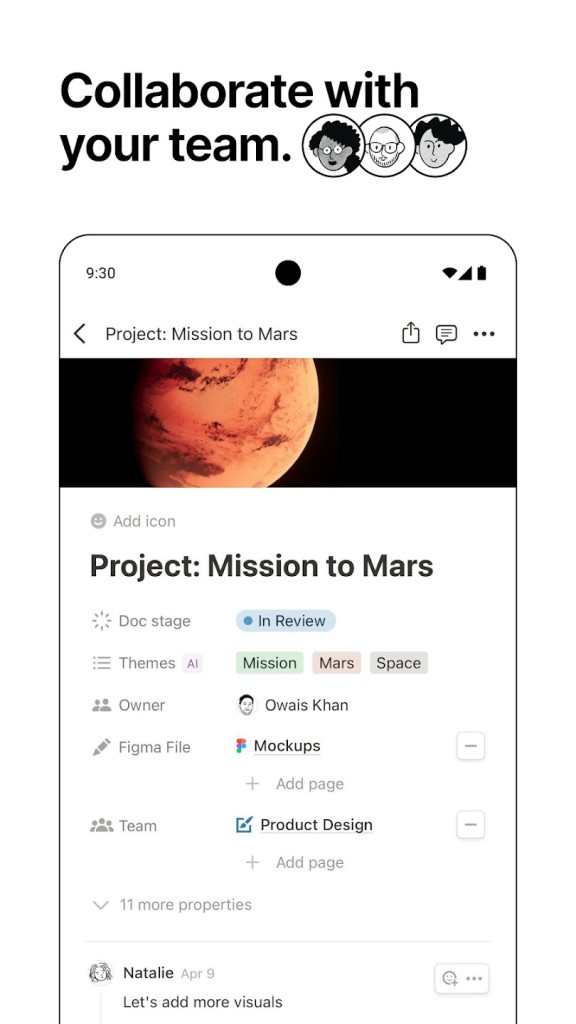
People can easily build pages through the sleek interface with its drag-and-drop components that guide the process. They benefit from multimedia content embedding and real-time external app integration, and can share work with other users because of collaborative support functions. Notion is an adaptable tool that powers thought organization while enabling vibrant team discussion and working together in real-time. You have two options to start working: either through a blank workspace or by selecting from multiple available templates. Notion offers effortless adjustment to suit every type of internal commitment, from daily task logging to multi-staged project management.
The program includes a powerful database system capable of generating interconnected structures that allow users to filter and view information in a variety of ways. Using Notion lets you establish database systems that operate as flexible spreadsheet alternatives while providing attractive visual elements. Anyone looking to combine information in a single platform while avoiding multiple software requirements should try Notion. Using Notion, every user finds organization simple and productive, whether they need basic journaling solutions or advanced work planning.
Why Should I Download Notion?
The download is well worth it because Notion functions as both a productive management solution and an advanced organizational tool. People can organize their notes alongside their tasks, calendars, and project management tools on a single platform. Thhey can access all of their information within Notion without having to navigate complex interfaces. The initial complexity of the learning process will fade as you understand the system structure and the layout becomes natural to you. Notion provides a platform for tracking your goals, managing academic and professional responsibilities, and keeping written diaries. The capability of Notion surpasses the productivity functionality of almost every other application you have used.
Anyone who wants their information neatly stored within a single framework should use Notion. You can avoid switching between multiple applications by using Notion, which contains all of your note management and workflow tracking functions in a single system. The application improves team collaboration by allowing you to edit documents with real-time commentary features. The optional functionality of Notion enables you to build business-oriented knowledge bases alongside individual planner systems, thus making it a robust selection.
The primary motivation for downloading Notion is the application's ability to facilitate efficient productivity practices. The software enables builders to create workflow-specific templates, automate tasks, and monitor project progress. Regardless of whether you are a student or a professional, it will automatically adjust to your needs without requiring any significant labor.
A large user community of Notion constantly shares ready-made templates and helpful tips to improve the product experience. People benefit from a large collection of tutorials and community resources that teach them how to get the most out of their Notion system. The software provides universal platform access, allowing them to access their workspace from any device.
Is Notion Free?
The Notion application offers users a completely free version with numerous functional elements. Notion's unlimited page access, combined with block space, make it ideal for individual users.
The free version of Notion meets the majority of user needs, with paid plans available if team features or storage requirements exceed basic capabilities. The free plan allows you to get started before deciding whether to upgrade when your needs change.
What Operating Systems Are Compatible with Notion?
The cross-platform application Notion runs on Windows and macOS devices, together with Android and iOS systems. Companies of all sizes can utilize Notion through any device, from desktop to smartphone.
The web-based accessibility and seamless operation of Notion from a browser allow users ultimate flexibility in device use. The system automatically keeps your data synchronized between each device, which lets you move freely between devices without data loss.
What Are the Alternatives to Notion?
As an alternative to Notion, users can choose Microsoft OneNote, which appears in the Microsoft Office collection. OneNote operates as an application created to duplicate the functionality of digital notebooks. Those looking to arrange notes by sections and pages will find Notion ideal for their needs. Microsoft OneNote effortlessly works together with Word, Excel, and Outlook within the Microsoft platform. An Office account enables to access the service without paying anything. The main drawback of this service is its inability to provide the database functionality available in Notion. People who value basic note-taking and straightforward organization functions should consider using OneNote because it does not offer comprehensive project management capabilities.
Google Keep is a basic yet effective tool for note-taking and reminder management. Google Keep exists as a minimalistic program designed to help people create notes and lists while setting reminder alerts. Notion matches perfectly with all Google platforms, which makes it an ideal choice if you operate mostly within the Google framework. They can access this tool without cost because it maintains a sleek design and functionality, yet it lacks the advanced options that Notion provides. For those who want a speedy service instead of a full workspace, Google Keep would be the optimal choice.
Evernote establishes itself as a leading productivity player in the market. Evernote demonstrates exceptional capabilities for data collection and organization, particularly when users need to store Internet content as well as PDFs and multiple media files. When using the system, one can search both within images and text content through its sophisticated search engine. The note-taking capabilities of Google Keep surpass those of Google Keep, yet cannot match the database features combined with project management in Notion. The freemium model of Evernote lets them access basic functions through its free tier, though they will encounter more restrictive capabilities than premium options.