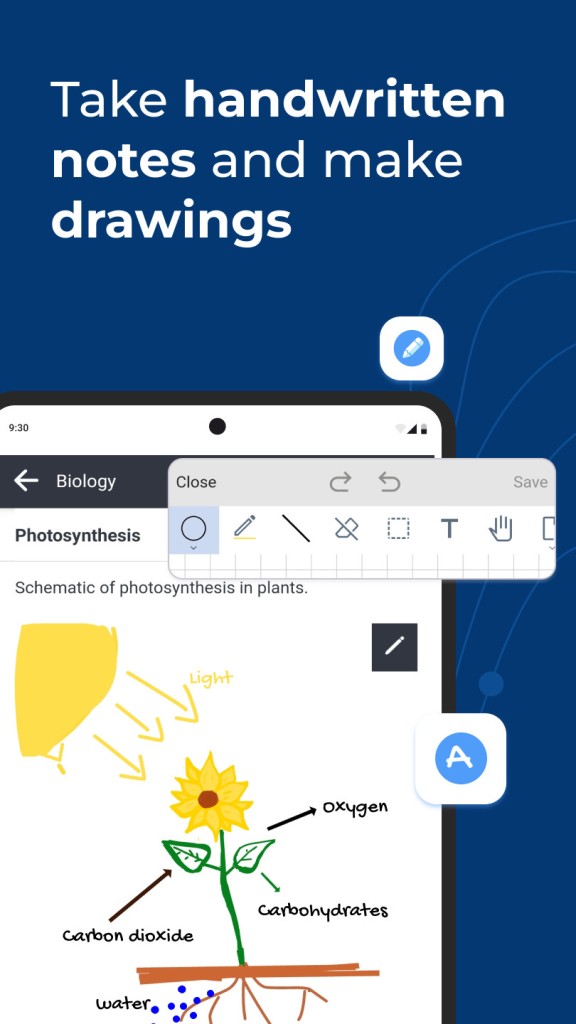
Joplin is a free, open-source app that brings your notes, task management, and file documentation together in one place. Think of it as a digital notebook that goes well beyond basic note-taking tools, especially when it comes to giving you control over your own data.
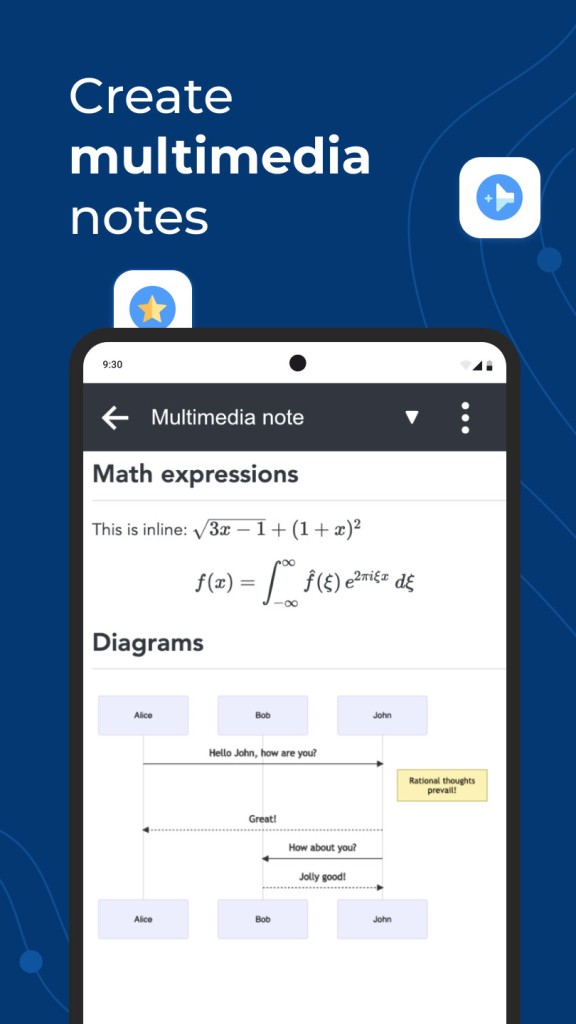
You can write in plain text, format your notes with Markdown, create checklists, and attach files or images directly to any note. For anyone who likes staying organized but doesn't want to be locked into a proprietary platform, Joplin makes it easy to manage everything on your own terms. Its biggest strength is a real commitment to data privacy and ownership. Everything is stored locally on your device by default, and cloud synchronization is entirely optional.
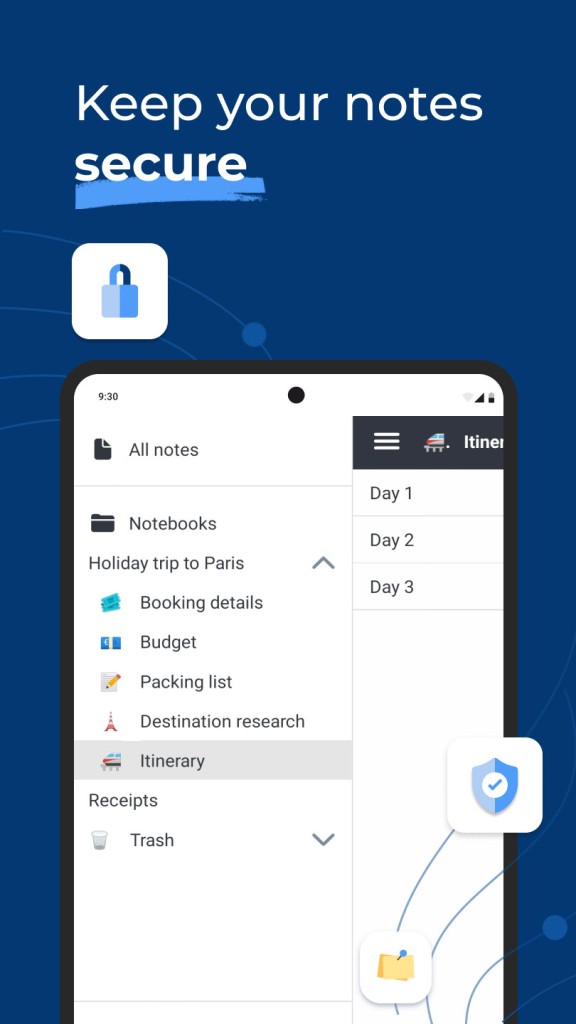
Joplin works well for anyone who wants to keep their notes, research, and tasks in one secure spot where nothing gets lost between sessions. You can organize everything into notebooks, tag your notes for easy retrieval, and search across all your content, all while maintaining full offline access.
That offline capability is a big deal. Joplin gives you portability and peace of mind without requiring any complicated setup. Whether you're a student, a writer, or just someone who likes keeping things in order, Joplin is a solid platform for staying on top of your thoughts.
Why Should I Download Joplin?
Among the many note-taking apps out there, Joplin has a character all its own. It doesn't try to upsell you on features you don't need, and it never tries to trap your data inside a walled garden. If you prefer working simply and without restrictions, Joplin is built for you. Tired of folder limitations or surprise policy changes from other services? Your notes live directly on your device, and you choose if and how they sync elsewhere.
Markdown support is a major perk for anyone who prefers a clean writing environment without crowded toolbars. Picking up the basics of Markdown takes almost no time, and it lets you focus on writing instead of hunting for formatting buttons. Your notes look clean and stay lightweight. If Markdown isn't your thing, you can also just write normally. There's no pressure to work one way or the other; the app adapts to however you prefer to write.
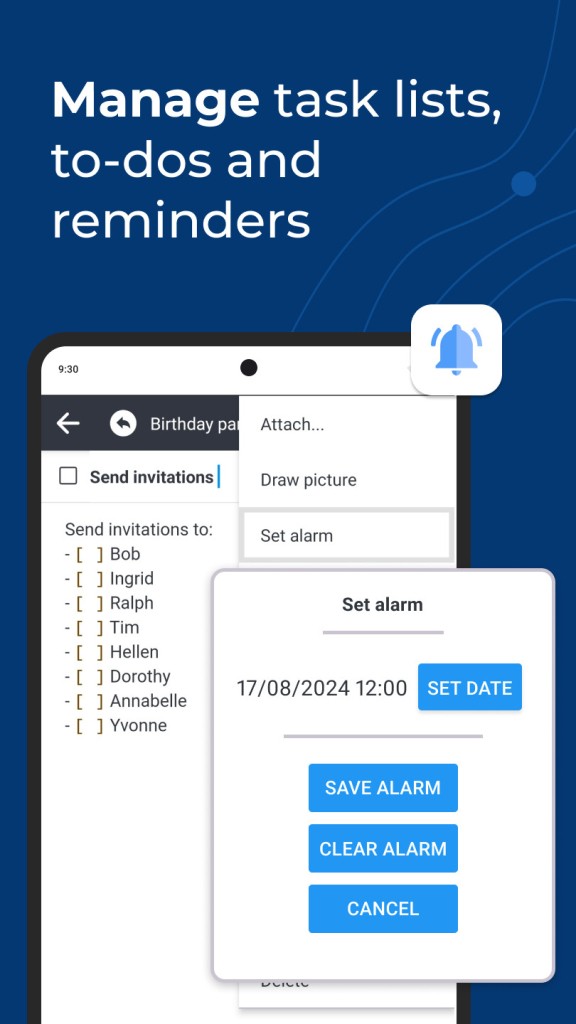
Then there's the to-do side of things. Joplin doesn't just handle notes; it manages your task lists at the same time. You can add checkboxes, set priorities, and attach reminders to any item. It fills that gap between note-taking and personal planning nicely. A lot of people choose Joplin specifically because it covers their entire productivity workflow. You can think, write, plan, and track progress all from one interface, which means one less reason to juggle multiple apps.
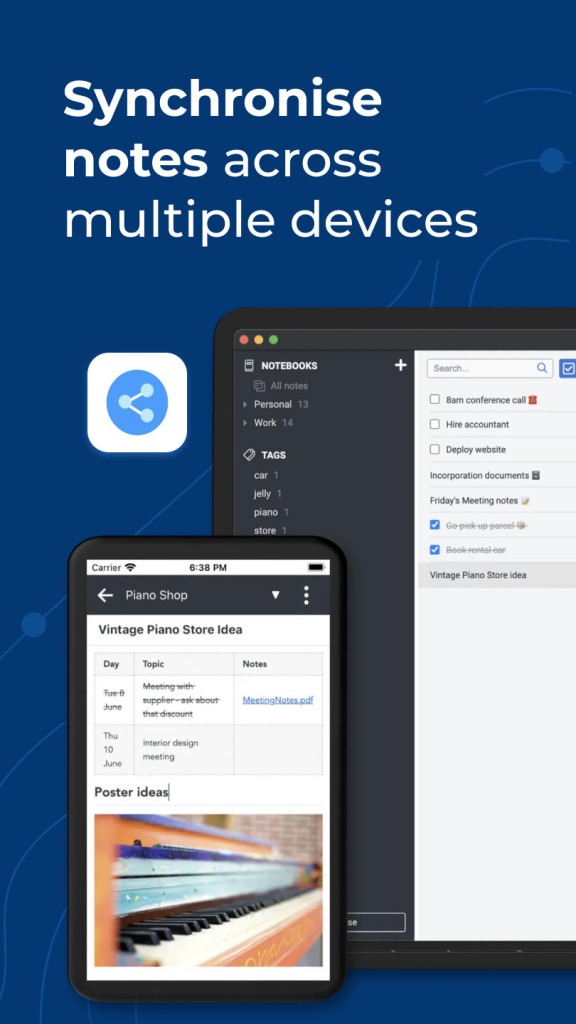
Syncing your notes across devices is built right in, and you get full say over how it works. Joplin lets you sync through Dropbox or OneDrive, or your own Nextcloud server. You can also keep everything stored locally if you'd rather skip synchronization entirely. It's completely your call.
Plugin support adds another layer of flexibility. You can bring in calendars, extra view modes, and custom themes to make the interface your own. As your needs grow, the app grows with you, which keeps it useful well beyond the initial download.
Is Joplin Free?
Yes, Joplin is free to download and use. Because it's open-source, anyone can use it, modify it, or contribute to its development. There are no subscription fees, no premium feature gates, and no restrictions on what you can do with the software. Joplin does offer a paid cloud sync service, but you can just as easily use your own cloud storage at no extra cost.
What Operating Systems Are Compatible with Joplin?
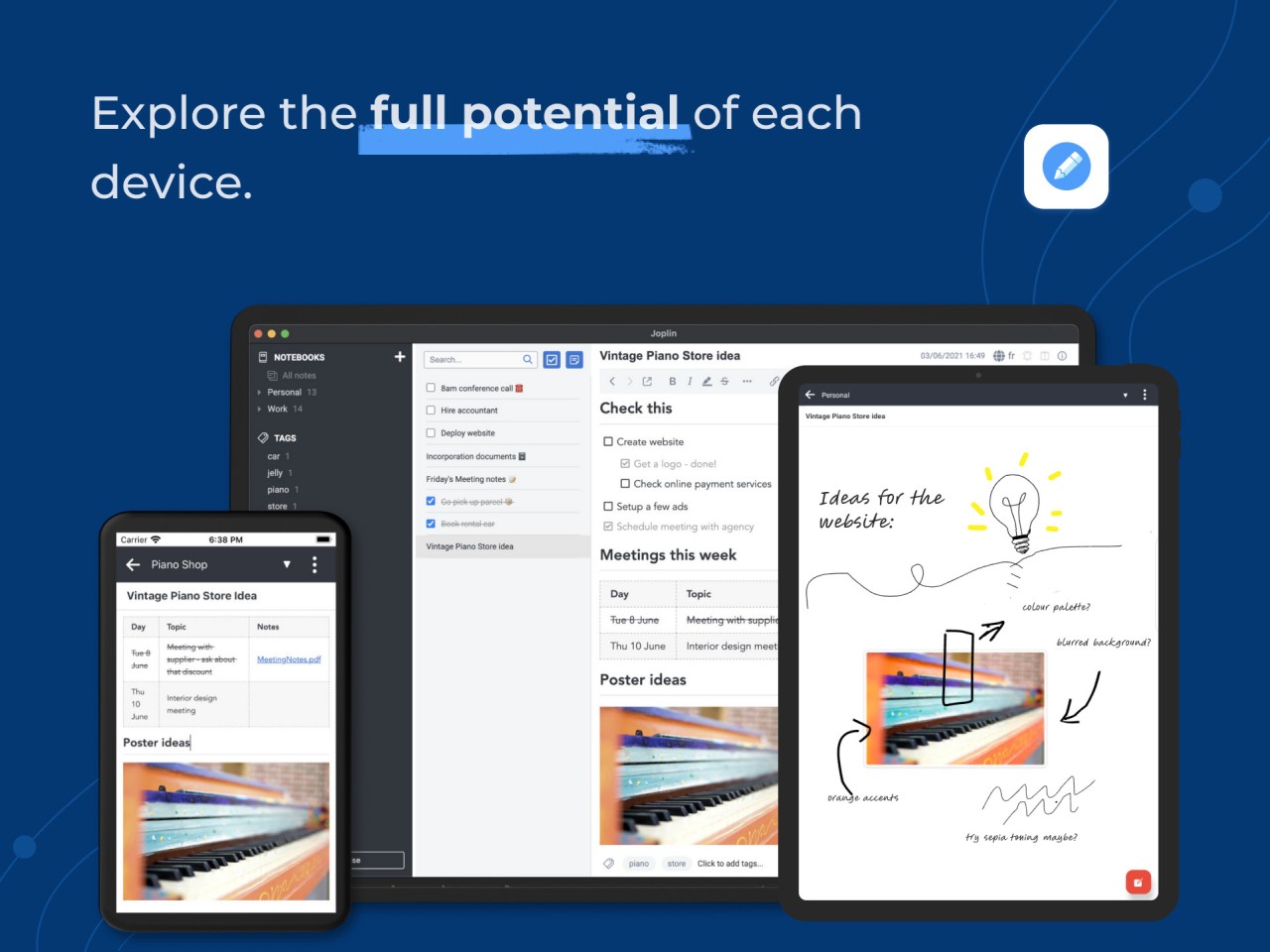
Joplin runs on Windows, macOS, and Linux, covering all the major desktop platforms. Mobile apps are available for both Android and iOS, so you can access your notes on your phone and keep everything in sync across all your devices without needing separate tools for each platform.
The experience stays consistent no matter which platform you're on, and switching between desktop and mobile feels smooth. You won't lose any functionality or run into awkward interface differences when moving between devices.
What Are the Alternatives to Joplin?
A few other note-taking apps are worth a look if Joplin doesn't quite match your style or workflow.
Notion is one of the most popular options, offering a full workspace experience that goes well beyond simple notes. You can build pages, databases, calendars, and task boards, all highly customizable and laid out in a polished visual interface. Notion also works particularly well for team collaboration and shared projects, which is an area where Joplin doesn't focus as heavily. The trade-off is that Notion is entirely cloud-based, so if offline access and local data control are priorities for you, Joplin is the better fit.
Saber is a lesser-known option that targets a more technical audience. It's geared toward developers and static site generator users who want markdown-based note-taking with Git integration and static publishing features. Setting it up takes a bit more effort than most general-purpose note apps, and it's clearly designed for a niche crowd. If those features appeal to you, Saber is worth exploring, but it's not trying to compete with mainstream note-taking tools.
Evernote has been around for years and was once the default choice for digital note-taking. It still offers a polished experience with web clipping, built-in task management, calendars, and strong cross-device search and organization features. However, Evernote now requires a subscription for most of its useful features, and many longtime users feel it has grown bloated over time. If you want something clean and free of upsells, Joplin is the better pick. Evernote still works well if you prefer a more guided, feature-rich experience out of the box.