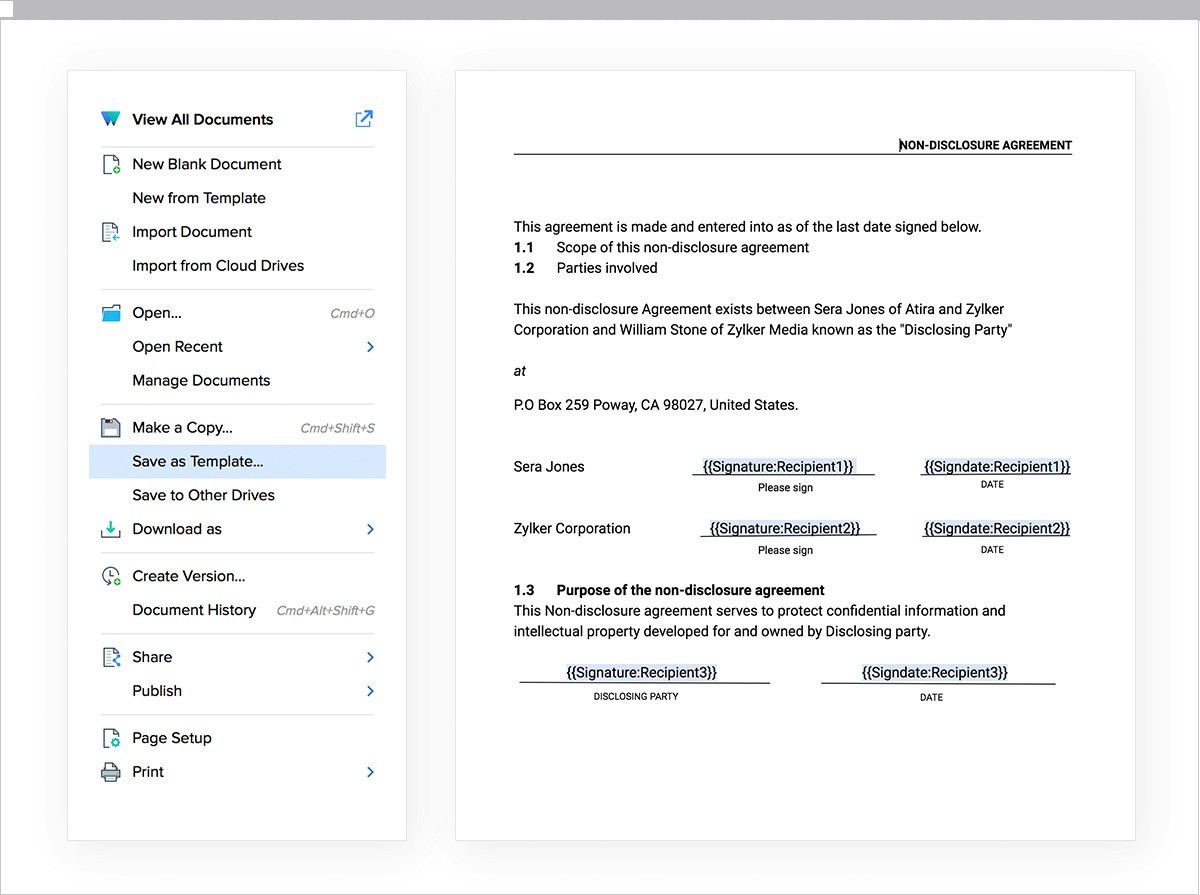
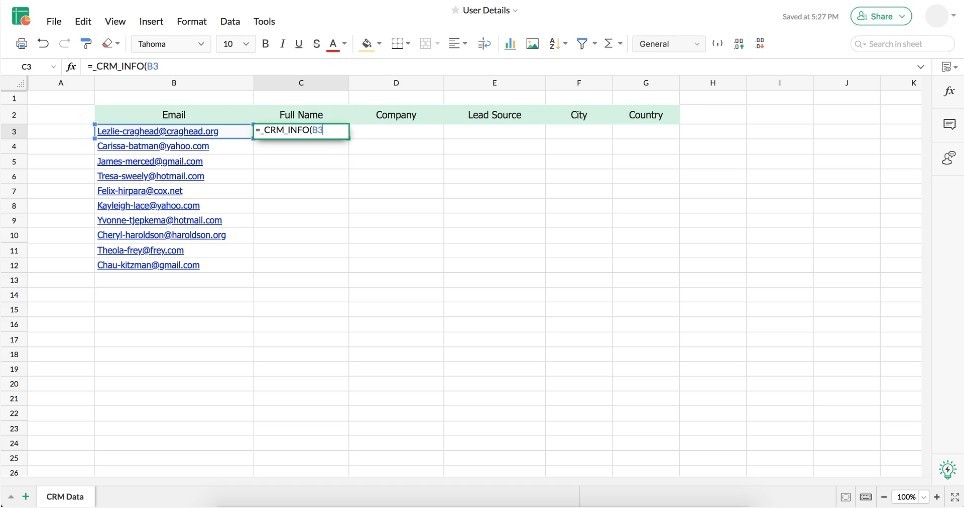
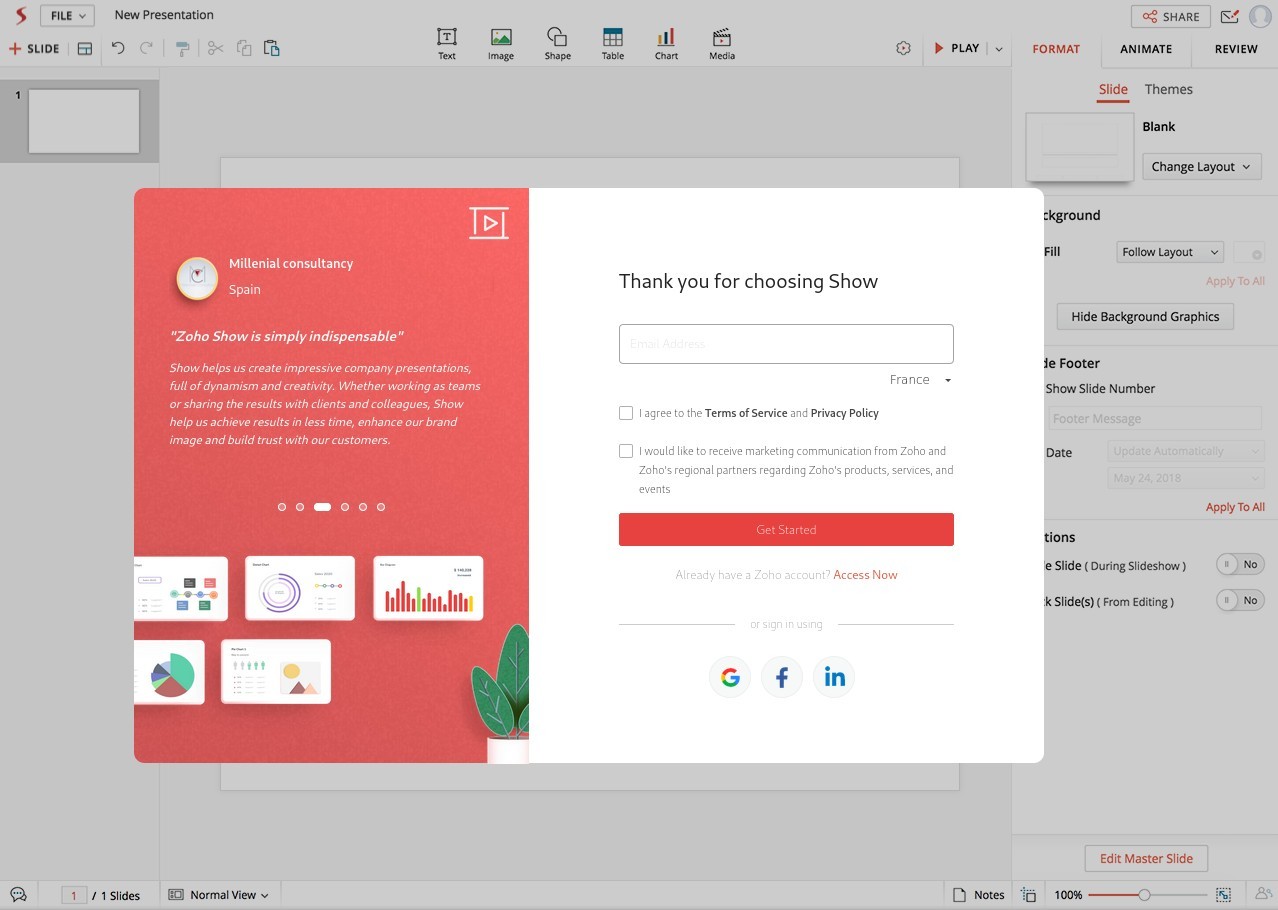
Zoho Office Suite is an integrated set of web-based productivity software that enables users and groups to control and coordinate their daily work through digital documents, spreadsheets, and beyond.
Through Zoho Office Suite, users can create an online workspace where they can both produce documents and store files, which are accessible to people in any location. Zoho positions itself differently from traditional office systems that run offline, since it emphasizes online capabilities and real-time teamwork features. Users can simultaneously edit the same files with another person without clashing.
All Zoho components include Writer for word processing, Sheet for spreadsheets, and Show for presentations, along with complementary software for managing files and tracking projects, email capabilities, and database administration. The online tools require minimal system resources, feature an interface that all users can easily learn, and have a short browser load time. Installation is easy, and the suite works well with files with DOCX, XLSX, and PPTX extensions.
The distinctive feature of Zoho Office Suite is its adaptable design, which offers flexibility between desktop and mobile use. Zoho Office Suite maintains a rising popularity among teams that operate remotely, as well as startup businesses, students, and independent professionals.
Why Should I Download Zoho Office Suite?
Zoho Office Suite provides a fully integrated workspace for people who want to put an end to their struggles with disconnected tools. From your document writing, you can easily retrieve database information located in the spreadsheet. You can easily access team notes from other suite apps with just a few steps during presentations.
The software provides a single integrated platform that eliminates the need to switch between dozens of tabs and log in repeatedly while working. Under a single account, all elements exist, and each component operates with simple synchronization across the system. Such functionality alone saves numerous hours of work and reduces confusion.
After Zoho trials, users typically continue using the platform due to its exceptional collaboration capabilities. Through Zoho, you can extend file accessibility by allowing others to view your work after inviting them to edit it, along with making comments and tracking changes.
The collaboration features serve remote teams perfectly because they enable multiple users to access shared files. Zoho enables multiple teams to stay engaged in real-time workflows, promoting efficient teamwork. Sending frequent email attachments of the same document is unnecessary because Zoho stores all file versions in a single location. Your document reserves only one position, and it is constantly updated in real time.
Real-time saving capabilities are available since this platform operates within cloud-based technology. The platform's automated work-saving feature minimizes the risk of data loss from system failures or power disruptions.
Documents through Zoho Office Suite remain accessible to users as long as they have a stable Internet connection. You maintain continuous workflow access across your laptop, mobile phone, and other devices by following your previous session. Business owners and freelancers who frequently move between locations benefit greatly from Zoho Office Suite's ability to keep them mobile.
The flexibility of Zoho Office Suite is the main reason users choose it. Among the available features, you get full selection control: you can select specific tools and dismiss everything else. Zoho Office Suite lets you pick only the essential applications while allowing you to customize options tailored to your personal work methods.
The Zoho platform enables users to work within its framework through other big tools and platforms. You can initially integrate every aspect of your Zoho setup through cloud drive file syncing, email client linkages, and third-party analysis software. The sophisticated feature set of Zoho Office Suite runs underneath an interface that remains straightforward for users.
Is Zoho Office Suite Free?
Individuals and small teams can use the Zoho Office Suite for free with the basic plan. You just have to download it.
Users determine whether to opt for paid plans based on their specific storage and business requirements, since most find the free version effectively meets their everyday tasks.
What Operating Systems Are Compatible with Zoho Office Suite?
What Are the Alternatives to Zoho Office Suite?
Various solid solutions exist along with Zoho for users seeking different types of experiences.
Microsoft Office stands out as a top choice, offering Word, Excel, PowerPoint, and Outlook. The suite is a prime choice for office professionals, as numerous businesses use it as their standard platform. Users can access Microsoft 365 through desktop and cloud versions. The cloud and mobile versions offer free access to basic functionality, which is enough for basic users. For more, you can buy a Microsoft Office lifetime license or subscribe to Microsoft 365.
The Google Drive platform includes Docs, Sheets, and Slides as major applications. Google Workspace Suite enables teams to work together by combining fast performance with simple design principles. The tool fits perfectly into the Google ecosystem since it integrates with Gmail and Google Meet. Users can begin using it without paying, as it offers personal free usage and a quick setup process. While maybe not as thorough as desktop software, the platform remains highly favored for academic purposes, as well as easy collaborative projects and basic office requirements.
The WPS Office platform offers an environment designed for Microsoft users seeking a streamlined alternative to their Windows programs. Users can access the free version of WPS Office, which includes Writer, Spreadsheet, and Presentation. The WPS Office system design closely resembles Microsoft Office, making it convenient for those who have moved from Windows applications. The program runs on Windows, Linux, Android, and iOS, and supports iOS devices too. The main appeal of WPS Office lies in its excellent performance and visual features, though users of the free edition must endure occasional ads, and some features require upgrading to the paid premium version.