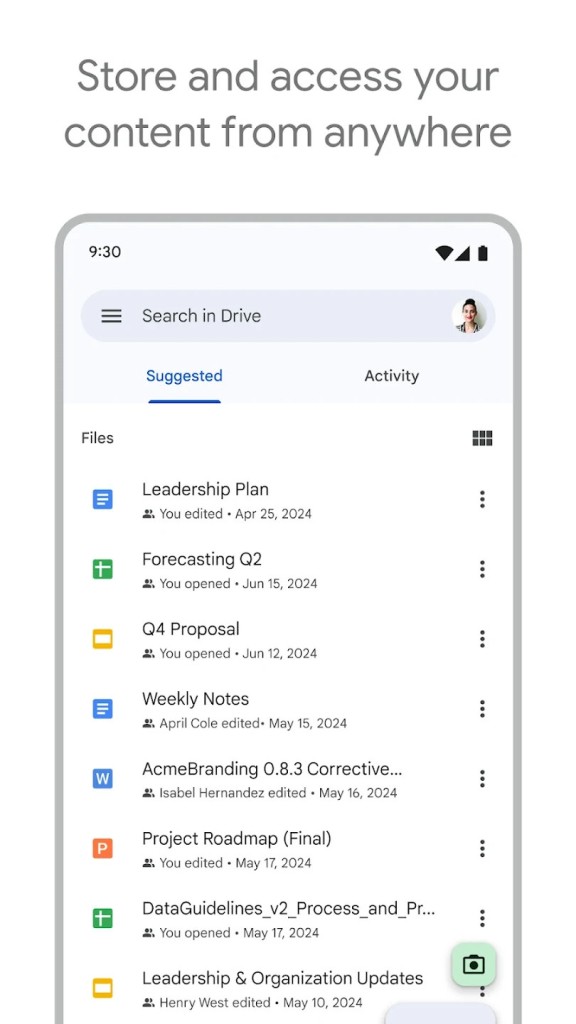
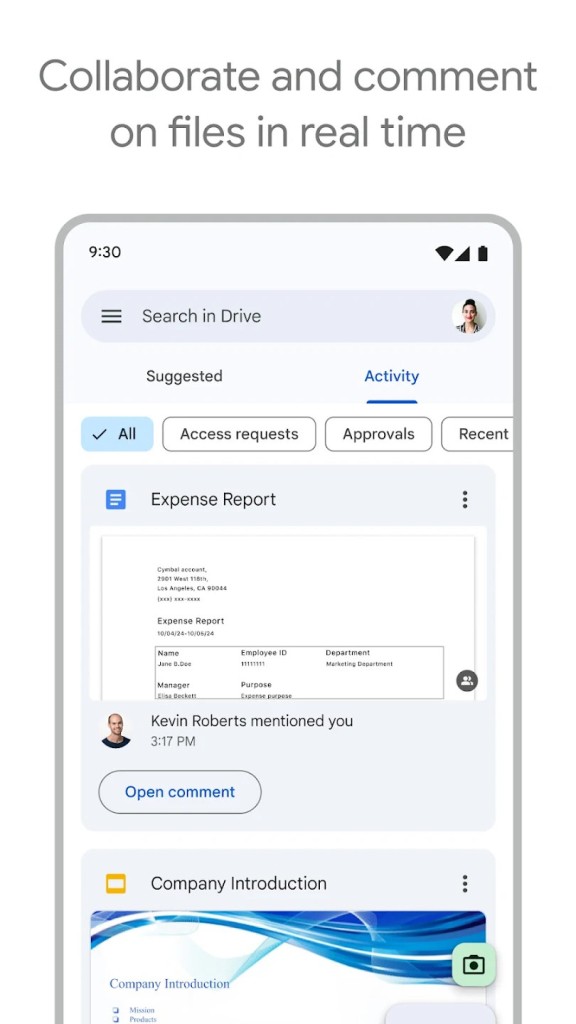
Google Drive launched in 2012, and it has since become one of the most widely used cloud storage platforms in the world. The reason is not just the storage itself but everything Google built around it. Docs, Sheets, Slides, and Gmail, and the rest of the Google Workspace suite all feed directly into Drive, so your work ends up there naturally without you having to think about file management. Real-time collaboration is baked in: multiple people can edit the same document simultaneously, and every change saves automatically.
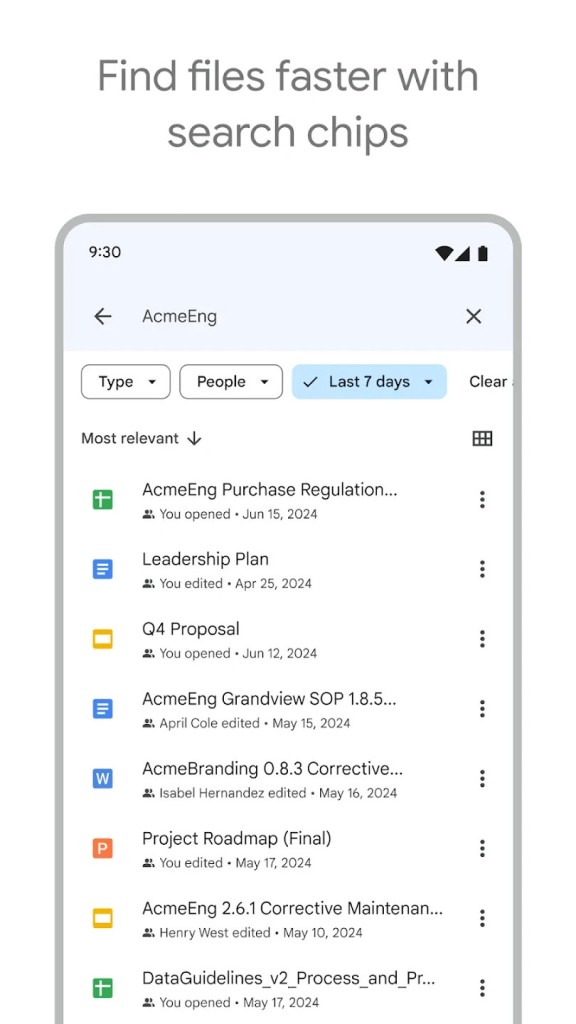
What makes Drive genuinely useful beyond basic storage is how much it handles without extra effort. You can store PDFs, images, videos, CAD files, and just about any other format. Built-in encryption protects files at rest and in transit. Google's AI-powered search finds documents fast, even if you forgot what you named them, and Gemini can summarize long files or pull together information from multiple documents on the fly. Storage starts at 15 GB free, scales up to 5 TB per user, and can go higher on enterprise plans. Download Google Drive and your files follow you everywhere.
Why Should I Download Google Drive?
Google Drive lies at the center of Google Workspace (formerly G Suite), which enables users to create, edit, and share documents using Google Docs, Sheets, Slides, Forms, and others with ease. No manual uploads, no version conflicts, no "which file is the latest" confusion. Real-time collaboration lets teams edit the same document from different continents, and a full change history means you can always see who modified what and roll back if something goes wrong.
The desktop app, Google Drive for Desktop, syncs files across Windows, macOS, Android, and iOS. Start a document on your laptop, make edits on your phone during a commute, and everything stays current without you doing anything. Offline editing works too: enable it in settings, and your changes sync automatically when you reconnect.
Gemini in Drive adds a layer of intelligence that goes beyond search. You can ask it to summarize a 40-page report, pull specific data points from a pile of documents, or find that one file from three months ago based on a vague description. It surfaces relevant files based on your activity and recent work, so the stuff you need tends to appear before you go looking for it.
Security is serious. AES-256-bit encryption protects stored data, TLS encryption covers files in transit, and Google's malware scanner checks uploads automatically. Deleted files sit in the trash for 30 days before permanent removal, and version history lets you restore earlier drafts whenever you need to.
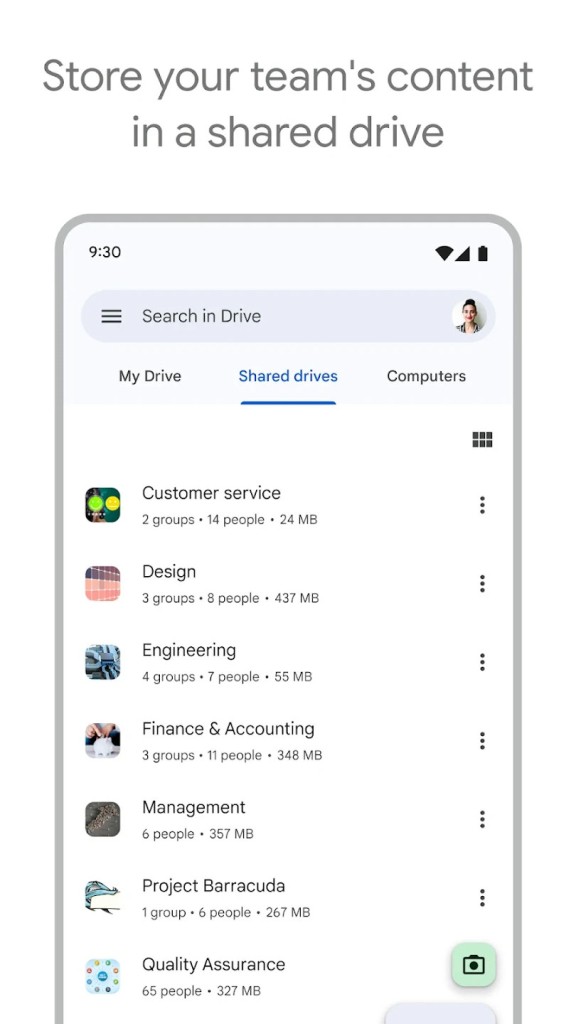
Sharing is granular. You set permissions per person (view, comment, or edit), share with individuals or groups, and skip the email attachment dance entirely. For teams, Shared Drives create a common workspace where files belong to the group rather than any individual. Electronic signatures let you handle contracts and approvals without leaving Drive.
Third-party integrations extend Drive into tools like Slack, Zoom, Salesforce, Atlassian, and SAP, so you can create and manage documents without breaking out of your existing workflows. Gmail attachments save directly to Drive, mobile document scanning feeds right into your folders, and the Activity view gives you a quick look at recent file changes.
Plans range from the free 15 GB tier through Google One options at 100 GB, 200 GB, and 5 TB, plus enterprise pricing that goes even higher. If your file management is scattered across USB drives, email attachments, and random desktop folders, downloading Google Drive puts it all in one place.
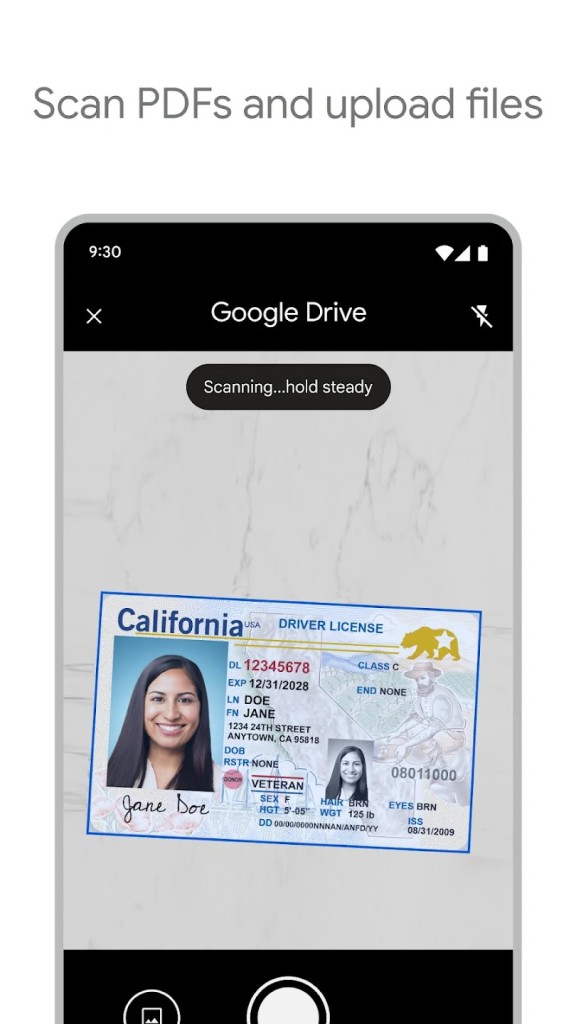
Drive also handles document scanning right from your phone's camera, turning physical papers into searchable PDFs that land in your cloud folders automatically. OCR and Google Lens integration mean you can search for text inside images and scanned documents, not just file names. The AI does not just find files by name; it understands what is in them.
For anyone managing both personal and professional files, Drive's ability to separate spaces and set granular sharing permissions keeps things organized without complexity. You control exactly who sees what, and revoked access takes effect immediately. If you are dealing with contracts, Drive's electronic signature feature lets you request, sign, and track documents without switching to a separate service. Everything stays in your Drive, timestamped and version-tracked. The combination of storage, collaboration, search, and security in one platform is why millions of users stick with Drive as their primary file system.
Is Google Drive Free?
Yes. Every Google account comes with 15 GB of free storage shared across Drive, Gmail, and Google Photos. That is enough for most personal users to get by without paying anything.
If you need more room, Google One offers paid tiers at 100 GB, 200 GB, and 5 TB, with added perks like priority Google support, family sharing, and extra security features. Business users can access even larger storage allocations through Google Workspace plans.
What Operating Systems Are Compatible With Google Drive?
Drive works on Windows (10 and later), macOS (10.13 High Sierra and up), Android (via the Play Store), iOS (iPhone and iPad through the App Store), and Chrome OS (preloaded on Chromebooks). Follow our links to download the right version for your device.
Beyond the apps, you can access Google Drive through any web browser on any operating system. The browser experience gives you the same access to all your files and tools.
What Are the Alternatives to Google Drive?
Microsoft OneDrive pairs tightly with Windows and Office 365, making it the natural choice for anyone who lives in Word, Excel, and PowerPoint. The free tier offers 5 GB of storage, and integration with Windows devices is excellent. Where OneDrive falls short compared to Drive is in its collaborative editing suite. Google Docs and its siblings are more polished for real-time teamwork than OneDrive's web-based Office tools, and that gap becomes noticeable when multiple people are editing simultaneously.
Dropbox was one of the first cloud storage services and still excels at file syncing. Block-level file transfer means it syncs changes faster than most competitors, and third-party app integration with Slack, Zoom, and Adobe Creative Cloud is extensive. The catch is the free plan: only 2 GB, which fills up almost immediately.
pCloud stands out for users who hate subscriptions. It offers a one-time payment for lifetime storage, which is rare in this space. Zero-knowledge encryption is available as an add-on for people who want maximum privacy. The free plan gives you 10 GB, and the overall approach appeals to anyone who would rather pay once than deal with recurring charges.