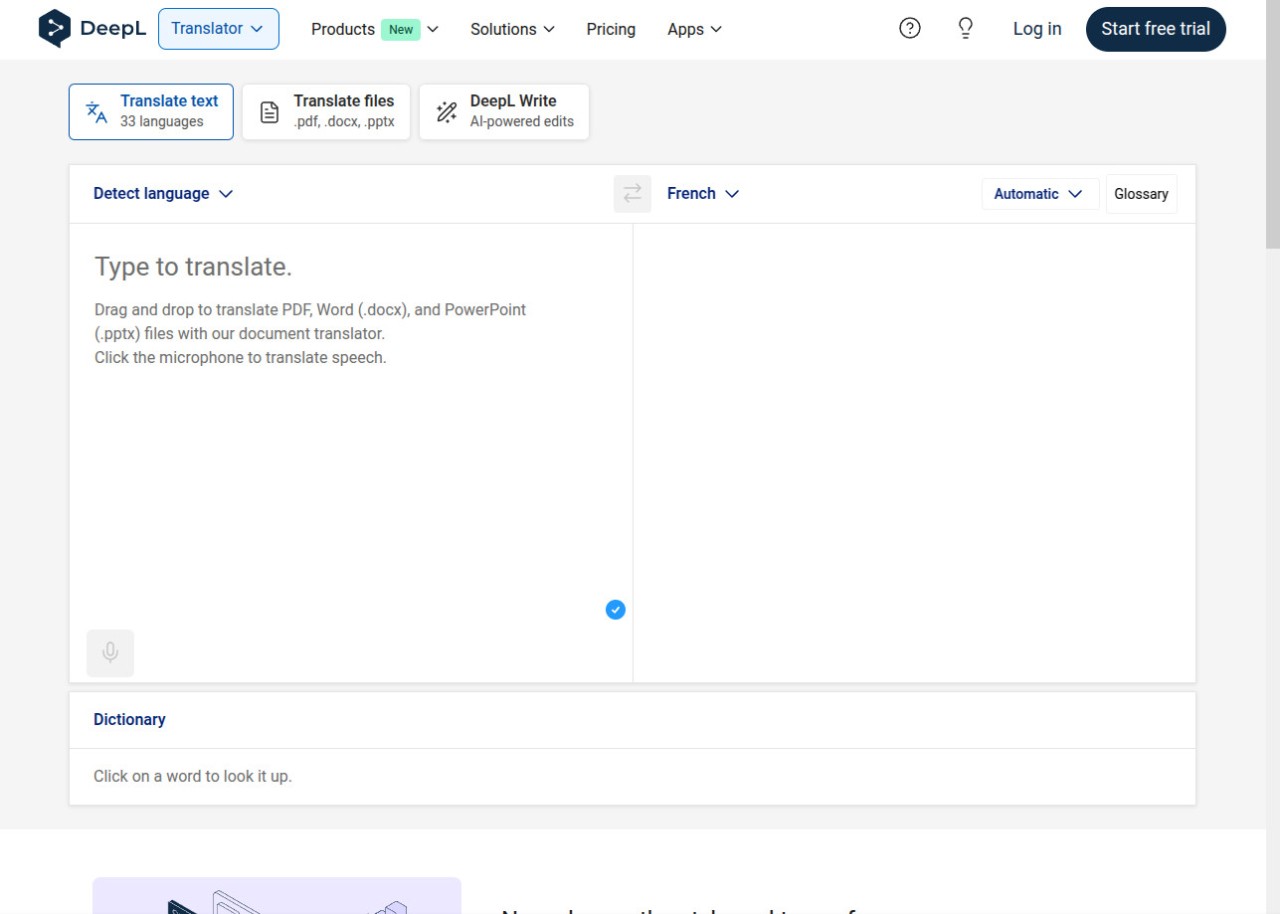
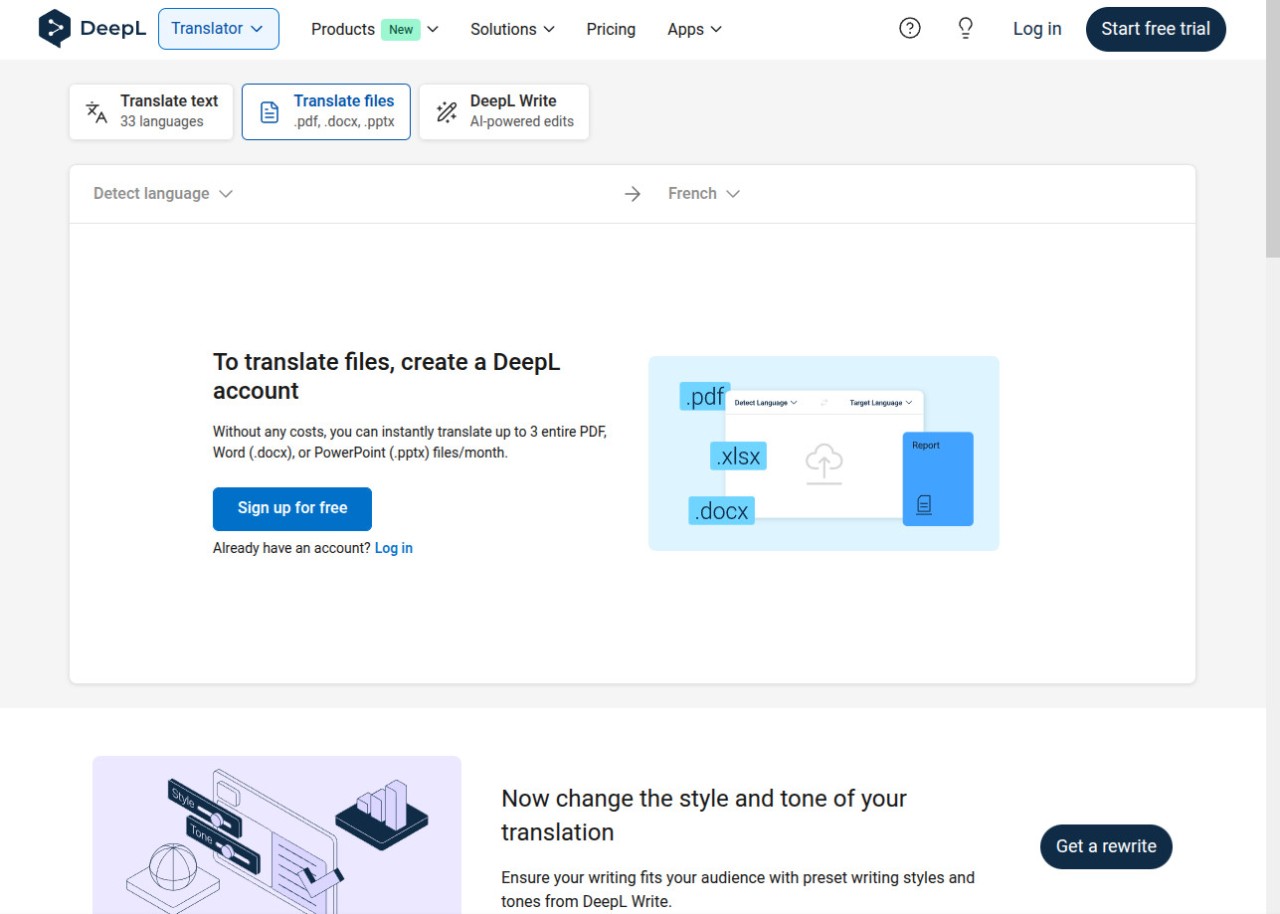
DeepL is a machine translation software that professional translators use every day. It is an AI-powered platform that has quickly gained popularity thanks to its powerful neural translation engine. This type of tool gives incredible results that also have appropriate context due to its use of neural networks and linguistic knowledge. Unlike other general-purpose translators, DeepL delivers results that resemble human translations, with a natural tone and proper stylistic expressions. You can translate text or files between 30 languages, including English, French, German, Japanese, and others, and DeepL also offers a free version and an easy-to-use interface to support regular users, not only professionals from the translation industry.
DeepL can translate entire documents, such as Word, Excel, PowerPoint, or PDF files, while keeping the original layout intact. This is especially useful for reports, presentations, or contracts. The platform includes features like a personalized glossary and the Clarify tool, which allows you to refine the meaning of a word or phrase for more accurate translations.
You can use the tool on its website or download DeepL to your desktop or mobile devices. The free version has some limitations, such as the maximum text size or number of documents you can translate, while the Pro version offers unlimited translations, editable documents, enhanced security, and seamless integration with tools like Microsoft Word, PowerPoint, Outlook, Google Workspace, and Zendesk.
Why Should I Download DeepL?
While most internet users choose Google Translate as their default service for these types of needs, DeepL comes from Linguee, a company that specializes in dictionaries and translation services. The text you want to translate is carefully analyzed. The software considers the language, context, word usage, sentence structure, and cultural nuances before providing a translation. All you need to do is select the target language, and within seconds, you’ll receive an output translation that often sounds more natural than the ones provided by its competitors. DeepL supports over 30 languages, including English, Spanish, French, Italian, Portuguese, and many others.
DeepL goes beyond simple word substitution. It uses advanced contextual artificial intelligence to adapt translations to tone, audience, and culture. Its sophisticated algorithms ensure that the final text not only matches the original meaning but also sounds natural in the target language.
Two powerful features make DeepL unique: the personalized Glossary and the Clarify tool. The Glossary lets you define specific translations for words or expressions, ensuring consistency across documents, which is especially useful for technical texts, websites, or internal communication. Clarify, on the other hand, interacts with the user to ask about nuances like gender, number, or time context, to provide the most accurate translation.
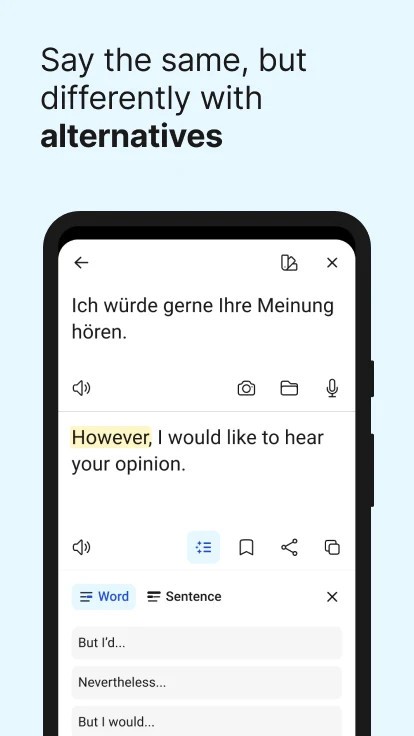
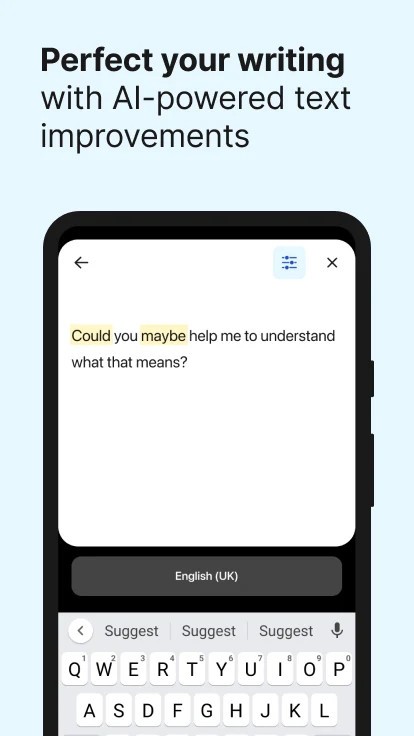
DeepL also suggests alternative wordings, so you can reformulate a sentence depending on the tone or audience. DeepL Write, its AI-powered writing assistant, helps users improve their writing style by offering corrections and rephrasing. It includes predefined styles, so you can make your text more formal, creative, direct, or business-like while keeping it grammatically correct and clear.
In its Pro version, DeepL offers even more features. It removes the limits of the free version, allowing unlimited translations, advanced editing of documents, and stronger security. It can refine, rephrase, and polish entire drafts like emails, reports, or presentations into publication-ready documents.
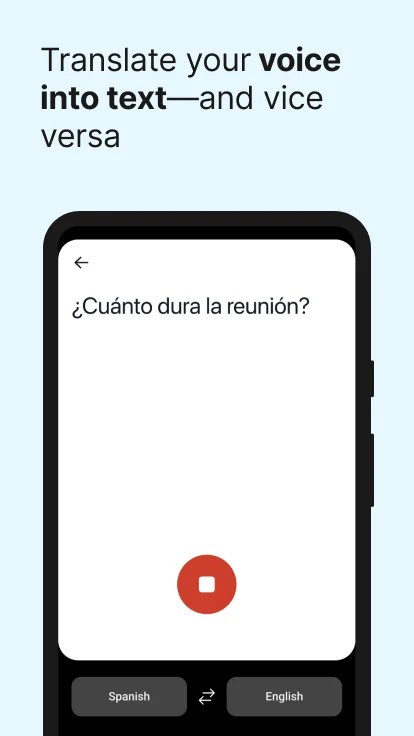
Another powerful feature is DeepL Voice, which enables high-quality voice translation for real-time conversations. Thanks to AI, it allows natural communication with colleagues, clients, or partners who speak different languages. It even integrates with Microsoft Teams, making it easy to translate voice exchanges during meetings.
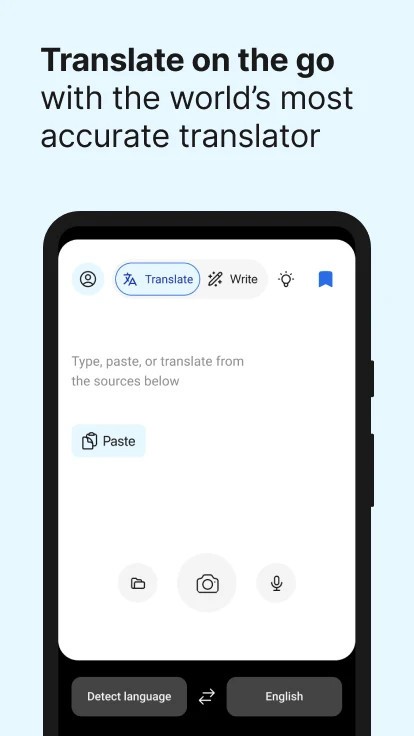
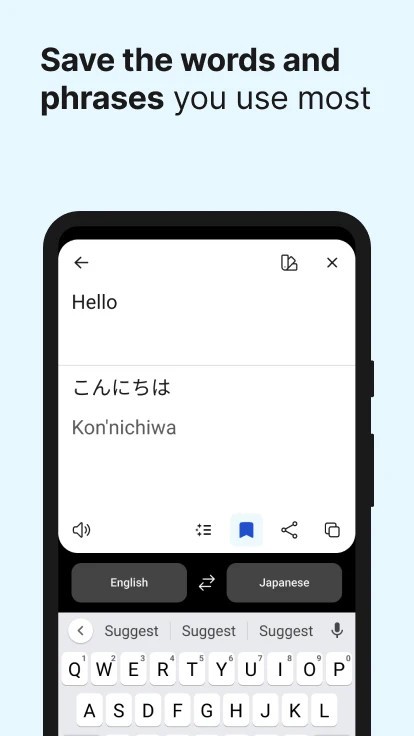
Like its competitors, DeepL can translate text, documents, or even read translations aloud. On mobile apps, you can dictate your text and play the translation to your interlocutor, which is useful when traveling or during quick conversations.
Is DeepL Free?
You can download DeepL and use it for free, but there are limits to how many characters and files you can use on this cost-free solution. If each month you want to do more than 5,000 characters, translate more than 3 files, or add over 10 glossary entries, you can explore some of their paid plans: Starter, Advanced, and Ultimate.
Each of them varies not only in terms of the price per user per month but also in how many and how big glossaries you can have, how many users can use the tool, or how many file translations you can do per month. The professional modules DeepL offers also have enhanced security and allow API calls in order to protect sensitive information you might have in your texts.
What Operating Systems Are Compatible With DeepL?
DeepL can be used via its website online service on different browsers, such as Google Chrome, Mozilla Firefox, or any other. You can also get it on Windows and macOS desktops or download it to your Android or iOS smartphone or tablet (follow our links to download it on the Google Store and App Store).
What Are The Alternatives To DeepL?
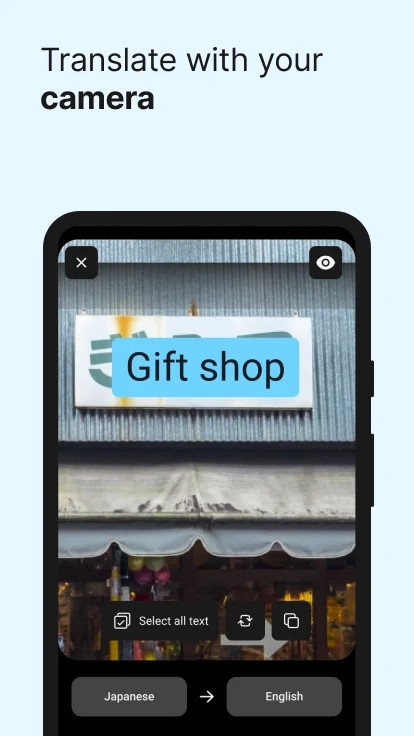
There are different competitors to DeepL, but the most used and well-known one is the one coming from the big-tech giant Google Translate. It offers over 100 languages you can use for translation; in the past, there were varying levels of quality depending on which ones you used. The service has been improved immensely over the years, but translation from or to some languages could still use an editor’s eye. Google Translate can be used via its online service website or downloaded to mobile devices on Android and iOS. With the web version, you can not only translate pasted text up to 5,000 characters, but the service also offers the ability to upload files you want to translate or even an entire website translation, where you just need to provide the page URL and the target language. When using the apps for smartphones, you can also record your or someone else’s voice to give the source for the translation, as well as play an audio file of the translated text in the target language. Apart from dictation, Google Translate also supports translating from drawings or images.
Another alternative coming from a big company is the free Microsoft Bing Translator. It offers a similar experience to Google Translate with both a web browser version and apps for iOS and Android mobile phones. It supports over a hundred languages and has text-to-speech features to simplify audio translation and communication between different languages. While the service is free of charge, Microsoft Bing Translator also offers services dedicated to large and medium-sized companies.
If you’re looking for something from industry experts similar to DeepL, you should consider SYSTRAN Translate. Coming from a company specializing in translation services for professionals, it may not be very well-known to the public, but it can quickly translate texts into more than 50 languages. This tool doesn’t only focus on the context provided in the text itself, but it can also adjust its translation to the industry the text is about, such as medical, legal, and historical matters, which can be very important to avoid any misunderstandings in such documents.