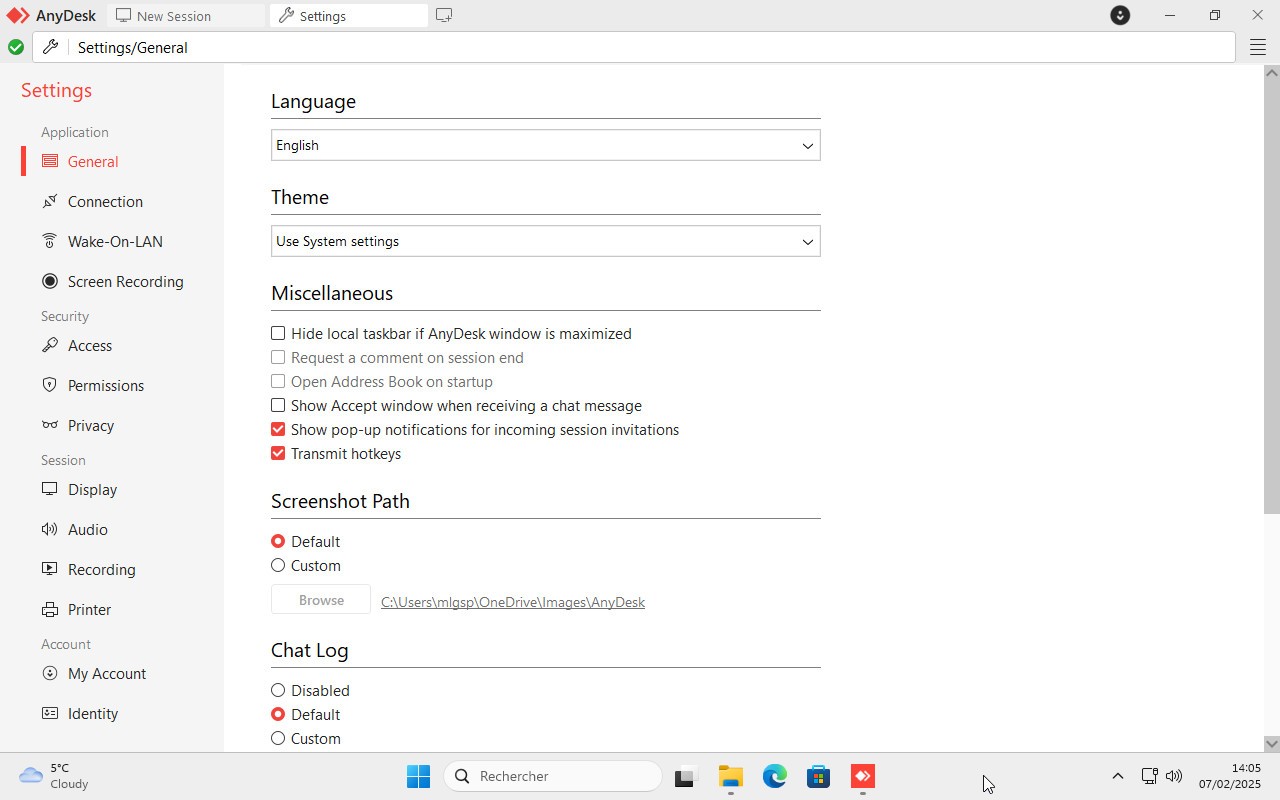
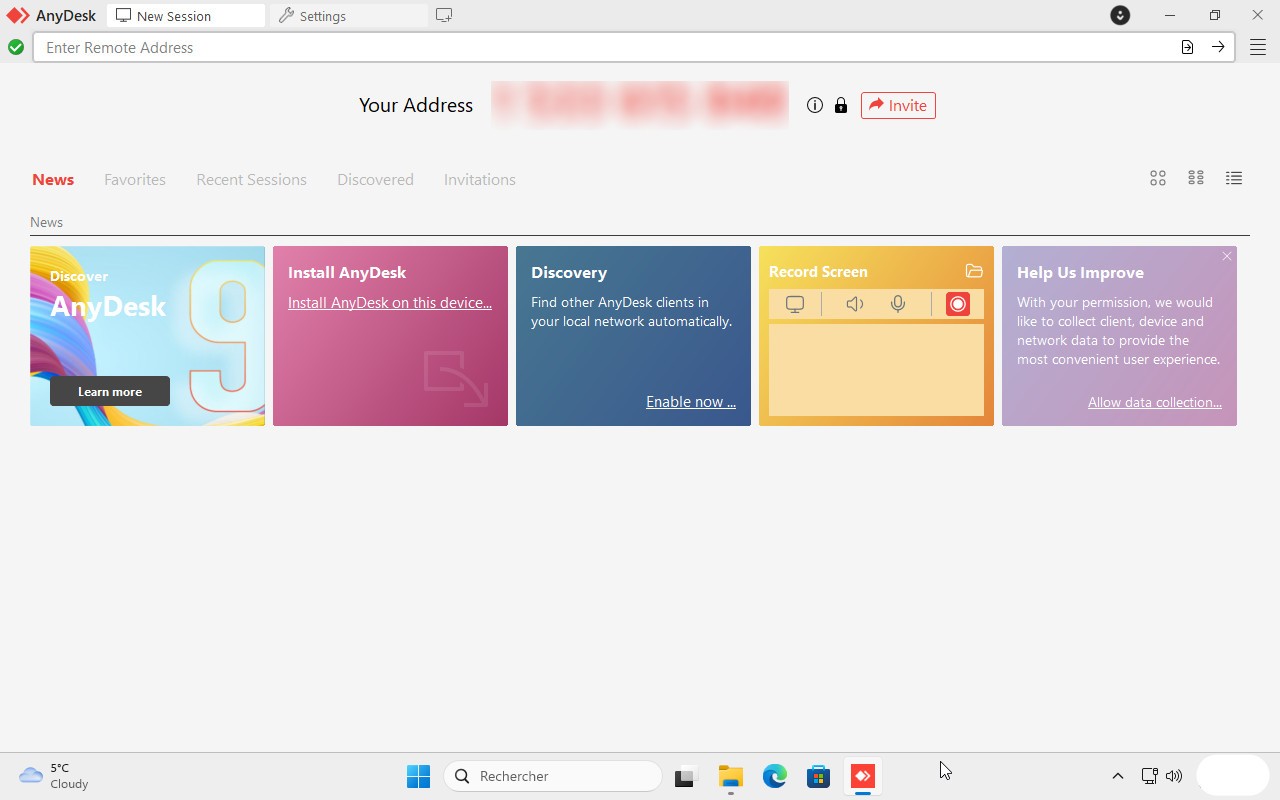
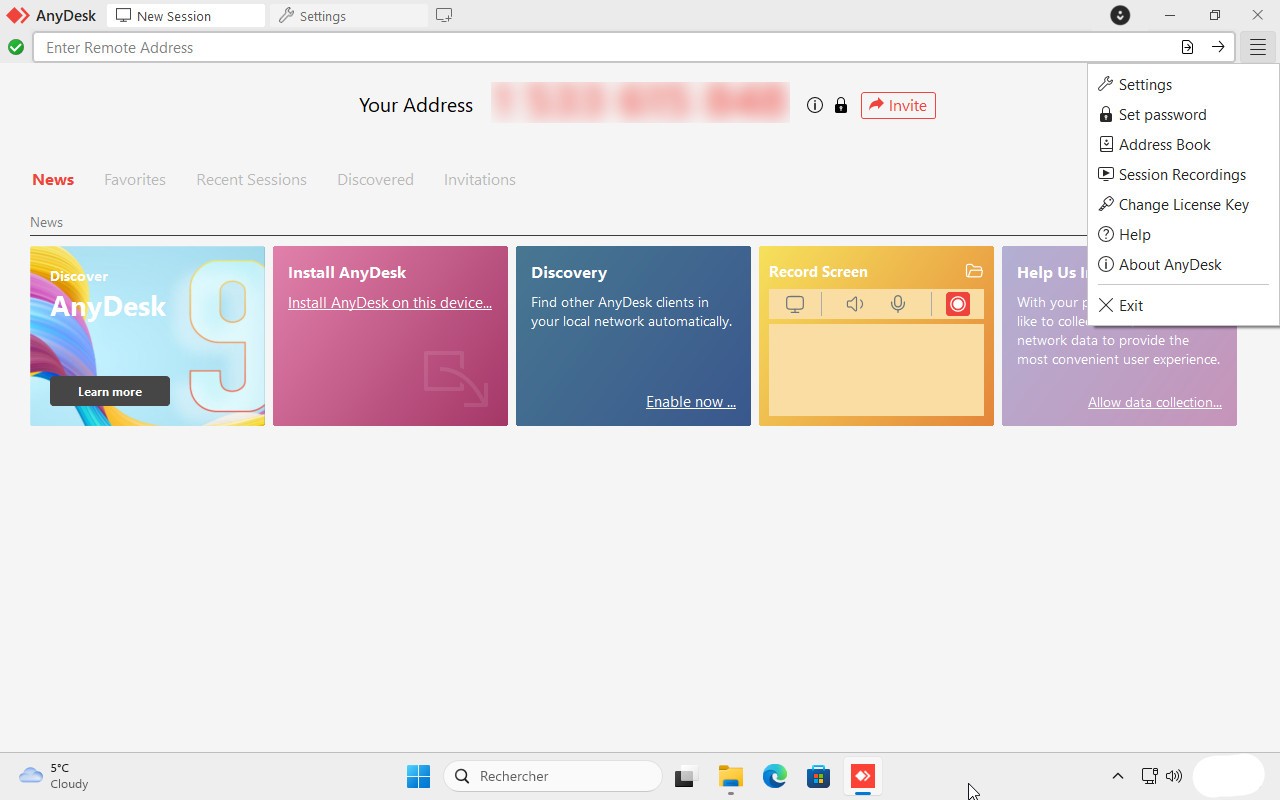
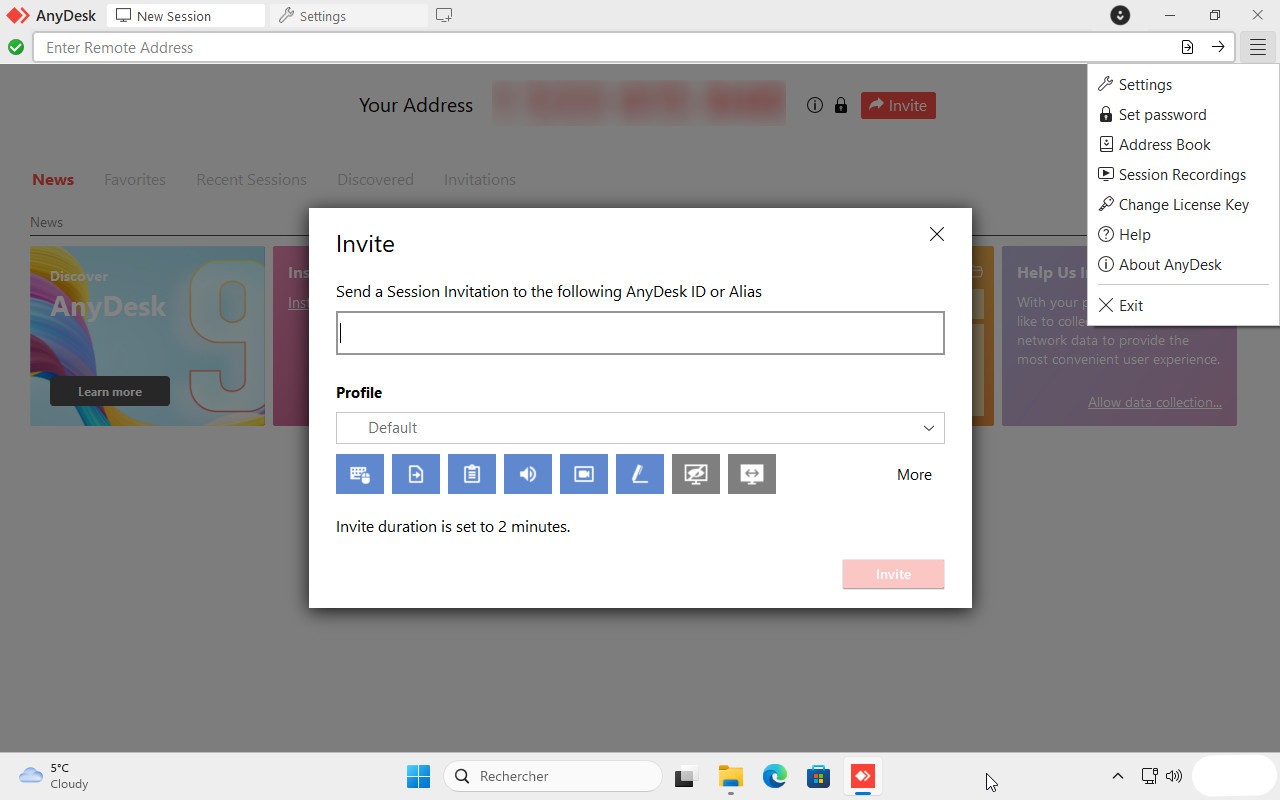
AnyDesk lets you control a device, whether a computer or mobile, even when you're not physically in front of it. It creates a secure online connection that can be used for IT troubleshooting or for accessing and working on your main computer from a different location.
The tool supports cross-platform connections, so you don't need to connect computer to computer. A tablet or mobile phone works just as well. All you need is an internet connection and the app installed on the devices involved. Make sure to download AnyDesk and configure it on every device before starting a remote session.
AnyDesk, along with similar tools like TeamViewer, saw a big rise in popularity during the COVID-19 pandemic when office workers shifted to working from home. It also makes life considerably easier for IT technicians who need to fix issues or carry out administrative tasks without being physically present. While it's primarily used in professional settings, AnyDesk is also available to individual users, and the personal version is free.
Whatever your reason for downloading AnyDesk, the tool works across all major operating systems, from desktop to mobile, without compromising connection security. All sessions are encrypted, so you don't need to worry about your connection being intercepted.
Why Should I Download AnyDesk?
People download AnyDesk for two main reasons: to access their own computer remotely when they're away from it, or to allow an IT professional to connect and help troubleshoot a problem. It's also useful when working through a complex configuration that requires outside assistance.
For individual users connecting to their workstation from elsewhere, AnyDesk offers a solid range of features. You can transfer files between devices, print to a remote printer, set up unattended access with a password so you can connect even when no one is at the target machine, and access your computer from a mobile phone. You can also dim the screen of the remote device to keep your activity private, or wake your PC remotely using the Wake-on-LAN feature.
For remote support sessions, it works best to have the person whose device needs help sitting in front of it while the technician connects. This speeds up resolution and ensures actions are taken correctly. The technician can take control of the mouse and keyboard if needed, and communication can happen through built-in chat, screen sharing, or a whiteboard.
For business use, AnyDesk also provides automated device rollout, file transfer, device management, and group policy controls. Companies can run AnyDesk through cloud infrastructure or deploy an on-premises setup to keep all connections and data transfers within the corporate network. On the security side, AnyDesk uses end-to-end encryption alongside two-factor authentication, device whitelisting, and password hashing.
Is AnyDesk free?
When you download AnyDesk for personal, non-commercial use, it's completely free. The free version lets you access up to three devices, transfer files, wake devices remotely, record sessions, and more.
Commercial users need to choose a paid plan based on the number of users and managed devices, with tiers covering 100, 500, 1,000, or 2,000 devices. These plans include extended support, additional customization and security options, and administration tools for setting up and managing the software at scale.
What Operating Systems Are Compatible With AnyDesk?
AnyDesk supports connections between all kinds of devices. It is available on Windows, macOS, Linux, FreeBSD, Raspberry Pi, and ChromeOS for desktop, and on Android, iOS, iPadOS, and Apple TV for mobile. Follow our download links to get the right version for your device.
What Are The Alternatives to AnyDesk?
TeamViewer is the most well-known alternative in this category. Like AnyDesk, it works cross-platform, includes built-in video conferencing, supports corporate deployment, and offers a free tier for personal use. When connecting to a remote device, TeamViewer generates a unique ID and password displayed on the target machine, so having someone present at that end is helpful. Commercial users can set a permanent master password to skip that step.
UltraVNC is a suitable option for those who need a more technical, Windows-only solution. It lets you set up server and client machines for remote encrypted access, and it is completely free.
Chrome Remote Desktop is another strong free option, available as an extension for Chrome and other browsers. It supports Windows, macOS, Linux, iOS, and Android. In addition to standard remote control features, it also allows screen sharing if you want to give someone limited access rather than full control of your device.
LogMeIn is worth considering for users who require remote access for administrative tasks, repairs, or broader IT management. It offers three subscription plans ranging from simpler setups with fewer managed devices, to troubleshooting-focused plans, to their Central option designed for larger organizations that need advanced infrastructure and a full suite of management tools.