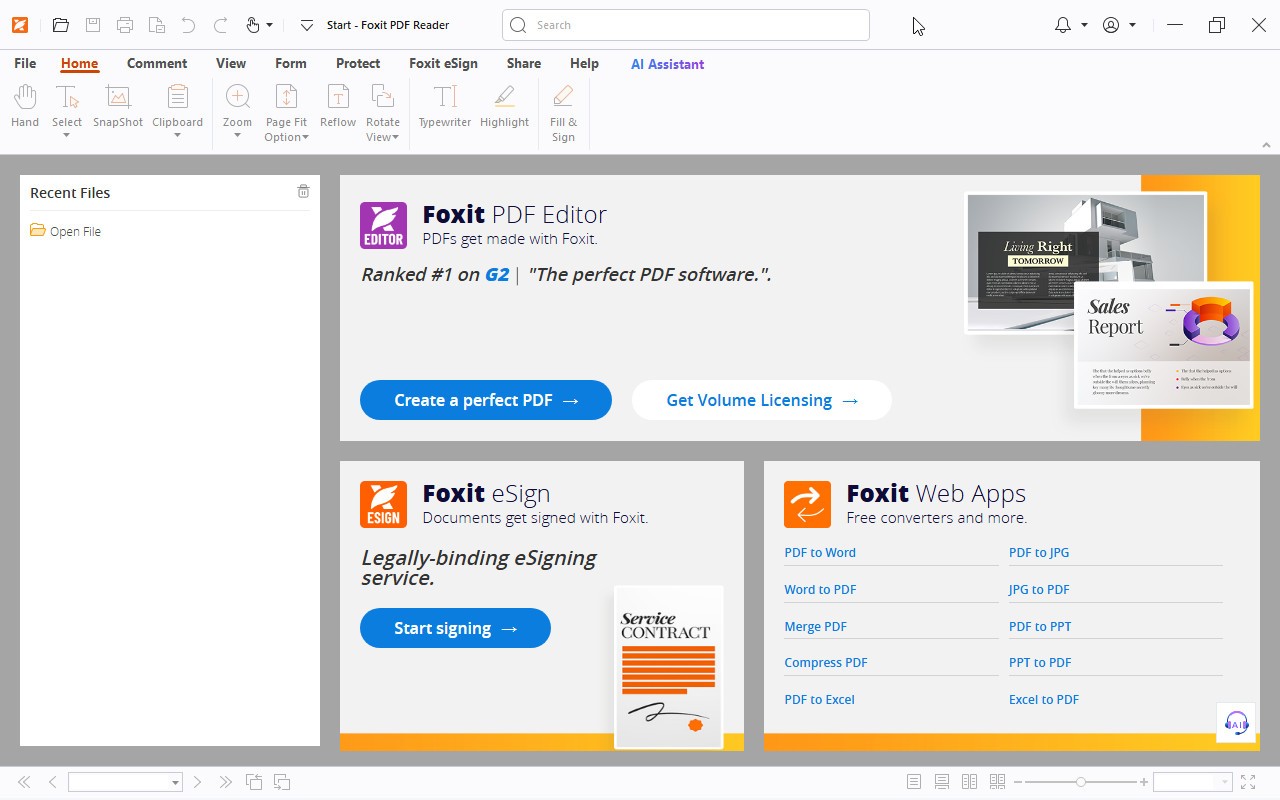
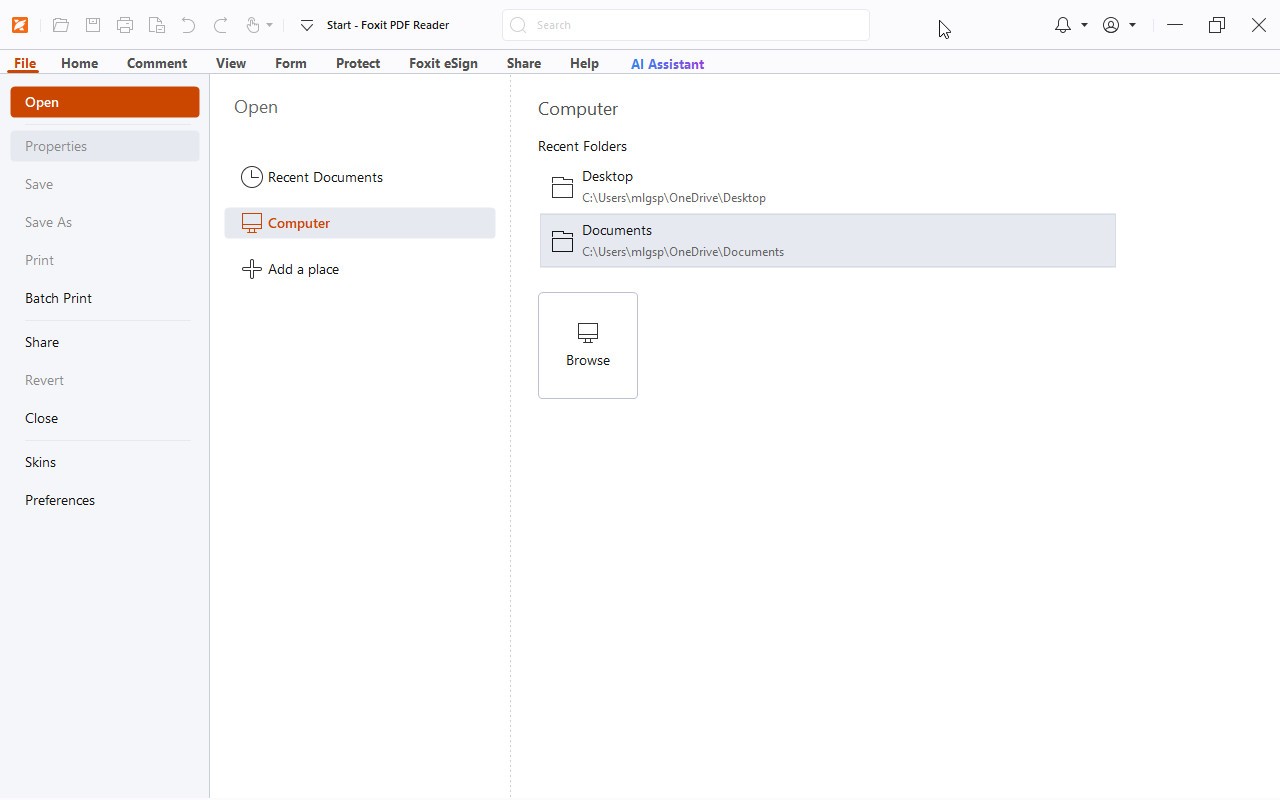
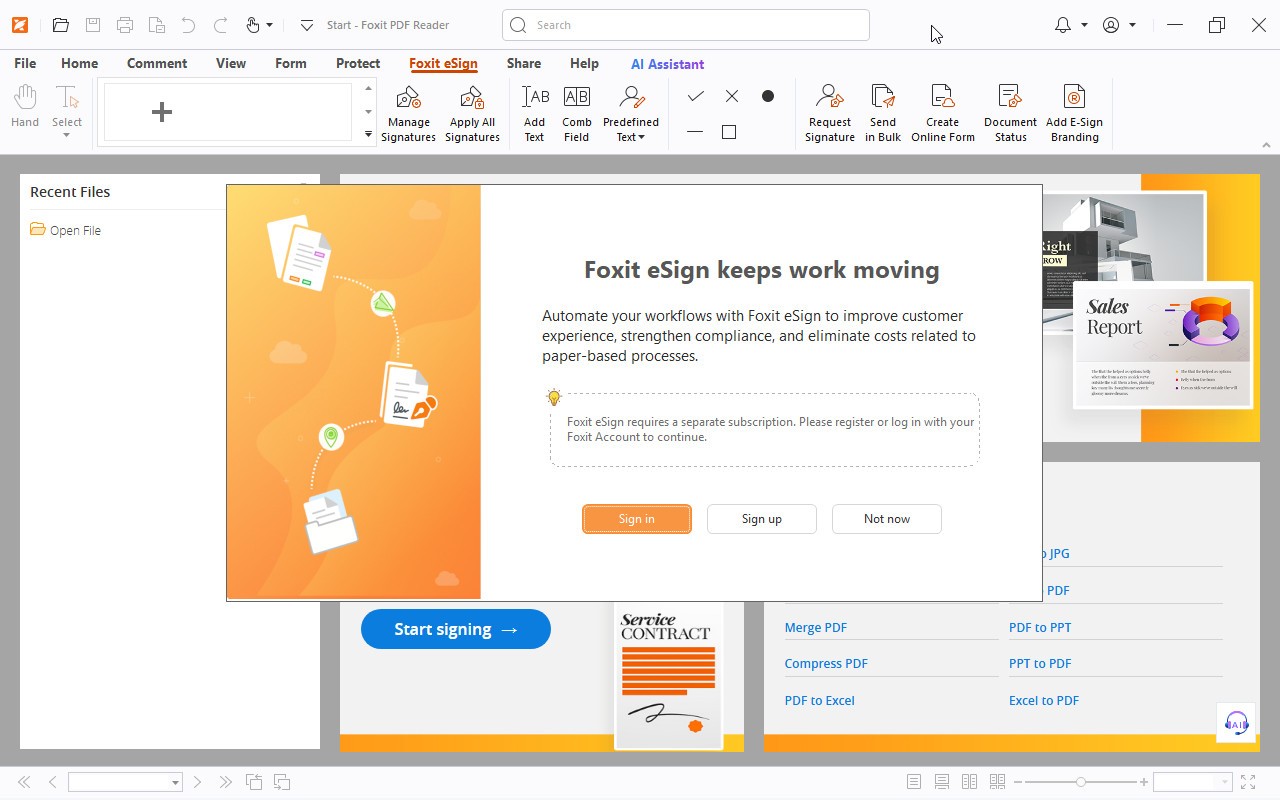
Foxit PDF Reader is the free reader from Foxit Software, a company that has been building PDF tools since 2001. It arrived as a small alternative to Adobe Reader back when that program had a reputation for being slow and heavy, and the pitch has stayed roughly the same ever since: a reader that opens fast and stays out of your way.
The core job is reading documents, and it handles that well. You can open PDFs, flip through them in single-page or continuous layouts, search text, and jump around with bookmarks and thumbnails. Beyond plain reading, it does more than you might expect from a free tool. You can add comments and sticky notes, highlight passages, draw shapes, fill out forms, and drop a signature onto a contract without printing anything. There's basic editing too, so you can tweak text or move an image if a document needs a quick fix.
Security is part of the package. Foxit lets you password-protect files, restrict what other people can do with them, and it runs a Safe Reading Mode that limits what a suspicious PDF can trigger on your machine. For anyone who deals with documents from strangers, that matters.
What keeps people coming back is speed. The application launches quickly and renders large files without the lag that plagues bulkier readers. It doesn't hog memory, which makes it a sensible pick for older laptops or machines where you'd rather not dedicate a chunk of RAM to a PDF viewer. The interface uses a ribbon layout similar to Microsoft Office, so most people find their way around within a minute or two.
It also runs almost everywhere. There are versions for Windows, macOS, and Linux, plus mobile apps for iOS and Android, and a web version if you'd rather not install anything. Files and settings can sync across those through Foxit's cloud, so a document you started marking up on your desktop is waiting on your phone.
The catch, if there is one, is that the deeper editing and conversion features push you toward the paid PDF Editor product. But for reading, annotating, signing, and general everyday document work, the free version covers what most people need. That combination of a light footprint, a familiar interface, and tools that go past simple viewing is why it has stuck around as a genuine option for anyone who wants an alternative to the usual PDF software.
Why Should I Download Foxit PDF Reader?
Foxit PDF Reader appeals to people who find Adobe's software slow and bloated. The program launches quickly and stays light on system resources, which matters if you open PDFs dozens of times a day or run an older machine. Beyond basic viewing, it lets you annotate documents, fill and sign forms, add comments, and mark up files with sticky notes and highlights without paying for an upgrade.
Security is another reason people pick it. Foxit runs untrusted files in a sandboxed mode that isolates potentially harmful content, and the company pushes regular patches when vulnerabilities surface. For anyone working with sensitive documents, that matters.
The reader also handles collaboration reasonably well. You can share documents through connected cloud storage, and its ConnectedPDF feature tracks versions and lets authors see how a file is being used. Businesses often like the fact that it integrates with Microsoft tools and supports large-scale deployment. In short, it does most of what casual and professional users need from a PDF tool, without the cost.
Is Foxit PDF Reader free?
Yes, Foxit PDF Reader is free to download and use for both personal and business purposes. You can view, print, annotate, comment on, and sign PDF documents without paying anything, and there is no trial clock that eventually locks you out of the core features.
That said, it is worth separating the Reader from Foxit's paid products. The free Reader is built for viewing and light markup. If you want to create PDFs from scratch, edit existing text and images, run optical character recognition on scanned pages, combine or split files, redact content, or convert PDFs to other formats, you need Foxit PDF Editor, which is a paid application sold through a subscription or a one-time license.
Foxit funds the free Reader partly through this upsell model and through business services, so you may see occasional prompts encouraging you to try the Editor. For a straightforward reading, form-filling, and commenting tool, though, the free version costs nothing and covers what most people are looking for.
What Operating Systems Are Compatible with Foxit PDF Reader?
Foxit PDF Reader runs on Windows, macOS, and Linux, along with mobile versions for Android and iOS, so most users can find a build that fits their setup.
On Windows, it supports modern releases including Windows 10 and Windows 11, and older versions have historically been covered as well. The macOS edition works on recent versions of Apple's operating system, though the Mac build tends to carry a slightly smaller feature set than its Windows counterpart. Linux users can install it on common distributions, which is unusual for PDF software and part of why Foxit has a following among developers and IT departments.
The mobile apps for Android and iOS handle viewing, annotating, and signing on phones and tablets, and they sync with cloud storage so you can move between devices. There is also a web-based option for reading and editing PDFs directly in a browser. Before installing, it is worth checking Foxit's official site for the current system requirements, since minimum specifications and supported versions shift with each major release.
What Are the Alternatives to Foxit PDF Reader?
If Foxit does not suit you, several other PDF readers cover similar ground. Adobe Acrobat Reader is the obvious comparison, since it set the standard for the format; it is polished and widely supported, though heavier and more aggressive about pushing its paid tier.
For people who want something minimal, Sumatra PDF is an open-source Windows reader that is tiny and fast, but it sticks to viewing and skips annotation and form-filling. PDF-XChange Editor offers a generous free tier with markup and editing tools that go beyond basic reading. Nitro PDF is a common pick in business settings and competes directly with Foxit's paid Editor.
On macOS, the built-in Preview app handles viewing, annotation, and signatures without any extra download, which is enough for many Mac users. Browser-based readers in Chrome, Edge, and Firefox also open PDFs instantly, though they offer limited editing. For fuller editing suites, Xodo, Smallpdf, and Sejda provide web and mobile options. The right choice depends on whether you mainly read documents or need to edit and manage them.