Microsoft 365 (now called Microsoft 365 Copilot) is a suite of productivity software applications that Microsoft released to help users create documents while analyzing data, developing presentations, managing emails, and performing additional tasks. Microsoft Office, first launched in 1989, has undergone substantial changes by implementing cloud-based capabilities and AI-based tools, which boost productivity and team collaboration.
Microsoft Word, Excel, PowerPoint, Outlook, and Access database form the core applications available within the Microsoft suite, with Publisher (which is not available anymore). The Microsoft 365 Copilot suite expanded through time to include Teams for messaging alongside OneNote for notetaking. The creation of OneDrive cloud storage features created a multipurpose business solution suite for personal, educational, and professional needs with the Office Online suite. This cloud-based tool permits users to sync all their docs with their Microsoft Account on all their devices.
As Microsoft shifted to Microsoft 365 Copilot, it changed Office into a subscription license (monthly or yearly) that provides customers with automatic system updates and features for collaboration and cloud storage functionality. The suite functions across numerous sectors that include educational institutions as well as corporate organizations because it provides reliable performance, advanced functionality, and smooth compatibility with Microsoft tools. Microsoft 365 Copilot continues to be an obligatory productivity resource because users utilize it to create business documents while undertaking financial analysis, as well as team project work.
In 2025, Microsoft 365 was renamed Microsoft 365 Copilot because of the integration of the AI assistant created by Microsoft and named Copilot. It allows you to use all the tools in a more interesting manner, with text and image generation, and more.
Why Should I Download Microsoft 365 Copilot?
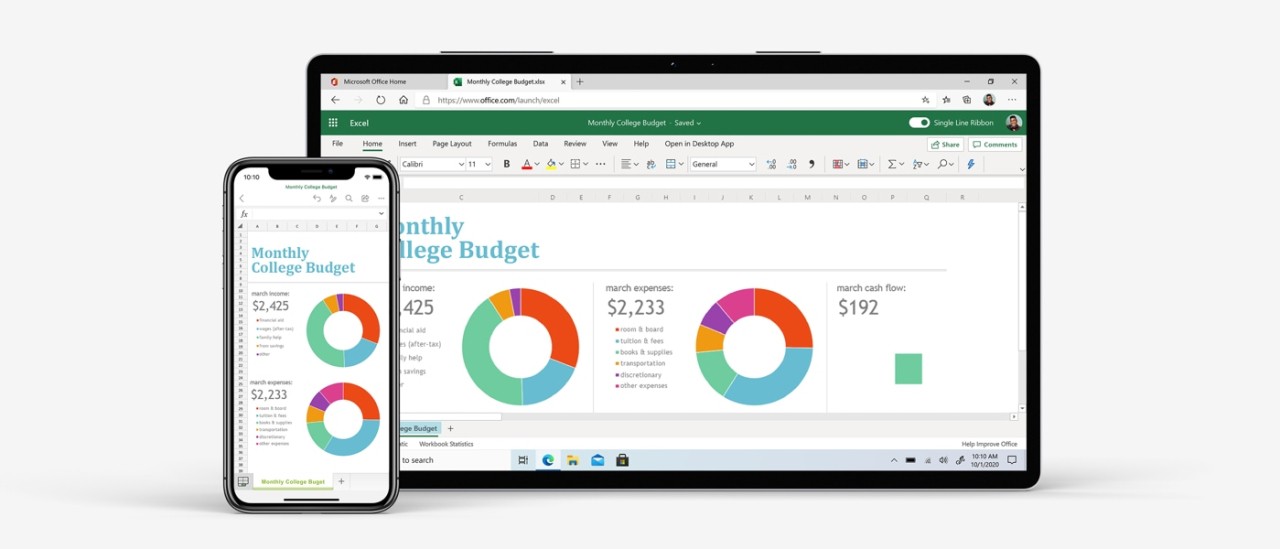
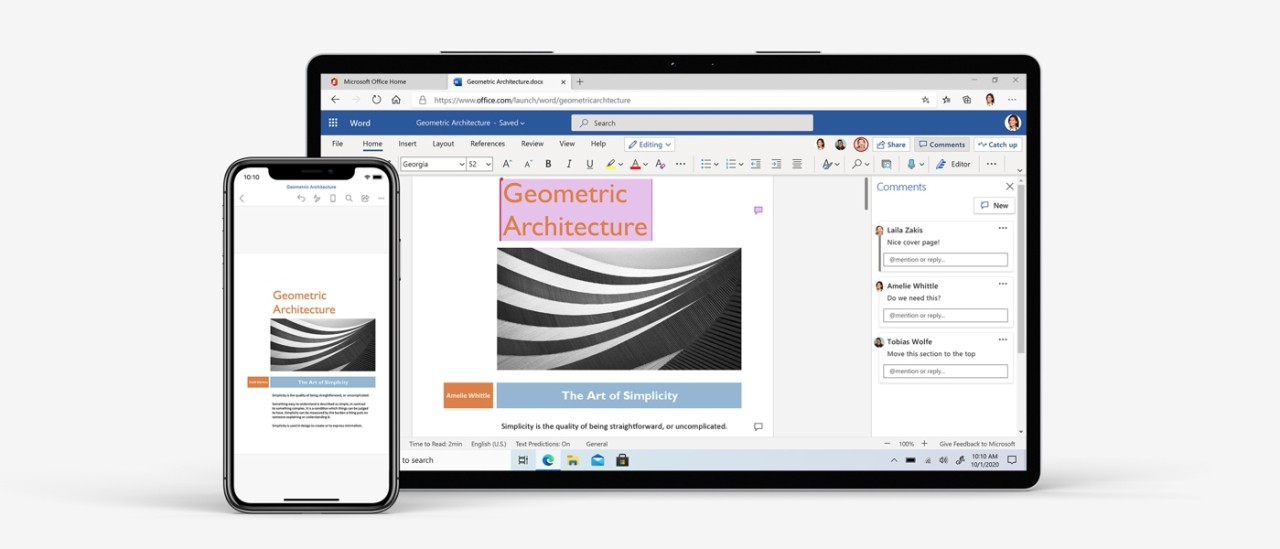
Microsoft 365 Copilot delivers significant improvements to work efficiency while boosting team coordination. The desktop software, mobile app, and online tools offer broad usability through their entire set of features to serve users ranging from students to commercial professionals and personal home users. Through its integrated environment, Microsoft 365 Copilot applications deliver high-end document styling tools (Word), spreadsheet computation (Excel), presentation program design (PowerPoint), and secure email system features (Outlook).
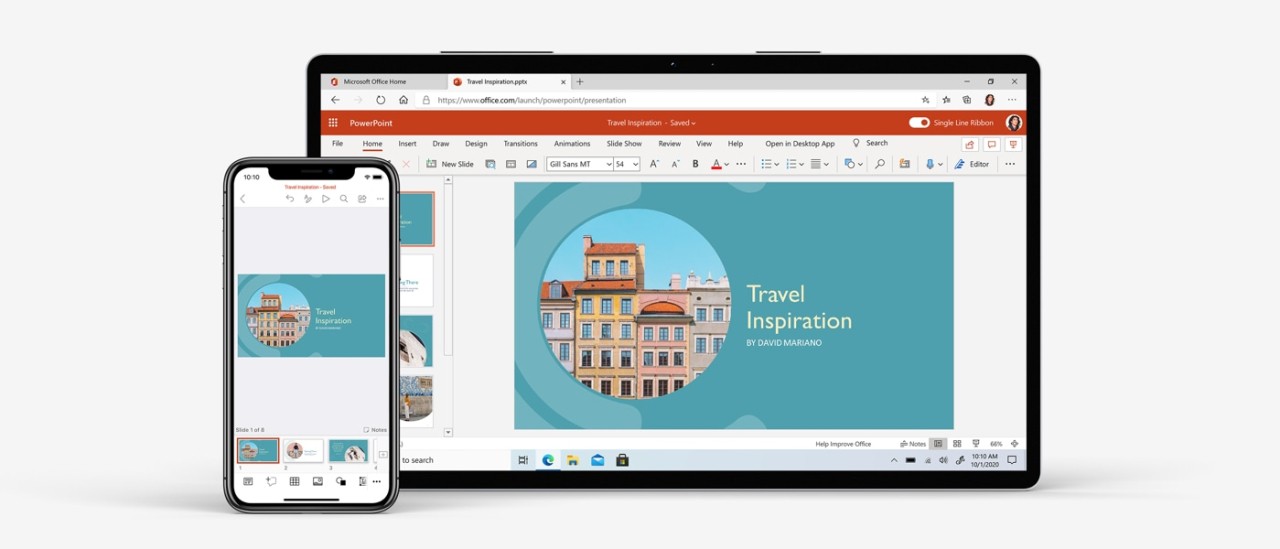
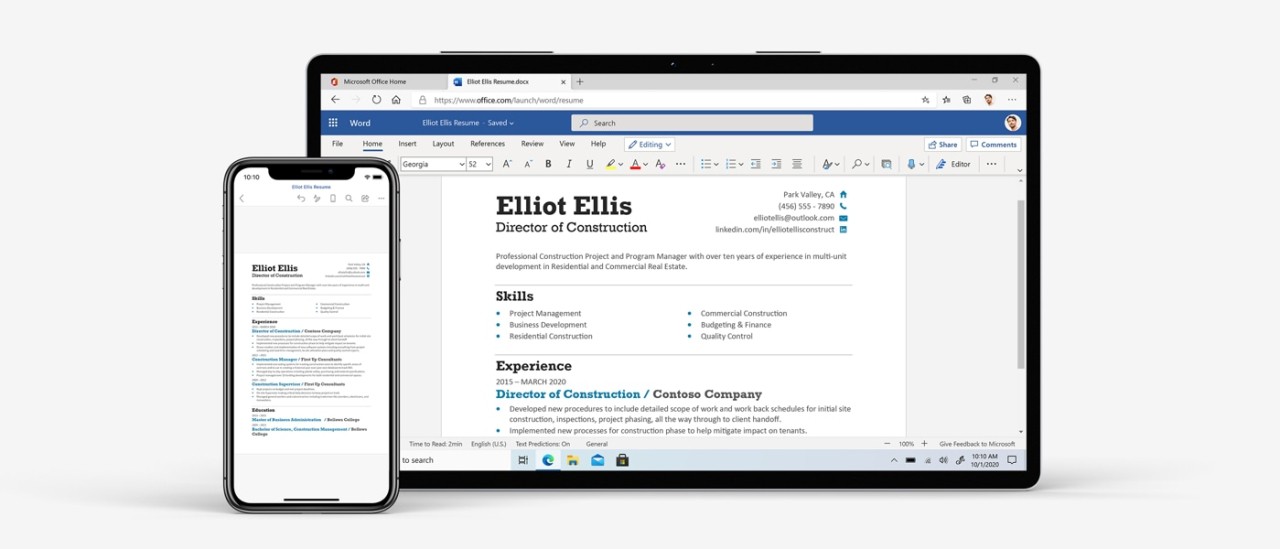
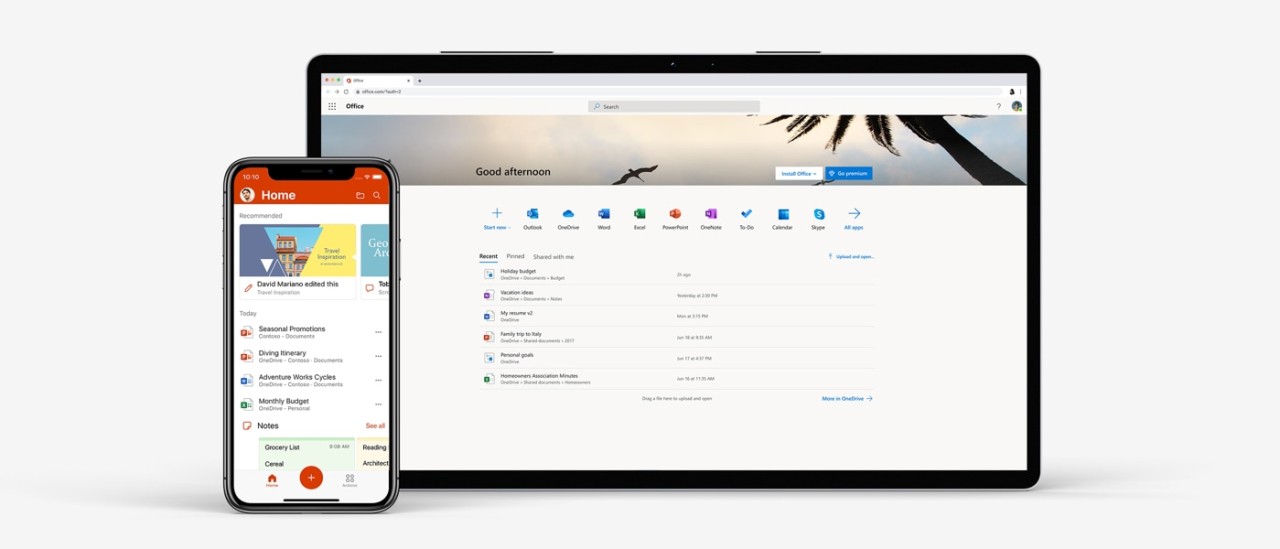
Continuous work in Microsoft 365 Copilot becomes more accessible through its complete device connection capabilities and account synchronization. Users can access their stored documents through OneDrive cloud storage from any combination of Windows PC, Mac, tablet, or smartphone devices using Microsoft Office apps. The collaborative feature within Microsoft 365 Copilot enables different users to simultaneously work on the same document, which proves beneficial for teams performing remote work or joint projects.
You should also download Microsoft 365 Copilot because the platform provides optimal connectivity with existing programs and file systems. The document sharing processes with Office applications protect both the formatting, macros, and advanced features when users transfer data between different platforms. Industrial professionals must use this feature because it enables them to keep financial models, legal documents, and reports uniform.
Microsoft 365 Copilot provides an exceptional level of security to users as its main strength in this area. Users get peace of mind about their file security because the suite features built-in protection through password restrictions and encryption tools, along with Microsoft Defender compatibility. OneDrive combines the capability to produce automatic cloud-based backups alongside version tracking, which safeguards users against lost data.
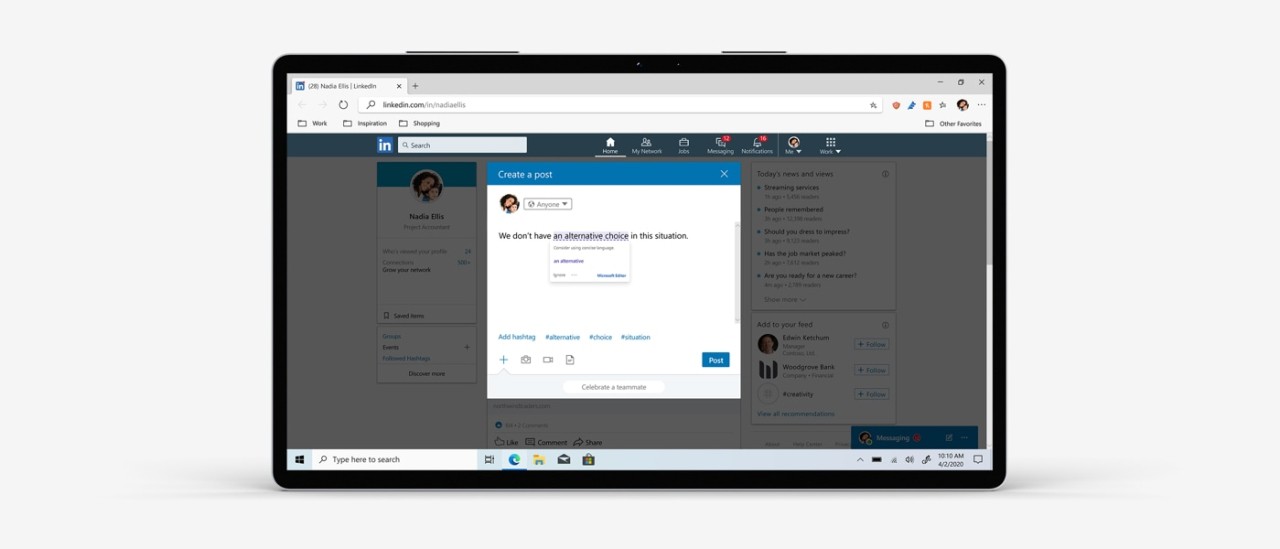
The Microsoft 365 Copilot suite receives ongoing AI-enhanced feature updates from Microsoft regularly, thanks to Copilot AI integration. The Excel data analysis capabilities now use AI-driven insights, while Word provides real-time grammar and style suggestions as well as text generation, and PowerPoint users can access AI-generated design ideas. New features embedded into Office applications allow users to develop superior and productive end products from their documents, spreadsheets, and presentations. Search becomes faster with AI. You can type a question, phrase, or command and quickly get the results you need.
Copilot also connects you with agents. You can access ready-to-use agents from Microsoft and trusted partners in the Assistant Store, or even create your own custom agents with Copilot Studio. With Copilot Notebook, users can centralize project-related content and receive targeted AI assistance. Smart suggestions and audio summaries make it easier to organize and analyze information.
With Copilot Chat, users can increase productivity, simplify tasks, and unlock insights with secure AI-powered conversations. Copilot can also create content for you. Users can generate AI-based images, posters, banners, and videos that match their organization’s brand identity.
Is Microsoft 365 Copilot Free?
You can access the Microsoft 365 Copilot mobile app and online apps for free through a limited version, although the program remains partially unavailable at no charge. Through these versions, Microsoft provides free access to basic functions of Word, Excel, and PowerPoint applications without charging users. Users who access Office through the web and mobile versions will find several features absent, which are available in the desktop applications.
If you want complete access to every Office application, notably desktop apps, you must subscribe to Microsoft 365 Copilot or purchase Office as a single-license product. Microsoft 365 Copilot gives users long-term benefits through automatic system updates, cloud-based data management, which pairs with collaborative features. Students, along with educators, can obtain free or affordable Microsoft versions through the education programs run by Microsoft.
What Operating Systems Are Compatible with Microsoft 365 Copilot?
You can access the Microsoft 365 Copilot app through Windows and macOS platforms, as well as iOS and Android devices. The online version of the suite is available through any web browser on any system.
Users can execute the newest versions of the suite on both Windows 10 and Windows 11 systems because these operating systems allow for complete integration with Microsoft's platforms. If you use an outdated Windows system, you will need to resort to employing a previous version of the software suite.
If your computer is running macOS, you can benefit from the Microsoft 365 Copilot app because it delivers built-in macOS features, including Dark Mode support, Touch Bar compatibility, and iCloud synchronization.
If you do not want to install Office or if your computer does not run Windows or macOS, know that you can use the free web version: Office online. You only need a browser with an internet connection, and you can use Word, Excel, PowerPoint in their web versions.
Users can employ Microsoft 365 Copilot mobile apps that function on both iOS and Android smartphones and tablets to modify their documents and jointly work on their documents directly from mobile devices.
What Are the Alternatives to Microsoft 365 Copilot?
The most widely known substitute for Microsoft 365 Copilot is Google Workspace (or Google Drive), which provides users with Google Docs, Sheets, and Slides. As a cloud solution, Google allows users to team up for real-time document editing. Teams that need cloud storage solutions and Google service connectivity find Google Workspace (formerly G Suite) especially beneficial. Google works very hard to improve its tools so they can match what Microsoft has to offer, and the features are now nearly as efficient as its competitor, even though Sheets still fails to match the statistical analysis capabilities in Excel.
WPS Office offers Writer, Spreadsheets, and Presentation applications (desktop and mobile) to users who require a light office suite instead of Microsoft 365 Copilot. Users used to the Microsoft interface will feel at ease using WPS because it matches Microsoft’s design while offering cloud storage solutions for document accessibility. WPS Office offers free and paid versions to provide flexible productivity solutions suitable for users who need affordable business software.
LibreOffice presents itself as a desktop-only open-source office suite with Writer word processing, together with Calc spreadsheets and Impress presentations. All features of LibreOffice have zero-cost usage while supporting various file types, including Microsoft Office documents. Its user interface operates differently for some users, and it shows slightly reduced compatibility when handling complicated Office documents.