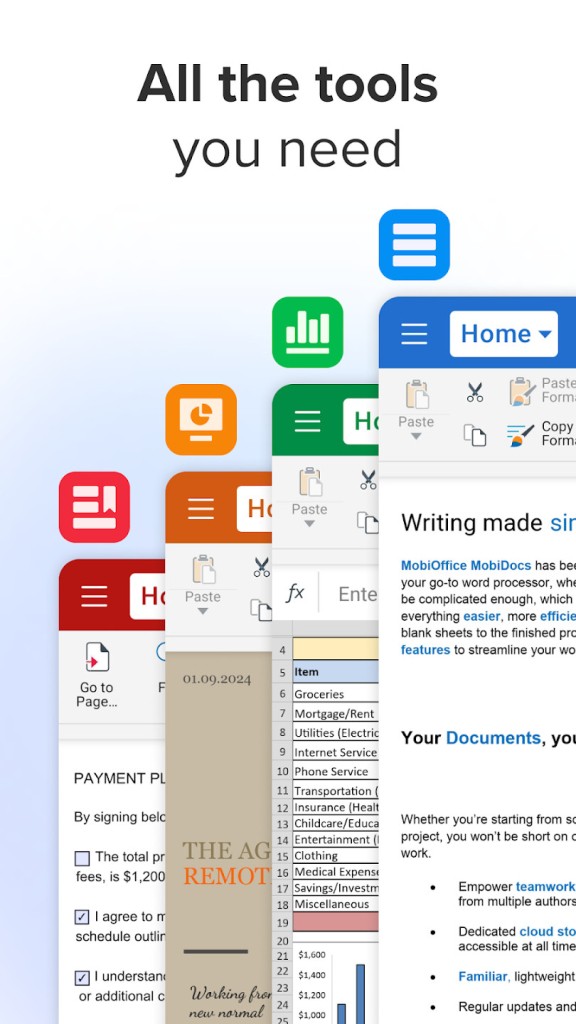
MobiOffice is a comprehensive alternative to the Microsoft Office suite that includes all the necessary tools. It can be used for free with basic features or purchased on a subscription plan. It includes a word processor, spreadsheet editor, presentation creator, and PDF viewer.
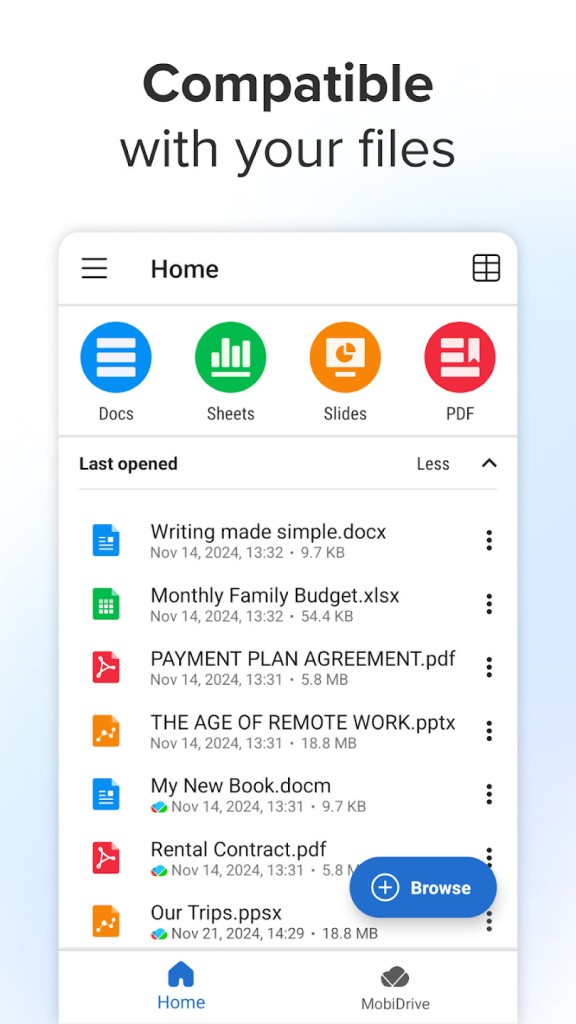
Once you download MobiOffice, you can easily integrate it with the most popular cloud storage platforms, like Google Drive or Dropbox, and sync your documents across devices. MobiOffice supports multiple file formats, including DOCX, XLSX, PPTX, ODT, CSV, and PDF, so you can use it with files from other productivity products.
With MobiOffice, you can access an extensive library of templates for resumes, business proposals, complex budgets, and sales presentations. You are able to edit your files offline, and MobiOffice works on Windows and macOS computers as well as Android and iOS mobile devices.
Why should I download MobiOffice?
MobiOffice offers you access to fully functional productivity tools on any platform, whether you're working on a mobile device or in front of a computer. It natively supports multiple file formats (DOC, DOCX, XLS, XLSX, PPT, PPTX, ODF), including those from the most popular solutions like Microsoft Office, so you can easily open, edit, and share files, and they will be compatible with other tools.
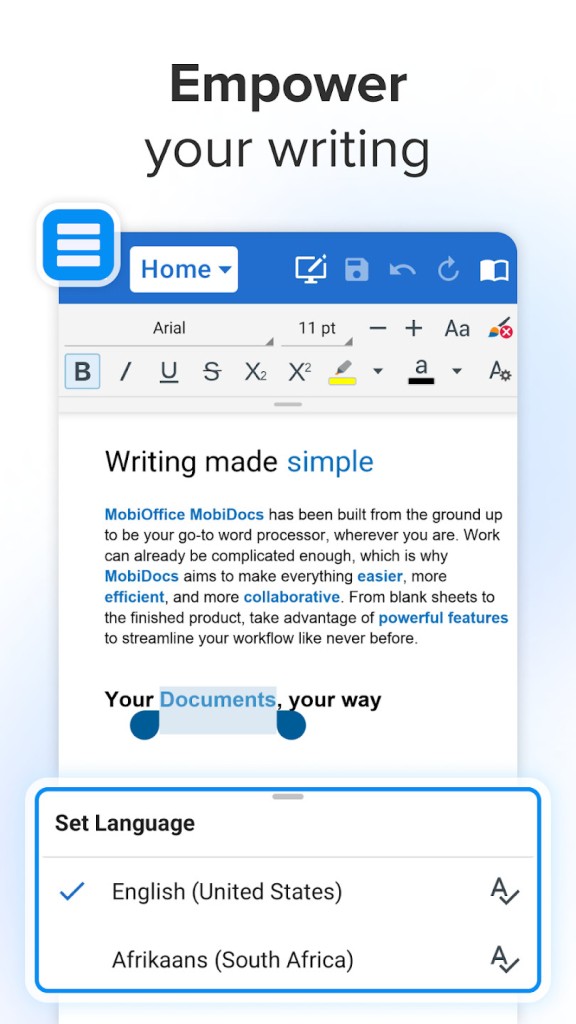
With MobiDocs, you get a comprehensive word processing software that offers text formatting, tables, image insertion, footnotes, headers, comments, word count, autosave, and spellcheck. The interface is clean and responsive, guaranteeing full usability even on small smartphone screens.
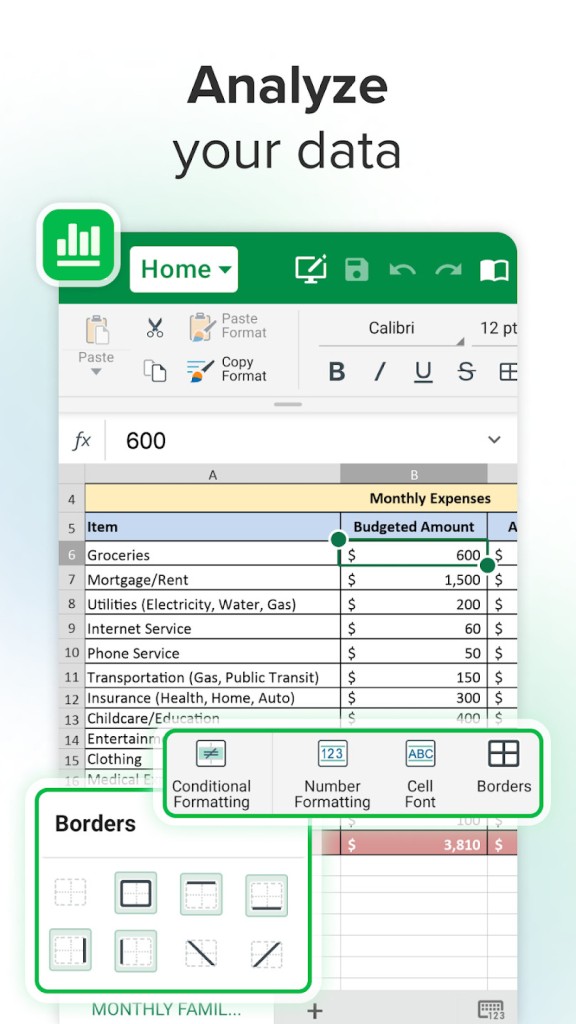
MobiSheets is the equivalent of Excel, with a powerful grid editor that supports over 250 functions, conditional formatting, and creating charts and pivot table summaries. You can use it to manage large datasets with cell styles and formula validation, even on tablets and phones, because all formatting and calculations are easy to use and optimized for touchscreens.
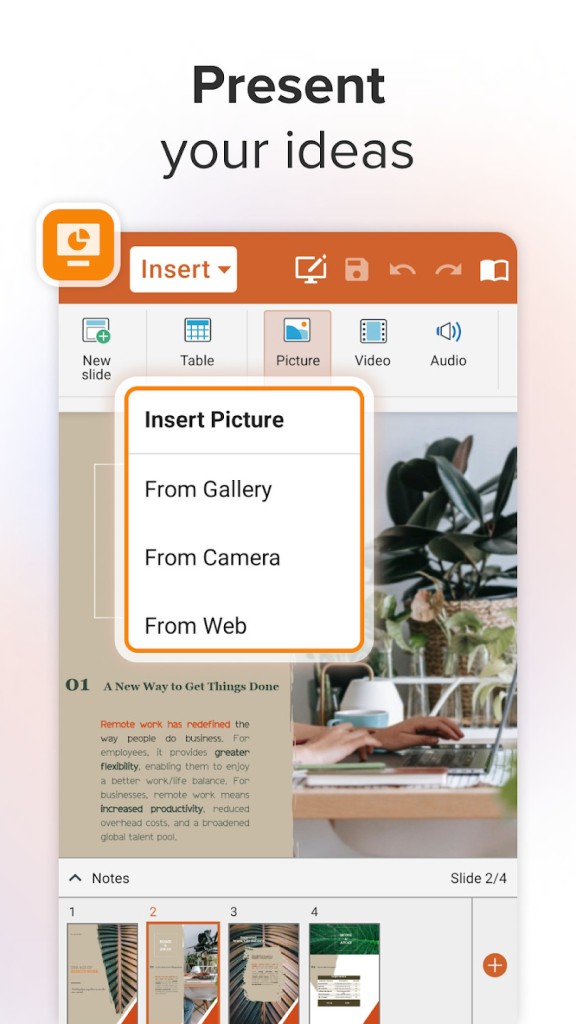
If you're looking for a solution to create presentations, you should download MobiOffice, which also includes MobiSlides. With it, you can build, view, and edit slides while adding animations, transitions, videos, and custom slide themes. You can also use this software to run presentations in the presenter mode, add speaker notes, and mirror your screen to an external monitor or a casting device.
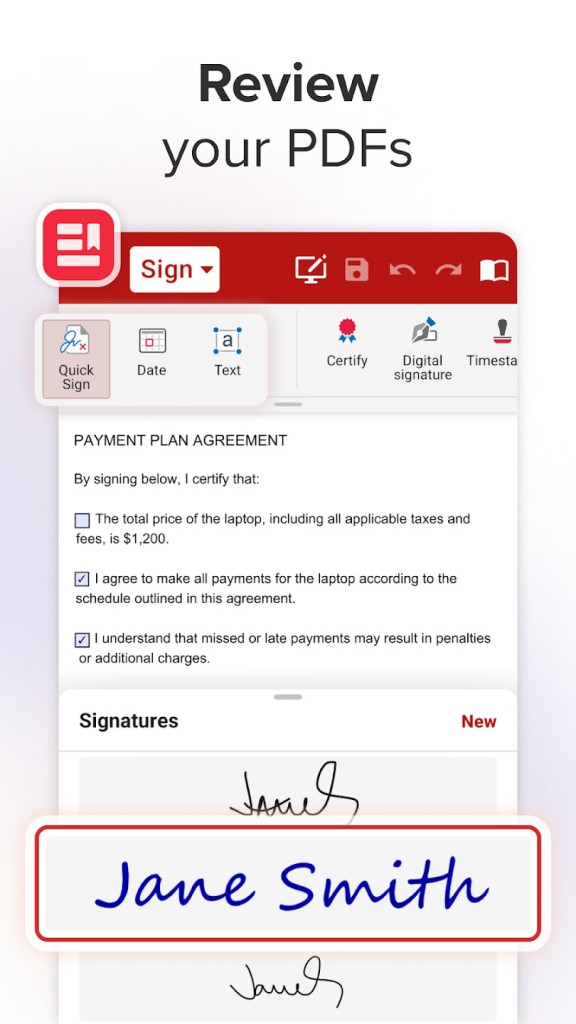
You can use MobiOffice with PDFs as it allows viewing, annotating, highlighting, signing, and filling out forms saved in that format. The tool lets you export PDFs into DOCX, merge documents, or extract specific pages. It's a cheaper alternative to tools like Adobe Acrobat, though with limited editing options.
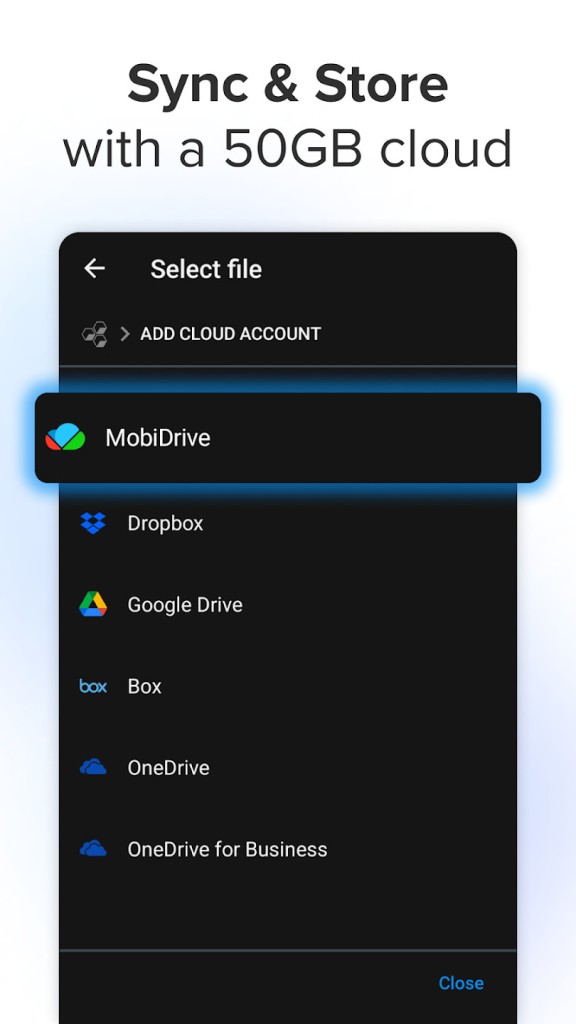
MobiOffice can work offline, so you can edit your documents locally and then just sync them to the cloud once you have an internet connection. You can integrate MobiOffice with cloud storage solutions such as Google Drive, Dropbox, OneDrive, and Box. It allows you to manage and synchronize files across devices when you're logged into the same account, and your files are automatically saved either in the selected cloud directory or in local storage, depending on your preference.
With MobiOffice, you can collaborate with other people and add comments, track version changes, and get real-time document updates when someone else is editing the file. You can also easily switch between open documents, customize the program's theme, and recover any files from the automatic backups.
The newest version also introduced an AI writing assistant. You can download MobiOffice on Windows and macOS computers as well as on Android and iOS tablets and smartphones. You can also use MobiOffice Online to edit documents in your browser.
Is MobiOffice free?
You can use MobiOffice as a freemium version, but it only offers the most basic features. These include creating and editing documents in all common formats and inserting pictures, tables, and charts. In this version, you can use MobiOffice only on one device and get 5GB of free cloud storage from Mobi. It also has a free web version called MobiOffice Online.
If you'd like to unlock all its features and capabilities, you can purchase MobiOffice on a paid subscription plan or get a lifetime license. You will get more export options, bigger cloud storage, and all the features the apps included in this suite have. You can also test each plan on a 7-day trial.
What operating systems are compatible with MobiOffice?
You can download MobiOffice and use it without any issues on computers running Windows 10 or 11 and Macs with macOS 12.0 or higher.
This suite of productivity tools is also optimized for mobile devices and touch screens and can also work with styluses for highlighting, notes, or drawings. To use MobiOffice on mobile devices, you need either Android 7.0 or higher or iOS 17.0 or later.
What are the alternatives to MobiOffice?
WPS Office is a cross-platform productivity suite that works on Windows, macOS, Linux, iOS, and Android. It is distributed both under a freemium version and with paid subscription plans. It includes apps for text editing, spreadsheet calculations, slide creation, and PDF viewing. With the paid options, you also get OCR support, PDF conversion tools, syncing files to cloud storage, and an AI writing assistant. WPS Office works with all the most common file formats and supports real-team collaboration and editing.
Google Workspace is a cloud-based productivity suite developed by Google that includes Docs, Sheets, Slides, and Drive. It's a free option for all personal users where you can use all the core tools, collaborate in real-time, autosave your files, and sync them in your cloud storage. The paid options for businesses add more administrative options and better security solutions. You can export your files to all the most popular formats, and Google Workspace apps work both on the web browser as well as on mobile devices through dedicated apps for iOS and Android.
Microsoft 365 is the newest version of the classic Microsoft Office solution, which is now based on a subscription that allows access to all Word, Excel, PowerPoint, OneNote, and Outlook features. You can still use a free version of the apps online, but it only offers the most basic features. To get full access, you need to download dedicated apps to your device (whether desktop or mobile) and choose a monthly or annual subscription plan. With Microsoft 365, you also get advanced formatting, real-time collaboration, AI tools, and shared calendars.