Ibis Paint X is one of those drawing apps that feels intuitive from the moment you open it. It's designed to be responsive to fingers and styluses, and surprisingly deep once you start exploring what it can do. A lot of people resist digital art, assuming it requires pressure-sensitive tablets and complex tools, but Ibis Paint X works to change that perception. It brings illustration within reach, fits it into a mobile screen, and makes it achievable without a full studio setup.
It's not just for professionals, though they'll find plenty to work with here. The tools feel genuinely welcoming for beginners, hobbyists, manga artists, and anyone experimenting with lines and color. The brush engine is fast. The canvas stays responsive. There's a natural flow under your finger or stylus that builds confidence quickly. Ibis Paint X isn't trying to reinvent anything. It's focused on making drawing feel like something you can do naturally.
Why Should I Download Ibis Paint X?
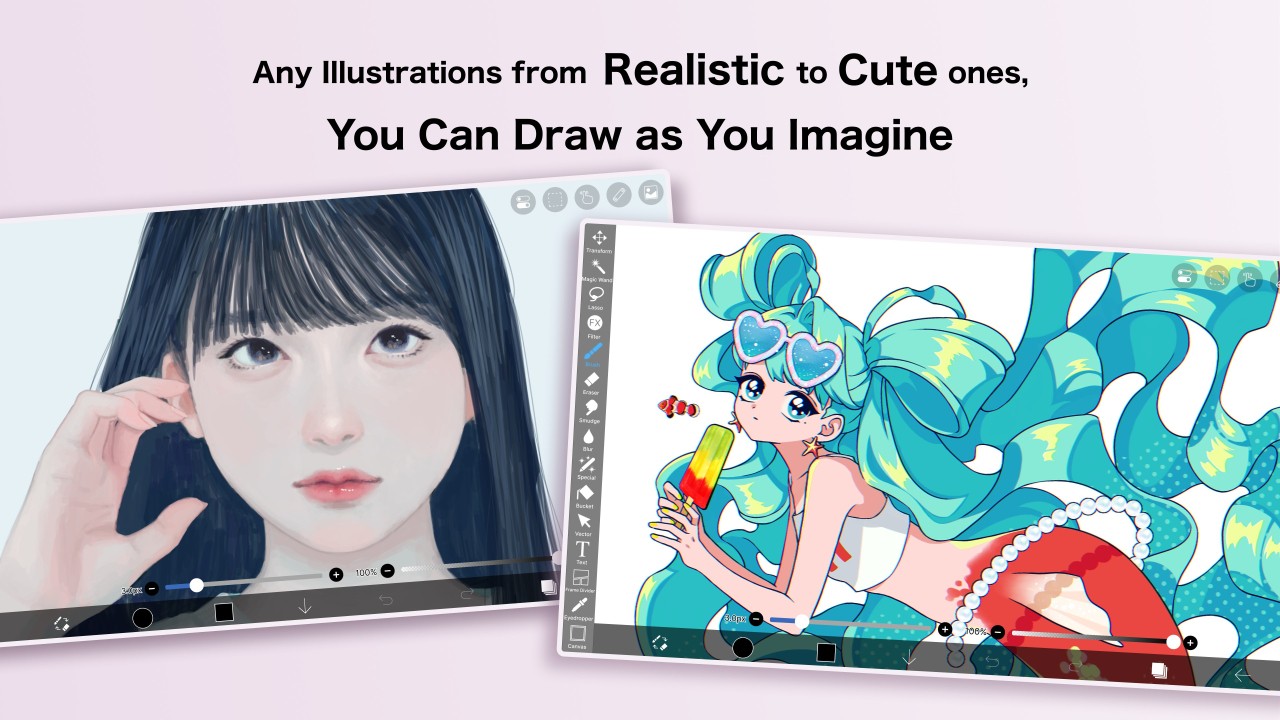
Ibis Paint X is one of those rare apps that manages to be both deep and approachable at the same time. Opening it doesn't overwhelm you, but it doesn't hold back when you dig into its features either. Whether you're sketching to pass the time or building a complete webtoon panel by panel, the app holds up well. You get a wide variety of brushes, solid customization options, and tools to keep your work organized.
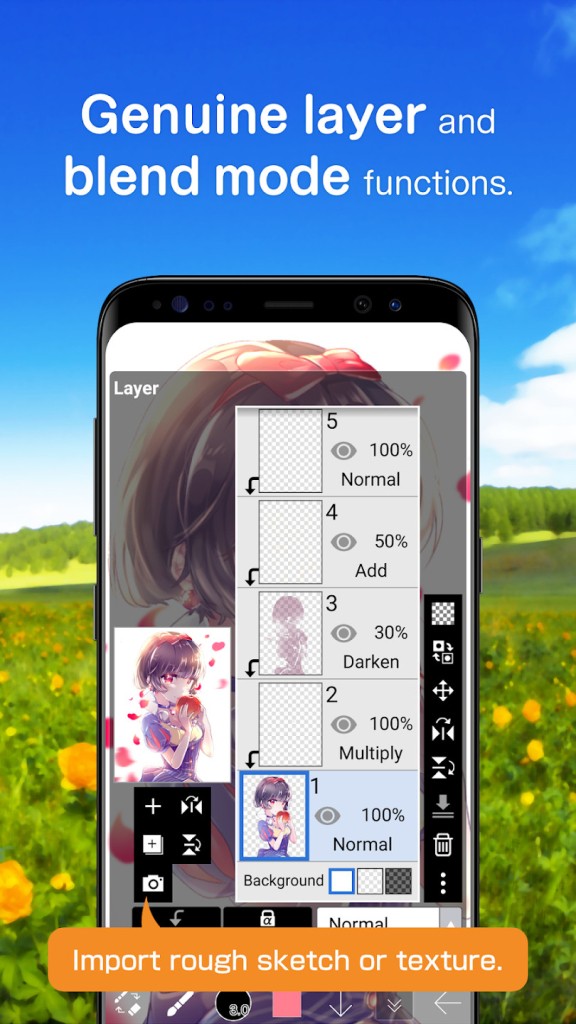
If you've spent your life drawing on paper, switching to digital can feel disorienting at first. Ibis smooths that transition. It offers stroke stabilization, layers, blending modes, and the ability to record your drawing process as a time-lapse. That last feature makes the app feel a little reflective, not just creative. You can look back at how a finished piece came together, and that replay becomes part of the experience rather than just a side feature.
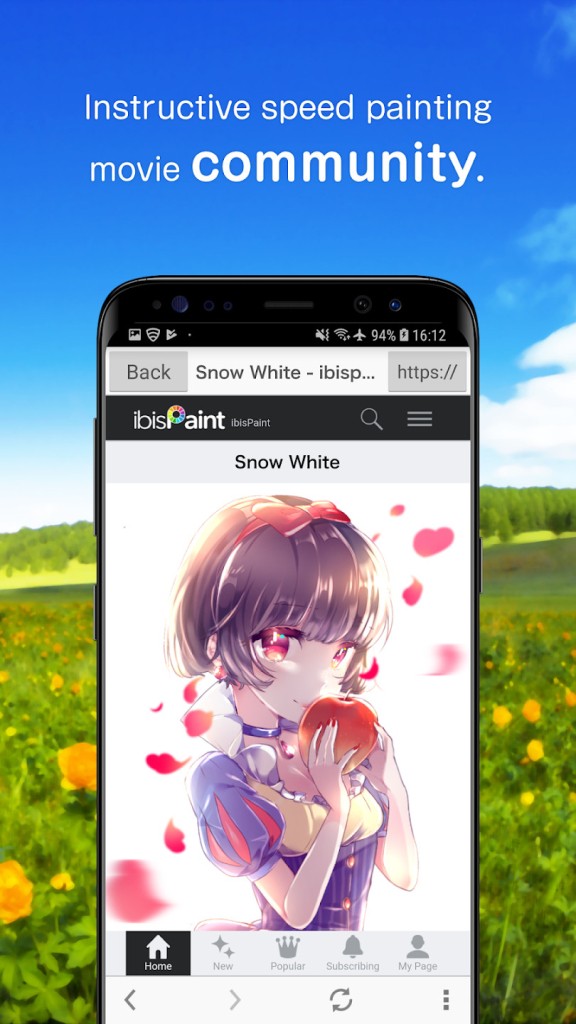
Another strength of Ibis Paint X is how well it performs on mid-range or older phones and tablets. It's been optimized to run without needing the latest hardware, which does a lot for accessibility. There's also a social element that doesn't feel forced. You can post your work, browse what others have created, or watch drawing time lapses to understand how a particular style or technique was achieved. That gives the app a communal, supportive quality that most drawing tools lack.
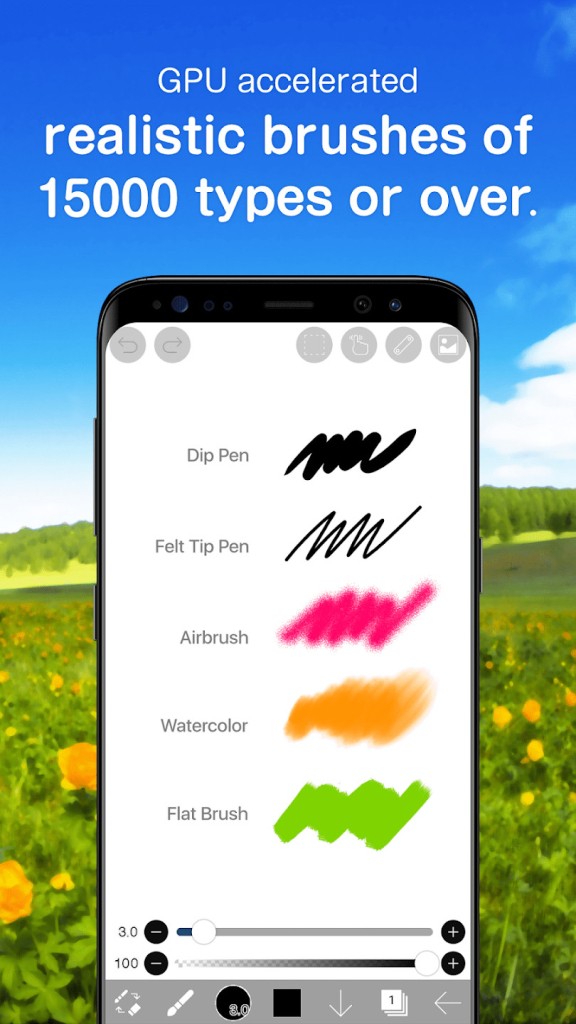
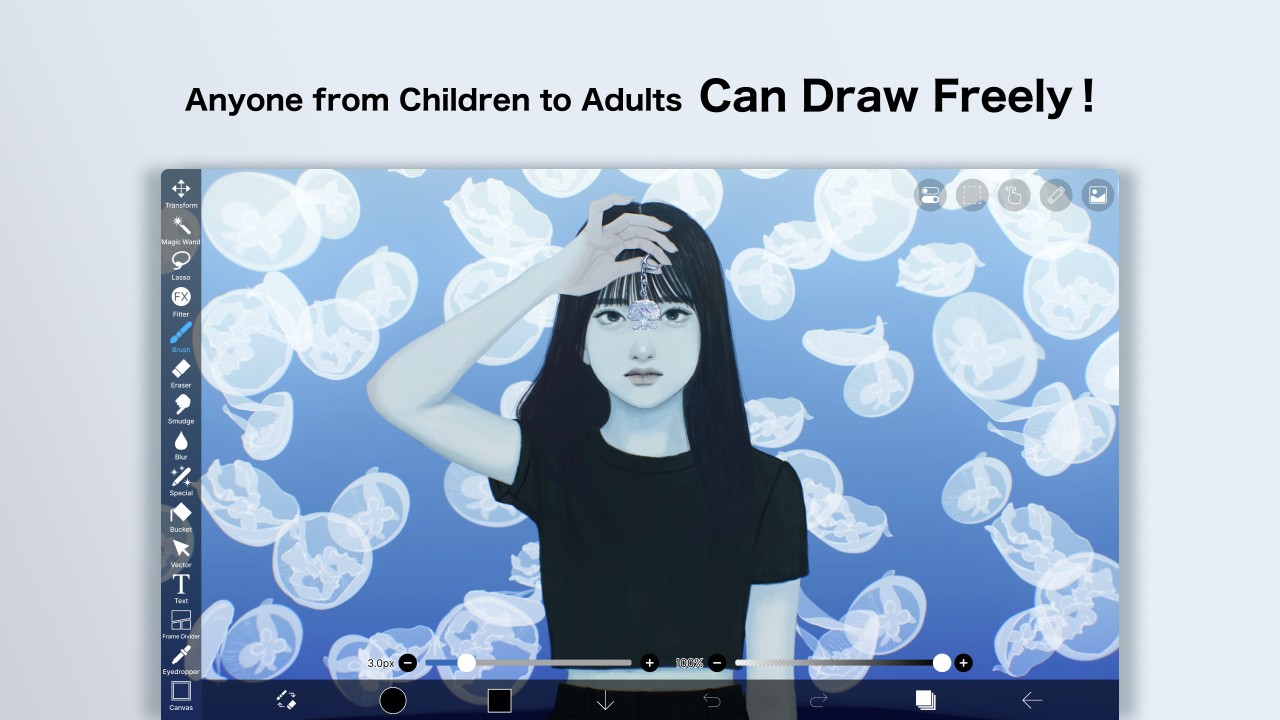
There's also a quiet efficiency to the whole experience. You open the app, and you're drawing. No unnecessary pop-ups, no drawn-out menus cluttering your path. The interface stays out of your way. It's clean, considered, and familiar. The tools respond well, too. Pressure sensitivity, a wide brush selection, and intuitive layer management through gestures all work in your favor rather than asking you to adapt to them.
Whether you're just starting or you're a committed digital artist looking for a capable mobile companion, Ibis Paint X has earned its place on your phone or tablet. It won't make you perfect overnight, but it gives you the space to explore, improve, and keep coming back. That's what makes it worth downloading.
Is Ibis Paint X Free?
Ibis Paint X is free to download and use. The core drawing tools don't cost anything. There are optional in-app purchases available, such as ad removal, additional brushes, and premium features, but you can get a full and satisfying creative experience without spending a penny.
What Operating Systems Are Compatible with Ibis Paint X?
Ibis Paint X is available on both Android and iOS, running well on tablets and smartphones alike. It doesn't require the latest hardware, and performance on older devices remains solid. The app is updated regularly to improve performance and fix bugs, and it works reliably with both finger input and styluses. Users with an Apple Pencil or Samsung S Pen will get an even smoother experience. There is no official desktop version, but the mobile optimization is strong enough that it rarely feels like something is missing.
What Are the Alternatives to Ibis Paint X?
If you're looking for other digital drawing apps that offer something a little different or complement what you already use, a few names come up regularly. Each takes its own approach to supporting creative work, depending on what kind of artist you are or want to become.
Medibang Paint is often considered the closest relative to Ibis, particularly for comic artists and digital illustrators. What sets it apart is its cloud functionality. You can start a piece on your phone and pick it up on a tablet or desktop. It includes built-in comic panels, speech bubble tools, and text layers that make it well-suited to manga. The interface is clean and light on hardware demands. If you're drawn to sequential storytelling or webcomics, Medibang offers a useful structure without sacrificing ease of use.
Clip Studio Paint operates at a more professional level. It includes 3D model integration, customizable pen settings, perspective rulers, and animation support. It can feel like a lot if you're new to it, but for serious illustrators or artists making the move from traditional to full-time digital work, Clip Studio offers real room to grow. It's particularly valued for fine line control, clean inking, and panel layouts. It runs well on tablets and desktops, and a mobile version is also available.
ArtRage Vitae takes a very different approach. It's built for artists who love the texture and unpredictability of physical media. The app simulates real-world tools, including oils, pastels, and watercolor on paper, giving the digital canvas an analog personality. It's less about layers and effects, and more about touch and feel. Brush pressure, smudging, and the way colors blend all feel expressive and unhurried. If you want the physical experience of drawing without the cleanup, ArtRage offers exactly that.