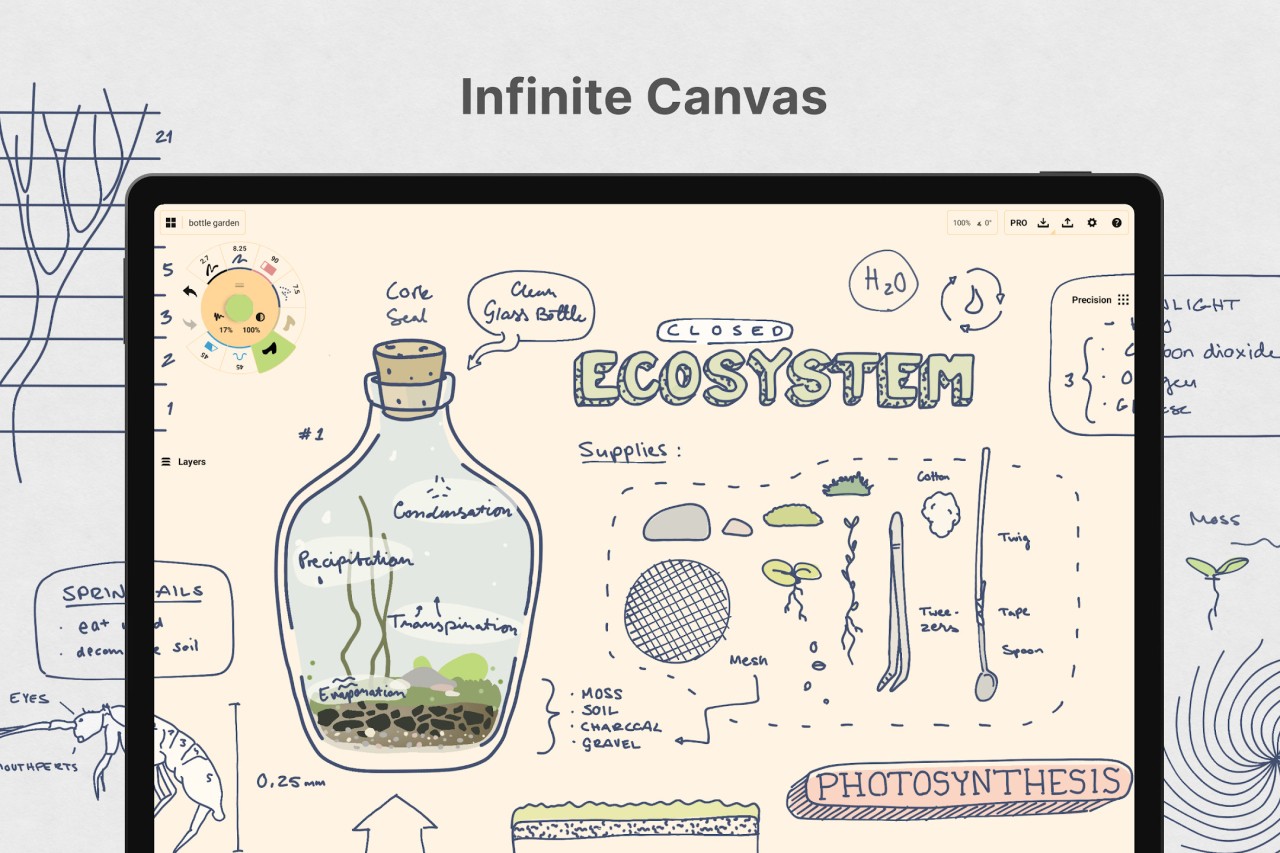
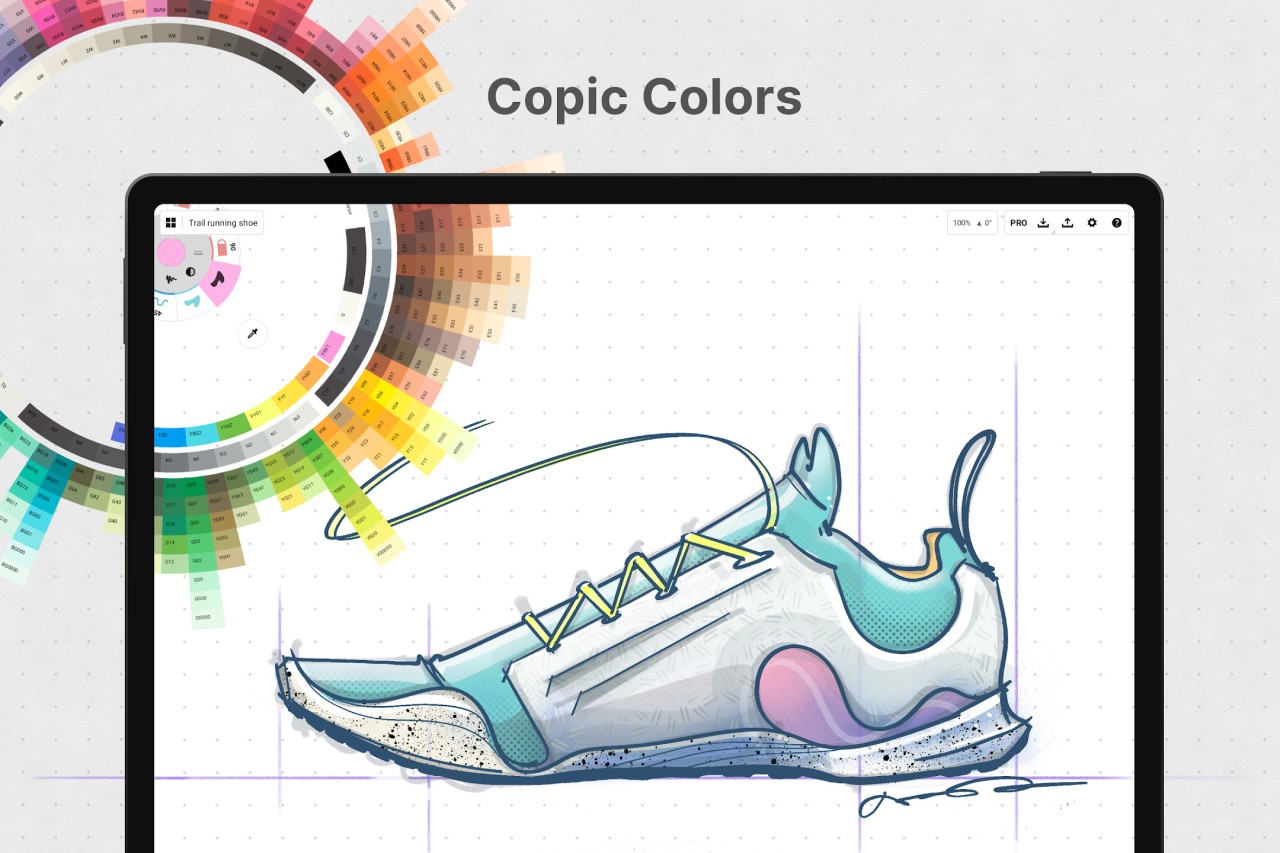
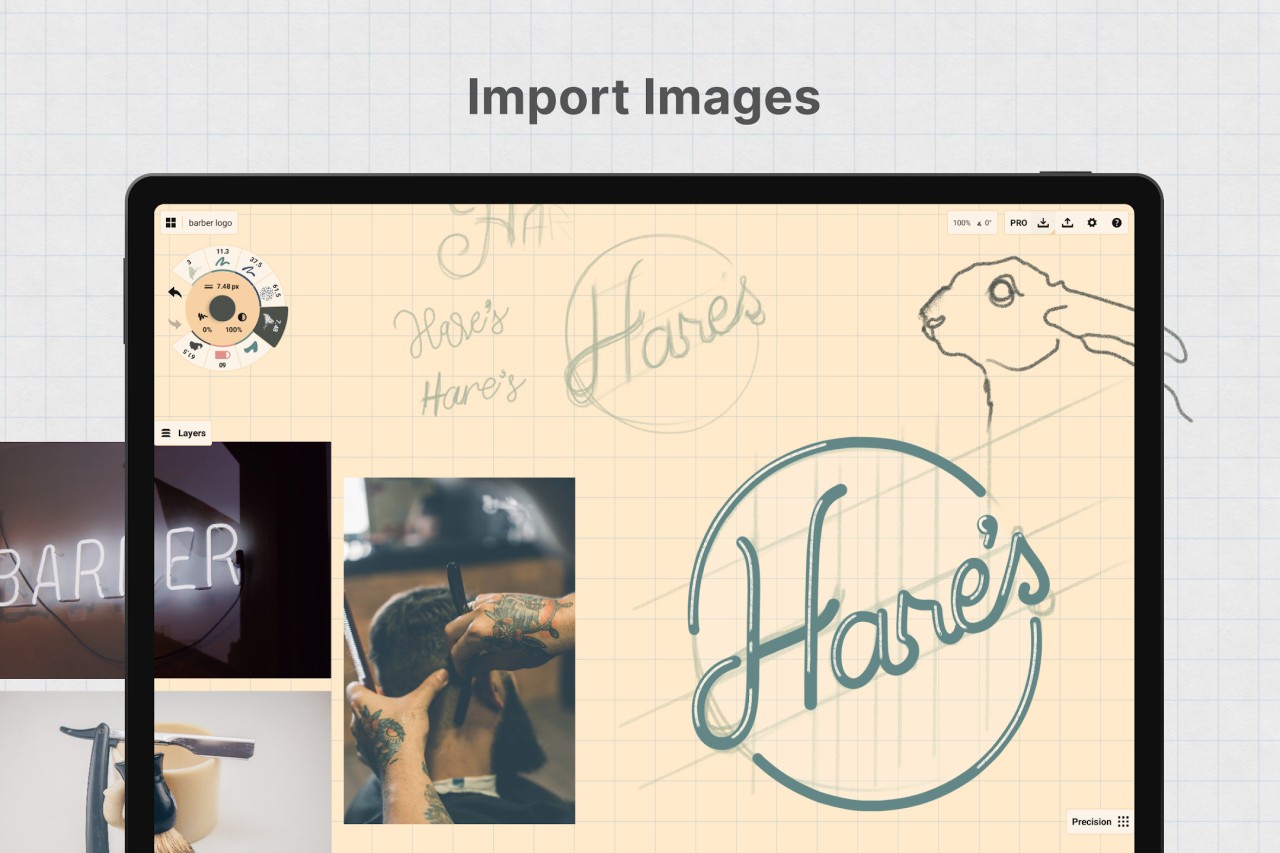
Concepts is an ideal tool for artists, architects, designers, and everyone who works with visuals, as the app offers a lot of drawing tools and options. You work on an infinite canvas and can choose from various brushes that are also sensitive to pressure and tilt, so the app mimics pen and paper drawing.
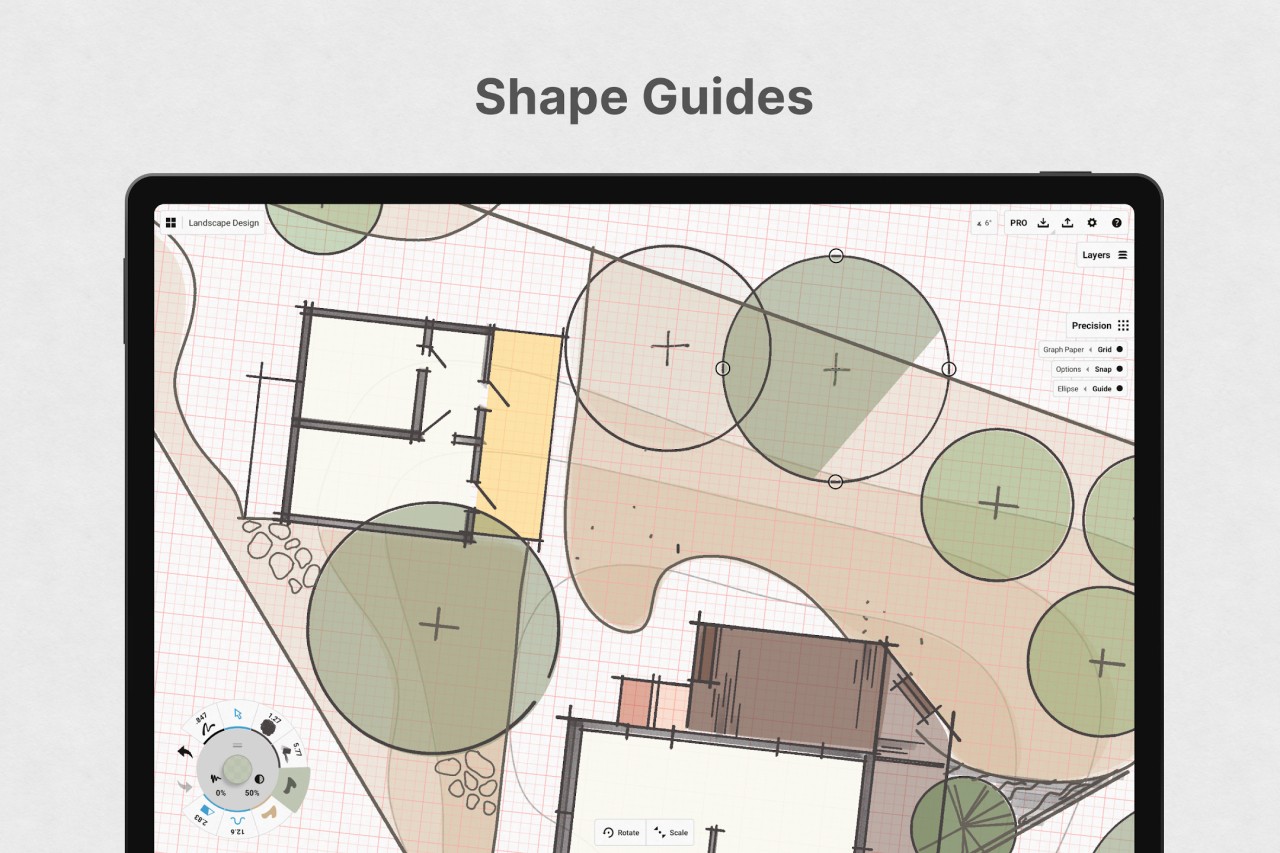
With Concepts, you can freely pan and zoom on your canvas and use precise rulers and various shape guides to create detailed illustrations, sketches, or plans. The app also has snapping and grid tools to keep your designs organized. You can work on various layers to add blend modes or opacity and have more control over your composition.
When you download Concepts, you can start using them right away. The app has an intuitive interface and supports multiple gestures for actions that you use repeatedly, like redo and undo, or zoom in and out. You can use Concepts with styluses, and the tool is available for free on iOS and Android mobile devices, as well as Windows computers.
Why should I download Concepts?
Even though Concepts can seem to be a regular sketching app, it’s a more powerful solution that gives you access to multiple tools and a flexible environment where you can easily create various designs. You make your work using an infinite canvas that allows you to freely organize your concepts, so that you can pan, zoom, and rotate your working area and keep everything in the same file.
Concepts is based on a vector engine, so every line and shape you draw is sharp, but you can also easily modify it later. You can change things like angles, path curves, or brush width at any point, not only when sketching. It’s a great solution if you need to create wireframes, architectural drawings, or precise illustrations for printing.
If you’re used to using a stylus, Concepts supports multiple different tools across different platforms, so you can use an Apple Pencil, Surface Pen, Samsung S Pen, and other tools to draw with. Concepts can detect the pressure you’re applying when creating your settings and adjust the lines accordingly; you can also select from a collection of realistic brushes that mimic the real-world counterparts like pencils, markers, airbrushes, or technical pens. You can quickly control things like colors, actions, width, or brush time by using the tool wheel and customizing it with the options you use the most.
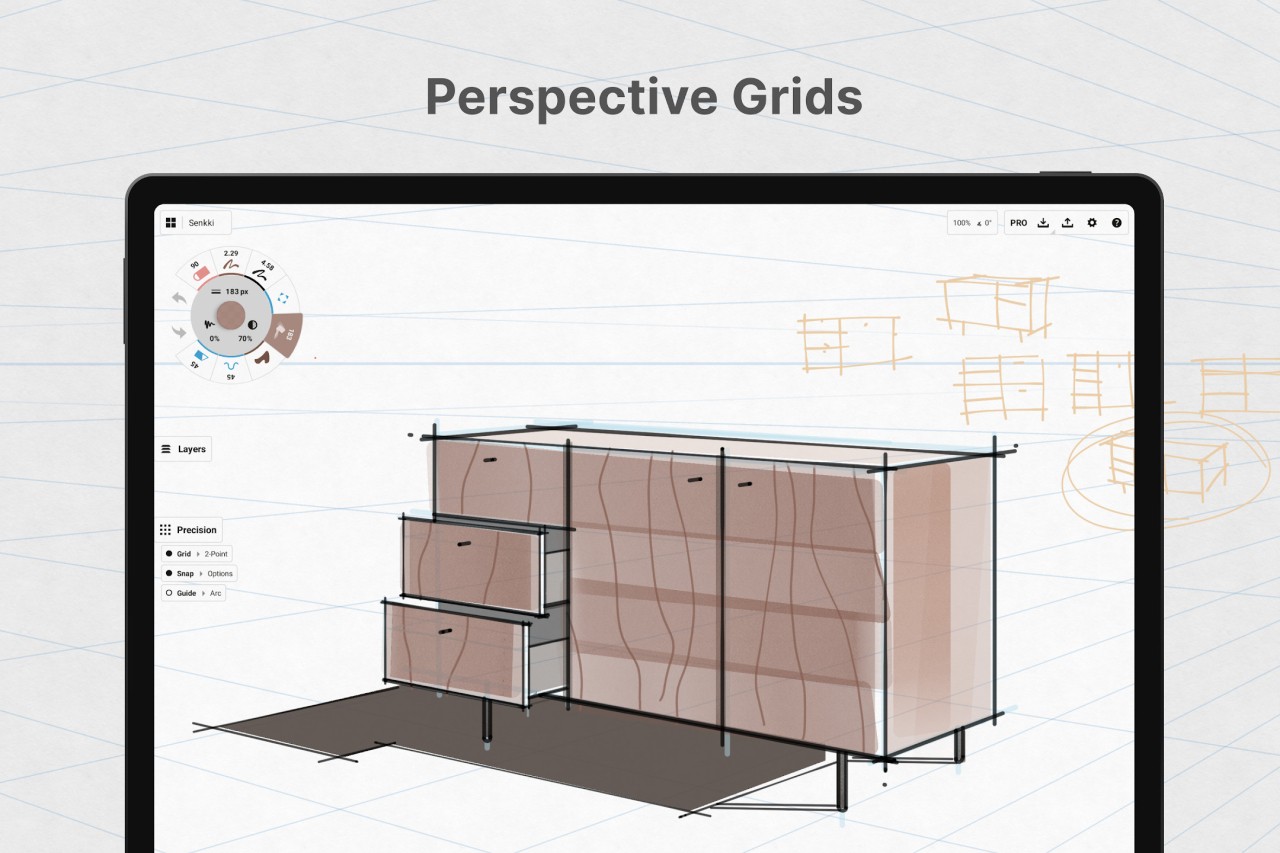
When you download Concepts, you’ll discover it’s a great tool for freehand drawings as well as more structured projects. The app has various layout tools like precision grids, alignment guides, object snapping, and rulers, so it also works when you need to design an architectural blueprint or a technical illustration. You can also group your elements or work on layers to keep your content organized while keeping each part editable.
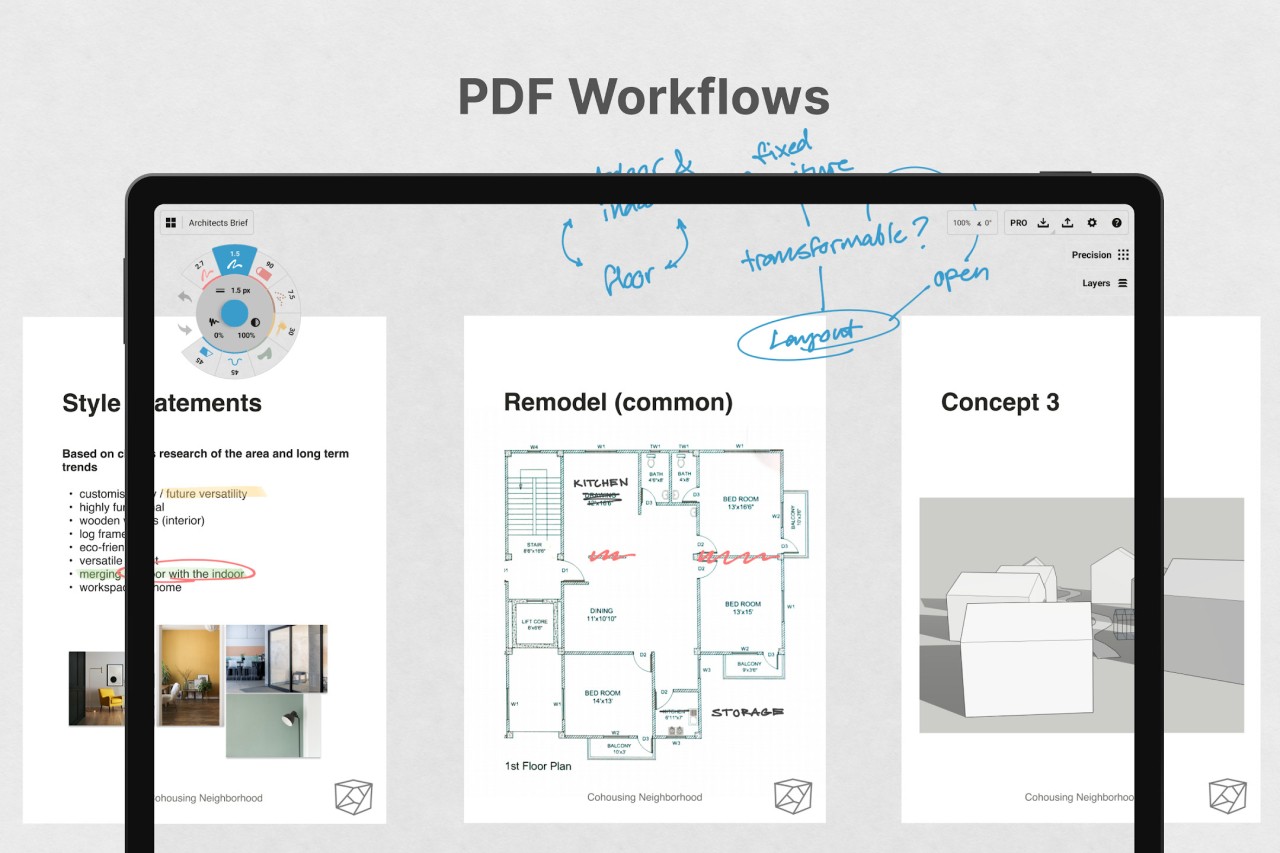
You can use Concepts with other people and collaborate with them in real time, enter a presentation mode to show your work to project stakeholders, or annotate the designs with feedback and notes. Concepts also lets you export your files to various file formats like PDF, PNG, SVG, and DXF, but you can keep the projects synced with the cloud storage and access your work this way. You can download Concepts for free on various platforms, but there are also various paid plans targeted at professionals and businesses.
Is Concepts free?
Yes, there’s a freemium version of Concepts that gives you access to different vector brushes, color wheels, an infinite canvas, creating up to five layers, all grid and paper types, and exporting to JPG.
If you need more, Concepts also comes in Pro and Teams editions, which unlock robust brush libraries and the ability to create custom ones, cross-platform syncs, infinite layers, export to a wider range of formats, and cloud backup, just to name a few of the main features.
What operating systems are compatible with Concepts?
In order to get the best experience out of Concepts, it’s recommended that you use it with a stylus either on your computer, tablet, or smartphone. You can download Concepts on iOS devices if you have version 14 or higher. Other smartphones and tablets need to have Android 8.0 or later. Concepts also has apps dedicated to Windows 10/11 computers and Chromebooks, and the tool is optimized for touchscreen laptops.
What are the alternatives to Concepts?
Nebo is a great note-taking app that can recognize handwriting to create editable text, equations, shapes, or diagrams. It’s widely used by students and has a free version that unlocks all basic features. If you need more, there’s also a Pro edition with unlimited notebooks, PDF import, as well as exporting to multiple formats. Nebo can sync your files with Dropbox and OneDrive, and you can download it on iOS, Android, and Windows devices.
Notewise is a great option for students, and it offers a lot of templates for academic needs, but also allows you to search through all your handwritten notes. You can draw and write on an infinite canvas, use different shapes, and annotate your files with sticky notes and comments. It allows exporting to various file formats, adding audio notes, and syncing your work to the cloud. Notewise comes in both free and paid versions and works perfectly with Apple Pencil and S-Pen, so it’s recommended to use it on iOS and Android tablets.
Kilonotes offers the same kind of place where you can mix graphics, handwriting, adding pictures, etc. The app also allows you to highlight and annotate PDF files. Features include handwriting, highlighting and annotating, cutting pictures (smart or selection), searching documents, recording audio files, and more. You can create multiple notebooks and customize them as you want. You can download it for free for Android and iOS devices; it contains ads and offers in-app purchases.