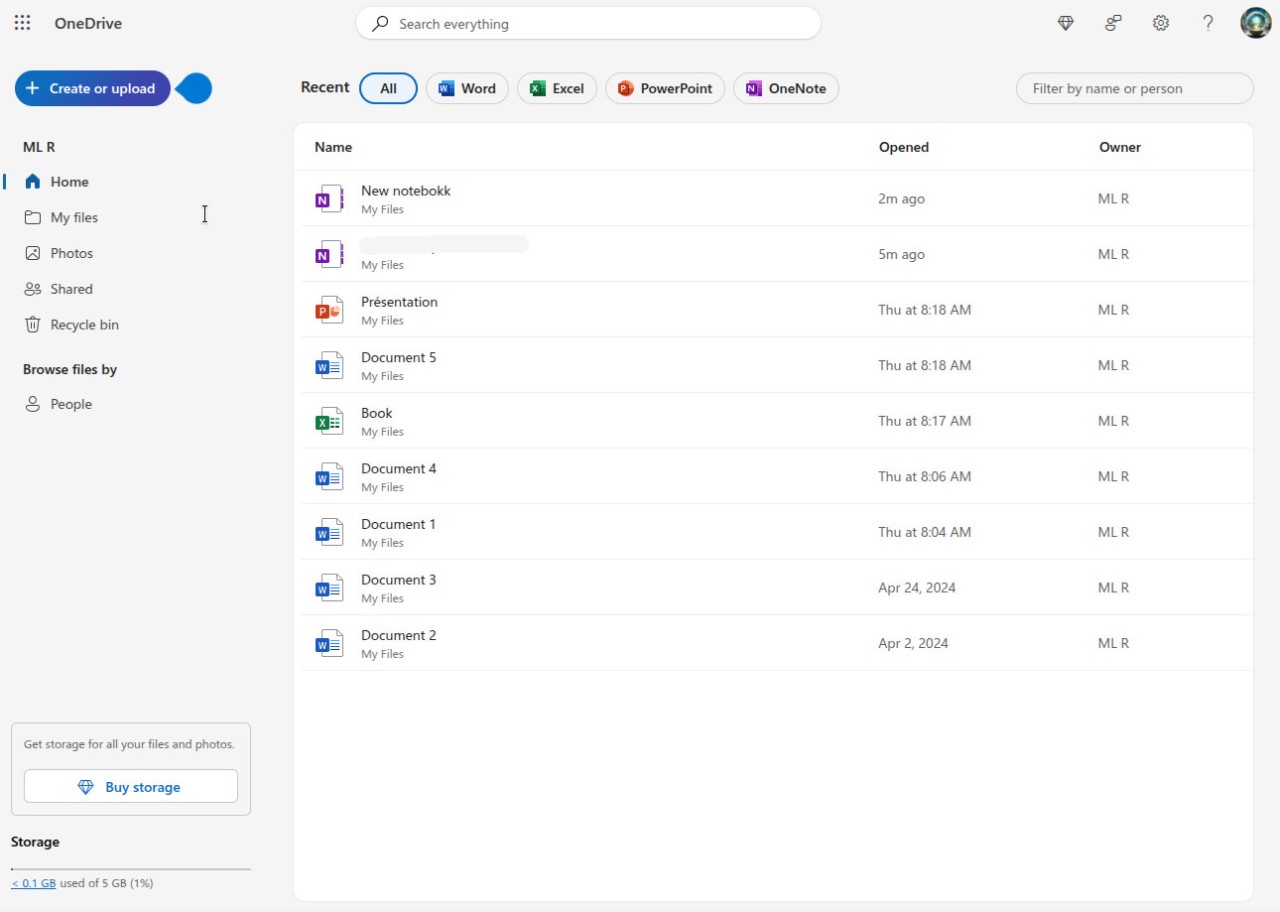
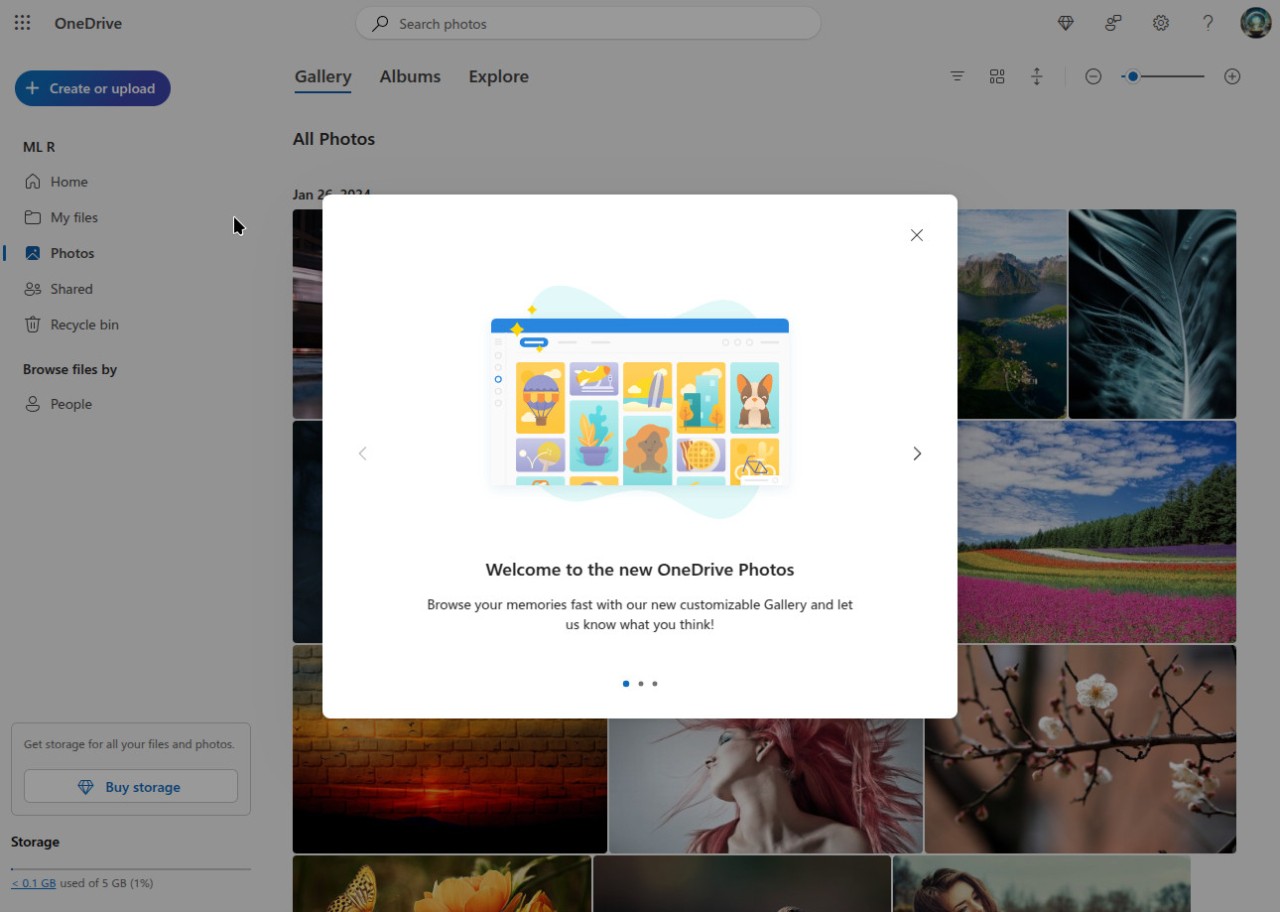
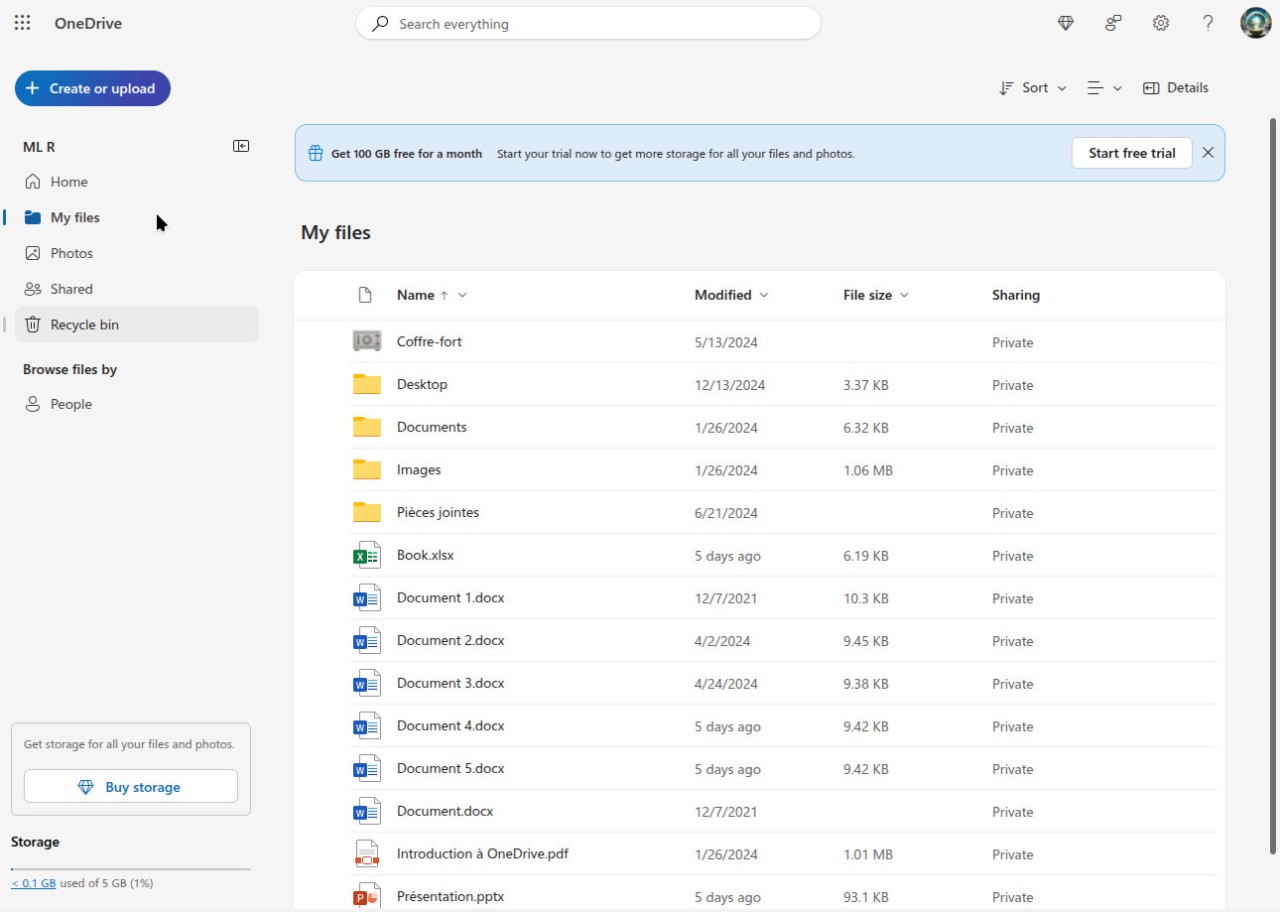
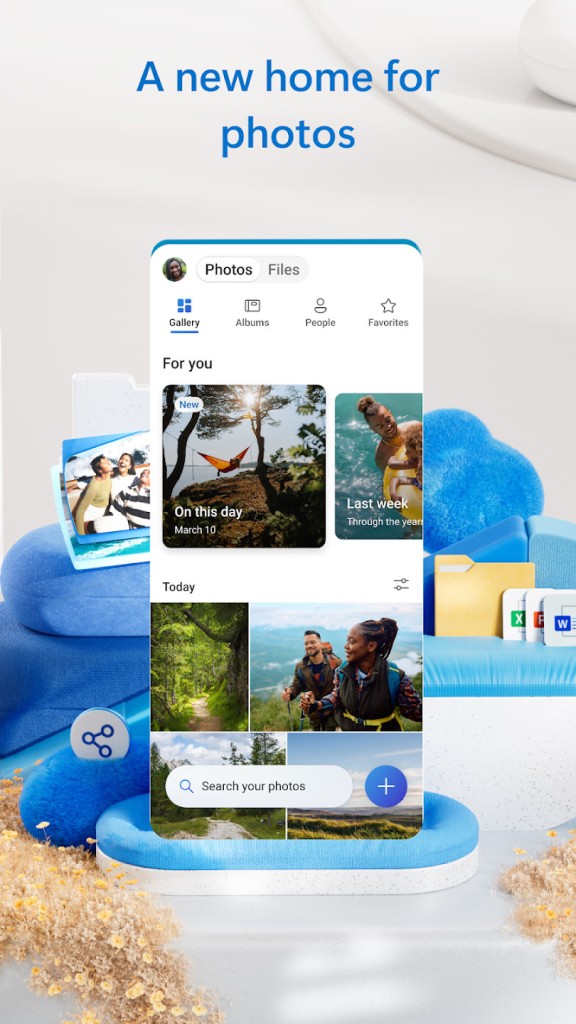
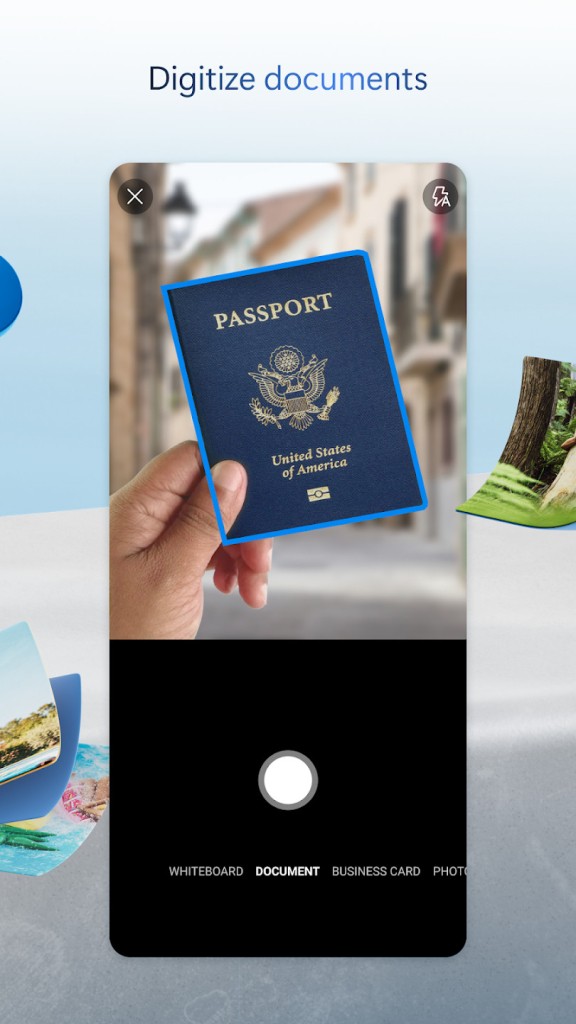
The cloud storage service Microsoft OneDrive enables users to save files for remote access and sharing between any connected devices. OneDrive is an integrated system with Microsoft Office that enables users to store documents in Word and Excel, presentations in PowerPoint, photos, videos, and additional file types. The storage capability of OneDrive extends beyond file management, as it enables users to maintain synchronized data across devices while ensuring they access current file versions. Through OneDrive, users can access their files promptly from desktops, tablets, or smartphones.
The Microsoft OneDrive tool can facilitate collaboration because users can both share files and edit documents with colleagues in real time (thanks to Office Online). Real-time collaboration through OneDrive works perfectly for business and team projects, since team members can work together without sending endless back-and-forth email updates. OneDrive combines effortlessly with Microsoft Teams and SharePoint platforms to boost user productivity at an extraordinary level.
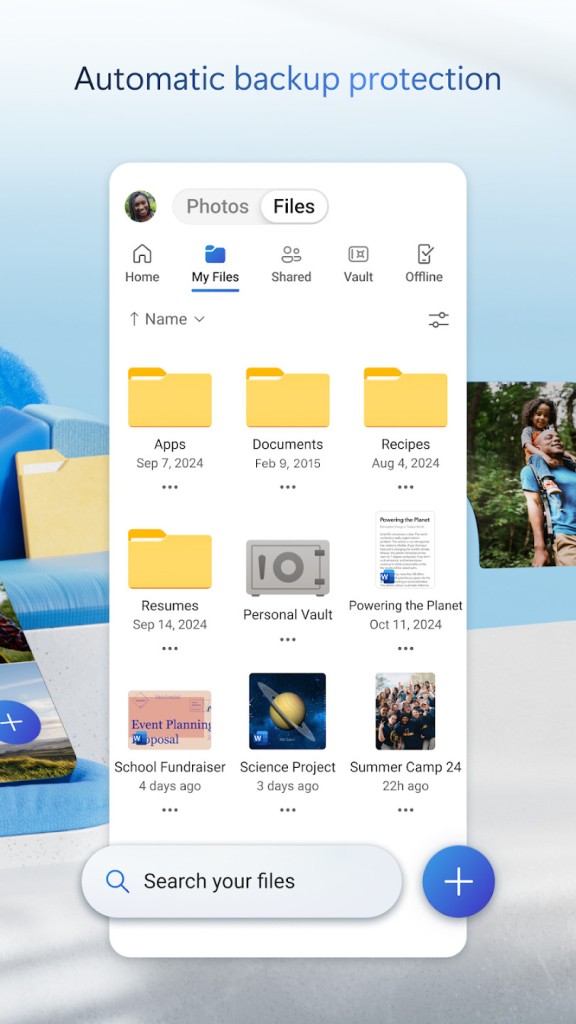
Microsoft OneDrive stands out for its built-in capability to automatically back up files. The backup feature automatically protects your essential Desktop, Documents, and Pictures folders when you activate its settings. The platform provides encryption and automatic backup to protect files from accidental deletion or ransomware attacks. Built-in version tracking allows you to monitor changes and restore earlier saved versions.
Why Should I Download Microsoft OneDrive?
The main benefits of Microsoft OneDrive make it a good choice, especially for users who need integrated cloud storage for their Microsoft product workflows. Microsoft OneDrive stands out because it integrates fully with the Office suite, allowing users to work directly with Word, Excel, and PowerPoint files within the app. Microsoft OneDrive provides optimal comfort for users of Microsoft Office in their daily work. Sharing files with both colleagues and friends becomes simple, without app switching or compatibility issues.
Microsoft OneDrive offers an effortless file management solution for all users. Through OneDrive, the platform instantly automates file synchronization across devices, including computers and mobile phones. The automatic file synchronization saves users from both manual uploads and version control doubts. Microsoft OneDrive provides intelligent file organization features that enable users to sort and tag files for efficient browsing, regardless of disorganized storage.
Microsoft OneDrive provides an excellent collaborative advantage to its users. They can easily share files and folders by clicking a few times, then grant access to recipients for real-time viewing or editing. The integration of this essential feature enables efficient collaboration between team members and project group participants. Microsoft OneDrive lets you bypass endless email correspondence by updating files on the platform, which automatically displays the changes to all participants.
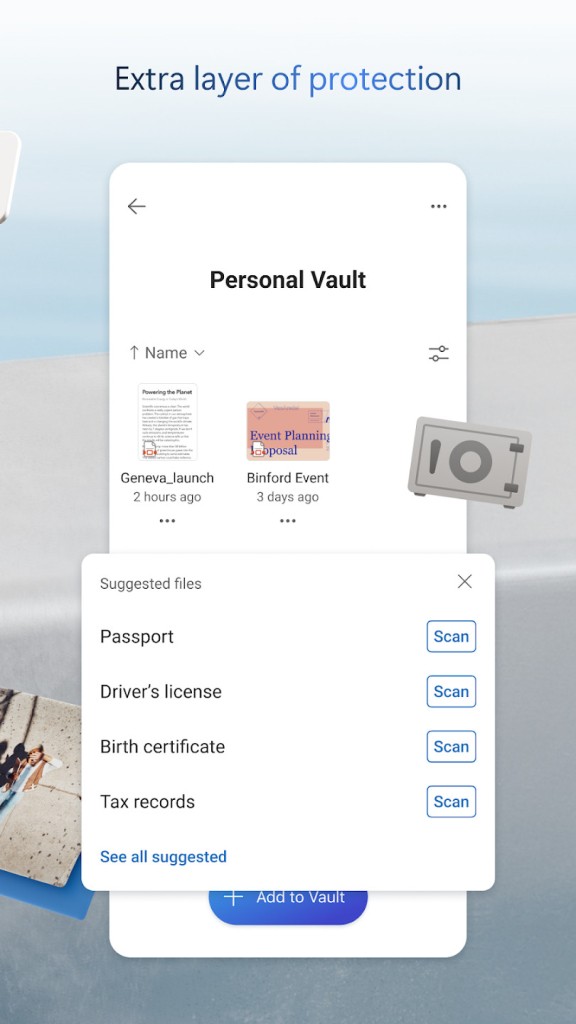
The security features available when downloading from Microsoft OneDrive are a crucial factor in users' choice of this app. The corporate investment from Microsoft includes the use of encryption technologies to protect data across the app, both during data transfer over networks and while it rests in storage. The Personal Vault security option in Microsoft OneDrive provides top-level protection for the most important files. Microsoft OneDrive helps users avoid critical file loss thanks to its Version History feature, which keeps backup versions for restoration in case of accidental errors or malware attacks. Such incidents become irrelevant because Microsoft OneDrive functions as a safeguard for essential files.
Microsoft OneDrive provides its users with abundant storage capacity, which becomes even more significant for individuals who have subscribed to Office 365. They receive generous storage with an updated plan and full Microsoft Office software included in their subscription. The constant Microsoft updates, combined with the enhanced integration of Microsoft OneDrive, offer users a reliable, multidimensional cloud storage solution.
Is Microsoft OneDrive Free?
Microsoft OneDrive offers users 5 GB of free storage, which should suffice for personal file management. Subscription plans through Microsoft 365 provide extra storage and full Microsoft Office apps, along with the ability to store up to 1 TB or more.
Premium plans from Microsoft OneDrive provide security features and collaboration capabilities, making them suitable for personal and professional use.
What Operating Systems Are Compatible with Microsoft OneDrive?
OneDrive from Microsoft functions across Windows, macOS, iOS, and Android.
On Windows desktop computers, Microsoft OneDrive operates smoothly, but macOS users get full file access through the downloaded OneDrive app. Mobile users can download the app from the App Store and Google Play to handle files on their smartphones or tablets. Through any web browser, you can access Microsoft OneDrive, which is convenient when the app is not available on your device.
What Are the Alternatives to Microsoft OneDrive?
Google Drive is one of the main alternatives people choose over Microsoft OneDrive. Google Drive is a cloud storage platform that provides users with 15 GB of free storage and integrates seamlessly with Google Workspace apps, including Docs, Sheets, and Slides. Cooperation is a core strength of Google Drive because it enables multiple users to modify the same document concurrently, making it a desirable solution for teams working on joint tasks. Users who have files saved in Google Drive enjoy easy access because the service functions across all major operating systems. The service provides maximum convenience for users who regularly use Google products. Google Workspace users will find Google Drive a strong option thanks to its user-friendly design and seamless integration with Google Workspace apps.
Dropbox represents another top choice among file synchronization and cloud storage apps because it has established itself as an industry leader. Dropbox positions its product as a system with an intuitive design and dependable file synchronization. The Microsoft-oriented app OneDrive primarily serves Microsoft users, while Dropbox extends its service across all platforms through extensive app integration. Smart Sync is one of this system's most attractive features because it enables users to access their files, even when they don't occupy significant space on local storage. Dropbox helps users restore deleted files because it maintains the version history of their stored data. The free Dropbox plan provides 2 GB of storage, but business-oriented paid plans offer additional storage alongside top-level collaboration features suitable for personal and professional needs.
The cloud storage service iCloud provides excellent options to Apple device users. All users who employ Apple devices on macOS or iOS automatically have access to the default iCloud storage solution, which unites their Apple ecosystem for file synchronization across all their Apple devices. Moreover, iCloud provides users with a smooth integration experience because it integrates seamlessly with Apple app such as Pages, Numbers, and Keynote from the iWork office suite. All users receive 5 GB of free storage, which can be expanded by getting paid plans to access additional space and features.